
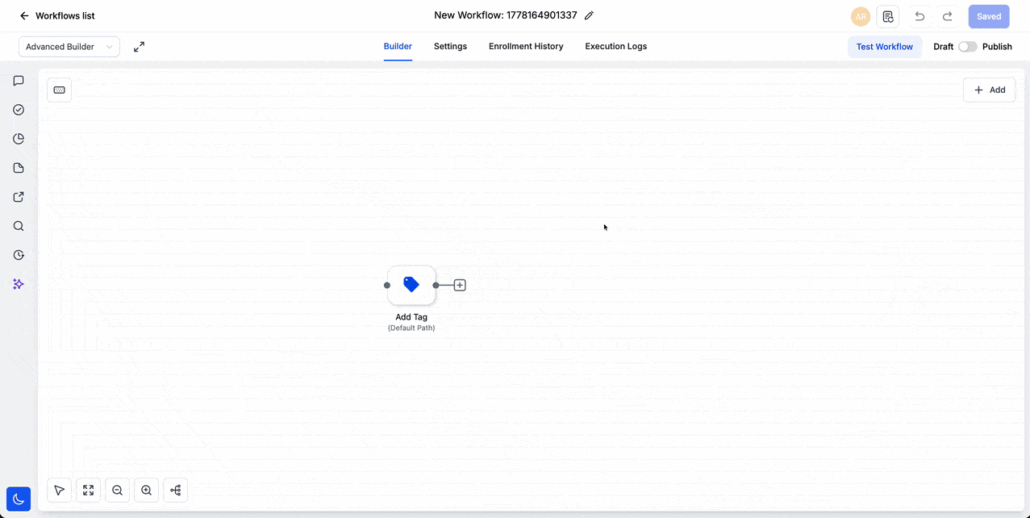
Workflow Builder: Resize and Expand Sidebars
New Workspace Controls in the Workflow Builder
We have introduced new workspace controls to the workflow builder, providing users with enhanced flexibility while editing workflows. You can now resize the action and trigger sidebar and expand individual actions or triggers to full screen when you need more space to configure them.
New Workflow Builder Options
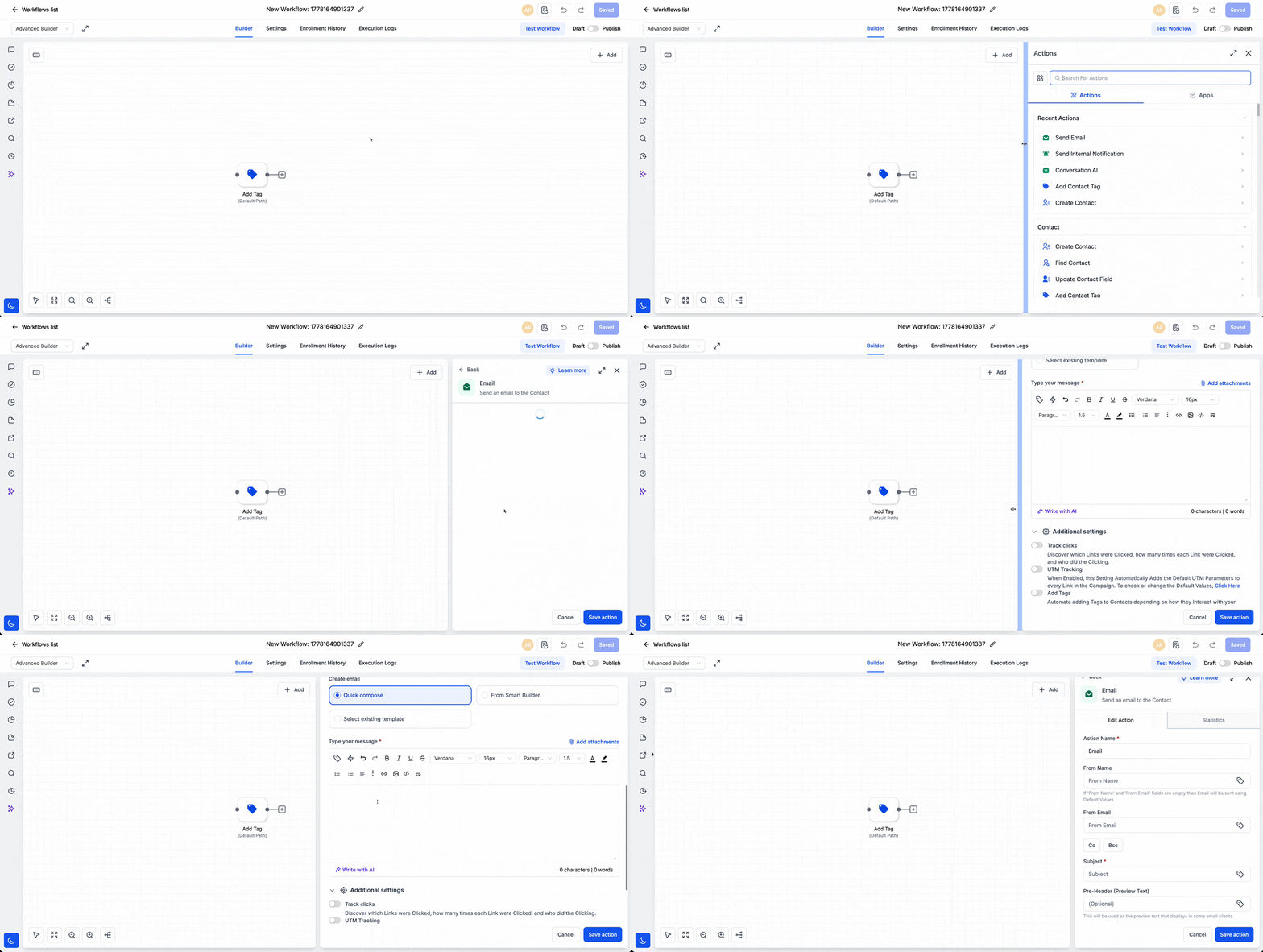
Resize the Sidebar
Adjust the width of the action or trigger sidebar by dragging it left or right. This allows you to determine how much space the configuration panel occupies based on your screen size and the level of detail you are working with.
Expand Actions and Triggers
Open any action or trigger in full screen mode to concentrate on its configuration without being confined to a narrow panel. This is particularly beneficial for more extensive setup areas, such as emails, forms, messages, or actions with multiple fields.
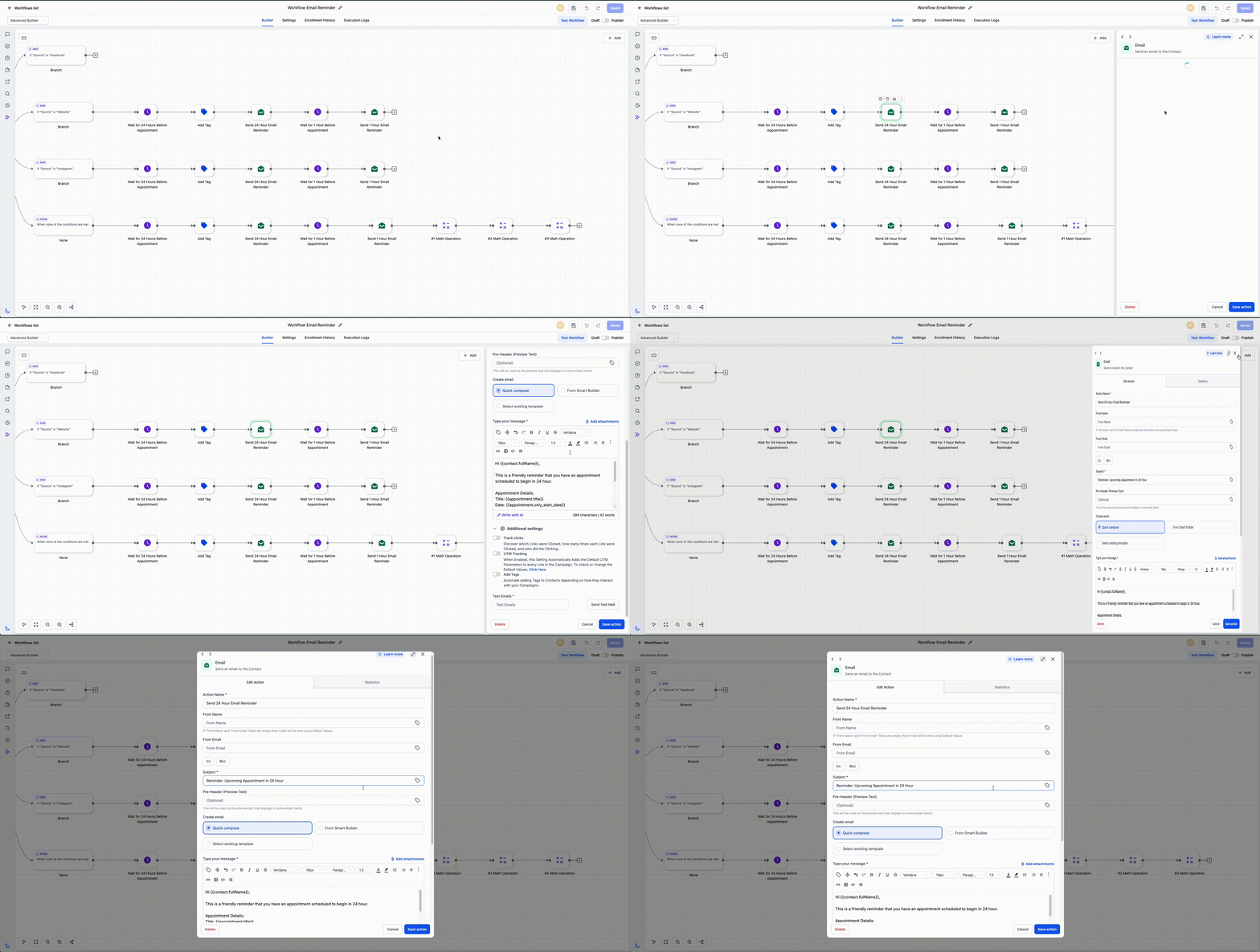
- Open any workflow action or trigger.
- Drag the sidebar edge to resize the panel.
- Utilise expand mode for actions and triggers when you require additional space.
We designed this feature to accommodate different screen types and provide users with complete flexibility regarding the appearance of their workflow workspace. It enables users to focus on detailed setup when necessary and offers more room to configure larger actions and triggers.
- This applies to workflow actions, triggers, and the features in the left sidebar.
- Action and trigger sidebars can be resized based on screen size and user preferences.
- Actions and triggers can be expanded to full screen.