Send number pool calls to multiple users who can answer it on any device they choose
6th of October 2026
Send Number Pool Calls to Multiple Users
You can now send number pool calls to several team members at once. Each person can answer on the device they prefer: web, mobile, desk phone, or their own phone number. Earlier, number pool calls couldn’t be sent to specific team members’ devices.
How to Set it Up:
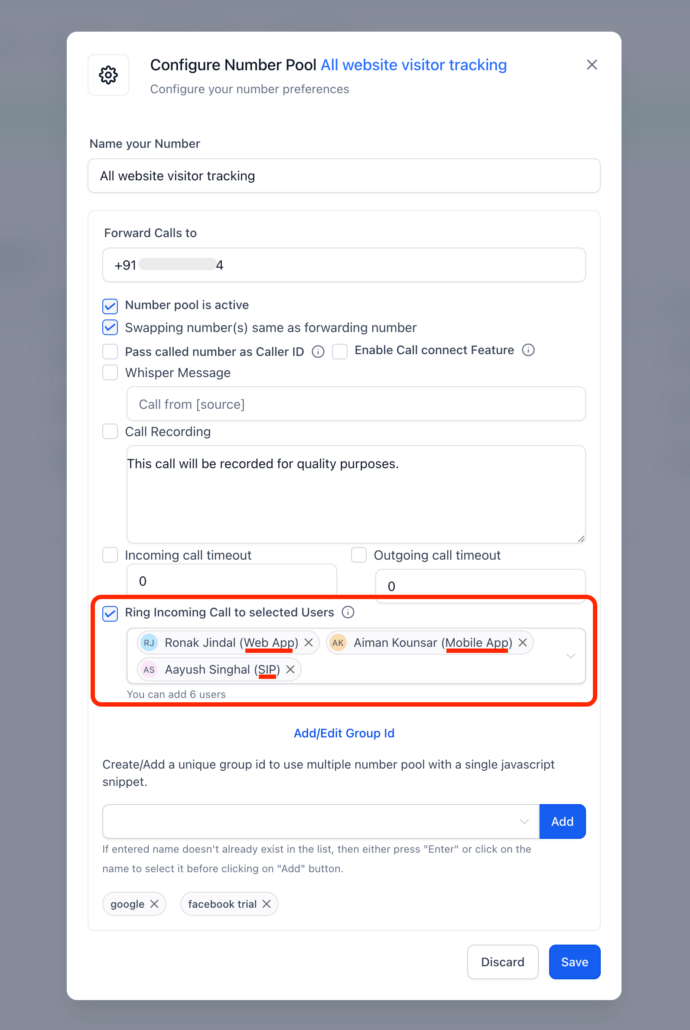
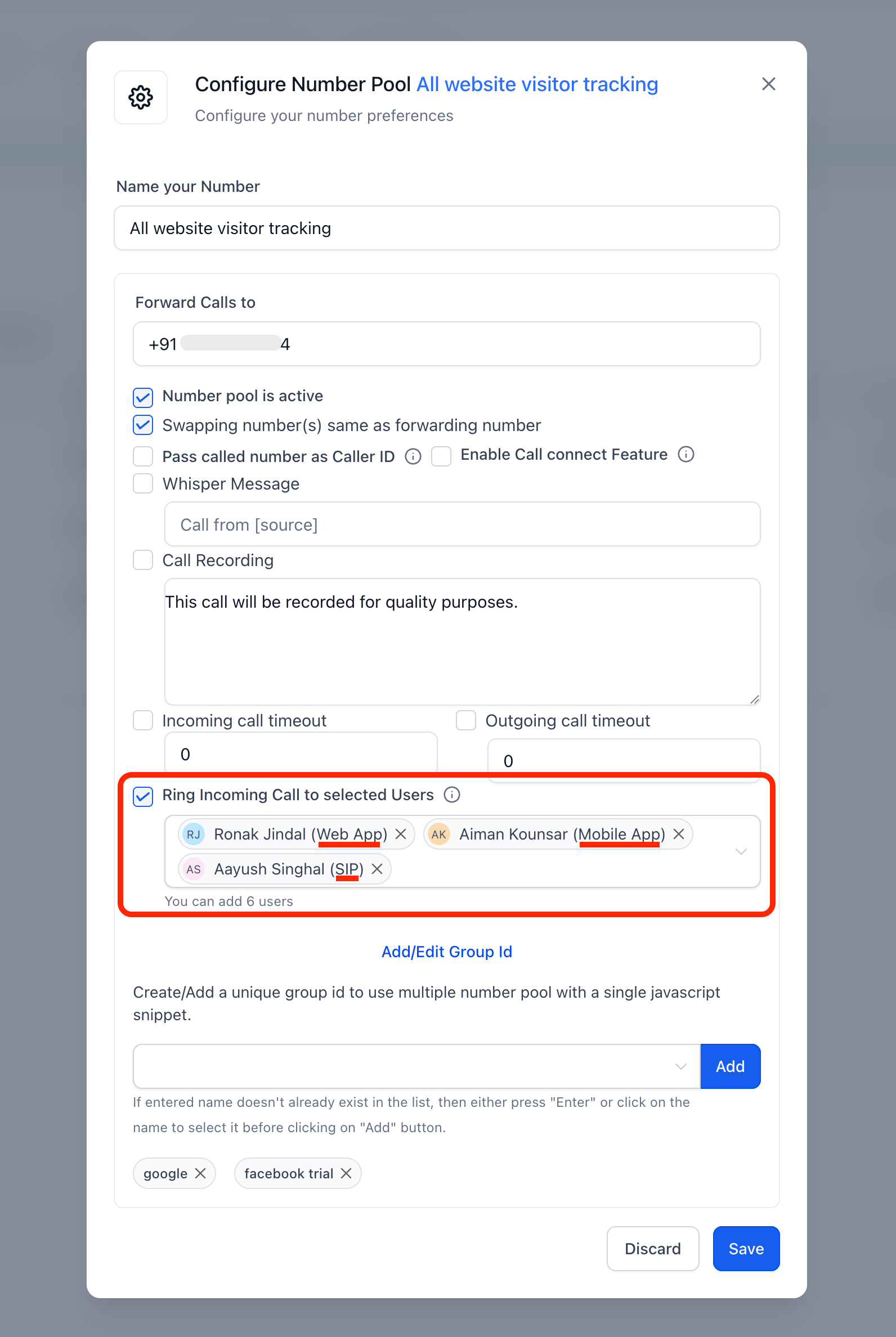
- Open a number pool’s settings and turn on Ring Incoming Call to selected Users.
- Pick up to 6 team members. Each person’s devices ring at the same time, using the ring channel they’ve set up.
- Your choices are saved and show up again the next time you open the pool.
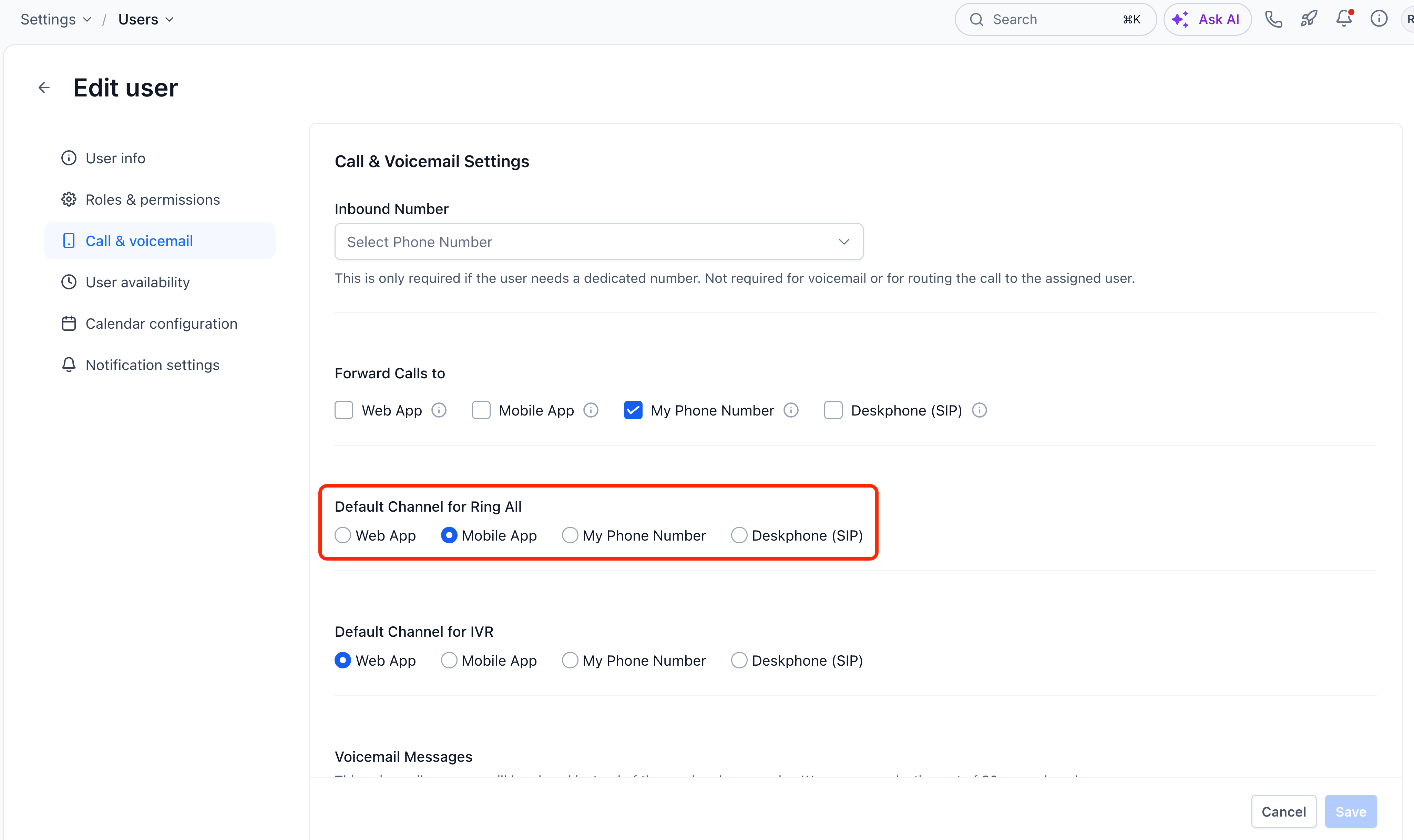
- You can choose the preferred device type of a user under Settings > Users/My Staff > Edit > Call & voicemail > Default channel for ring all.
Screenshot 1:
Screenshot 2: