Workflow Builder: Quick Access Sidebar Toggle
New Sidebar Toggle in Workflow Builder
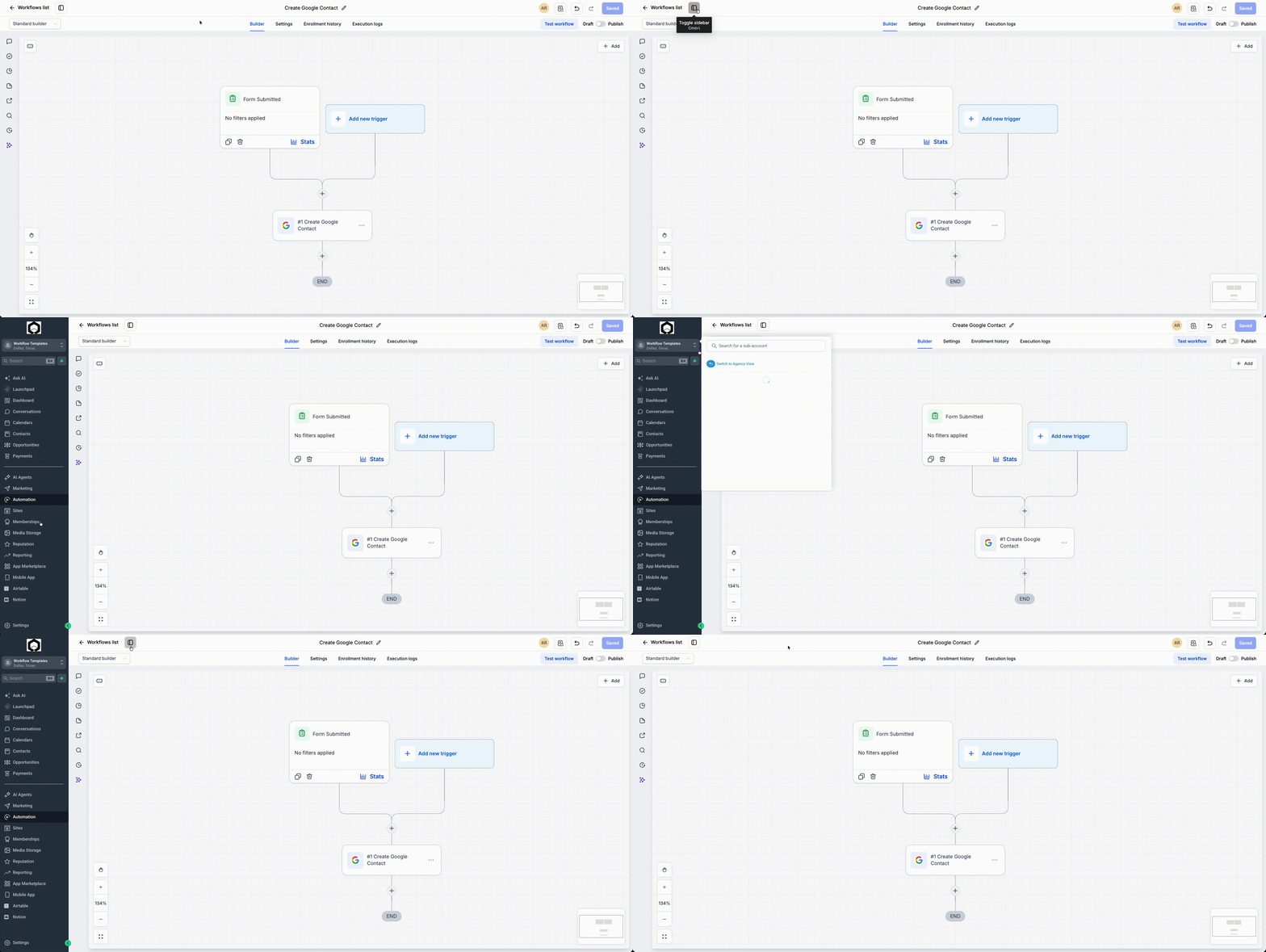
We’ve introduced a new toggle in the Workflow Builder, allowing you to open the common Clixio sidebar directly from within workflows. This feature provides quick access to other products, tools, and pages without leaving the builder. You can also use the keyboard shortcut Cmd+\ (Mac) or Ctrl+\ (Windows) to swiftly show or hide the sidebar.
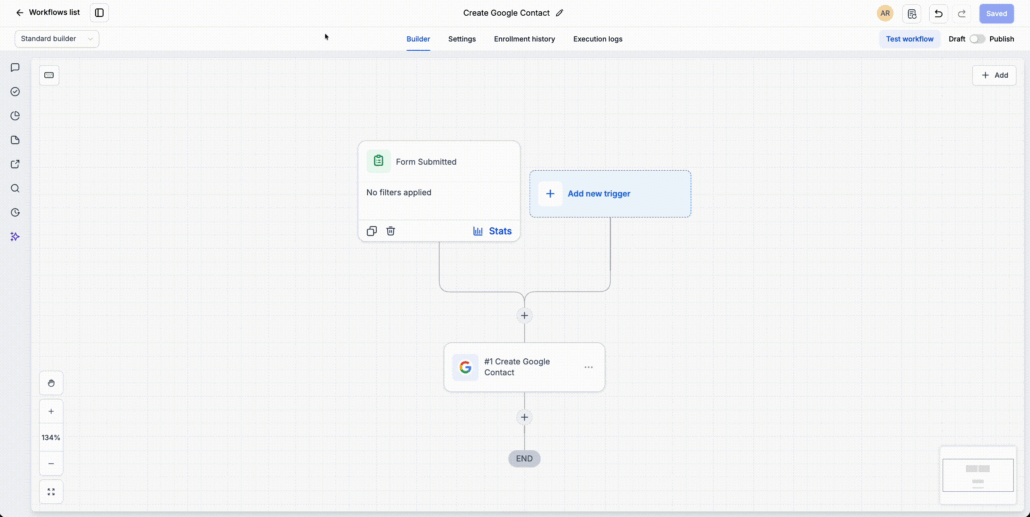
To show or hide the standard Clixio navigation sidebar, simply use the toggle located in the top-left corner of the Workflow Builder. The same action can be performed with the keyboard shortcut. When enabled, the familiar Clixio sidebar appears, offering you seamless access to other areas of the platform.
- Open any workflow in the Workflow Builder.
- Click the sidebar toggle in the top-left corner or press Cmd+\ (Mac) / Ctrl+\ (Windows).
- Utilise the sidebar to navigate to other Clixio products or pages.
Users frequently switch between workflows and other areas of Clixio while building automations. This update reduces navigation friction, improves accessibility, and provides a more consistent experience across the platform.
- The sidebar can be shown or hidden at any time.
- Keyboard shortcut: Cmd+\ (Mac) / Ctrl+\ (Windows).
- This is solely a navigation enhancement and does not impact workflow execution.
- The experience aligns with the common sidebar used across other Clixio products.