
Workflow Builder: Pick an Email Sender Domain for Each Workflow!
Workflow Settings: Sender Domain Selection
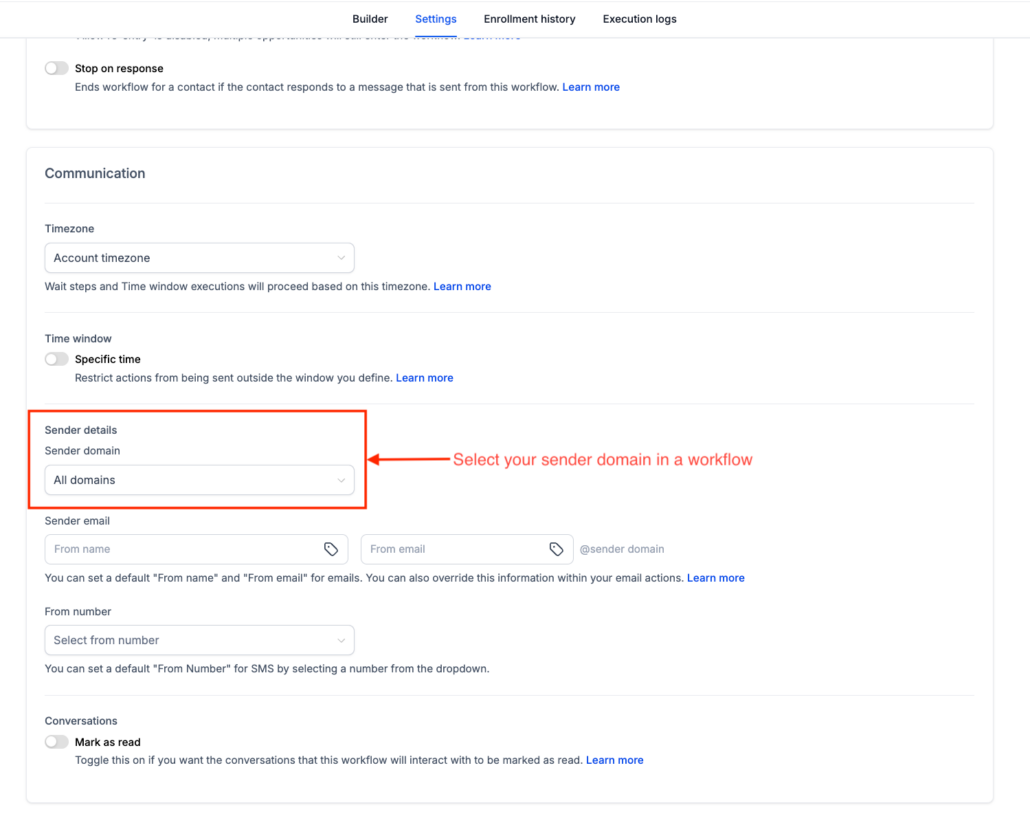
Workflow Settings now has a Sender domain dropdown under Sender details. Choose any verified dedicated domain on the sub-account and every email action in that workflow will send from it, similar to how domain selection already works in Email Campaigns. If the sub-account has no dedicated domains configured, the dropdown will not appear.
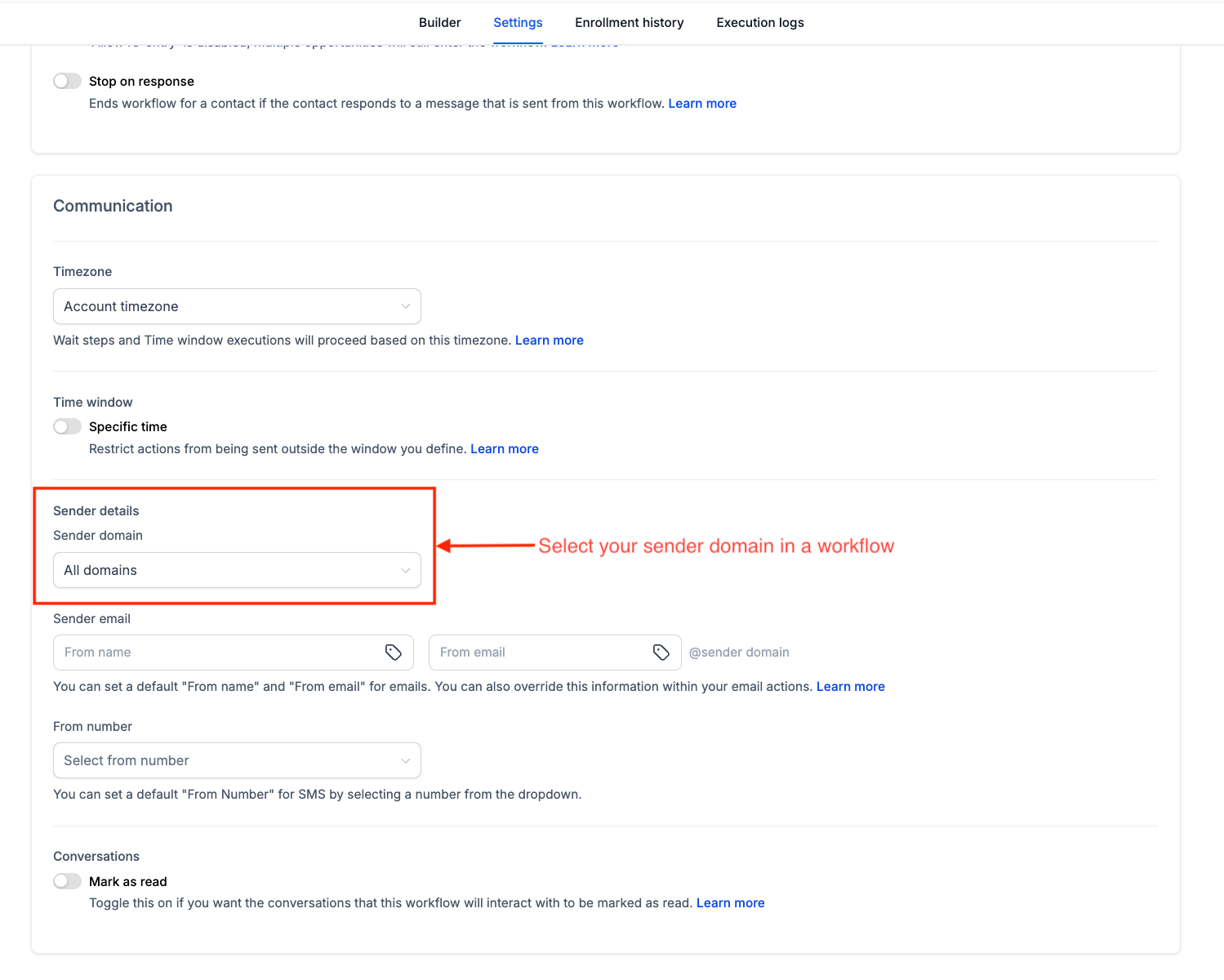
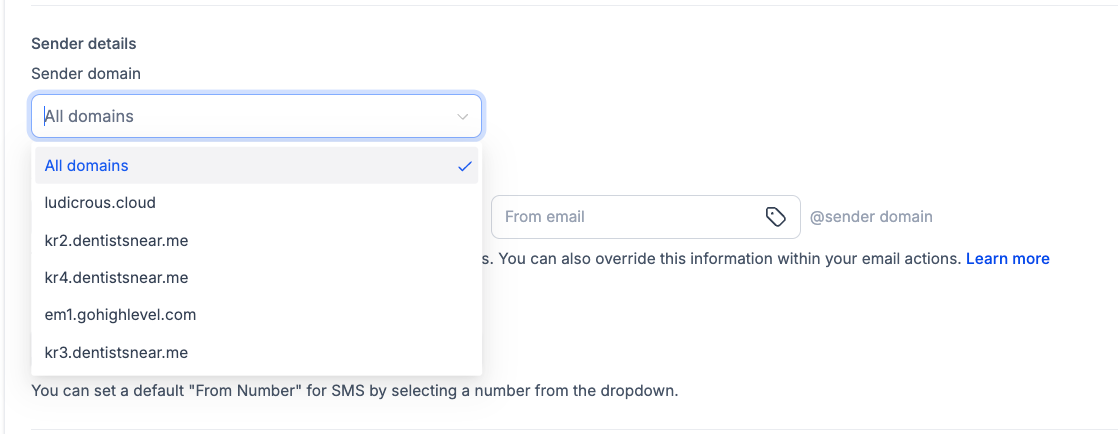
The Sender domain dropdown displays all verified dedicated domains on the sub-account, as well as an option for ‘All domains’.
- All domains: Enter the sender name and email prefix, such as ‘marketing’. Emails will continue to send across configured domains using weighted distribution set up in the sub-account.
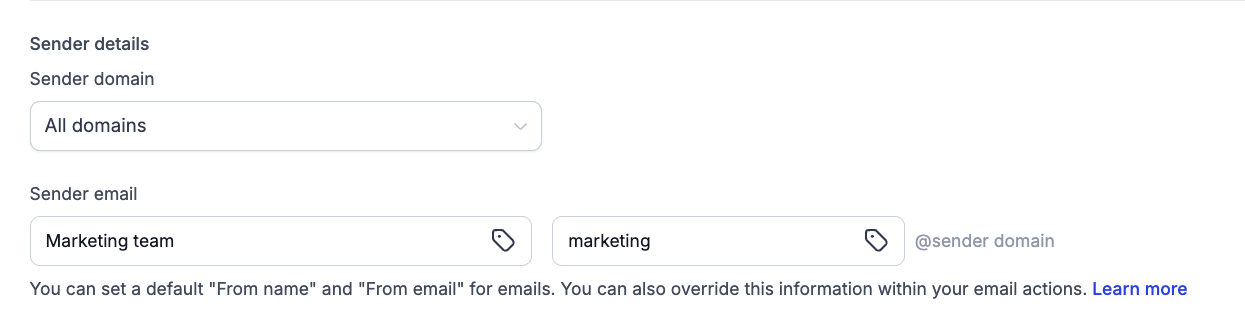
- Specific domain: Select a domain and enter the email prefix. For example, ‘marketing’ with ‘example.com’ will send emails as ‘marketing@example.com’.
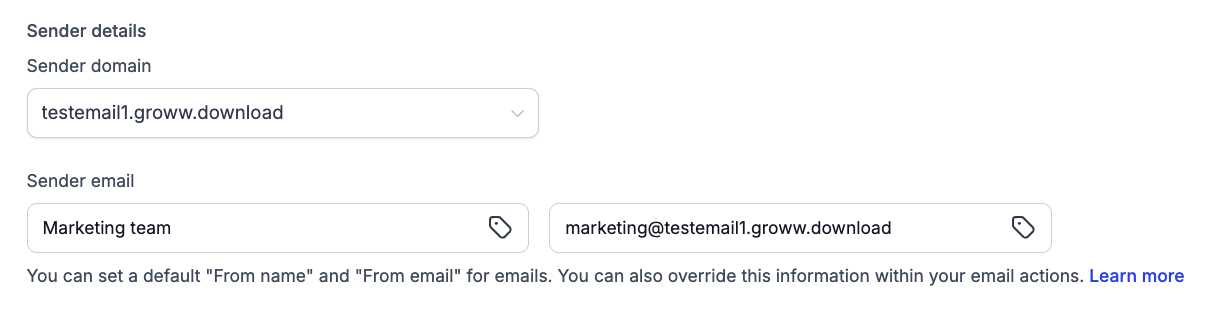
If you enter a full sender email on a different domain, the sender email will override the selected domain and a warning for Sender domain mismatch will appear. Mismatched domains may impact deliverability. Sender details set within an individual email action will take precedence over the workflow-level settings.
- Add and verify your domain under Email Services, Dedicated Domains.
- Open the workflow, go to Settings, and select the domain under Sender domain.
- Set a From name and From email, then save. Every email action in the workflow will inherit these settings.
Workflow Domain Selection Benefits
Previously, every workflow in a sub-account was sent out on the same domain. Changing the From address on a workflow only altered the name people saw, not the actual domain the email was sent from. This posed a risk where one poorly performing campaign could affect all other emails, potentially landing them in spam folders too.
Now, you have the flexibility to choose the domain on a workflow-by-workflow basis. Reminders and receipts can be sent from one domain, while promos and cold outreach from another. This allows you to isolate any issues to a specific domain, protecting others from potential harm.
- Only verified domains from Email Services will appear in the dropdown.
- Sender details on an email action will override the workflow settings, including the domain selection.
- Email headers configured in your dedicated email settings take precedence over those in the workflow settings.