Woocommerce: Import and Sync Products and Collections for E-commerce stores
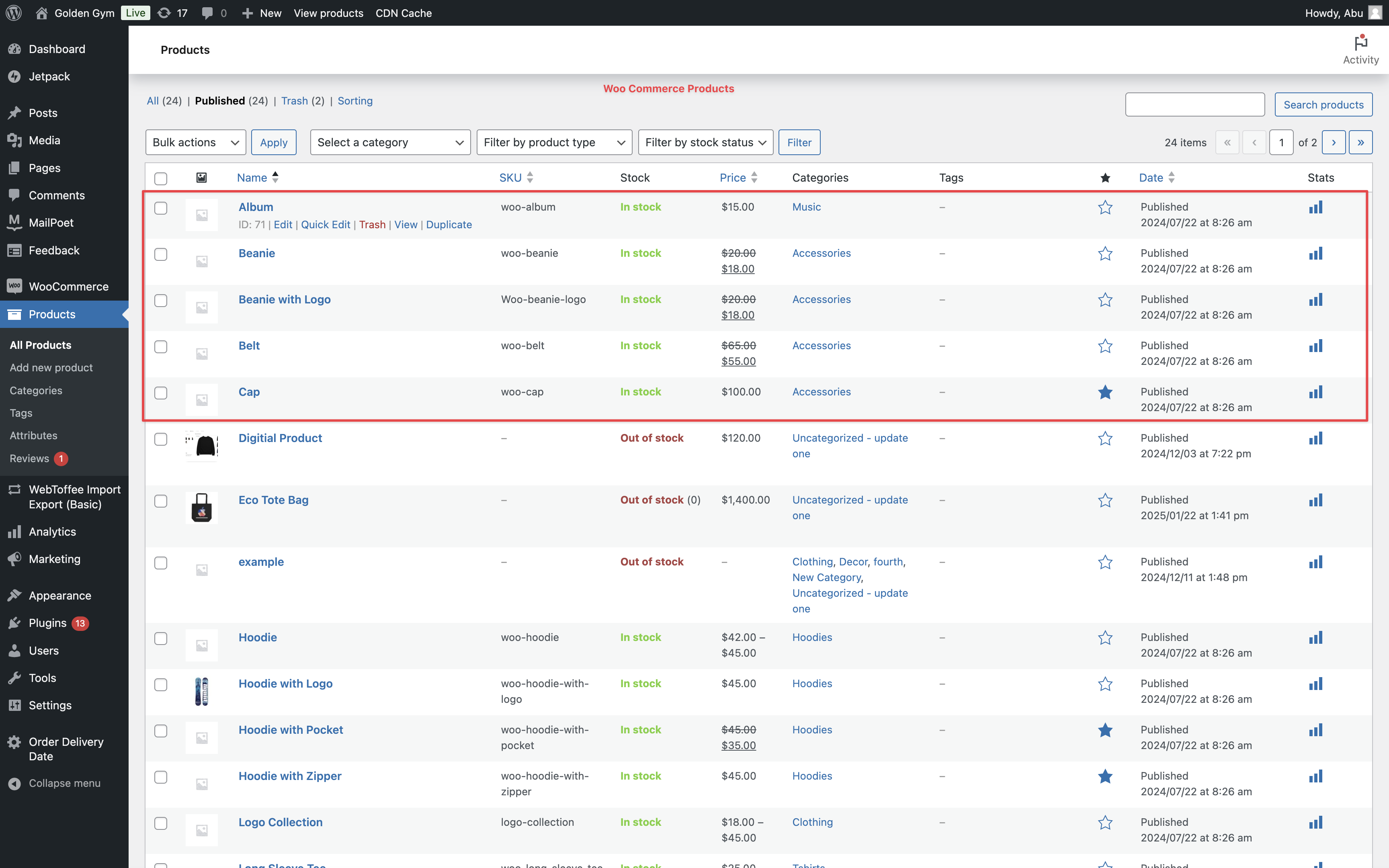
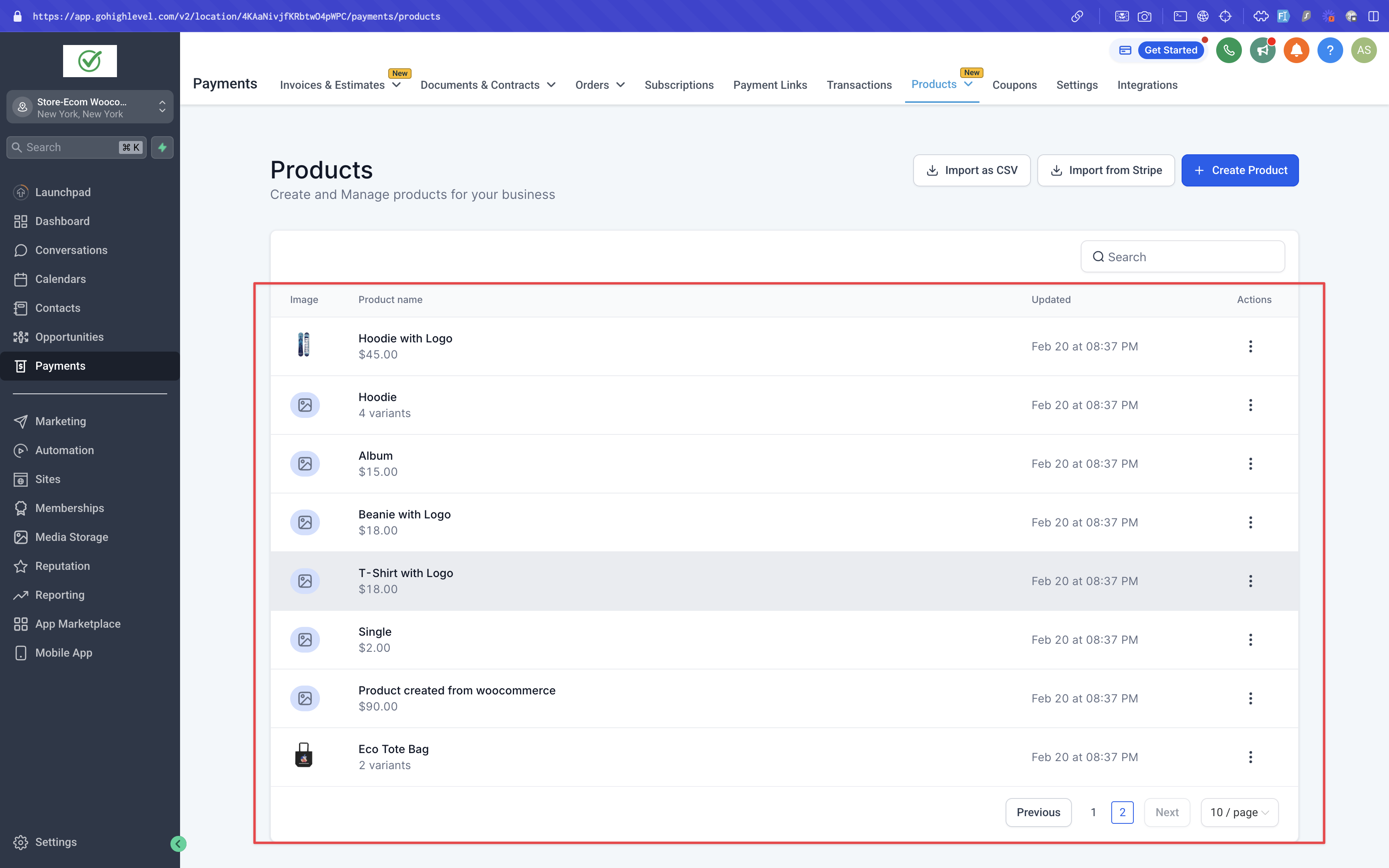
Store owners can now effortlessly import and sync their Products and Collections from WooCommerce to Clixio (Clixio). This enhancement enables store owners to migrate their entire WooCommerce store, including products, collections, contacts, orders, and transactions, into Clixio.
In the previous version of the WooCommerce integration, users could import and sync orders, contacts, and transactions from WooCommerce to Clixio. The latest update expands this functionality, allowing store owners to seamlessly migrate and sync all their products and collections as well.
-
Access the Integration Settings:
WooCommerce integration can be found within a sub-account at:
Settings > Integration > WooCommerce
.
-
Connect the WooCommerce Store:
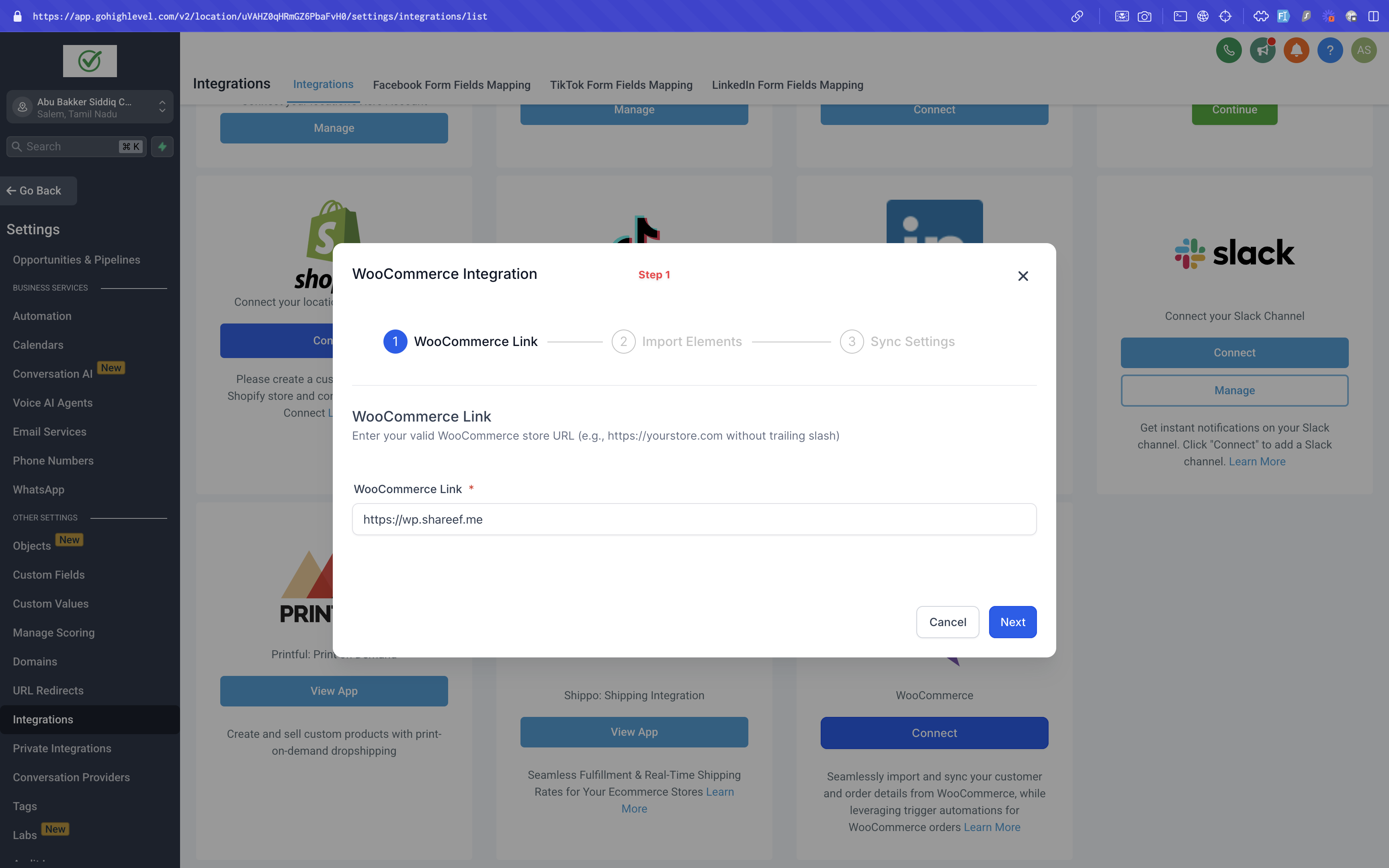
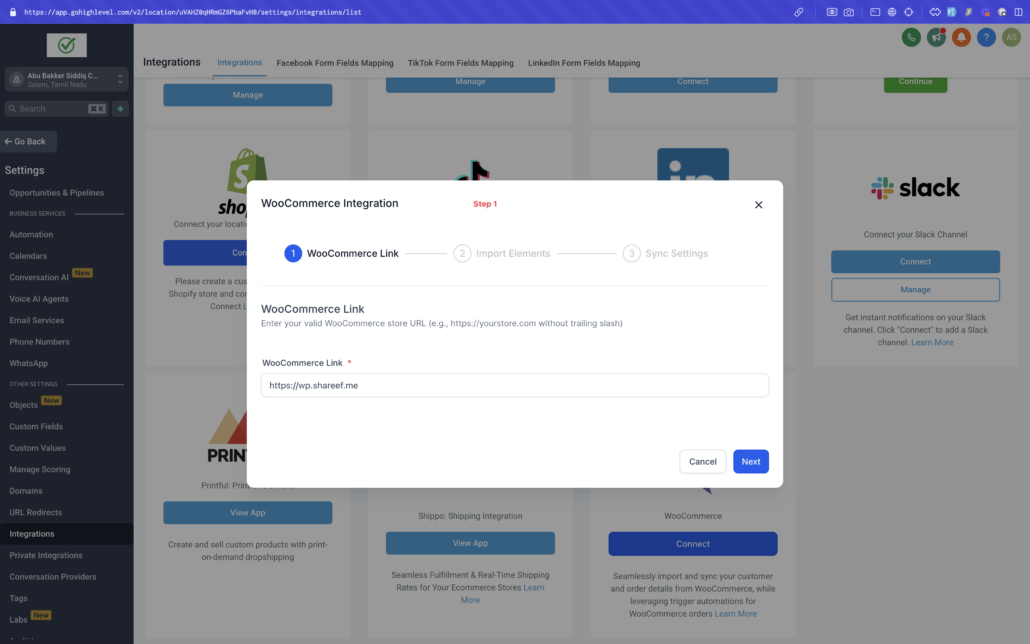
Users can click on “connect” button to begin the setup. A modal will appear where users must enter a valid WooCommerce store URL (e.g., without a trailing slash) as the first step.
-
Select Data to Import:
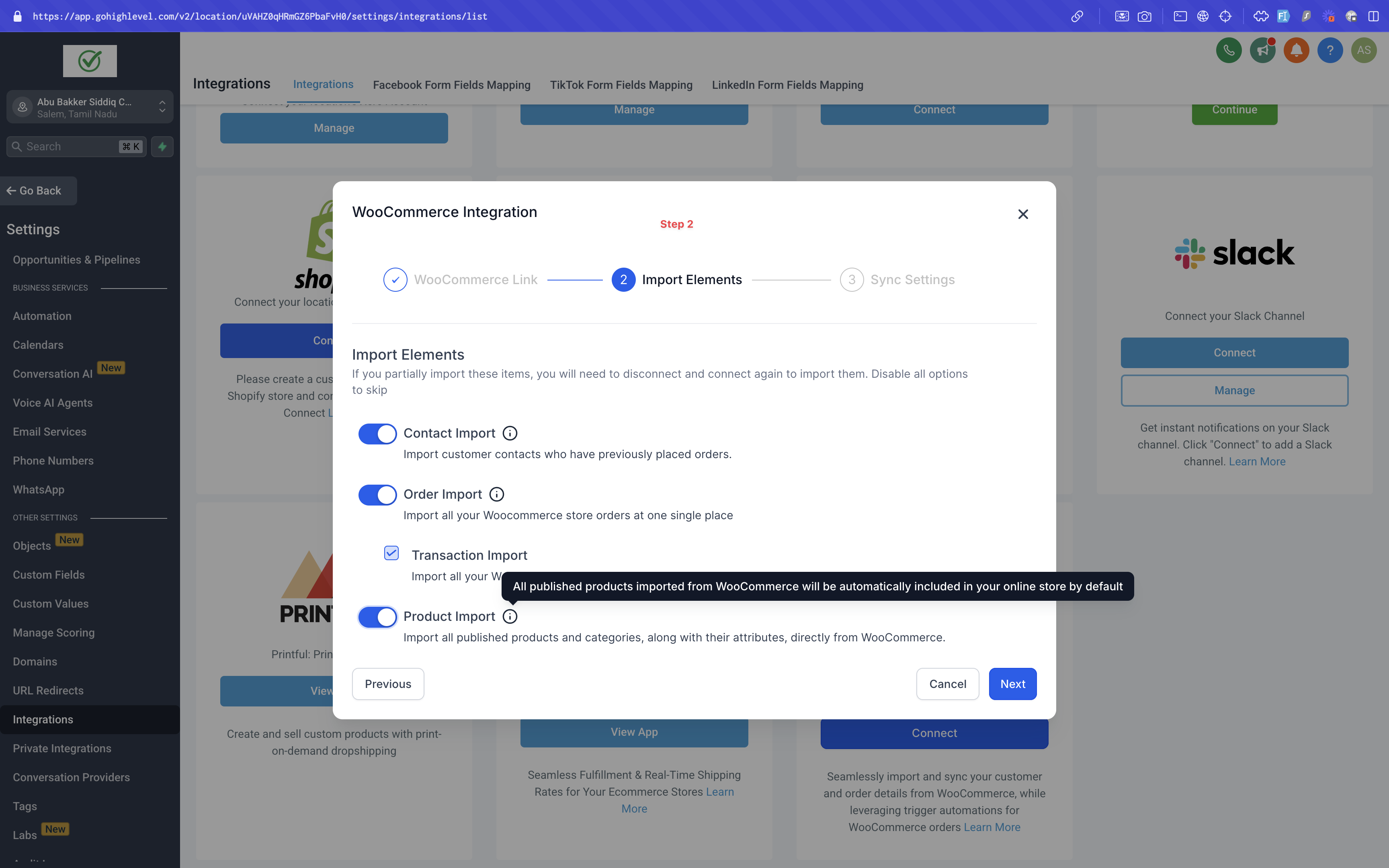
In the second step, users will be directed to the Import Elements screen, where they can select which data to import from their WooCommerce store. The available options for import are:
Contacts, Orders, Transactions, Products and Collections
.
-
Configure Syncing Settings:
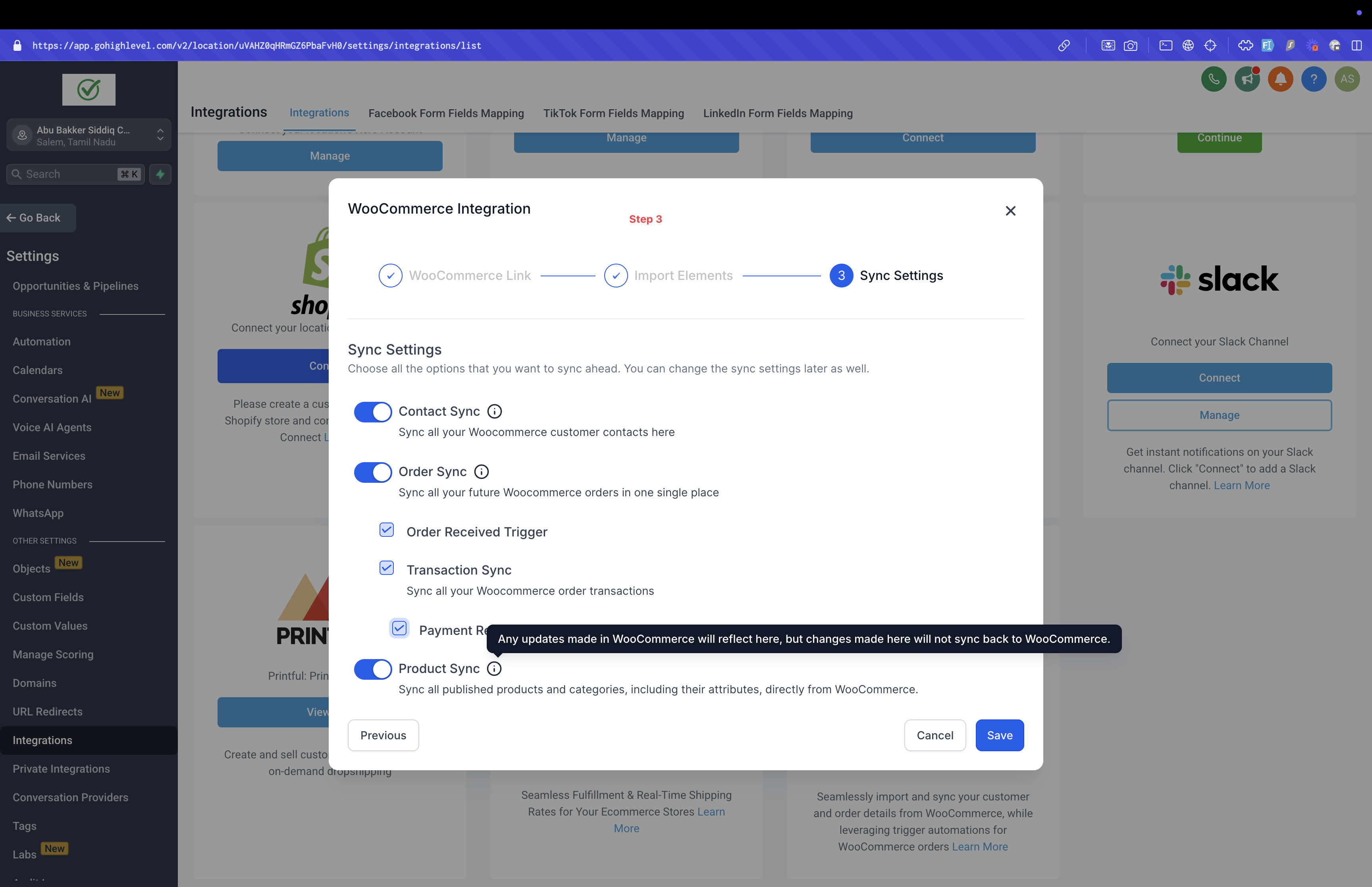
The third and final step takes users to the Sync Settings screen, where users can choose which data to continuously sync from WooCommerce to Clixio in future. The options for syncing include:
Contacts, Orders, Transactions, Order submitted trigger, Payment received trigger, Products and Collections
.
-
Completing the Setup:
After selecting the desired elements to import and sync, click Save. The import and sync process may take some time to complete.
-
Manage Settings:
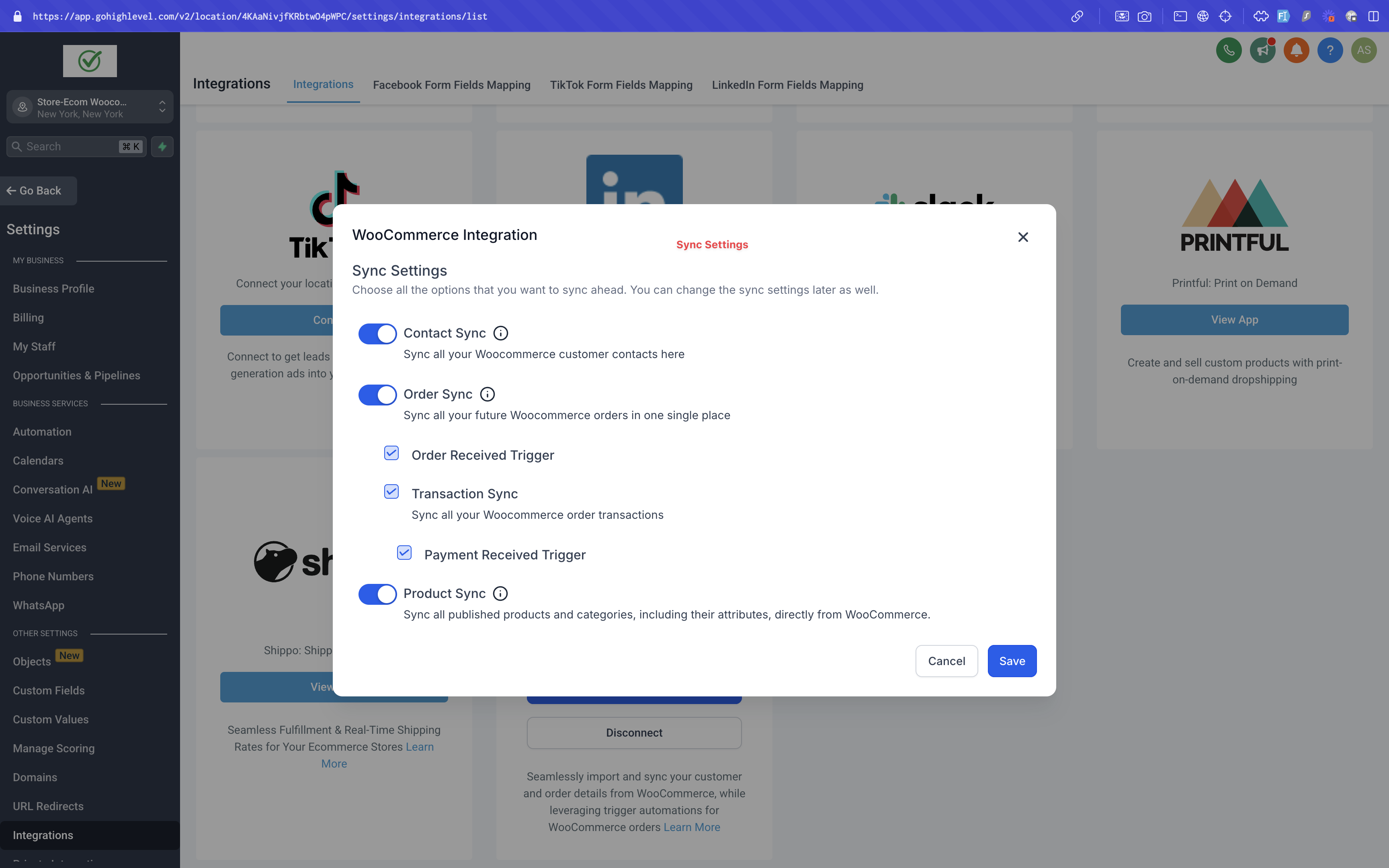
Once the WooCommerce integration is successfully connected, users can enable or disable the elements they want to sync for future orders from the WooCommerce store.
-
Reimporting Data:
If users wish to reimport data, they can disconnect and reconnect the integration, allowing them to reimport any data they may have missed during the initial import.
Product Import Enhancements
- Only Simple and Variable product types will be imported; other product types will be excluded.
- Products with 0 price or no variants will not be imported.
- The “Include in Online Store” toggle will be enabled only for published products; all other products will have it turned off.
- WooCommerce will serve as the source of truth for product information.
- Only categories associated with products will be imported; unlinked categories will be excluded.
- Product and category deletions will not be synced to Clixio.
- Orders with linked products and images will now be imported.
- When authentication errors (401, 403, 404) occur, the account will be set to reconnect state, and the sub-account admin will receive an email with reconnection steps.