
WhatsApp template management: a full UX revamp
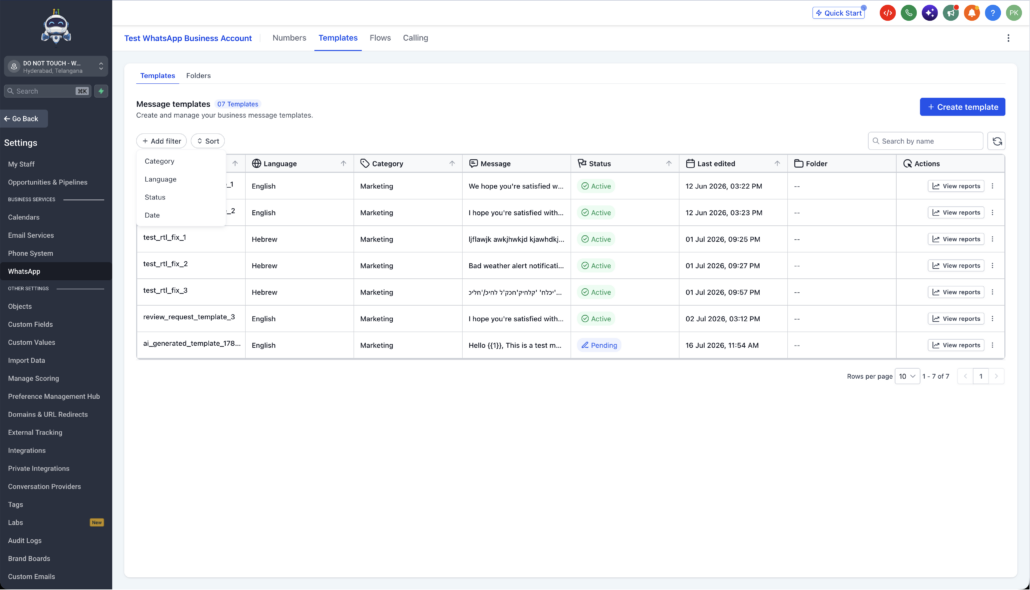
We’ve rebuilt the WhatsApp Templates and Template Folders experience using our latest design system. This enhancement provides you with a cleaner, faster, and more intuitive way to manage templates at scale. You can now find, organise, and restructure your template library with much less friction.
🔄 One-Click Refresh (No Full Page Reload)
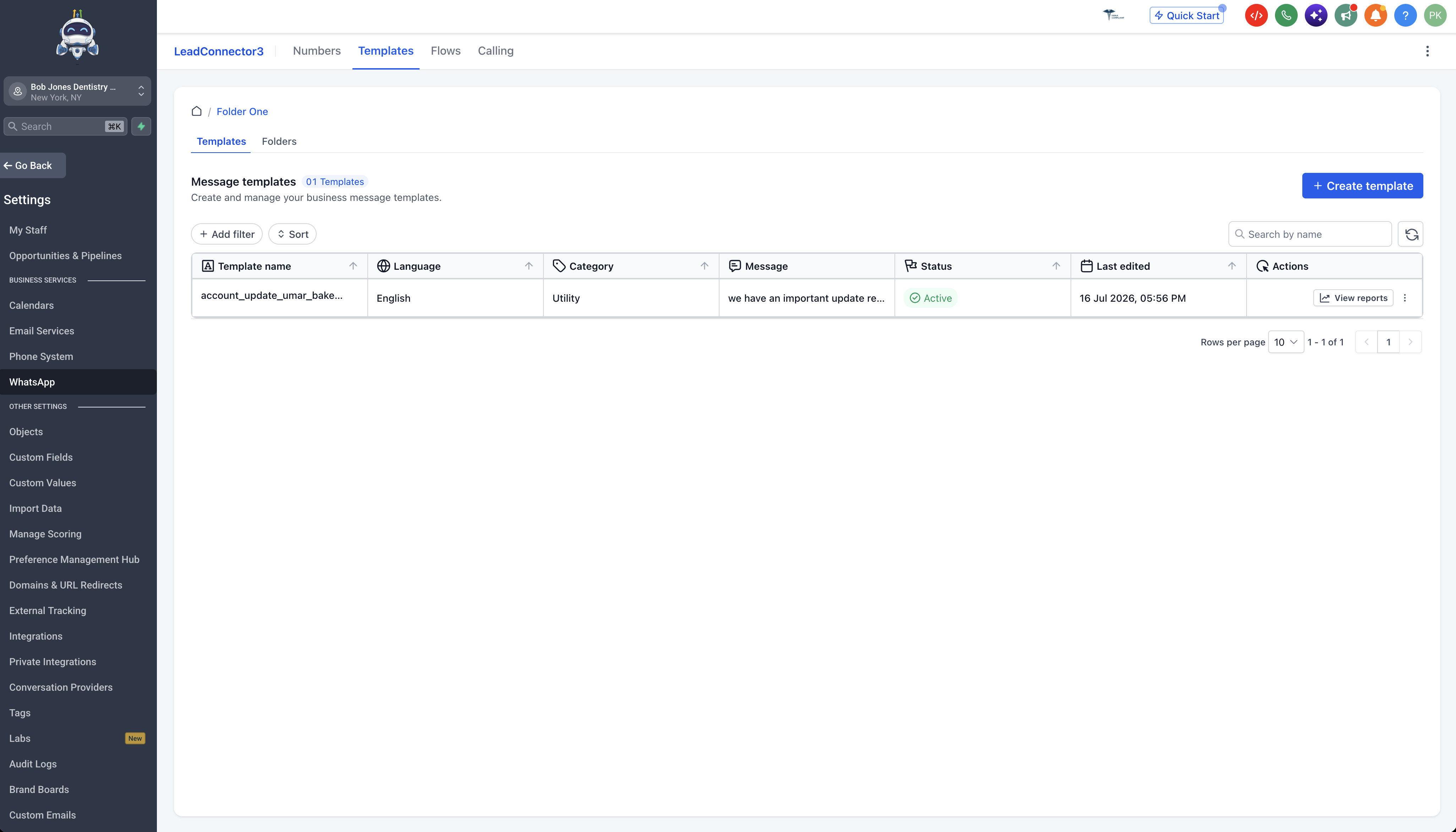
🗂️ Real Folder Navigation
-
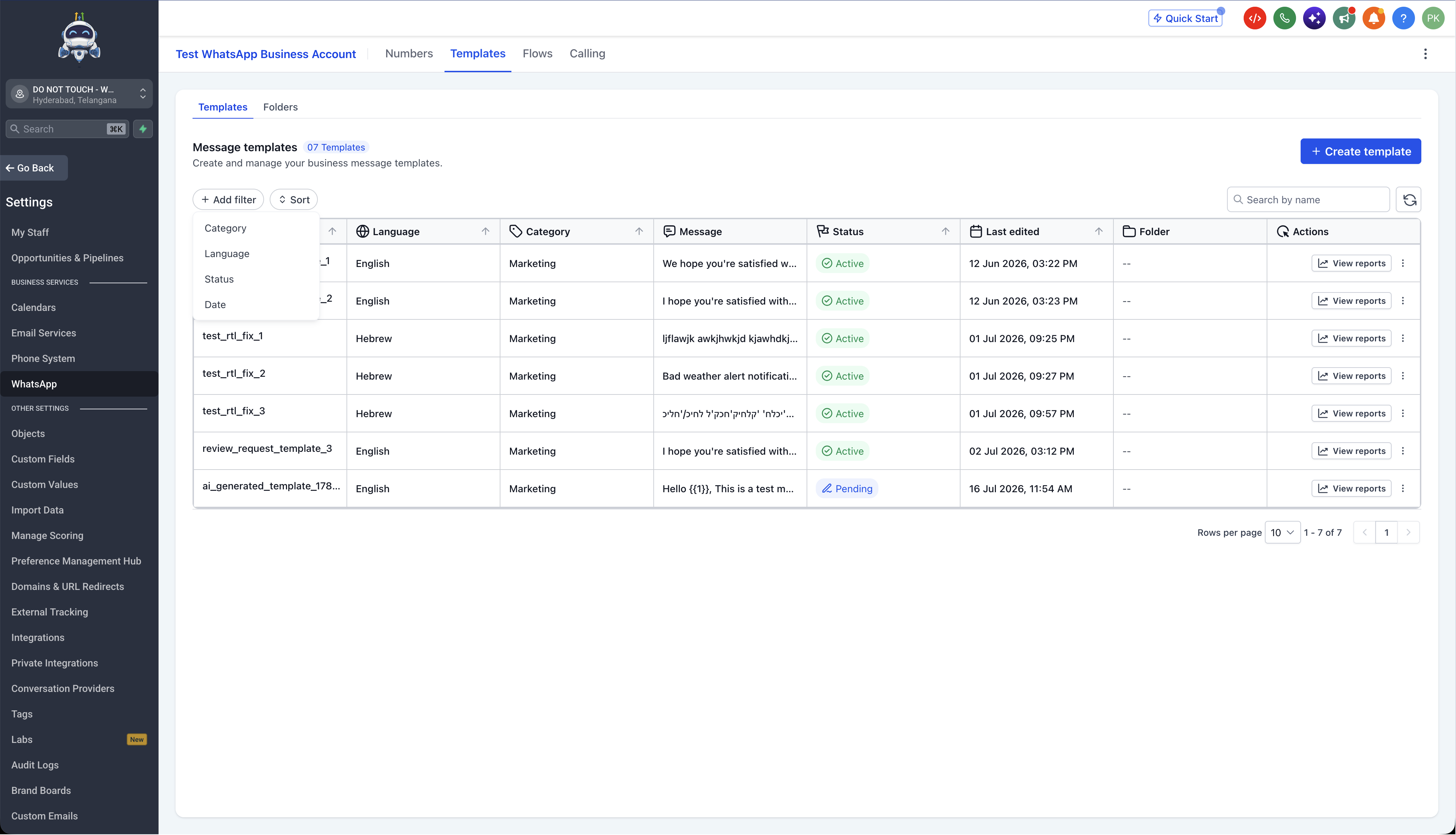
Filter templates: Narrow the list by Status, Language, Last edited, and Category. Previously, there was no support for filtering, making it slow to find the right template on large accounts.
-
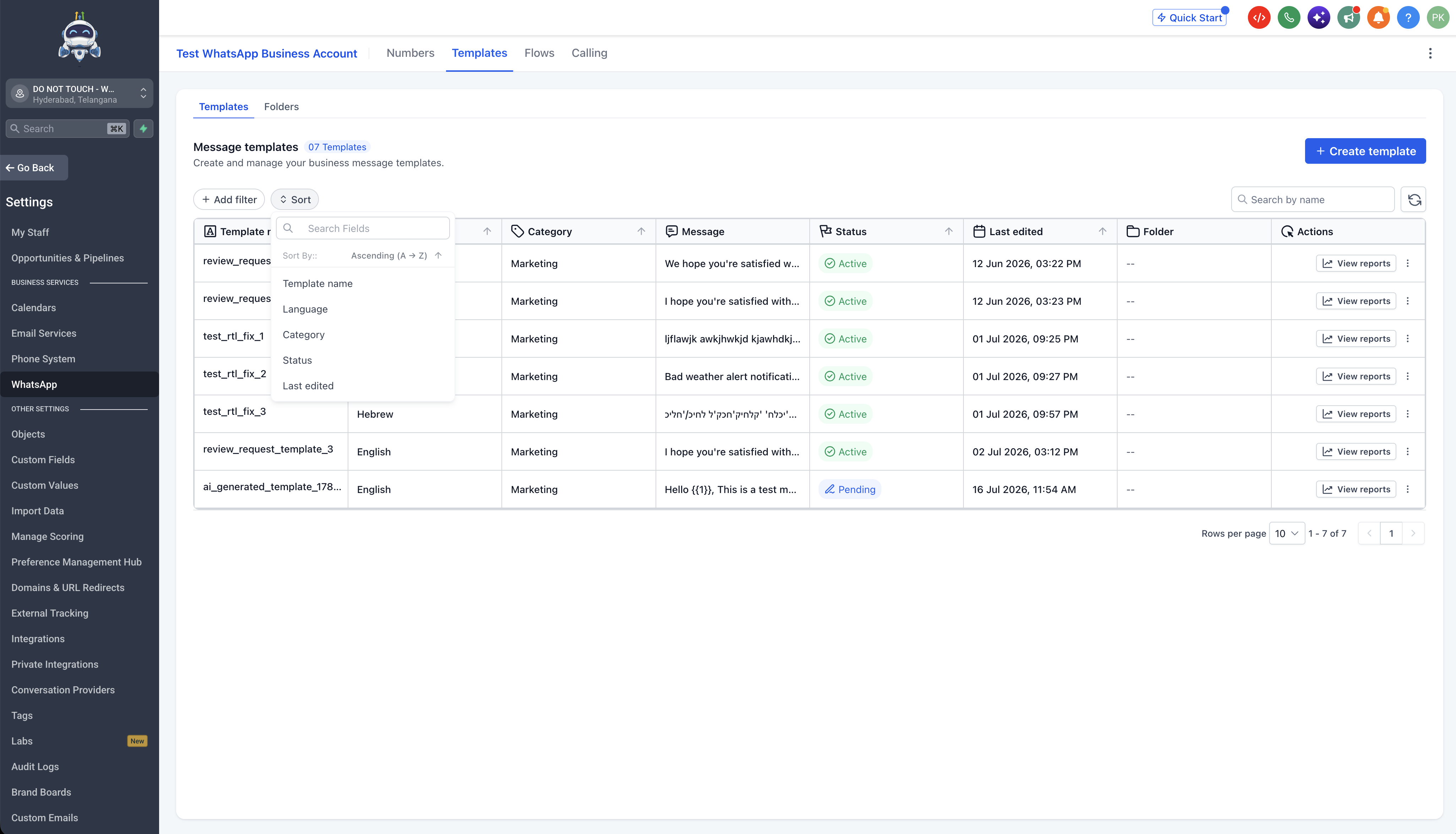
Sort templates: Order by Template name, Language, Category, Last edited, or Status. You now have control over how you explore and review your library.
↔️ Flexible Reorganisation
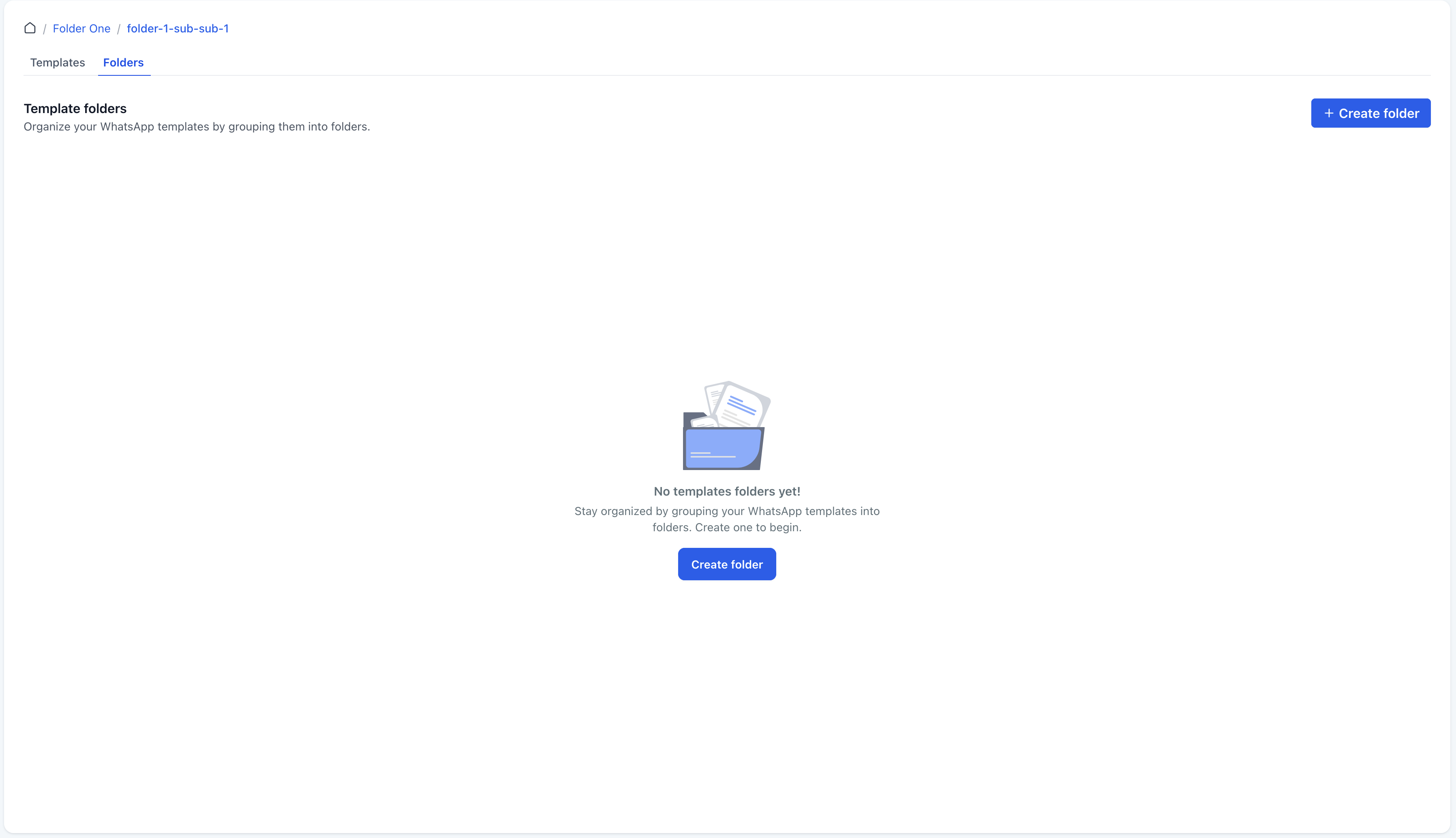
🎨 Modern, Polished Interface
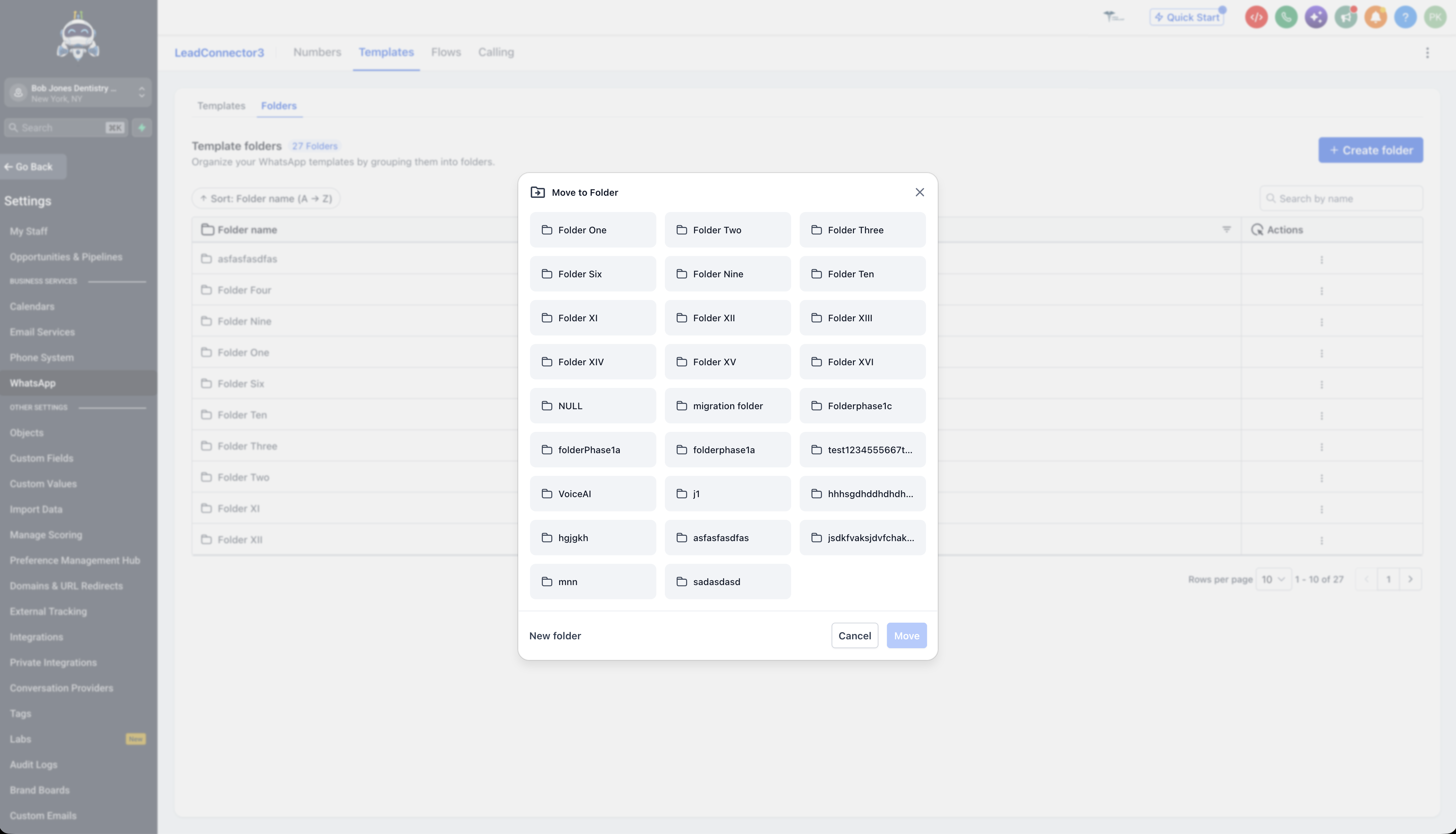
Template libraries can quickly become cluttered as WhatsApp usage scales. Without features like filters, sorting, scoped navigation, and clear folder visibility, locating or reorganising a template can be frustrating. This revamp transforms one of your most-used WhatsApp surfaces into a fast, organised workspace.
- Faster discovery of the right template
- Clearer organisational context at a glance
- Intuitive navigation across nested folders
- Better control over large template libraries
- Refresh in place without losing your view
- A more modern, polished experience
Open your WhatsApp Templates and try filtering, sorting, or moving a folder; the new structure updates immediately.