
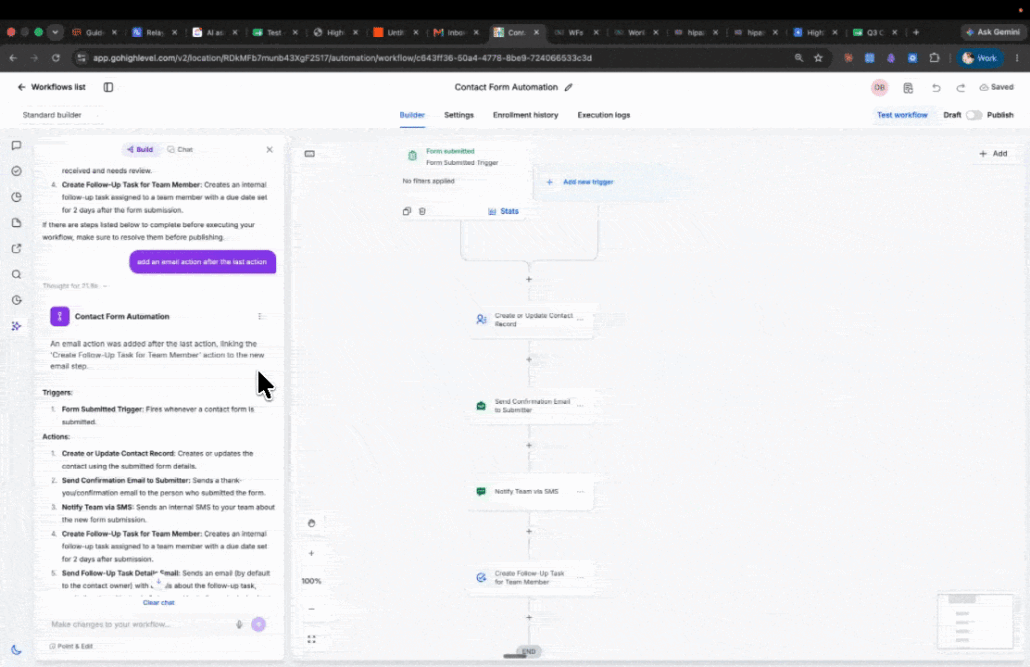
Version History in AI Builder
The Workflow AI Builder now tracks every iteration it creates. Each AI build or edit results in an artifact card appearing in the chat, and any of these can be restored with a single click.
- **Artifact card for every AI iteration:** Each build or edit from the AI Assistant produces a card inline in the chat, at the point where the change was made.
- **Current version indicator:** The card corresponding to the canvas has a purple border, ensuring the active iteration is easily identifiable.
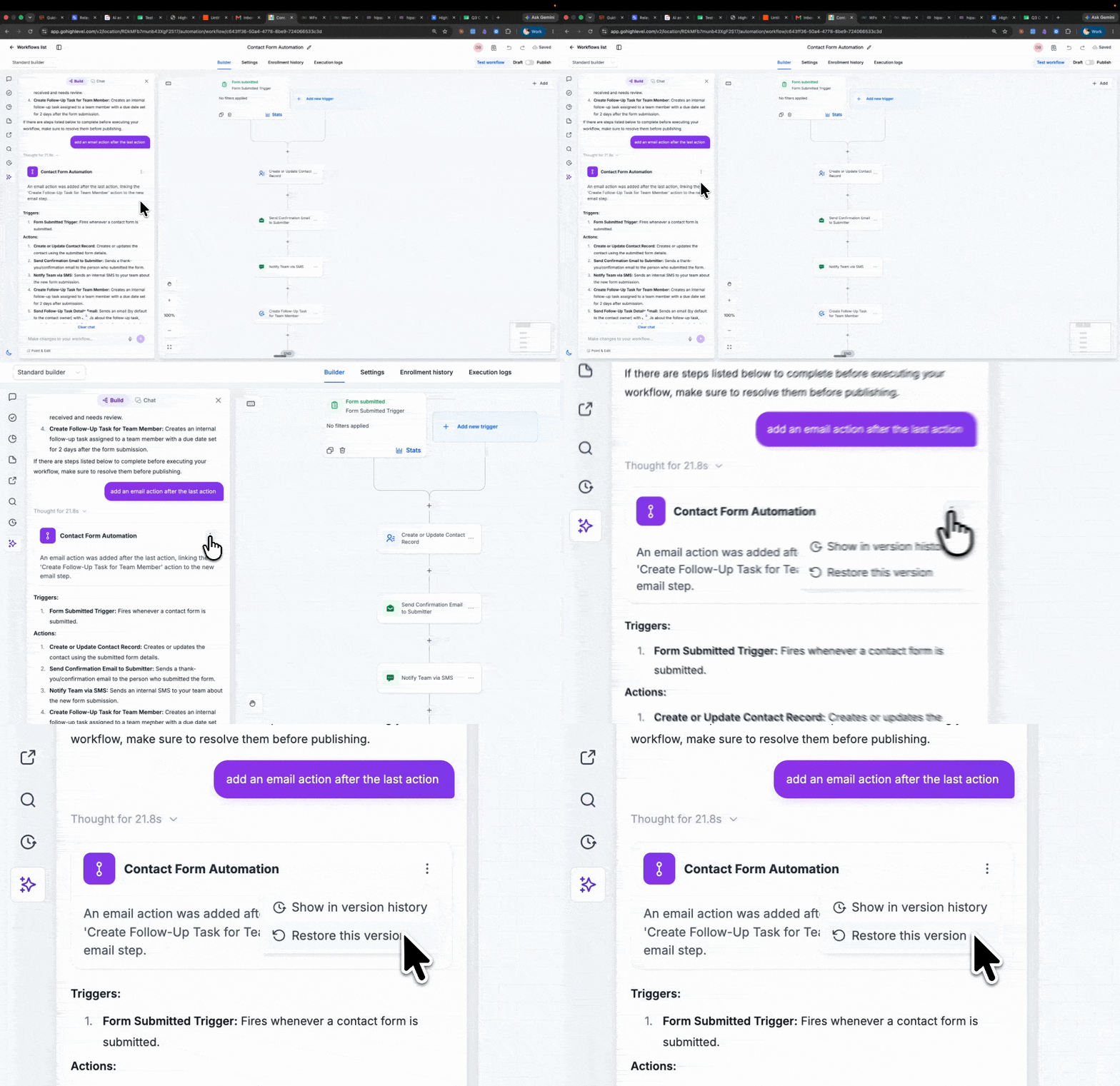
- **One-click restore:** Open the three-dot menu on any older card and select “Restore this version.” The canvas will revert instantly.
- **Bidirectional and non-destructive:** Restoring an older iteration keeps newer ones accessible. Iterations can be moved freely, and none are lost.
- **Unsaved indicator:** If auto-save is disabled, cards display an “Unsaved” pill until the workflow is saved manually. This pill does not appear when auto-save is enabled.
- **Synced with Version History:** Selecting “Show in version history” opens the Version History tab, where AI and manual versions appear in one unified timeline. Version History remains the authoritative source for version numbering.
- **Prompt the AI Assistant to build or edit your workflow.**
- **An artifact card appears in chat with a purple border marking it as the current version.**
- **Prompt another change.** The new card takes the border, and the previous card gains “Restore this version” in its three-dot menu.
- **Use the three-dot menu on any card to restore that iteration or view it in Version History.**
Previously, AI edits lacked a recovery path—removing a trigger or overwriting an action configuration meant rebuilding manually. Associating each AI iteration with a restorable artifact allows users to experiment safely: bold edits can be attempted, compared, and reversed without leaving the conversation or losing work. Integrating these iterations into the same timeline as manual versions maintains the authority of Version History, avoiding the creation of separate histories for AI and human changes.