
Universal Sections in Funnel and Website Builder 🎉
We’re excited to introduce Universal Sections, a highly requested and powerful new feature for Funnel and Website Builder. With Universal Sections, you can now save design elements—such as headers, footers, banners, CTAs, and more—that automatically sync across your entire sub-account. Update a Universal Section once, and it updates everywhere it’s used: in websites, funnels, blogs, and stores!
- Universal Sections (new): Updates apply account-wide instantly.
- Global Sections (existing behaviour): Updates apply only within the current funnel or website.
- Section Templates (existing behaviour): Reusable, fixed sections; edits do not sync.
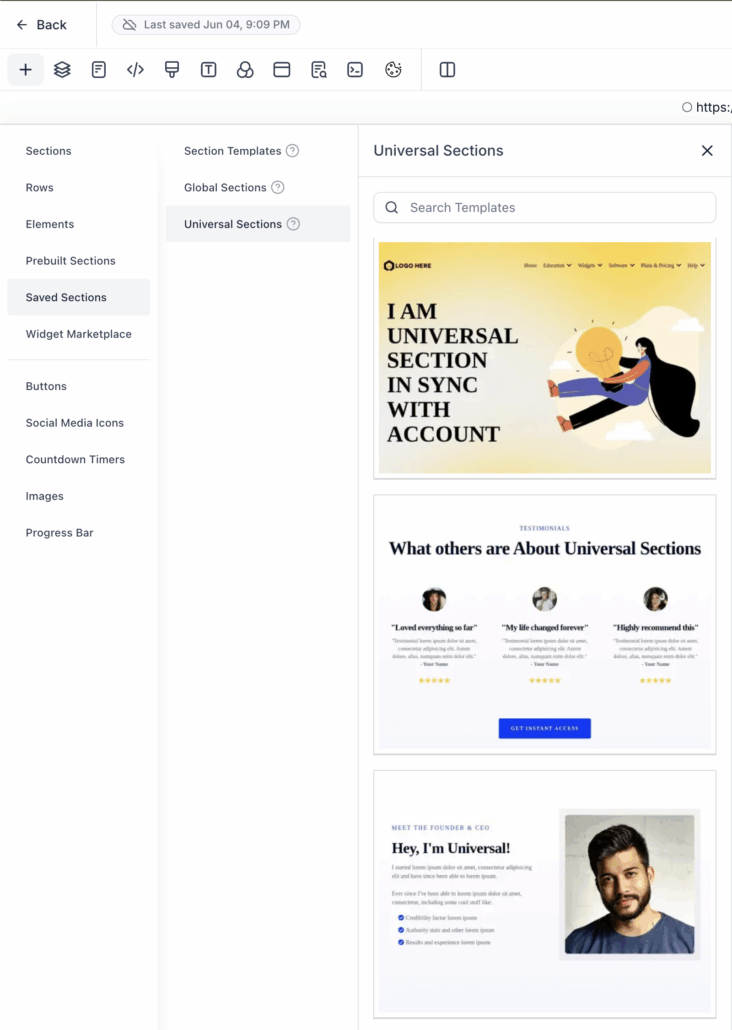
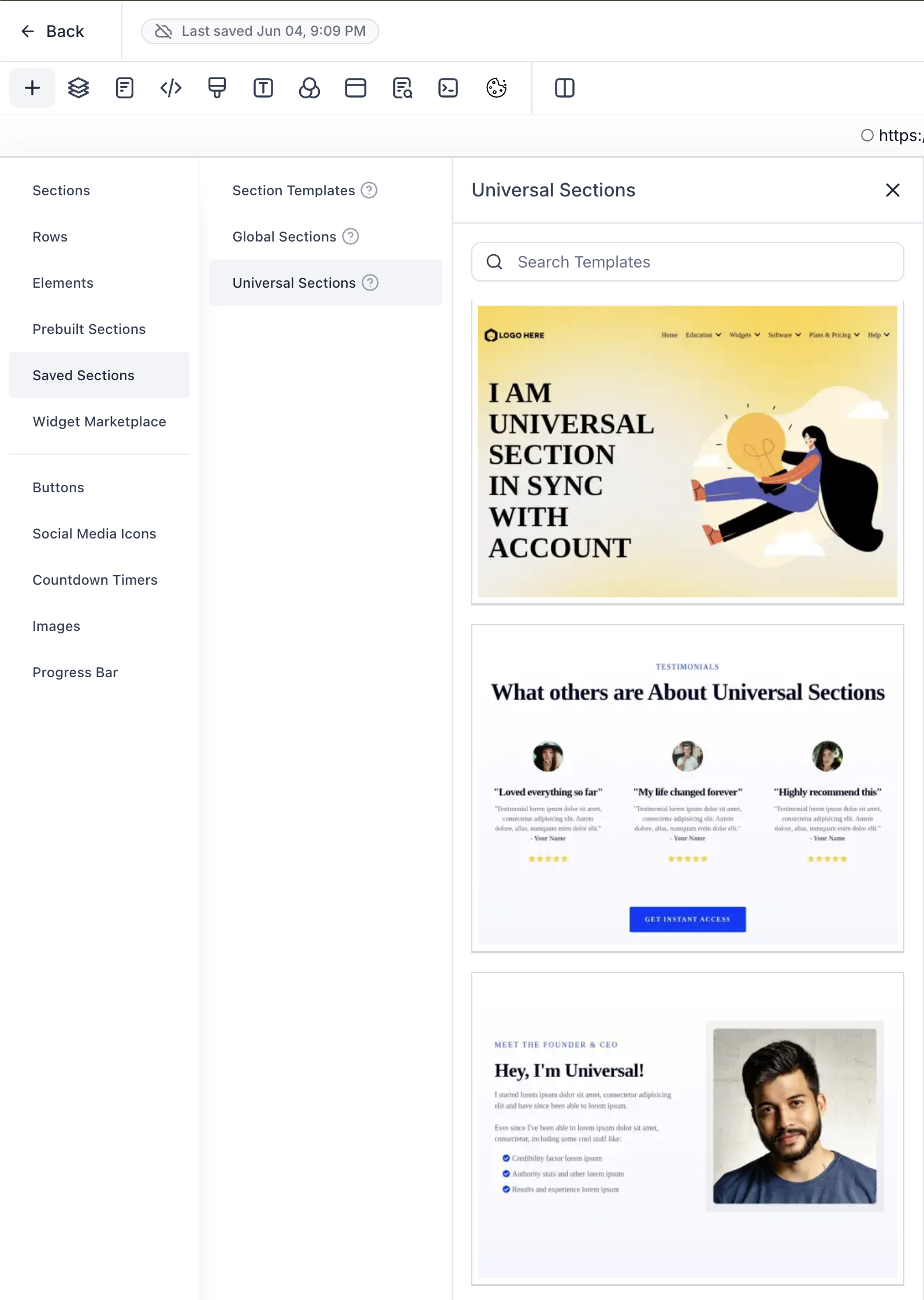
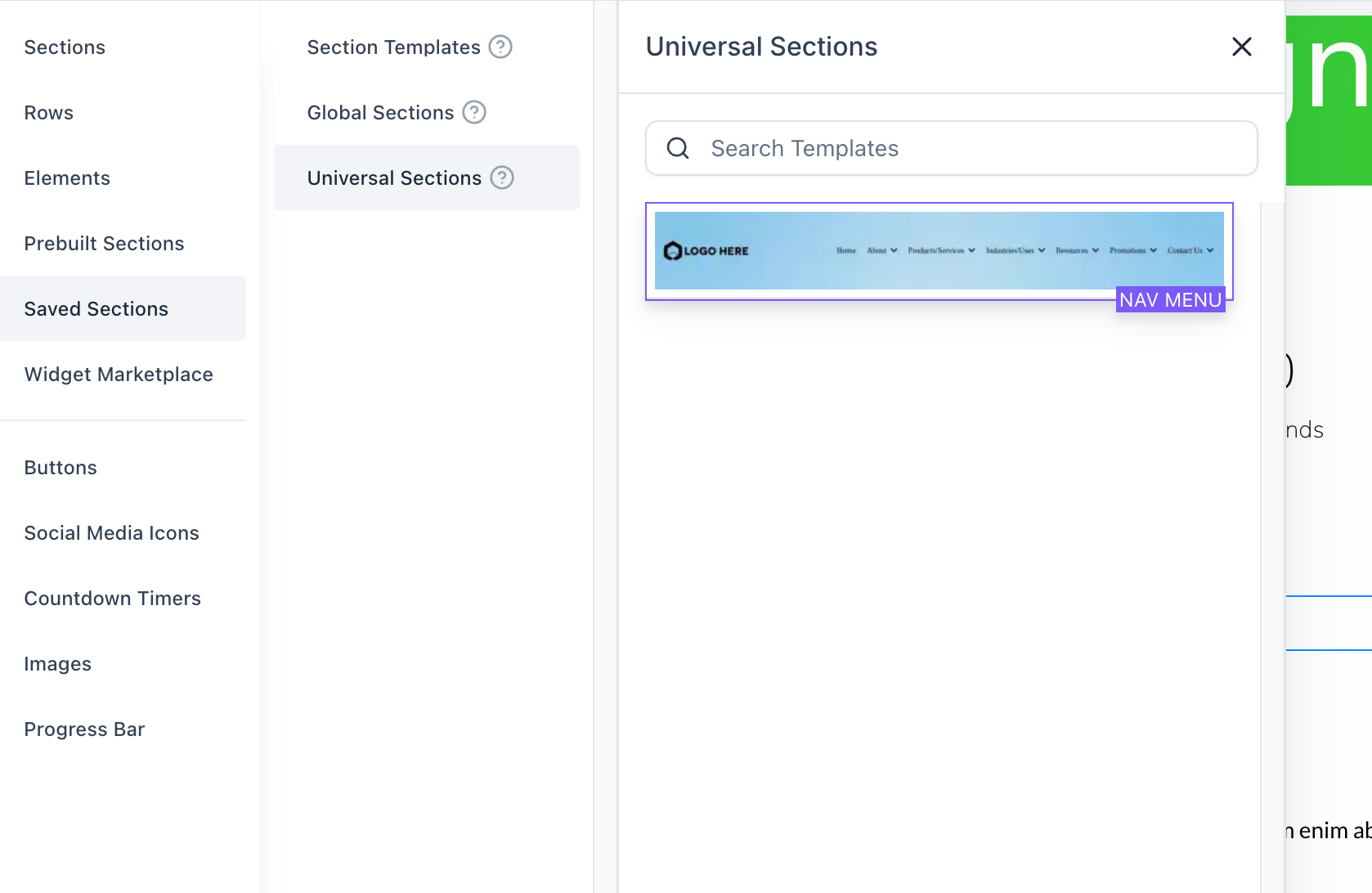
- Thumbnails now appear for Universal Sections in the “Saved Sections” left sidebar.
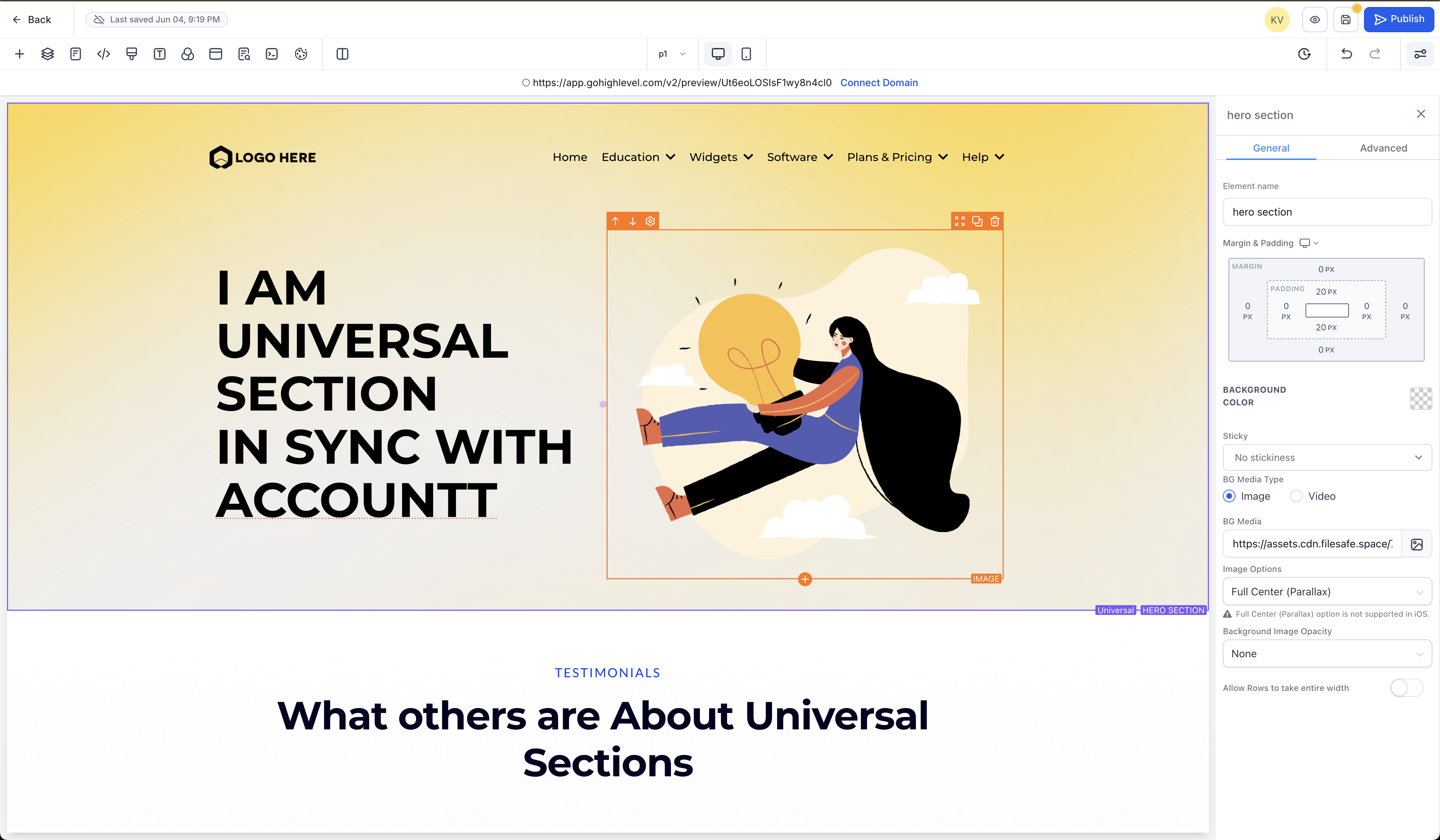
- Hover over any saved section in the builder to see a label in the bottom-right corner indicating whether it is a Universal Section or a Global Section.
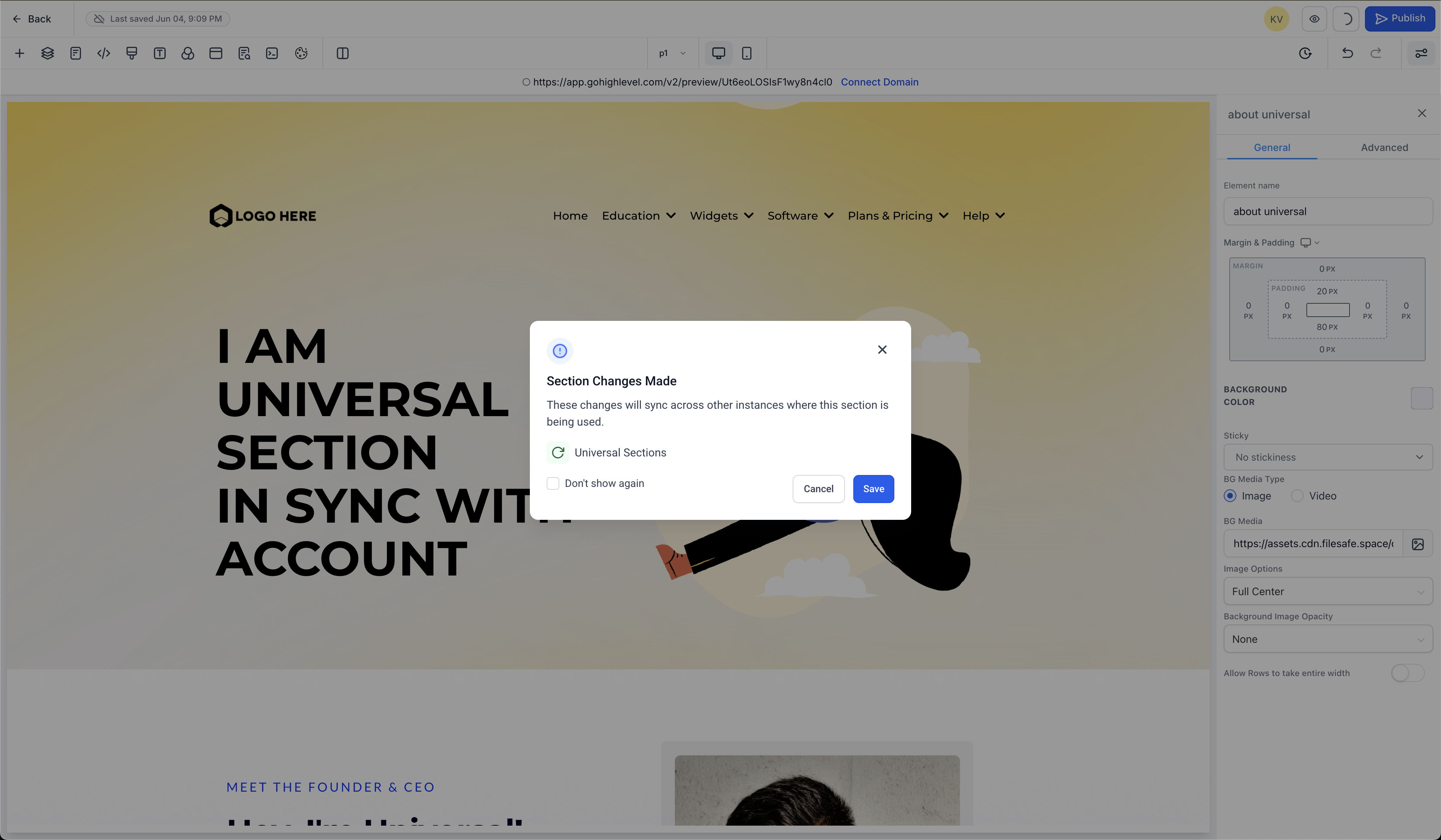
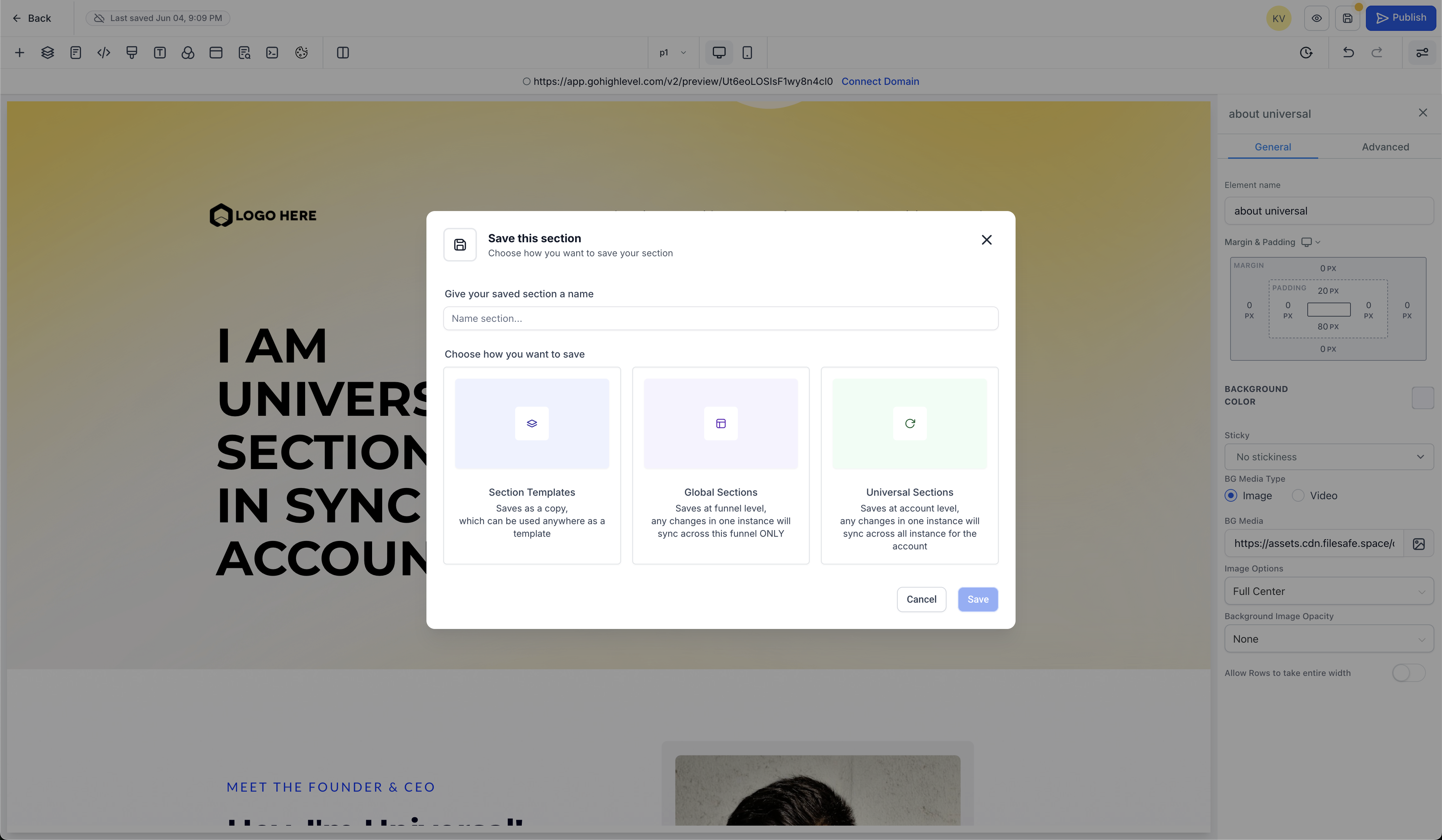
- New modal when section changes are made to Universal or Global Sections.
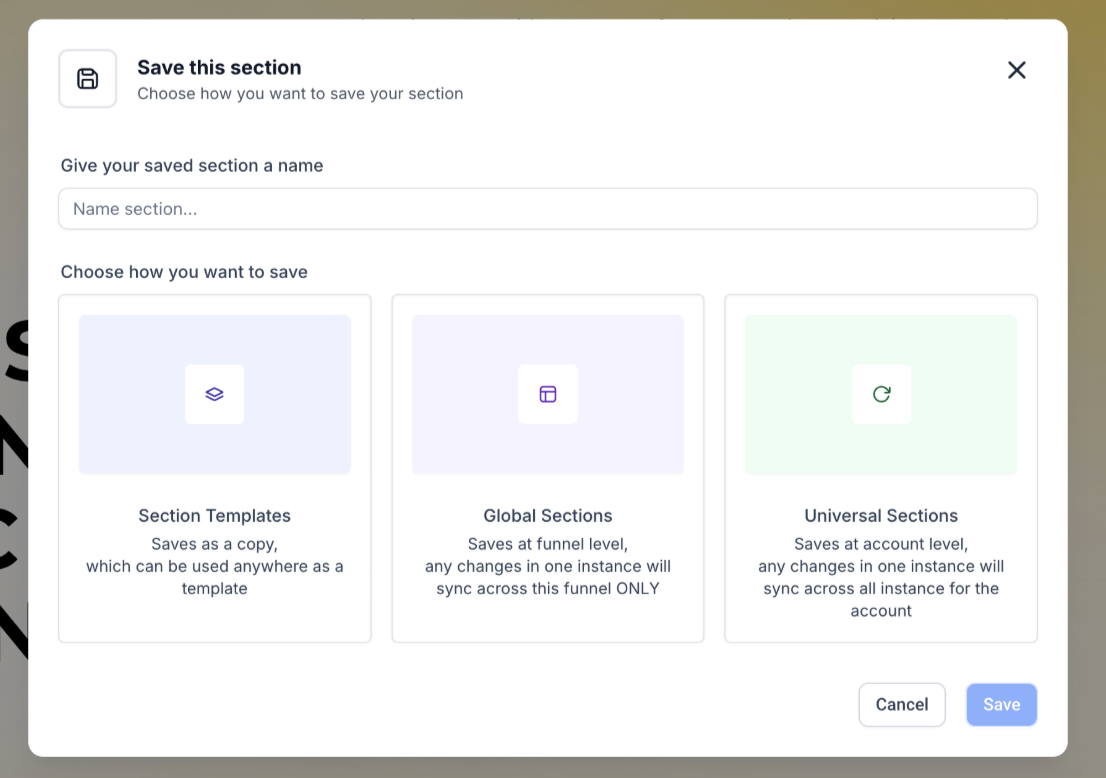
- Use a single modal to save a section into three categories: Universal, Global, or Section Templates.
- Enhanced confirmation messages ensure you know exactly which section type you’re saving.
- Clear descriptive text and tooltips guide you through what each section type does before you make a selection from the Saved Sections in the left sidebar.
Key Features & Benefits ✅
- Maintain a consistent design experience across all assets without manual updates using Universal Sections.
- Clear separation of scope and impact of various section types—choose exactly how and where changes should propagate.
- Easily distinguish section types at a glance using labels in the bottom right outline, reducing confusion and preventing accidental edits.
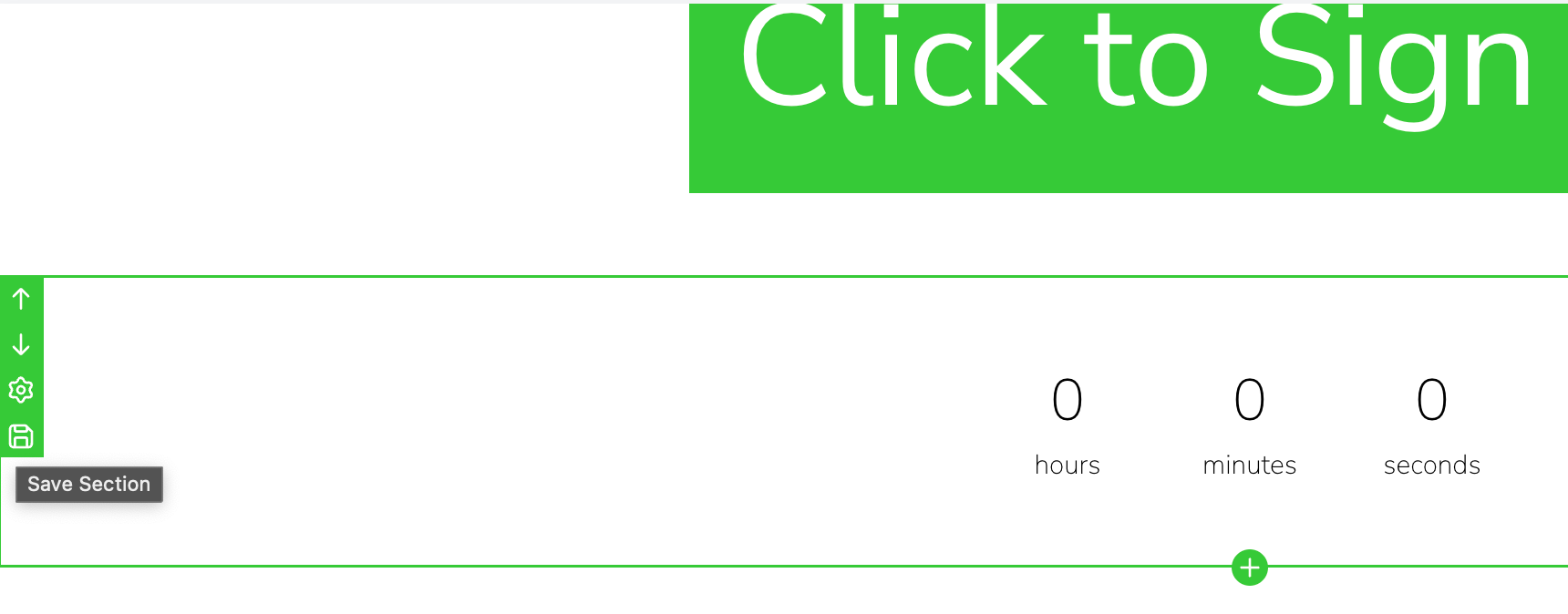
- Saving a Section – In the Funnels and Websites builder, select any section (e.g., header, footer, CTA) and click Save Section by hovering and clicking on save in the left outline.
- Universal Section: Changes sync everywhere across your account.
- Global Section: Changes apply only within the current funnel/website.
- Section Template: A static, reusable layout—edits do not sync.
Provide a name, then click Save.
- Open Saved Sections from the left sidebar.
- Drag and drop from the appropriate category that you want to use.
Design consistency and efficient maintenance are crucial for high-performing funnels and websites. Previously, if you wanted to update a header or footer used in multiple funnels, you had to modify each instance manually—time-consuming and prone to inconsistencies. By introducing Universal Sections, we aim to:
- Save Time: Update once and instantly synchronise across every funnel, website, blog, or store.
- Reduce Errors: Eliminate version drift between pages, ensuring brand consistency.
- Enhance Collaboration: When multiple team members work on different assets, Universal Sections guarantee that everyone sees and builds from the same design foundation.
Ultimately, Universal Sections will streamline your workflow, reduce redundant work, and empower teams to maintain a unified brand presence across all digital properties.
- Once saved, you can’t change the type or re-save the same section again. Create a clone and then save the clone into a different category.
- If a Universal/Global section is already present on a page, you can’t re-use it by dragging and dropping from the left sidebar. You will have to clone the existing section if you want to add a clone/variant to the builder.
What’s Next? (Sneak Peek into Future Updates) 👀
- Ability to re-use a section by dragging it again and again. Create multiple copies of a section seamlessly from the left sidebar Saved Sections.
- Save elements as reusable templates, global elements, and universal elements (Have that nav menu update in all your funnels or all your pages).
Stay tuned—these enhancements will further empower your design workflow and collaboration across Funnels, Websites, Blogs, and more!