Universal Elements in the Builder!
You can now save individual elements such as buttons, forms, navigation menus, icons, and more as Universal Elements that automatically sync across your entire account. By updating the element once, the changes are instantly applied everywhere it’s used (funnels, websites, blogs, and e-commerce).
This feature provides you with a consistent brand system, eliminates the need for copy-pasting, and accelerates your building process.
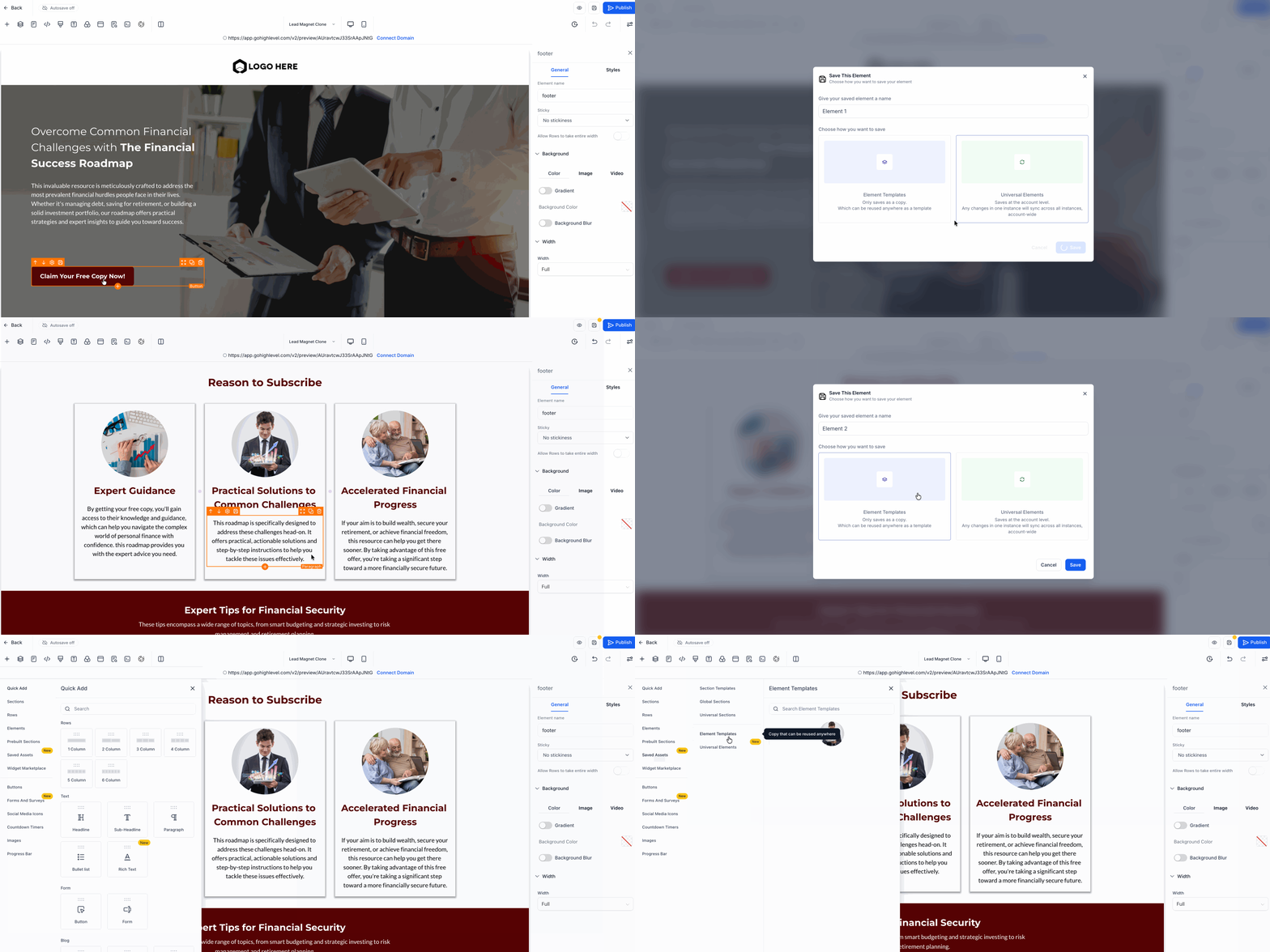
- Save any element as either: Universal Element (syncs across your account) or Template (no syncing; a static saved copy).
- Automatically update all pages that use the same Universal Element.
- Prevent duplicate Universal Elements on the same page (with built-in guardrail).
- Clone a saved element and automatically convert the clone into a normal element.
- View and manage saved elements with auto-generated thumbnails.
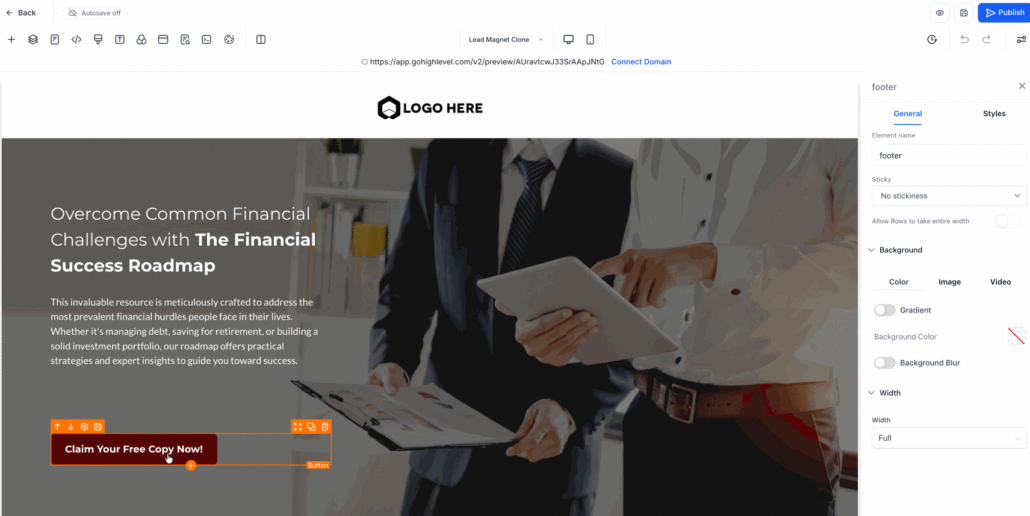
- Select an element in the builder.
- Click “Save Element” in the toolbar.
- Choose either Universal or Template.
- The element is saved with a thumbnail. The element type cannot be changed later.
- Open Saved Assets → Elements in the sidebar.
- Drag the element onto your page.
- Click a Universal Element and make changes.
- Save the page. A confirmation modal will appear.
- All linked pages will update automatically.
4. Cloning & Snapshot Logic
- Cloning a funnel/page generates snapshot IDs (_snapshot) to prevent cross-syncing.
- Cloning a Universal Element on the same page converts it into a normal element.
- Duplicate Universal Elements on the same page are blocked.
Universal Elements provide a scalable, brand-consistent design system. You create an element once and reuse it everywhere, saving editing time, reducing mistakes, and ensuring your pages are perfectly aligned.