Trigger Stats Improved: View your trigger enrollments at a glance
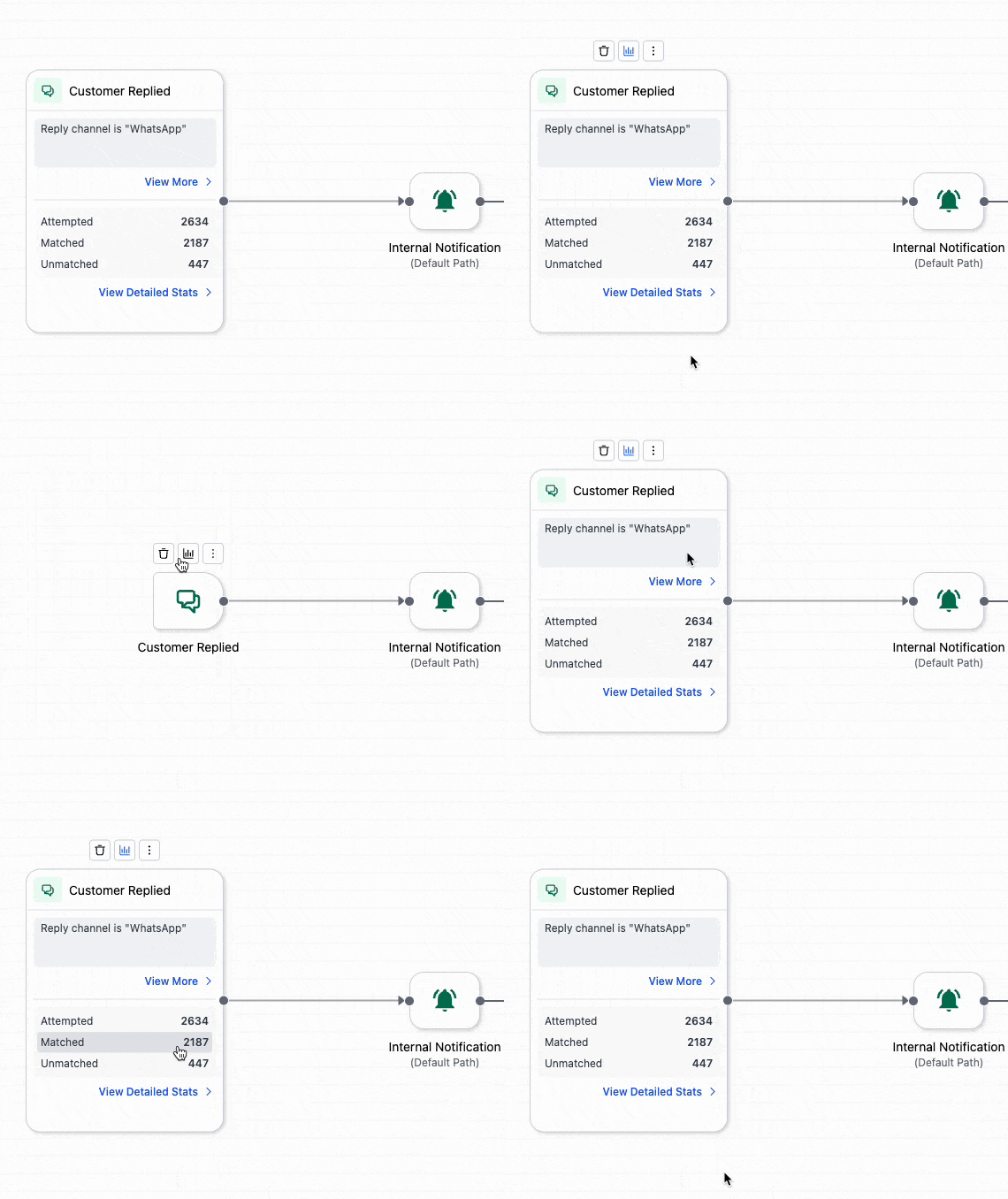
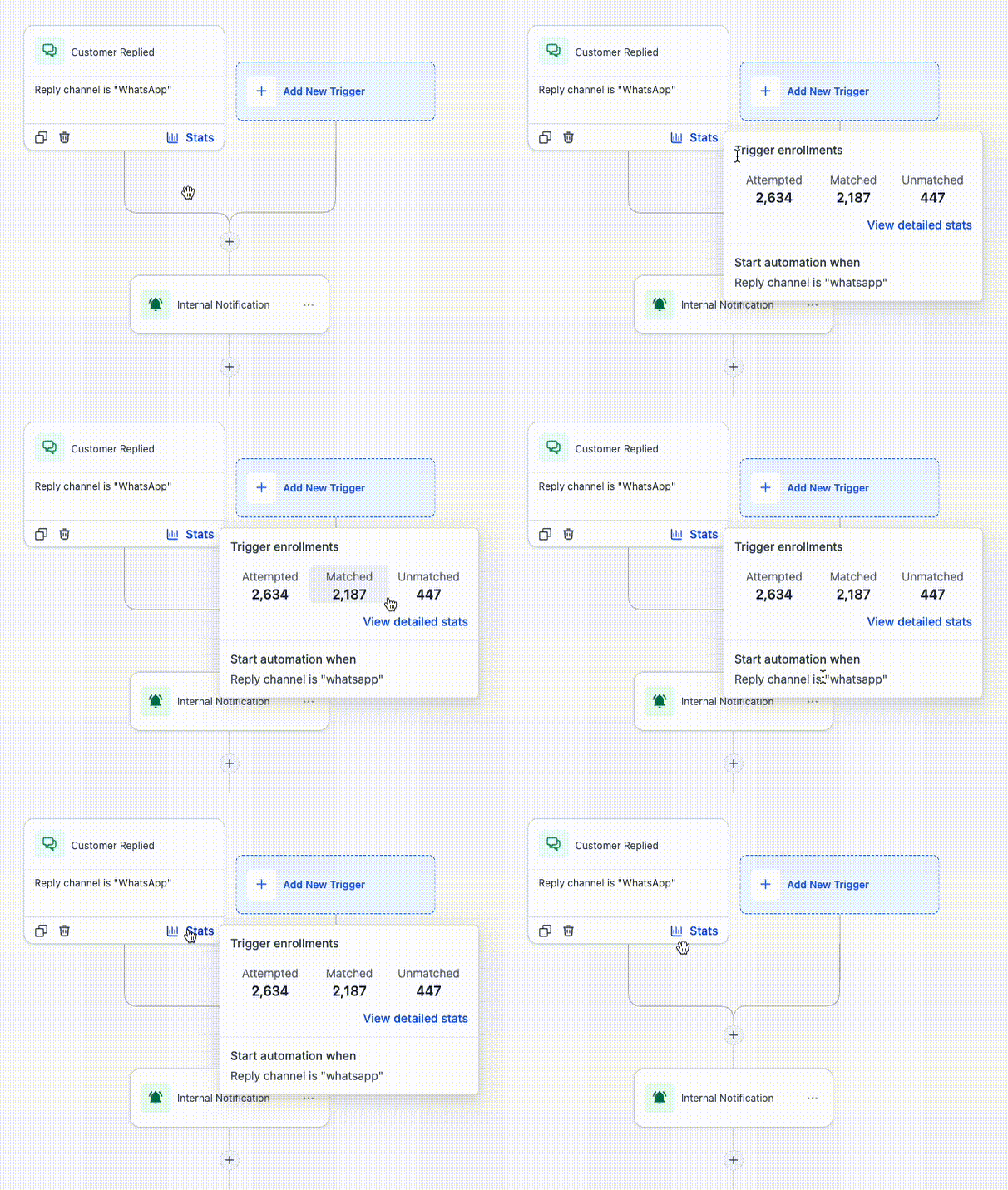
We’ve enhanced the Trigger Stats experience in the workflow builder, making it easier to view and understand trigger enrolment activity without having to leave the workflow. You can now access a built-in stats view directly on the trigger, allowing you to quickly assess enrolment performance, including contacts attempted, matched, and unmatched based on filtering criteria.
The stats section for each trigger provides a concise overview of how contacts are progressing through that trigger. From there, you can access a full dashboard to examine attempted enrolments, matched and unmatched contacts, contact-level details, top unmatched reasons, and search results for specific contacts.
- Open a workflow and click on the trigger in the builder.
- Access the stats section to view trigger enrolment details.
- Click on any of the stats or the detailed stats view to review contacts, filter results, and check unmatched reasons.
Trigger Stats helps you ascertain whether contacts are entering a workflow as expected and highlights where filters might be obstructing enrolment. With this improvement, it’s significantly quicker to identify patterns, investigate specific contacts, and troubleshoot trigger behaviour directly from the builder.
- Available in both the standard builder and advanced builder.
- The detailed view displays attempted, matched, and unmatched enrolments, along with top unmatched reasons.
- You can search for a specific contact to verify whether they matched and the reasons for their non-enrolment.