Store Deletion Behavior Update | Clixio Changelog
We’ve refined the store deletion experience to ensure safer and more predictable behaviour across the platform. Deleting a store will now only remove store-related pages, without affecting the rest of your website.
This update eliminates the risk of accidentally deleting the entire website when trying to delete a store.
Key Enhancements Include:
- Scoped Store Deletion
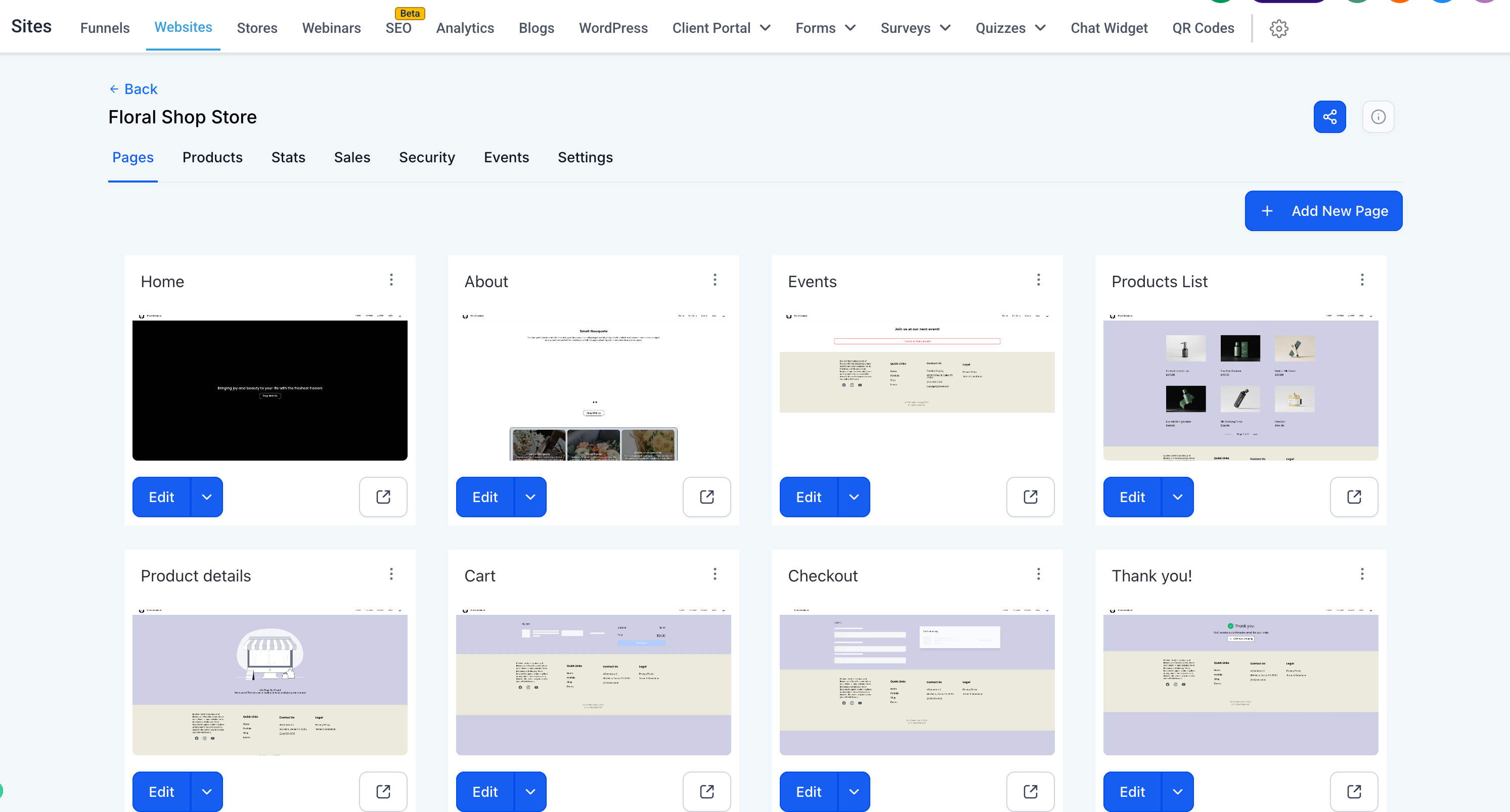
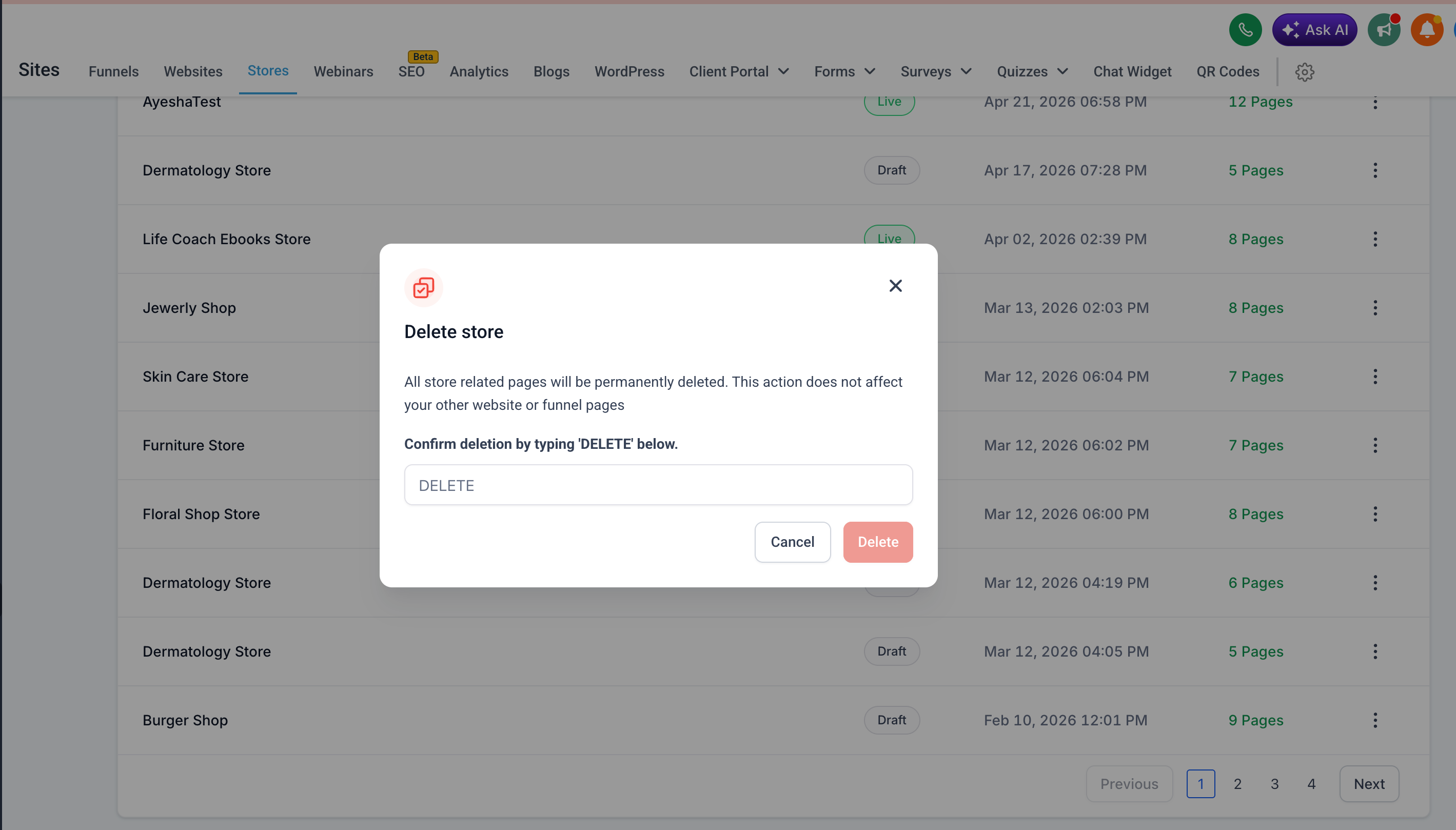
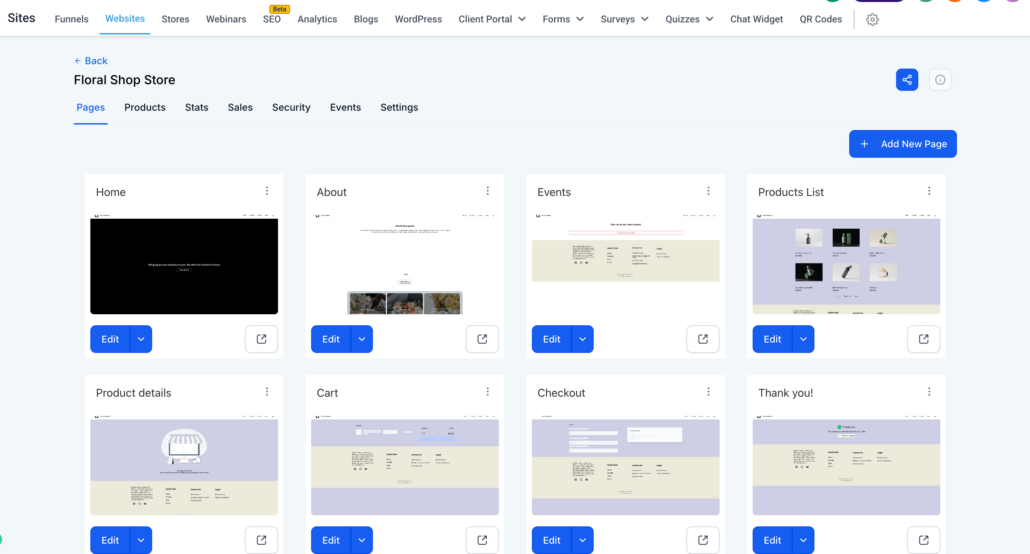
- Deleting a store from the Stores list will now only remove store-specific pages (Products List, Product Details, Cart, Checkout, Thank You).
- Your main website pages (Home, About, etc.) will remain unaffected.
- Consistent Behaviour Across Entry Points
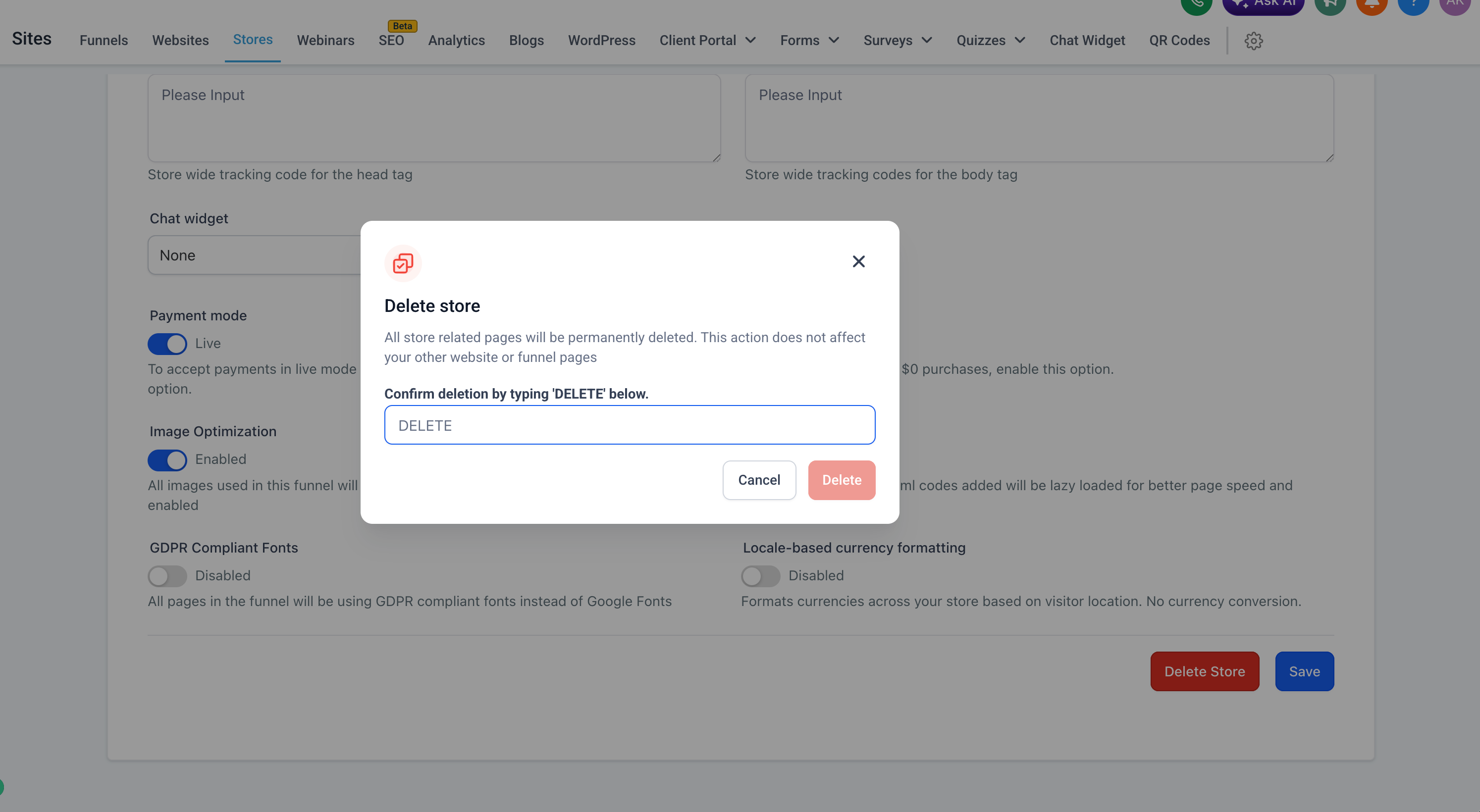
- Deleting a store from Store Settings follows the same behaviour — only store pages are deleted.
- This ensures consistency regardless of where the delete action is triggered.
- Website Deletion Remains Unchanged
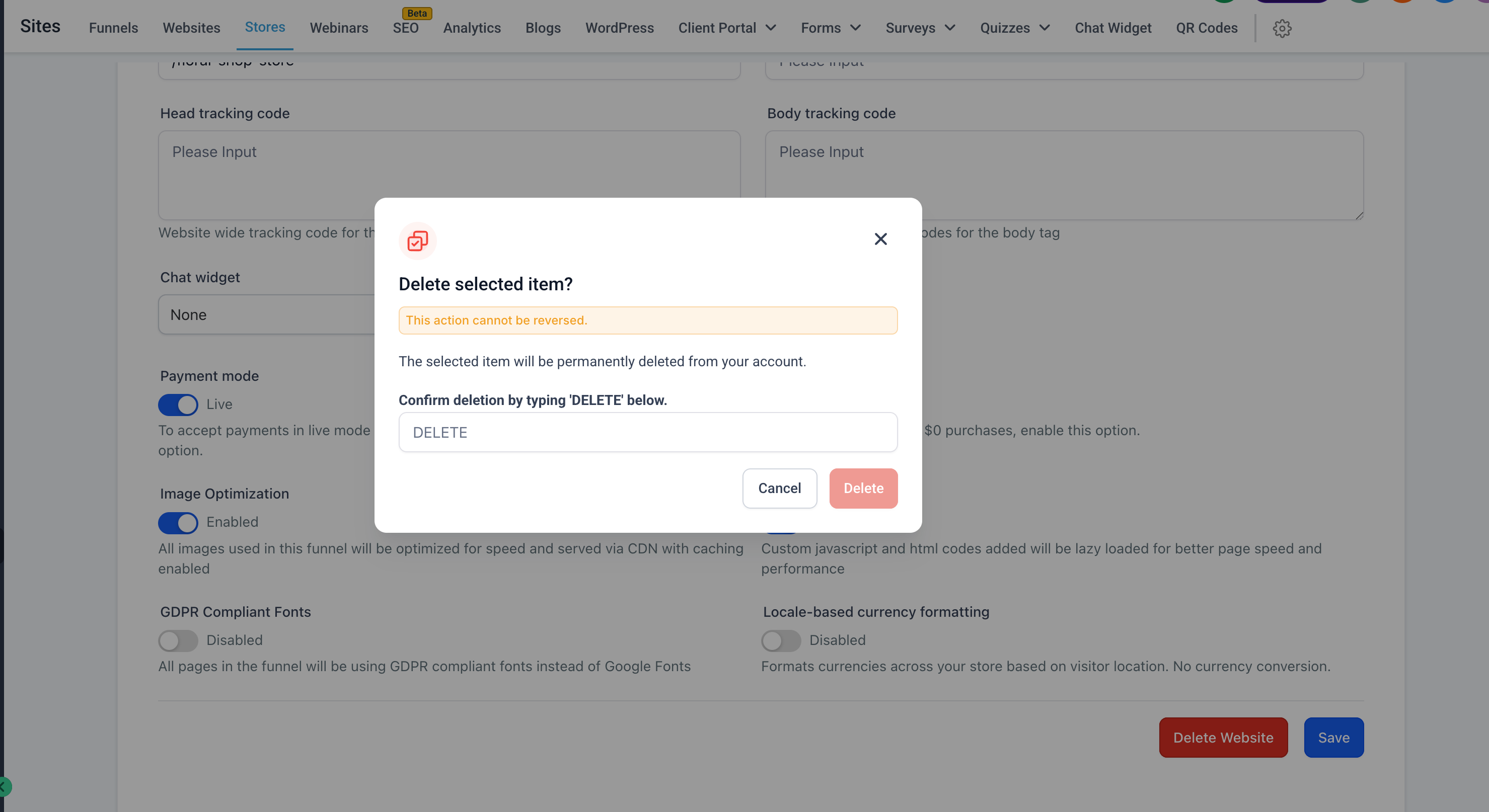
- Deleting a website from the Websites section will continue to delete the entire website, including any associated store pages.
- This establishes a clear separation between the “Delete Store” and “Delete Website” actions.
- Improved UI Clarity
- Updated delete confirmation messaging clearly communicates that only store-related pages will be deleted.
- This reduces confusion and prevents unintended data loss.
- Navigate to Stores and select the store you wish to delete.
- Click on the three-dot menu or go into Store Settings.
- Click on Delete Store.
- Type DELETE in the confirmation modal and proceed.
- Only store pages are deleted — website pages remain intact.
- This applies consistently across all store deletion entry points.
- To delete the entire website (including store pages), use the Delete Website option under Website Settings.
- This update significantly reduces the risk of accidental full-site deletion.