📣 Social Planner – Now Smarter with Watermarking & Media Optimization
We’ve supercharged the Social Planner with two powerful enhancements — Media Optimisation and Watermarking — designed to eliminate the friction from multi-platform posting.
No more jumping between design tools, resizing images, or manually editing assets for every channel. With just one upload, your media is automatically optimised to meet the exact specs of each platform — saving time, effort, and creative headaches.
Whether you’re managing one brand or many, these updates make your social workflow faster, smarter, and effortlessly on-brand — all from your mobile app.
What’s New in Social Planner?
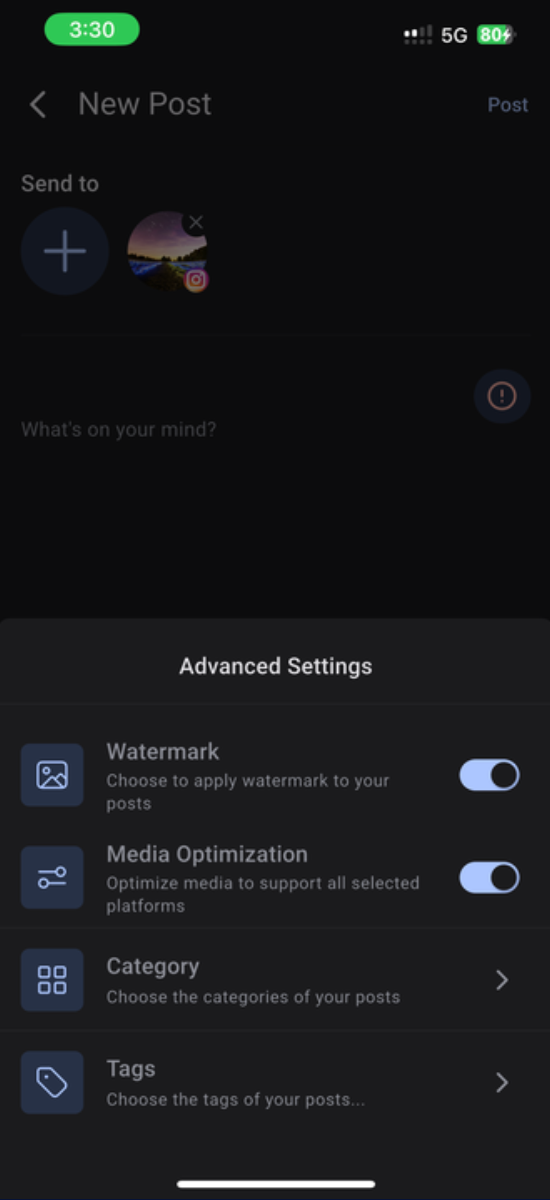
🖼️ Watermarking (Now on Mobile)
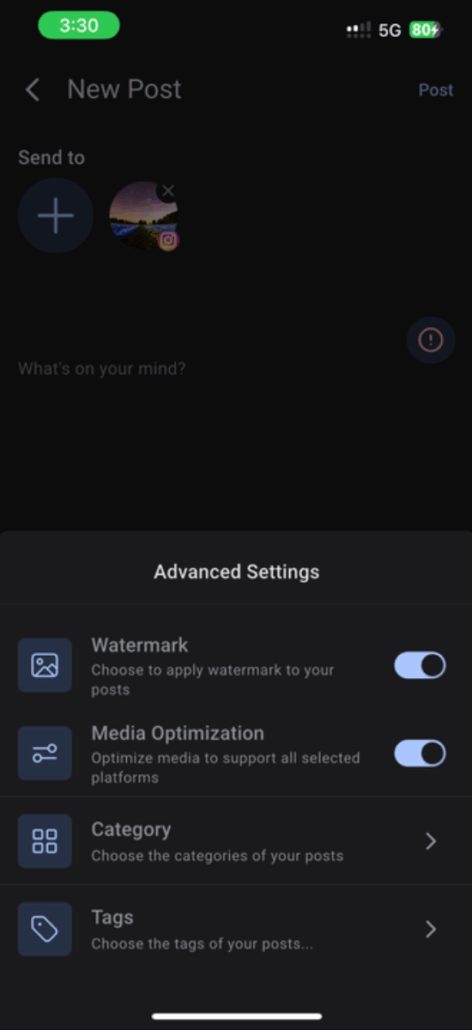
Apply your pre-configured watermark (set on the desktop) to every image in your social post. This ensures your logo or brand tag appears across all content, no matter the channel. Just toggle the Watermark option under Advanced Settings while creating a post on mobile.
• ✅ Consistent branding across platforms
• ✅ No need for manual edits
• ✅ Works on all images in a post
Say goodbye to resizing headaches. With Media Optimisation, your uploaded images are automatically resized and formatted to meet the unique requirements of each social platform (Instagram, Facebook, LinkedIn, etc.).
Just upload your image and toggle Optimise Media for Platforms under Advanced Settings — we’ll handle the rest.
• ✅ One media file → ready for all channels
• ✅ Skip third-party editing tools
• ✅ Eliminate rejection or crop issues
How to Use These Features?
1. Open the Social Planner in your mobile app
2. Start creating a new post and upload your media
3. Under Advanced Settings, toggle on:
- Watermark to apply your branding
- Media Optimisation to auto-format for every platform
4. Publish your post across channels
💡 Your Brand. Your Voice. Optimised.
With these enhancements, Social Planner becomes more than just a scheduler — it’s a brand consistency engine. Whether you’re posting on the go or managing multi-channel campaigns, your content now looks better, posts faster, and works harder.
Now live on Public Beta on Clixio and LeadConnector mobile apps.
Availability:
Clixio v3.96.5 and above
LeadConnector v3.96.5 and above
White Labelled apps – Update to be requested