
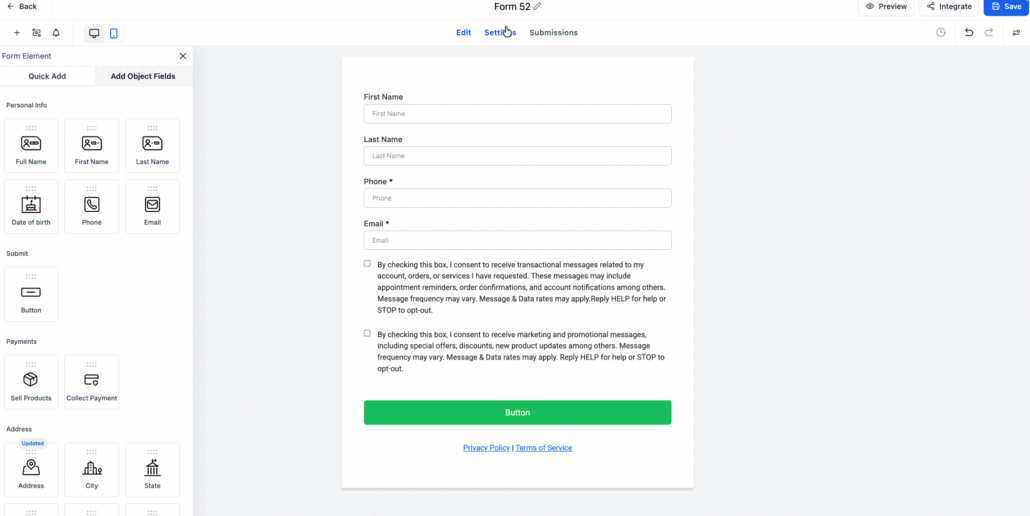
Smarter, Richer Submit Message Editor and Preview
The “On Submit” message following the submission of Forms, Surveys, or Quizzes has received a comprehensive upgrade. This includes a new editor, enhanced formatting options, and improved layouts for both Desktop and Mobile. We have also introduced a preview feature, assisting you in designing the ‘On Submit’ message and controlling its overall appearance on the actual form.
-
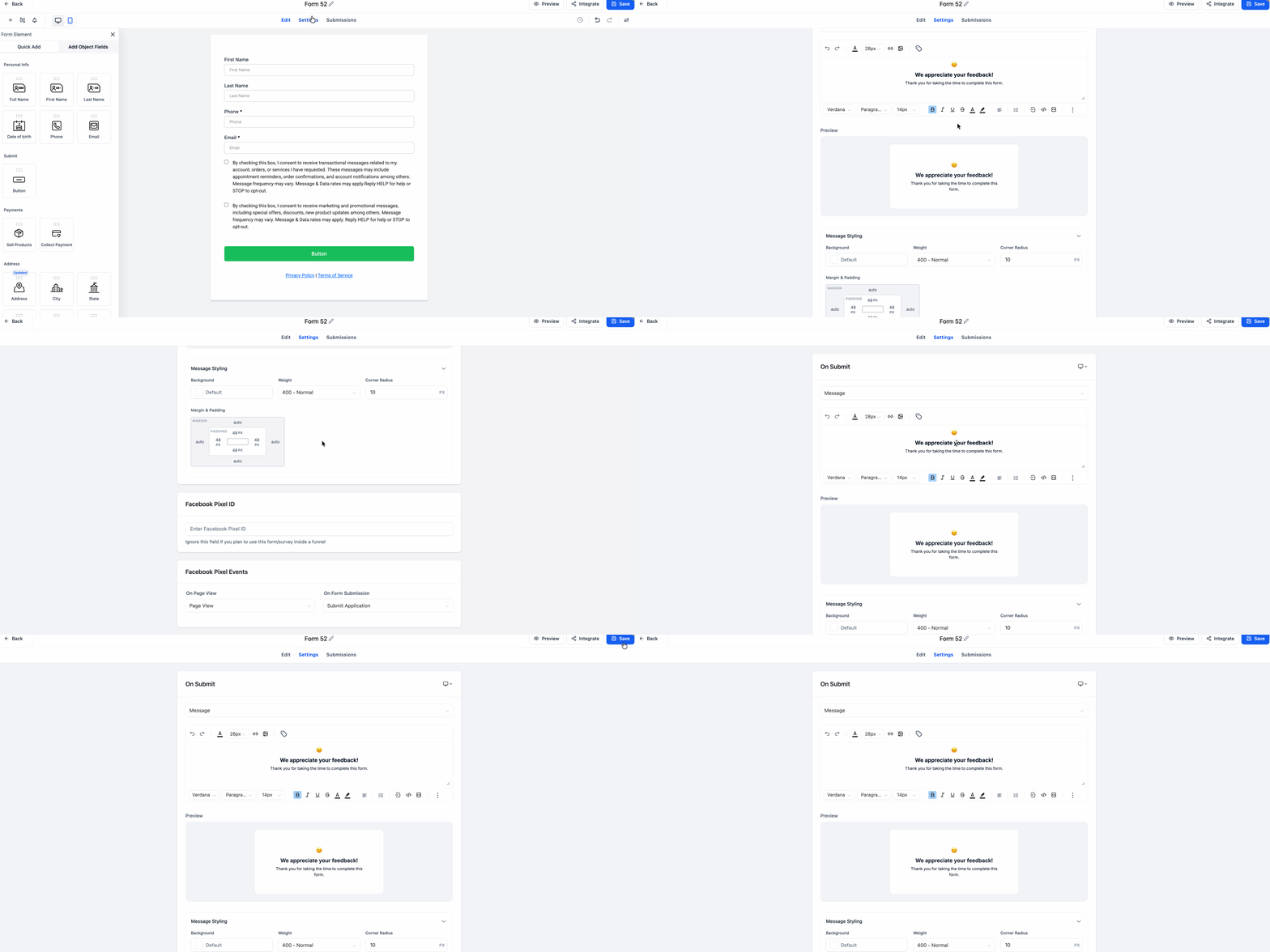
New built-in rich text editor: Format your message with inline styles such as bold, italics, font sizes, colours, emojis, and more, all within the editor. This is ideal for headings, sub-messages, and engaging feedback screens.
-
Better structure: Organise your message into a headline plus subtext, making post-submit messages more friendly, relatable, and aligned with your brand.
-
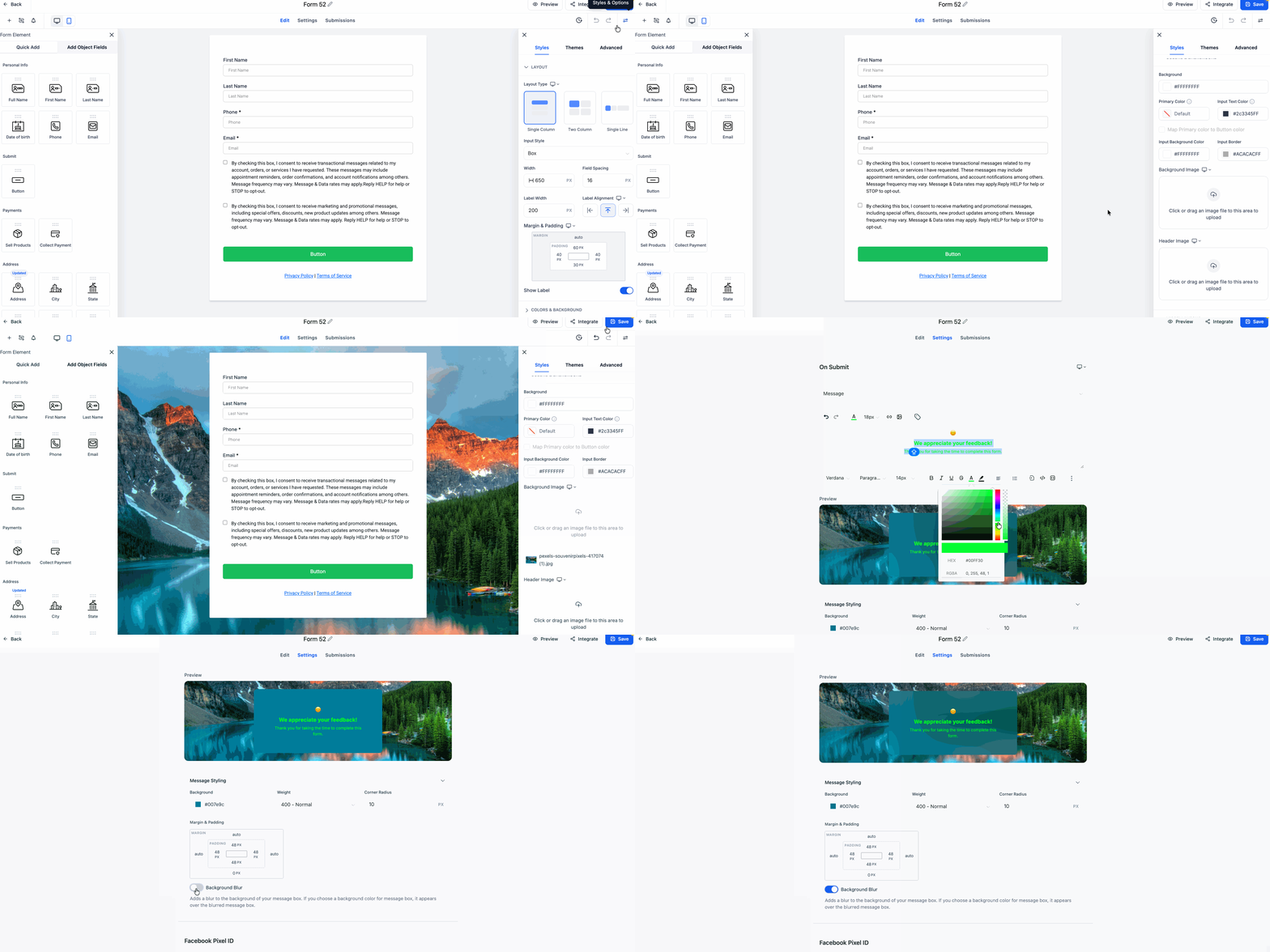
Smart background behaviour: The “Background Blur” feature creates a smooth overlay that automatically adjusts your background image with a subtle blur effect. You can disable it to use a solid colour or make the background transparent, allowing the text to overlay the image seamlessly.
-
Device-specific layout and styles: Customise background, font weight, padding, margins, corner radius, and layout for Desktop and Mobile independently. Say goodbye to one-size-fits-all styling.
-
Live visual preview: Instantly see how your message appears against your actual background image as you make edits.
- Navigate to On Submit → Message Styling
- Utilise the rich editor to compose and format your ‘On Submit’ message.
- Use the device toggle to apply different styles for Desktop and Mobile.
- Toggle “Background Blur” to activate the automatic colour blur overlay.
- Modify padding, margins, background colour, and font weight as required.
This update transforms the ‘On Submit’ screen into a more expressive and brand-consistent experience. With improved formatting, better support across devices, and a builder preview, you can create a more meaningful conclusion to your forms and ensure that every submission feels like a success.
