
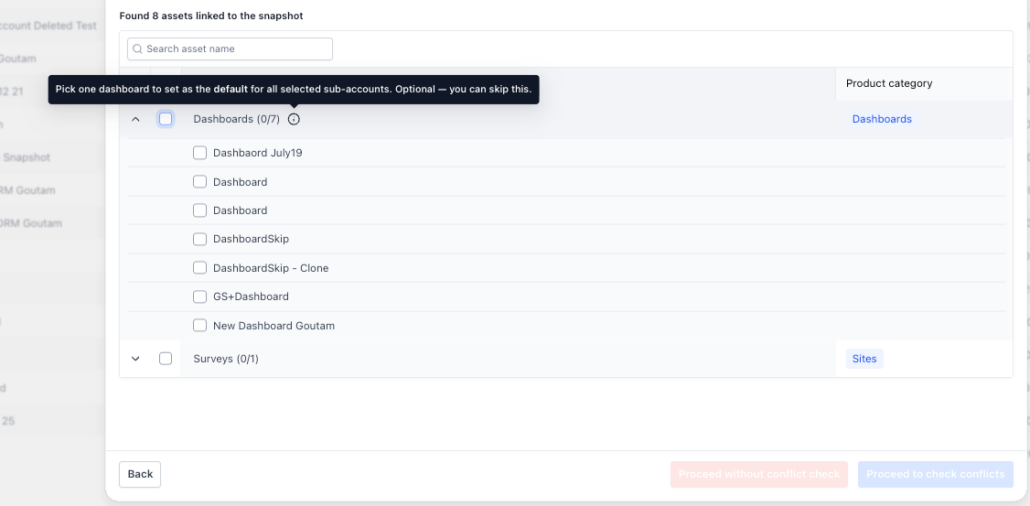
📊 Set the Default Dashboard During Snapshot Load
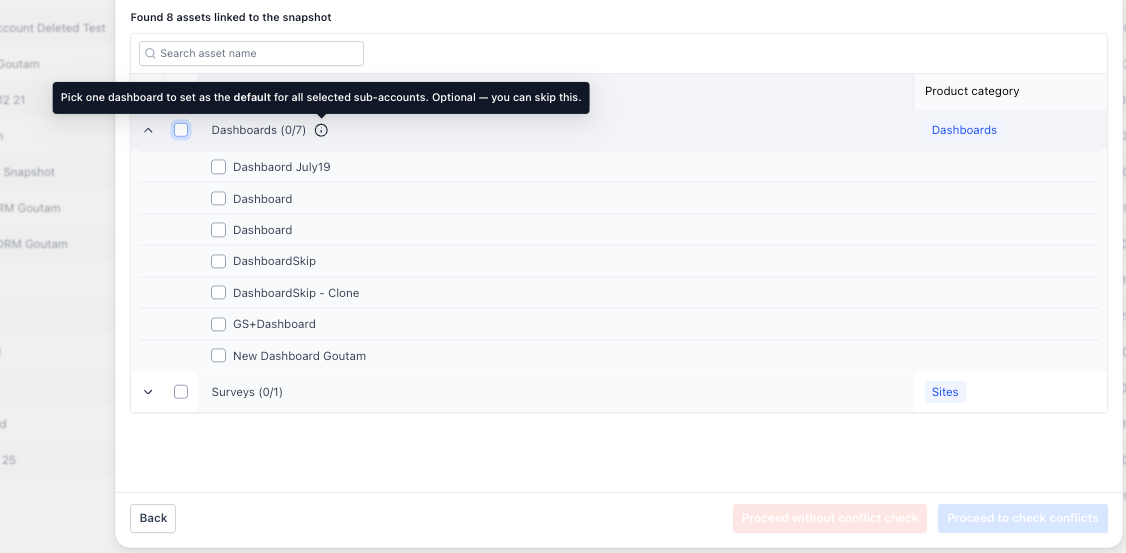
choose which dashboard becomes the default
in destination sub-accounts while loading a Snapshot — eliminating the need to update each sub-account individually afterward.
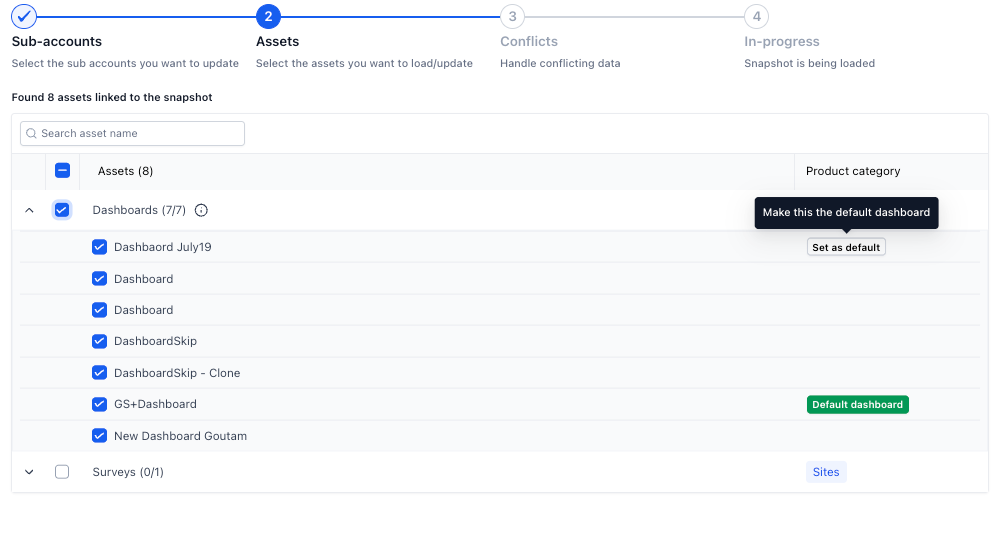
Set a dashboard as default
— Each selected dashboard now includes a
Set as default
option during Snapshot Load.
Choose one default
— Only one dashboard can be marked as default. Select another dashboard to switch the default, or deselect it to use the existing behaviour.
No change required
— If you don’t select a default, the
Snapshot’s existing default dashboard
will continue to be used.
sub-account-level setting
, requiring you to manually open each destination sub-account after loading a Snapshot.
For agencies loading Snapshots across hundreds or thousands of sub-accounts, this meant repeating the same configuration over and over.
once during Snapshot Load and apply it everywhere
.
🚀 What You’ll Benefit From
Save time at scale
— Set the default dashboard once, whether you’re loading to 10 sub-accounts or 1,000.
Consistent setup
— Ensure every destination sub-account starts with the intended dashboard.
Fewer manual steps
— No need to visit individual sub-accounts after the Snapshot is loaded.
No disruption to existing workflows
— If you’re happy with the Snapshot’s current default dashboard, simply leave the setting unchanged.
Snapshot Load
, select the dashboards you want to copy and click
Set as default
on the dashboard you want as the destination’s default.
Tip:
Make sure the selected dashboard has the appropriate view permissions for users in the destination sub-accounts.