Services (v2) 🚀 Date-Based Booking Window is now live!
You can now control your booking availability with specific start and end dates, allowing for more precise management of when customers can book.
—
✨ What’s New
- Select between a Days-based or Date-based booking window.
- Set a fixed start and end date for availability.
- Prevent automatic opening of new dates beyond your defined range.
—
🔐 How It Works
- Days-based mode (existing) continues to display a rolling availability window that updates automatically.
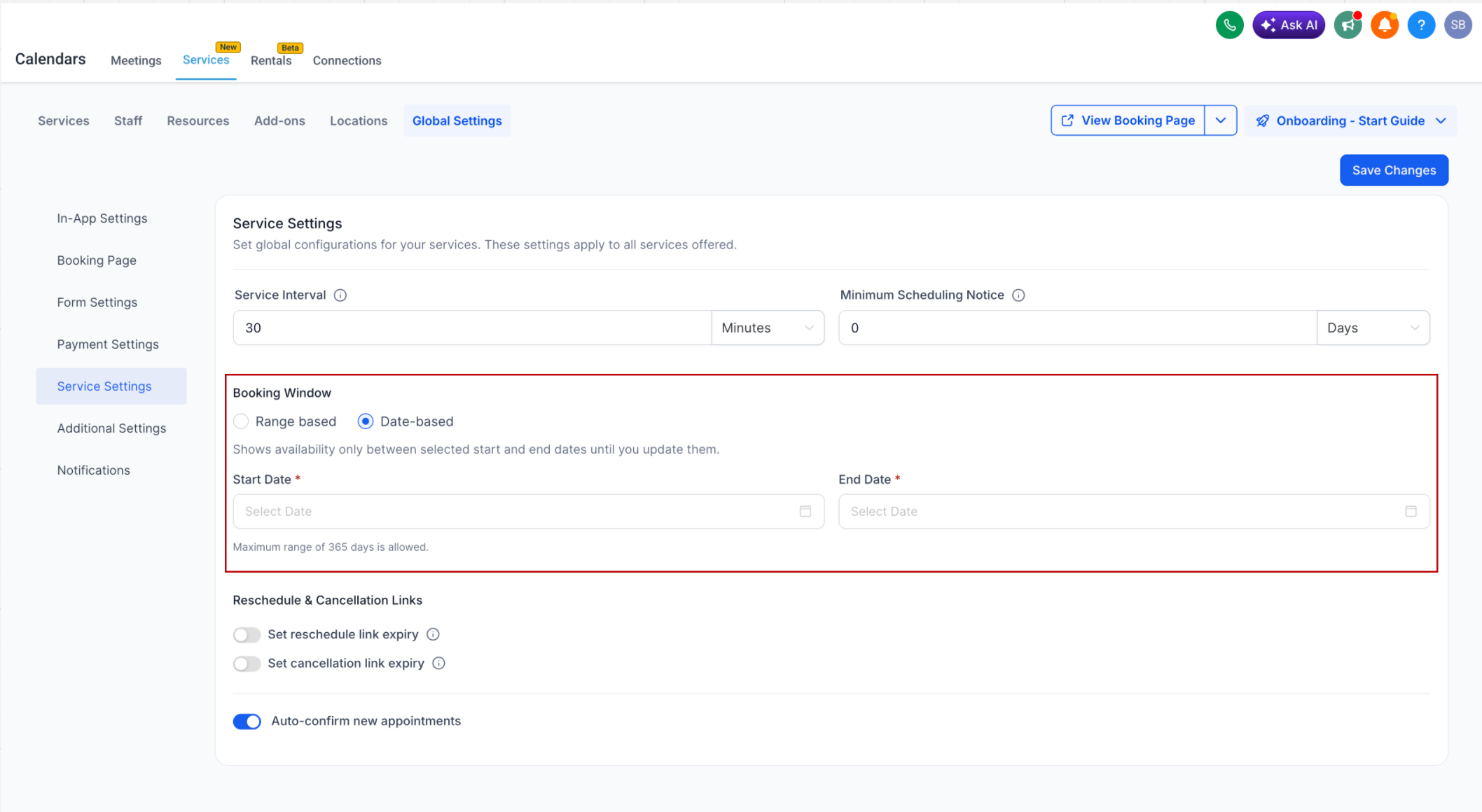
- Date-based mode (new) lets you specify a fixed booking window using start and end dates.
- Only dates within the selected range are bookable, and the window will not update unless changed.
- If no availability is set within the range, the calendar will indicate no available slots.
- Date range must be valid, with a maximum limit of 365 days.
—
🛠 How To Use
- Navigate to Services → Global Settings → Service Settings.
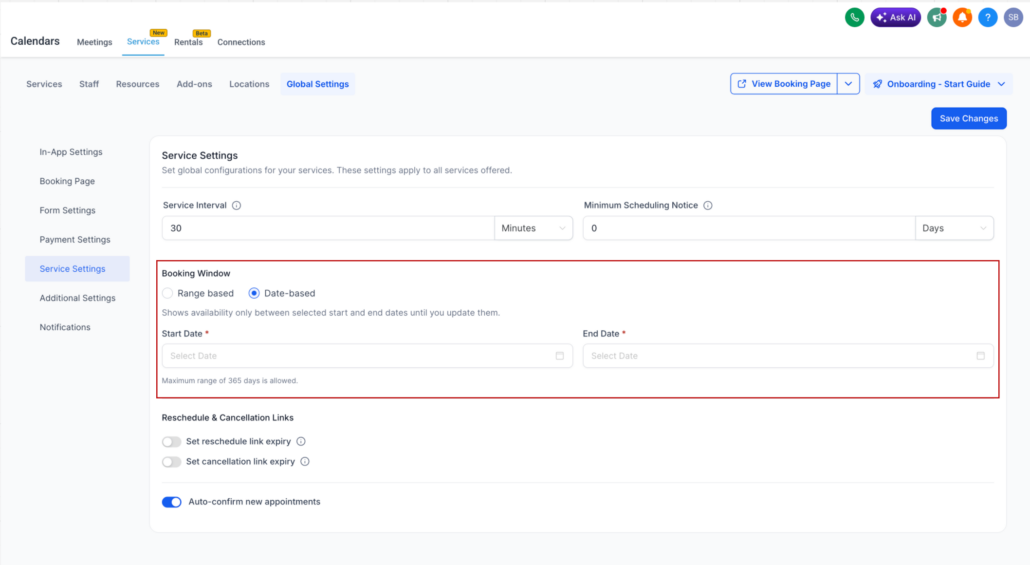
- Under Booking Window, select Date-based.
- Specify your Start Date and End Date.
- Save your changes.
—
🎯 Why This Matters
- Greater control over booking availability.
- Prevents unintended bookings on unconfigured future dates.
- Ideal for seasonal schedules, campaigns, or limited-time availability.
- Ensures your calendar reflects exactly what you want customers to see.