Schema markup auto-generation on Website, Funnel & Webinar publish
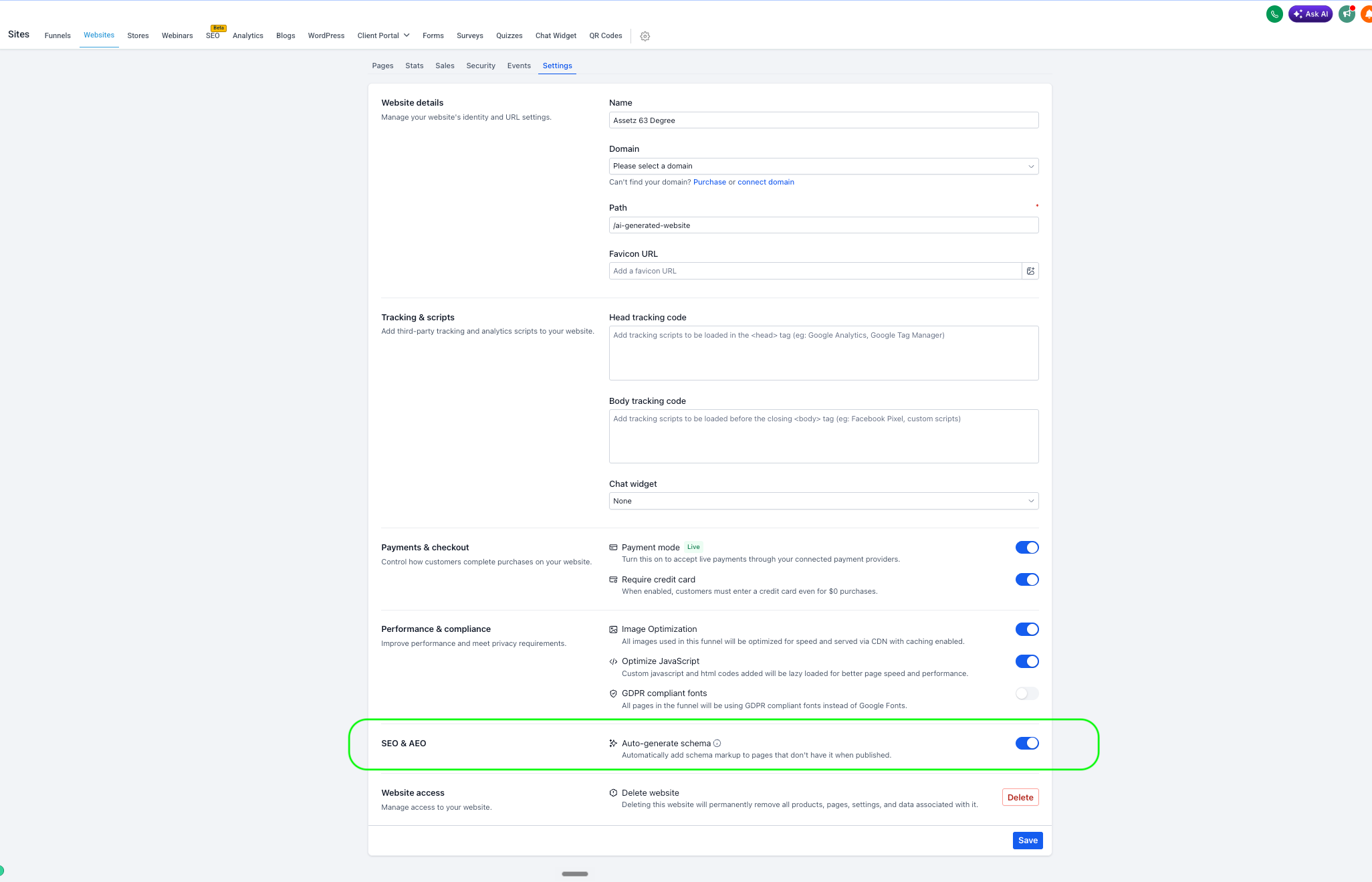
We have introduced a new setting — **Auto-generate schema** — that automatically creates schema markup for any page published without it.
Previously, schema had to be added manually, one page at a time, in the editor. If you neglected to do this, the page would go live without any structured data, sacrificing SEO and AI-search (AEO/GEO) visibility.
With this update, when the setting is enabled, and you publish a page lacking schema:
- AI generates schema markup for that page automatically, in the background.
- Publishing is never delayed — the generation process runs in parallel and does not impede the page’s go-live.
- Existing schema is never overwritten.
- It operates on all page-specific publish paths — Builder Publish, save-triggered publish, and version-history publish.
- Available for Websites, Funnels, and Webinars.
Settings
, in the new
SEO & AEO
section:
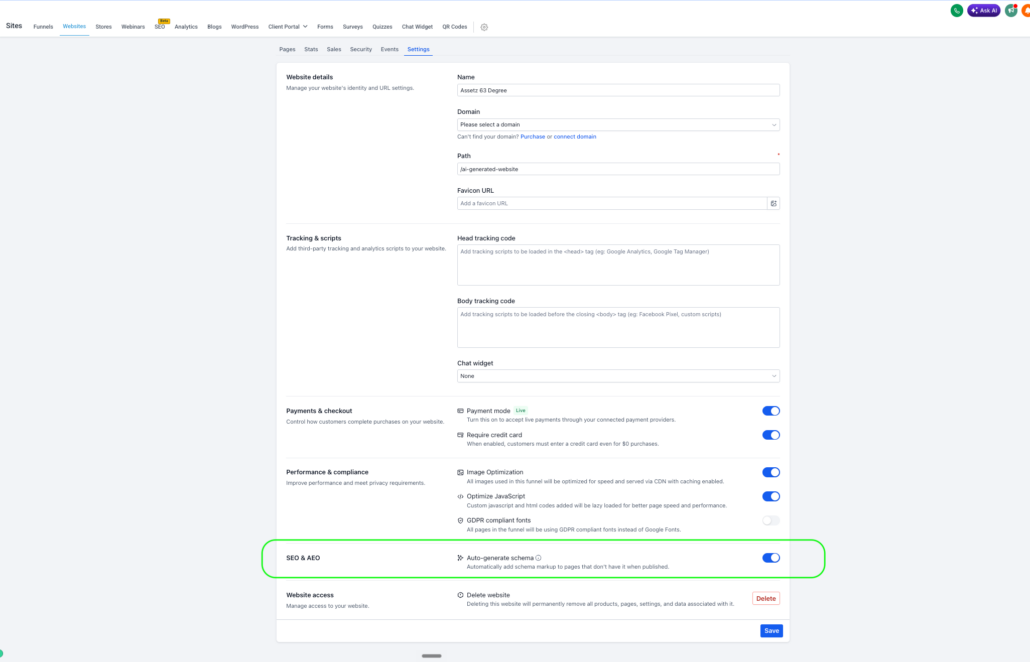
- Auto-generate schema — “Automatically add schema markup to pages that don’t have it when published.”
Schema markup enables rich results in Google and allows AI answer engines to understand and cite your pages. Many users overlook adding it. Auto-generation ensures structured data is present on every published page without any manual effort, thereby safeguarding your SEO/AEO/GEO footprint by default.
- No data loss. Existing schema is preserved and never overwritten.
- Assets created before this release: setting defaults to OFF — nothing changes unless you enable it.
- Assets created on or after this release: setting defaults to ON — new pages published without schema will receive it automatically.
- Completely under your control — toggle it for each Website, Funnel, or Webinar, and then Save.
No changes are made for existing assets — they maintain their current behaviour (OFF). If you prefer that new assets do not auto-generate, simply switch the toggle off under Settings → SEO & AEO and click Save.