
Schedule your post for your Communities from Social Planner
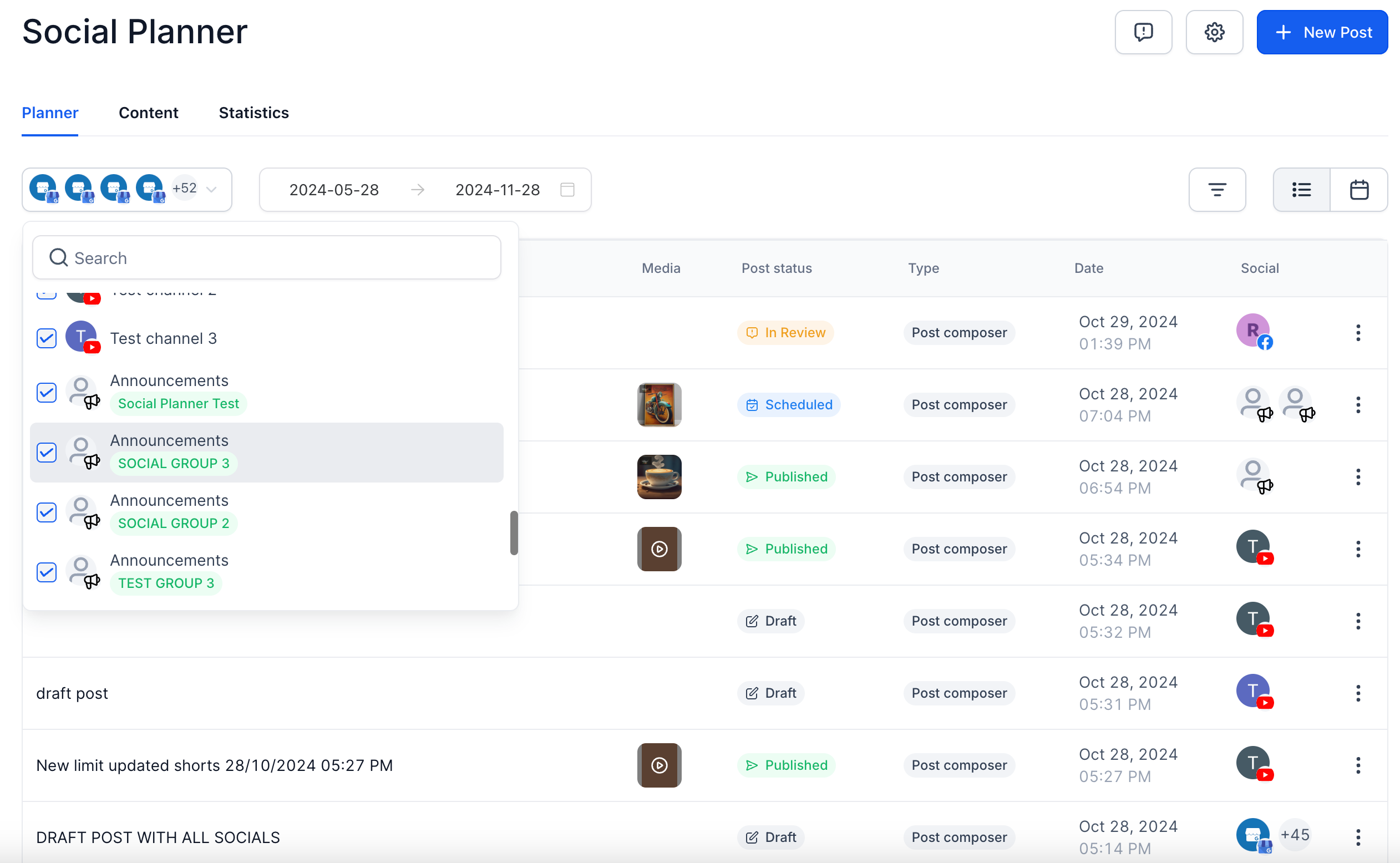
We’re thrilled to announce that now you can schedule, publish, and manage your social presence on community groups and channels using Social Planner.
This addition brings streamlined content distribution, scheduling control, and enhanced engagement, allowing users to build stronger, more consistent community interactions through Social Planner.
- Scheduled Posting: Plan and schedule your content in advance, ensuring posts go live at the optimal time for each community. This helps maintain engagement and ensures your message reaches members at the best times.
- Unified Content Management: Track and manage all posts, past and future, from a single interface. View post history, upcoming scheduled posts, and current statuses across all communities for quick adjustments and oversight.
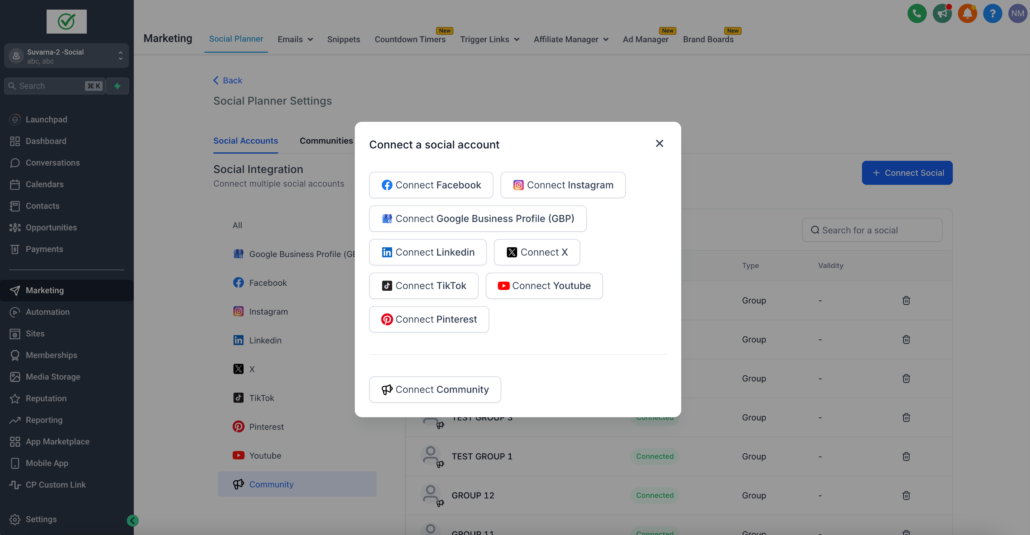
- Navigate Marketing > Social Planner
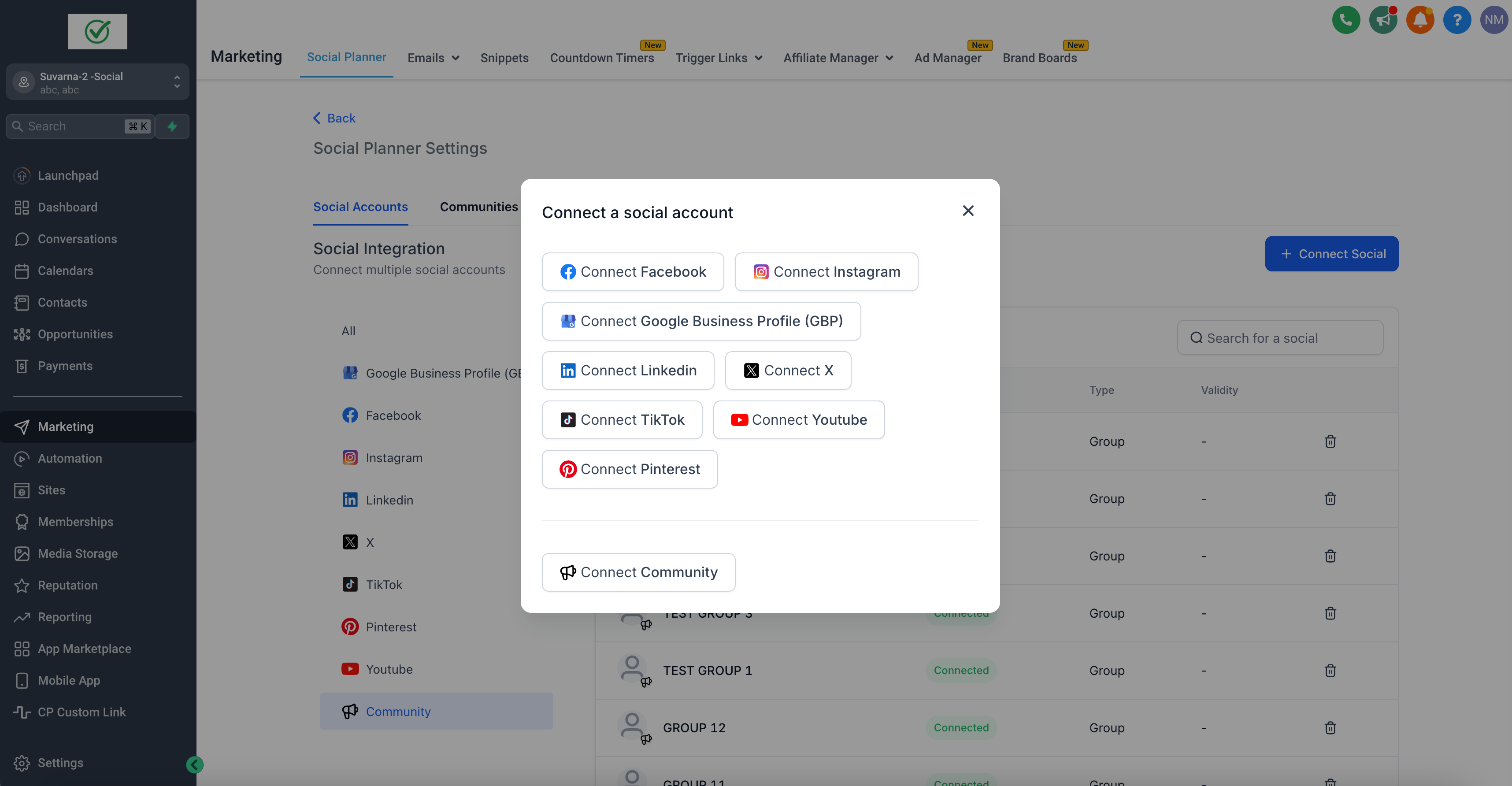
- Connect your Community Groups and Channels, users can add from ‘Settings’ page on Social Planner and add a Community group from the list of Groups available in your current location.
-
Note – Community will only be connected from the respective sub-account inside Social Planner.
- The Group and all its channels will be added to Social Planner.
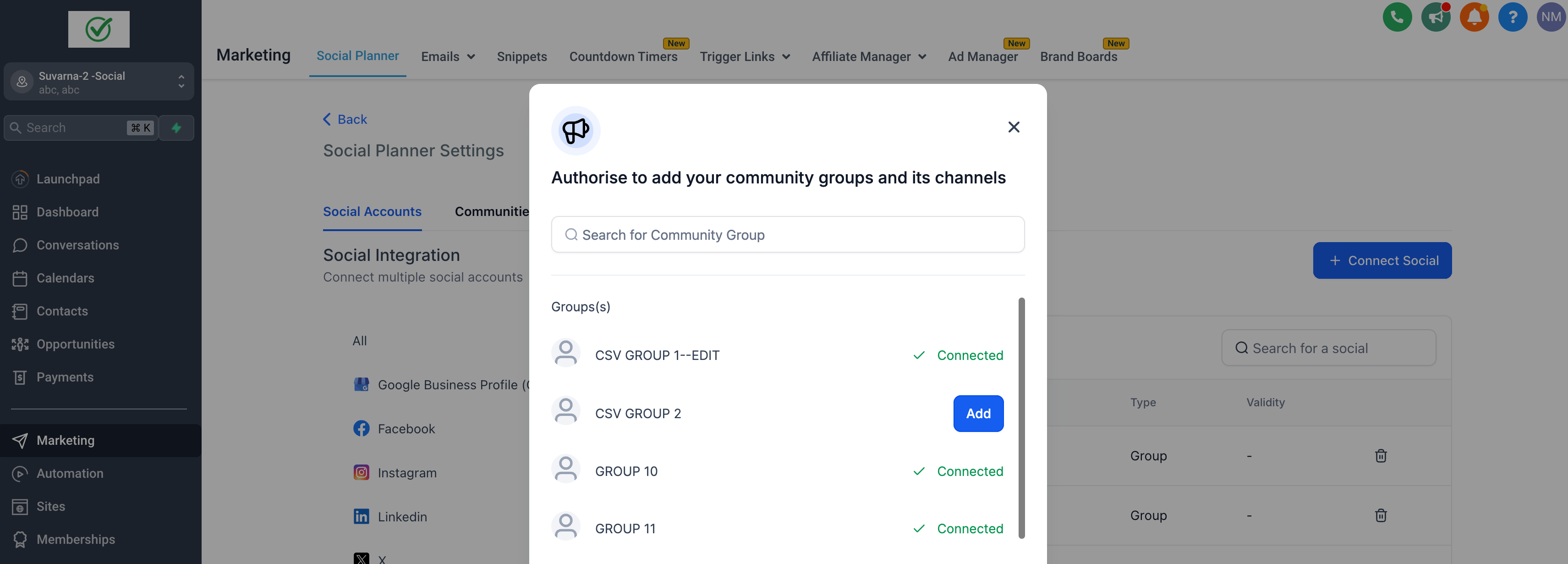
- Go to Post Composer page, multi-select the channels, and it will mention the channel belongs to which groups.
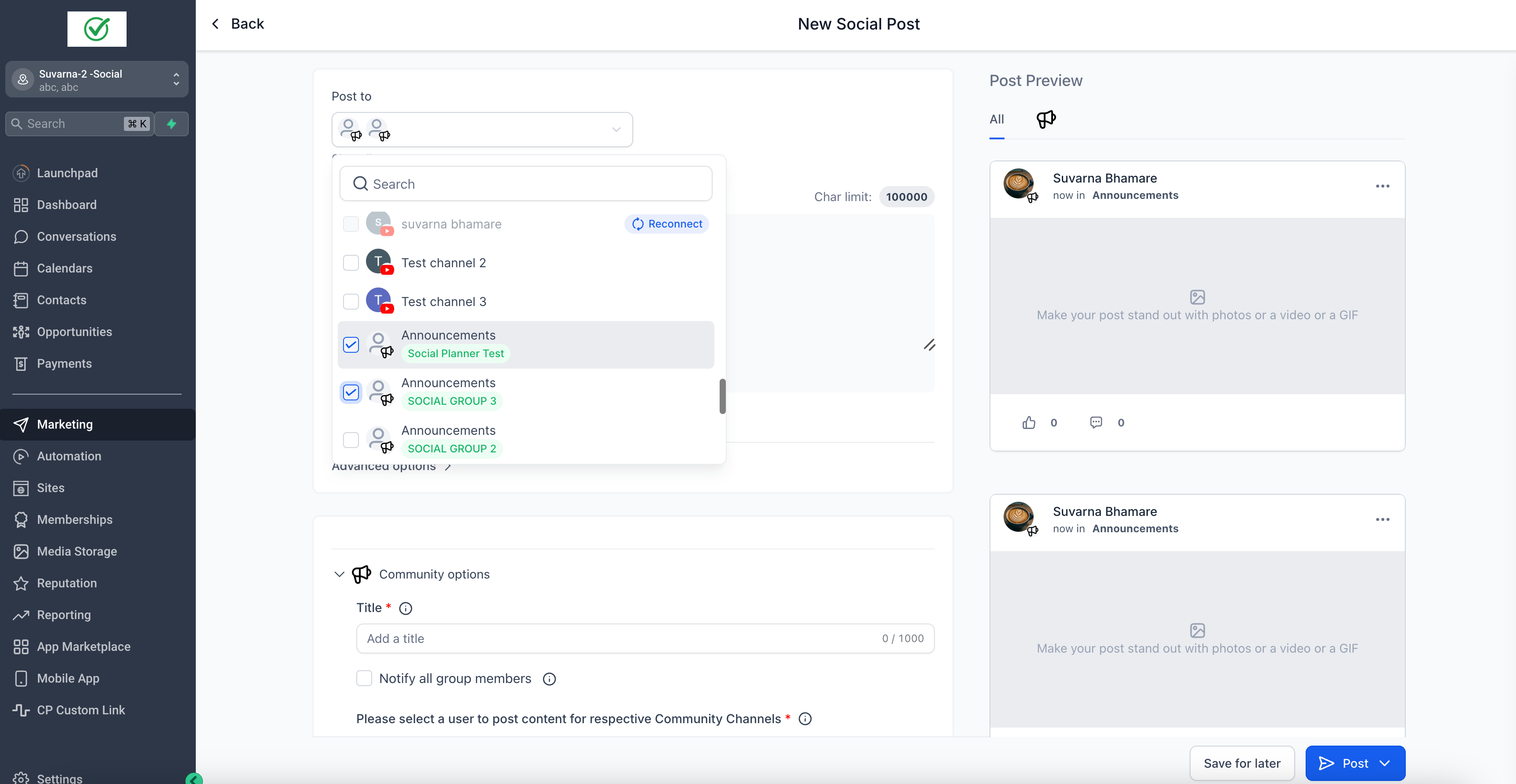
- Add your content with rich text media
- Both formats – Image and Video are allowed, 10 Image(s) or Video(s) are allowed.
- Images – The maximum size of the image is 10 MB
- Video – maximum size for video is 1 GB and duration minimum of 4 seconds.
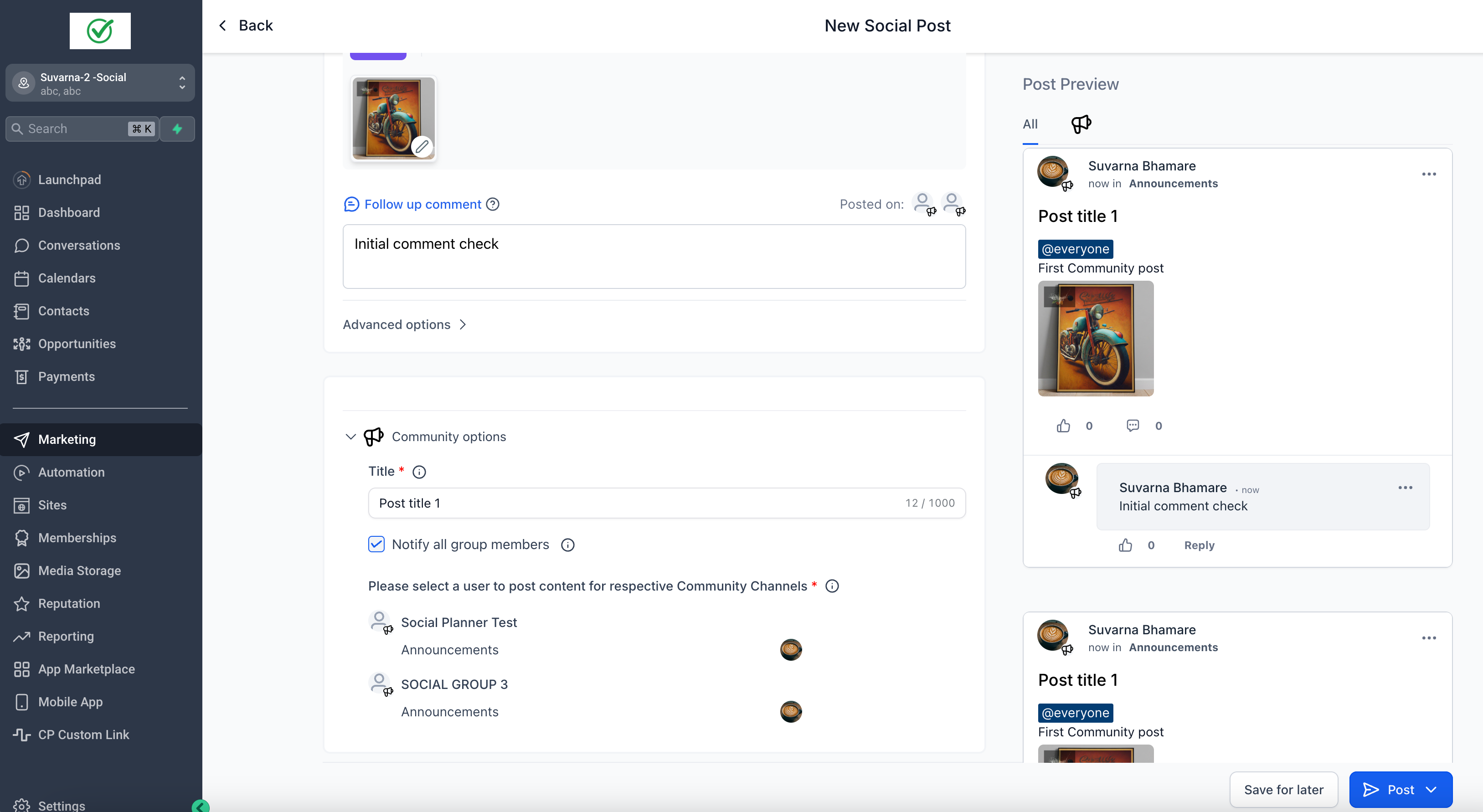
- Fill the mandatory fields such as Title and select User – you want to post as.
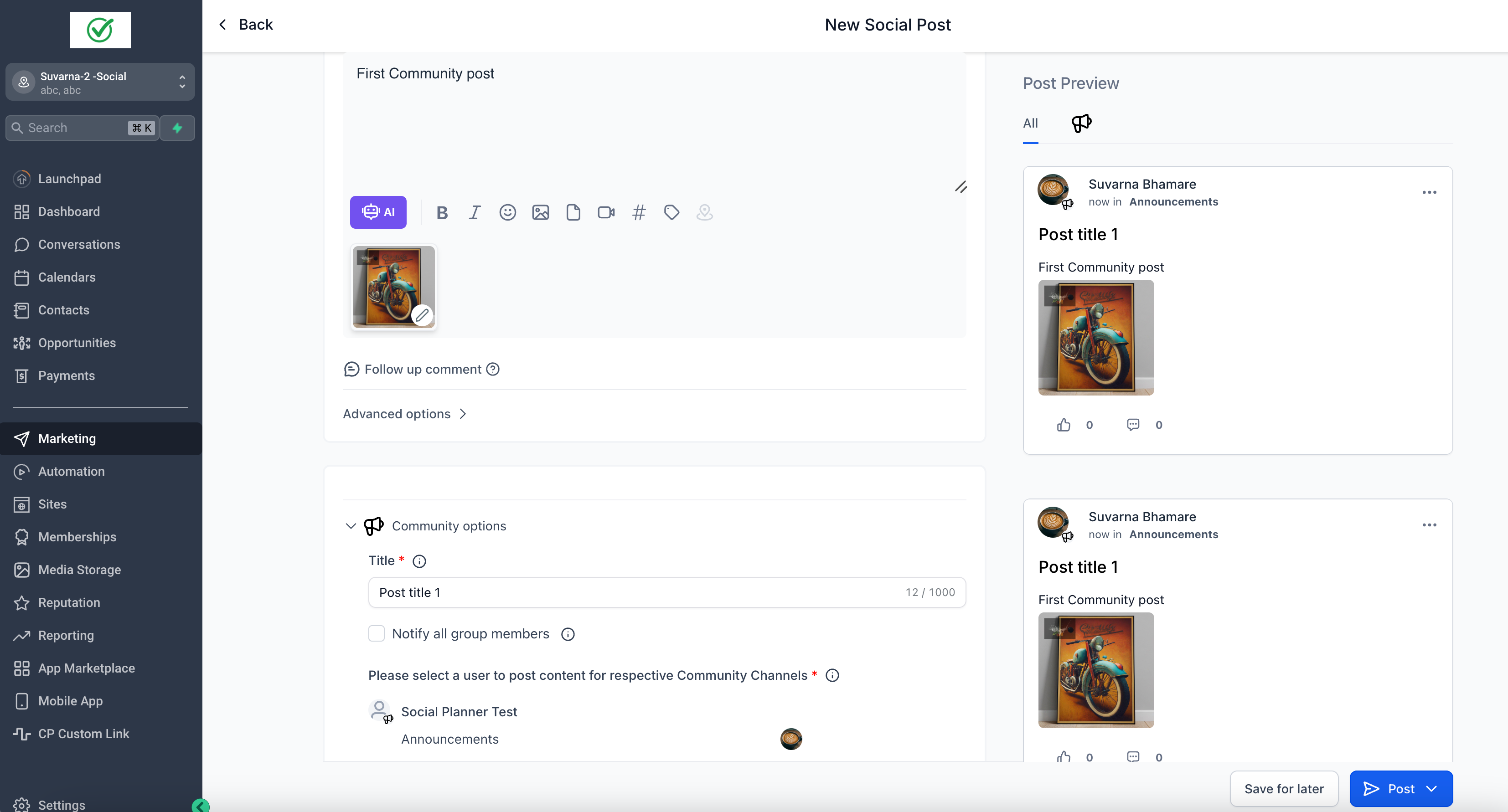
- Schedule your first community Post
-
Note – Community posting is allowed for CSV and other types of post.
Important points to note 📔
- If there are new Channels or changes to Group/Channel details, it will not auto-populate in Social Planner. The user will have to go to Social Planner Settings > Communities to re-sync the groups and channels.
- In Post Composer area, there is an option to add a user on whose name the post will be published. In Social Planner Settings > there will be an option to go to Communities > you can select default users who will be used when you create a new social post.
Few Help Articles –