Save Progress – Forms, Surveys & Quizzes
Long forms have just become a lot more user-friendly! 🎉 With the new Save Progress feature, respondents can safely leave a multi-step Form, Survey, or Quiz and return later to continue from where they left off. Simply enable the feature with a toggle, and we’ll handle the rest.
✨ What’s New
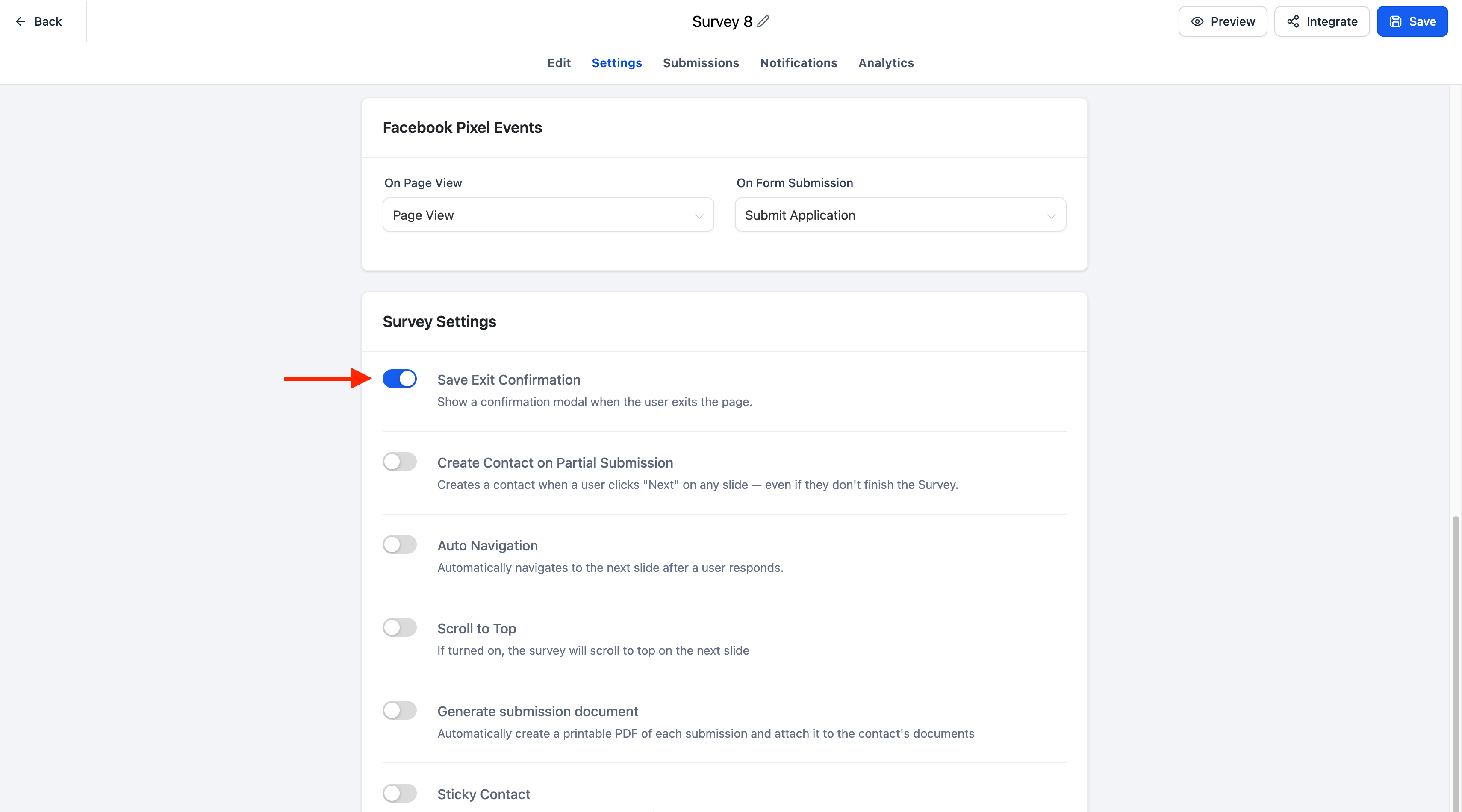
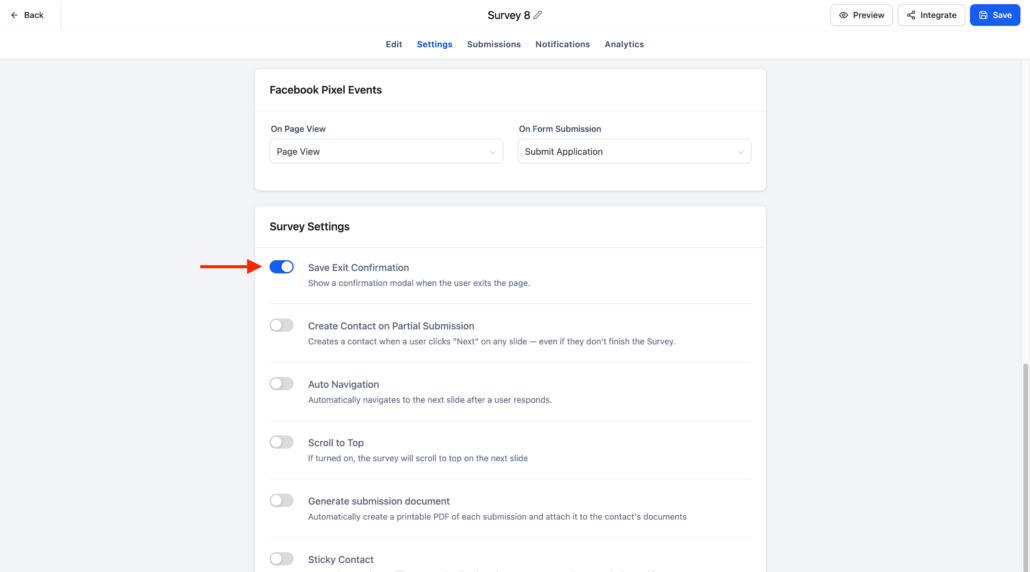
A new Save Exit Confirmation toggle is now available in the Settings tab for:
When enabled, respondents’ progress is automatically saved if they leave before submitting, allowing them to effortlessly resume their submission later.
🌟 Key Highlights
- Automatically saves progress for multi-step Forms, Surveys, and Quizzes
- Easily enable or disable the feature using the Save Exit Confirmation toggle
- Respondents can return later and pick up where they left off
- A Resume Modal allows respondents to choose between continuing or starting over
- The Resume Progress modal automatically matches your Form, Survey, or Quiz branding:
- CTA button colour inherits the configured footer colour
- Text font matches the configured label font
- Fully supported across both desktop and mobile experiences
⚙️ How It Works
- Open the Settings tab for your Form, Survey, or Quiz.
- Enable the Save Exit Confirmation toggle.
- Respondents begin filling out a multi-step Form, Survey, or Quiz.
- If they close the browser, refresh the page, or navigate away before submitting, their progress is automatically saved.
- When they return to the same Form, Survey, or Quiz, a Resume Progress modal appears, allowing them to:
- Continue from where they left off, or
- Start Over with a new submission
📋 Notes
- Save Progress is available for multi-step Forms, Surveys, and Quizzes.
- The feature is controlled using the Save Exit Confirmation toggle in the Settings tab.
- Progress is automatically saved only when the feature is enabled.
- The Resume Progress modal is automatically styled to match your Form, Survey, or Quiz branding.
- Existing Forms, Surveys, and Quizzes will remain unchanged until the feature is explicitly enabled.