
Retry Failed Posts in Social Planner
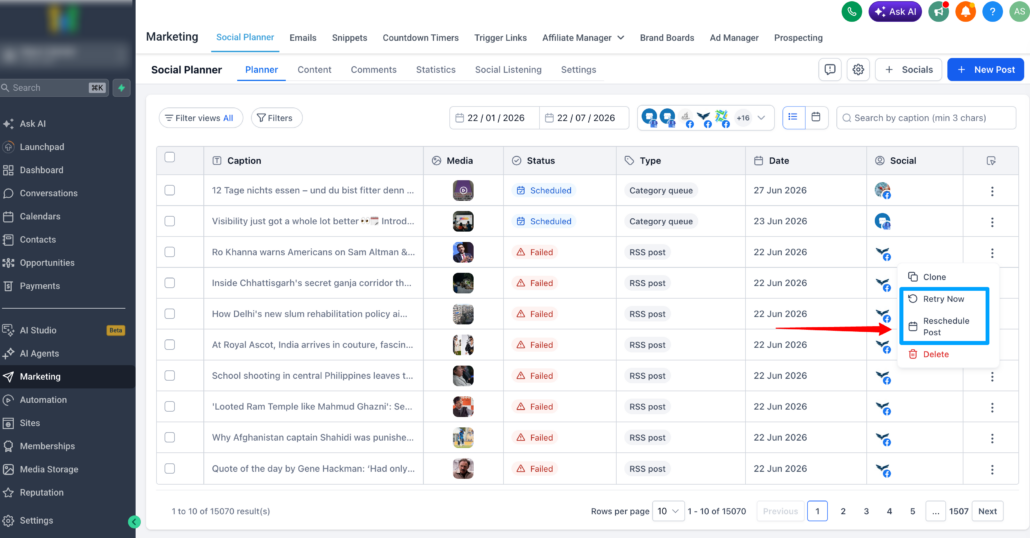
With Retry Failed Posts, you can now quickly retry or reschedule failed publishing attempts directly from Social Planner, without the need to clone posts or recreate content from scratch.
🚀 What’s New
- Instantly Retry Posts
When a post fails to publish, you can select “Retry Now” to attempt publishing again using the original content, settings, and connected accounts.
If the retry is successful, the post will automatically move to the Published state.
- Reschedule Failed Posts
Select “Reschedule Post” and choose a new future date and time. The failed post will revert to the Scheduled state and will publish at the updated time.
- Quick Recovery Actions
Failed posts now feature dedicated recovery options directly within the post actions menu. Access these recovery actions from:
- List View
- Grid View
- Post Preview
No longer will you need to clone posts or rebuild content to recover from temporary publishing issues.
👷 How to Use This Feature
- Go to Marketing → Social Planner
- Open the Failed Posts section
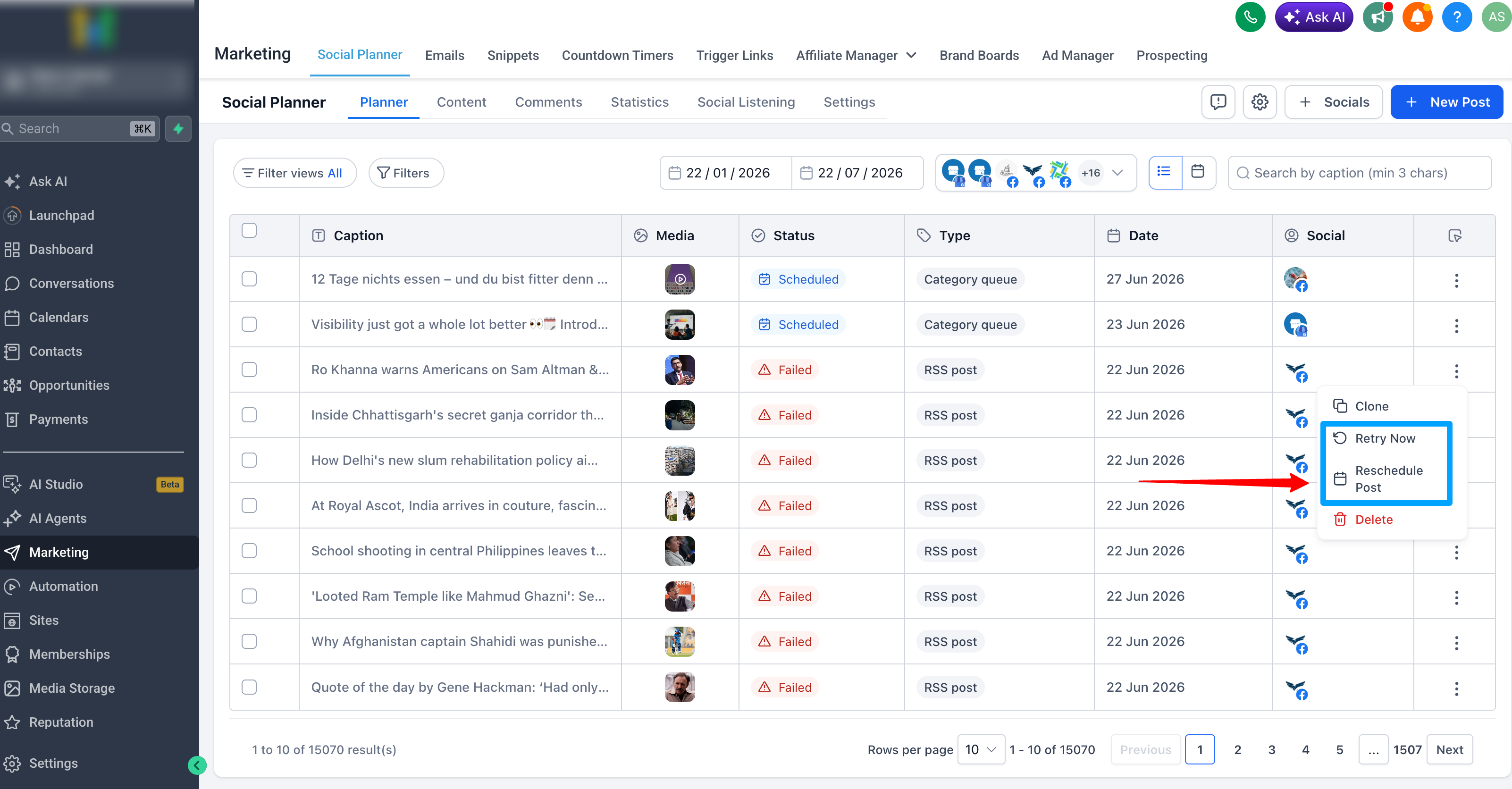
- Click the 3-dot menu on a failed post
- Choose one of the following:
- Retry Post Now
- Reschedule Post
💡 Why It Matters
- Recover from publishing failures more rapidly
- Eliminate the need to clone and recreate posts
- Keep campaigns running with minimal disruption
- Improve efficiency for agencies managing multiple social accounts
- Reduce dependency on support for common publishing issues
📝 Notes
- Available only for posts in the Failed state
- Bulk retry actions are not included in this release
- Automatic retries are not currently supported