Quick Add Fields & Edit Custom Fields in Form/Survey Builder 🤩
We are excited to announce the Quick Add Fields & Edit Custom Fields feature in our form/survey builder. This enhancement simplifies the process of adding and managing custom fields, making it more efficient and user-friendly.
Quick Add Custom Fields:
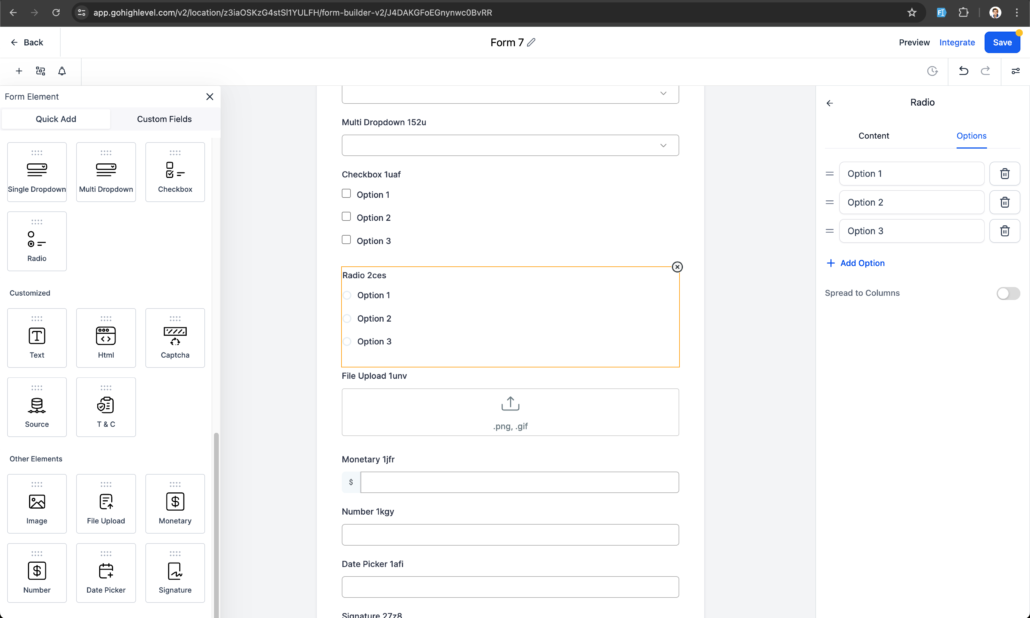
Previously, adding custom fields required multiple steps through the Add Custom Field modal. Now, with Quick Add, you can easily create custom fields by dragging and dropping them into the form.
Custom Fields which we can be draggable now :
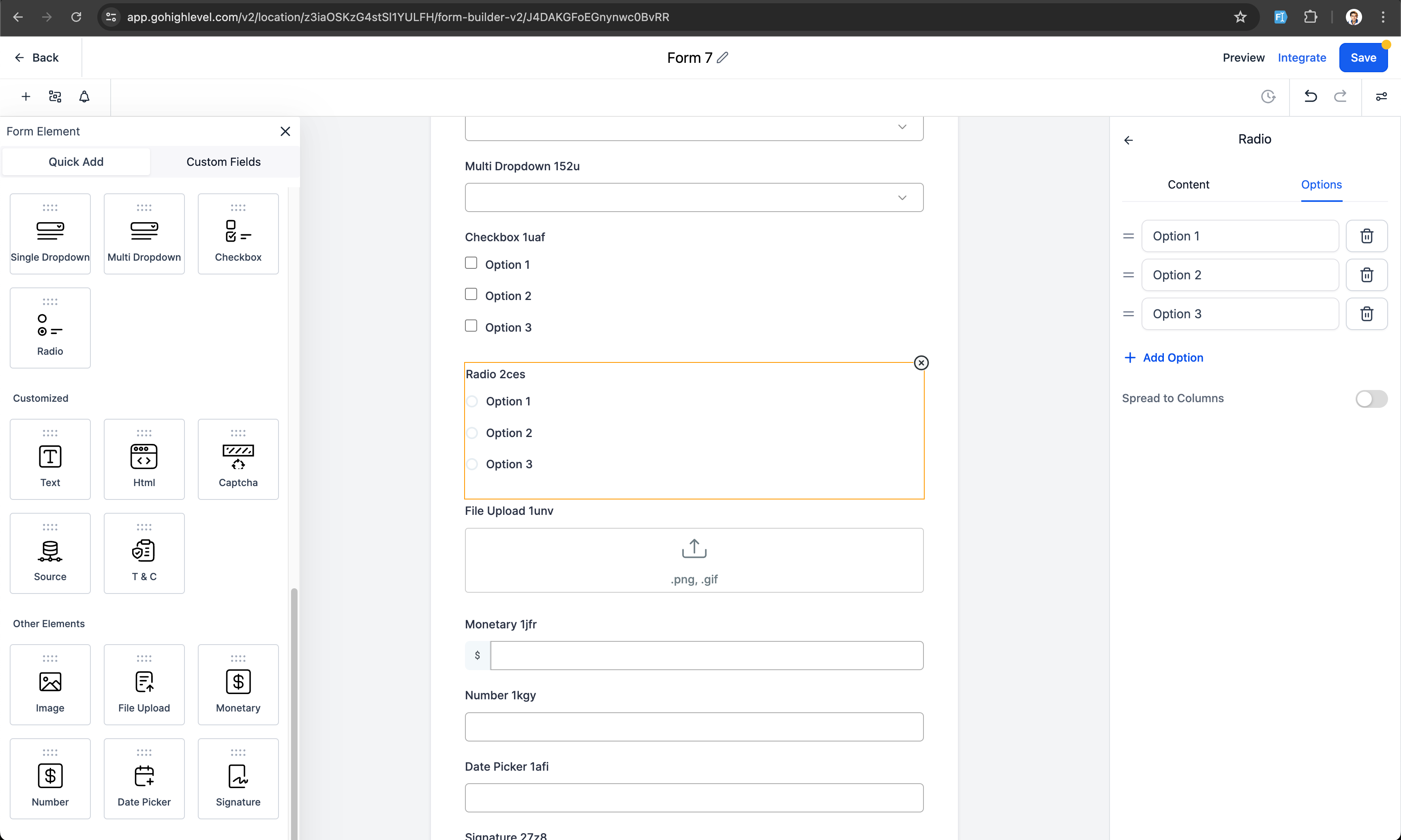
- Radio Select
- Single and Multi Dropdown
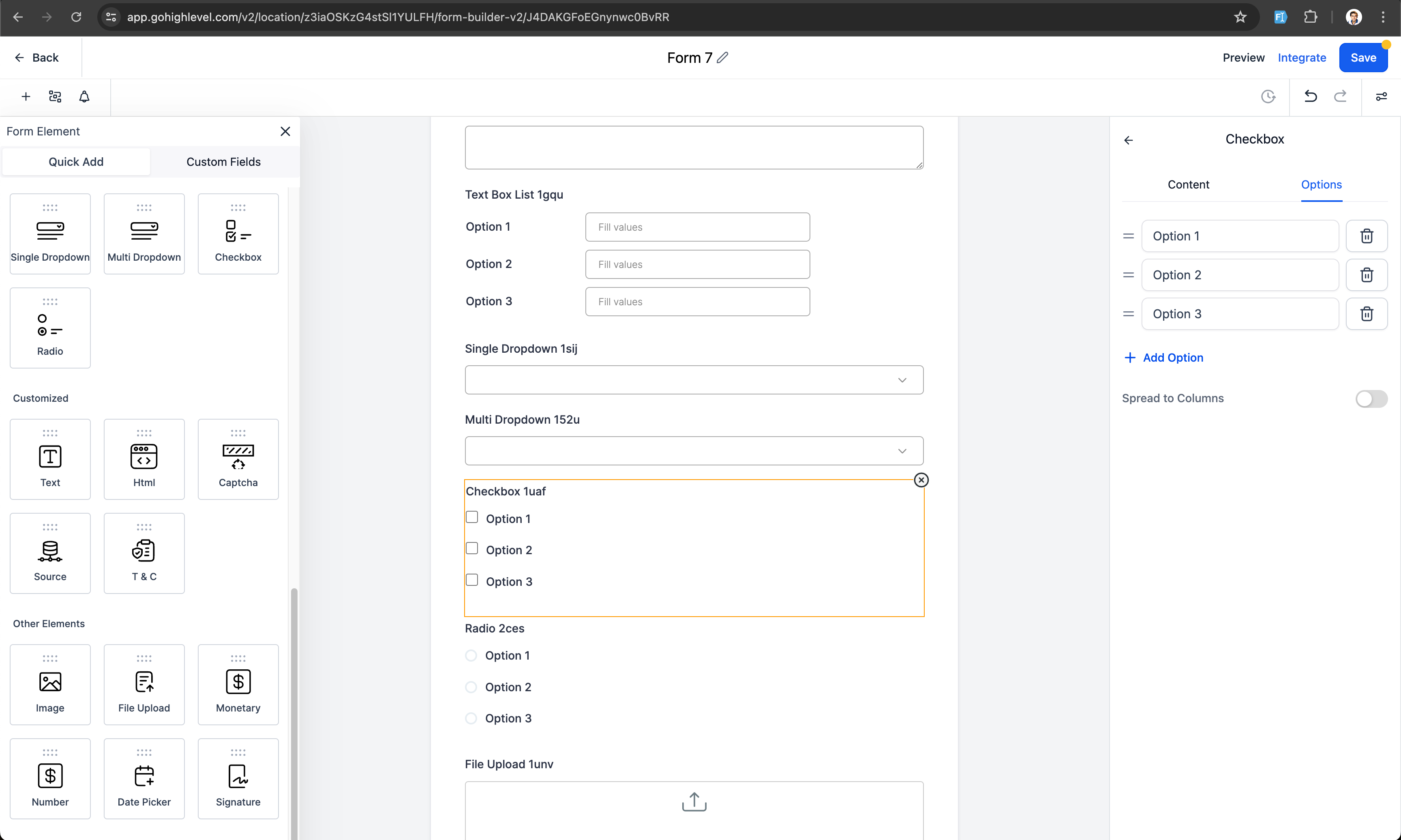
- Checkbox
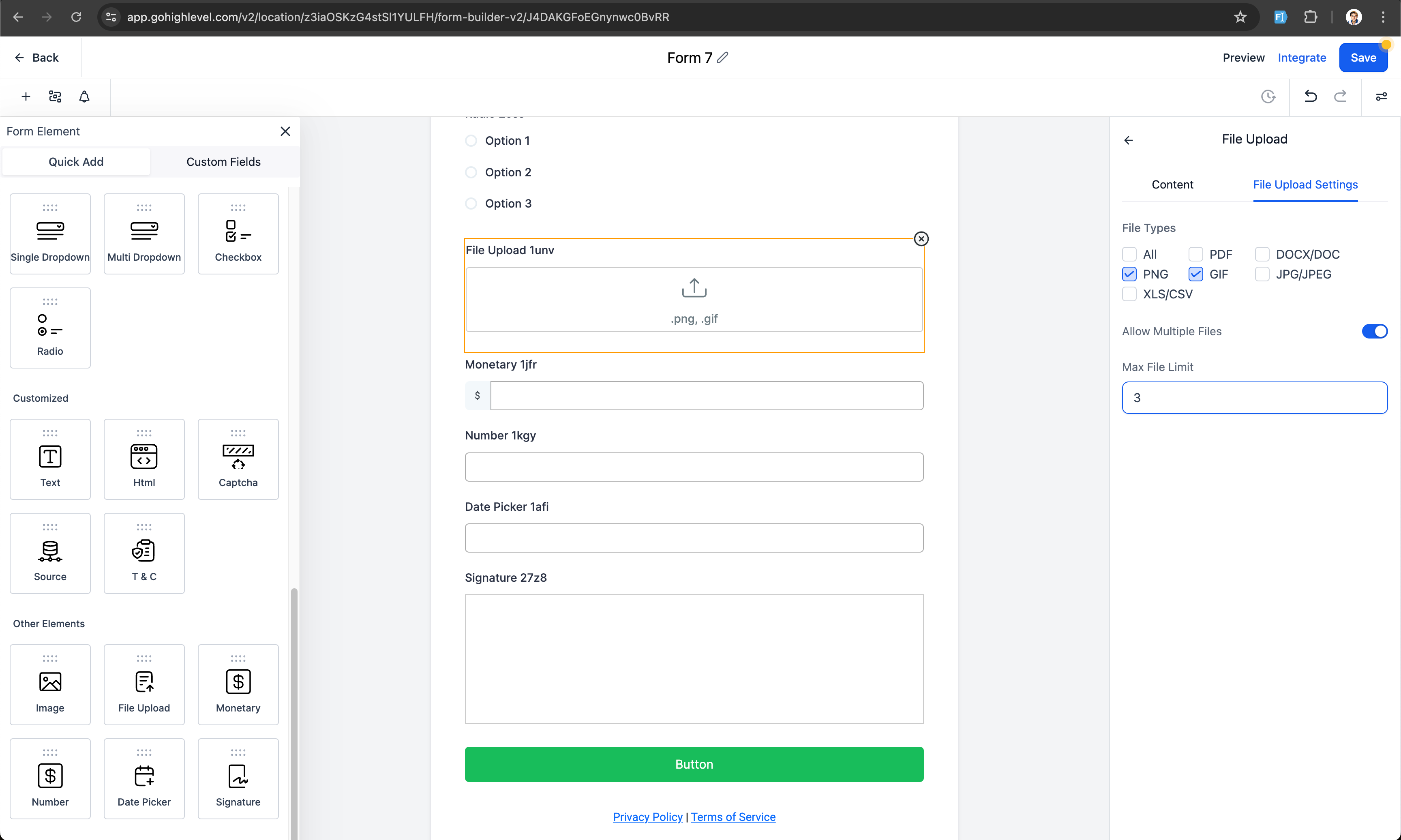
- File upload
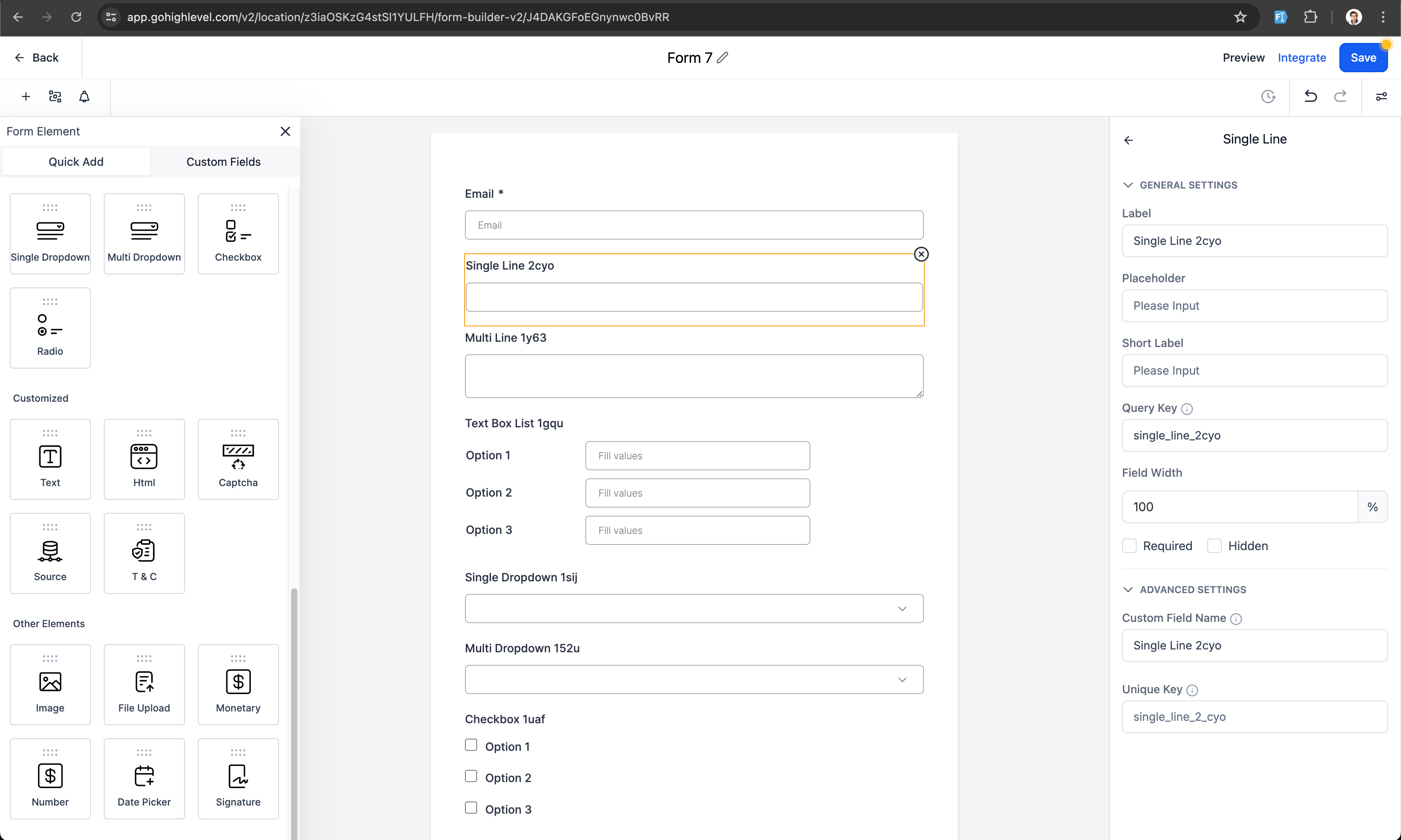
- Single Line
- Multi line
- Textbox List
- Date picker
- Number
- Monetary
Customisation Options
: Customise options for dropdowns, radio buttons, and checkboxes, including file input options for file upload fields. You can set the custom field name and unique key.
Simplified Workflow
: Saving the form/survey will save the custom fields, making them available across all places.
Editing Capabilities
: You can edit properties of newly created or existing custom fields, such as customising options (editing, ordering, and deleting), and file input options.
Field Locking
: After saving the form/survey, the custom field name and unique key are locked. They can be edited from the custom fields section.
Drag and Drop:
Drag and drop the desired field into the form.
Customise
: Customise the options for dropdowns, radio buttons, and checkboxes, or file input options for file upload fields. Set the custom field name and unique key if needed.
Save
: Save the form/survey to save the custom fields, making them available across all places.
Edit
: Edit newly created or existing custom field properties from the custom fields section and save the form/survey.
Why This Feature?
🚀
The Quick Add Custom Fields feature is designed to save time and reduce the complexity of managing custom fields. By allowing users to add fields on-the-fly, we aim to enhance the overall user experience and improve workflow efficiency.
Adding support for Radio Field with Image Element.
Examples: