Payment Links – Your Payment Button, Your Words
You can now personalise the label on your Payment Link’s checkout button — go beyond “Pay,” “Book,” or “Donate” with any text that aligns with your brand and offering. No coding or workarounds are needed — simply enter your text and publish.
Your payment link is the final thing a customer encounters before making a commitment. However, until now, you had to choose from three generic button labels — Pay, Book, or Donate. If your offer is for a subscription, registration, membership, or something else, these labels may not suffice. A mismatched call to action (CTA) can create friction, and friction can lead to lost conversions.
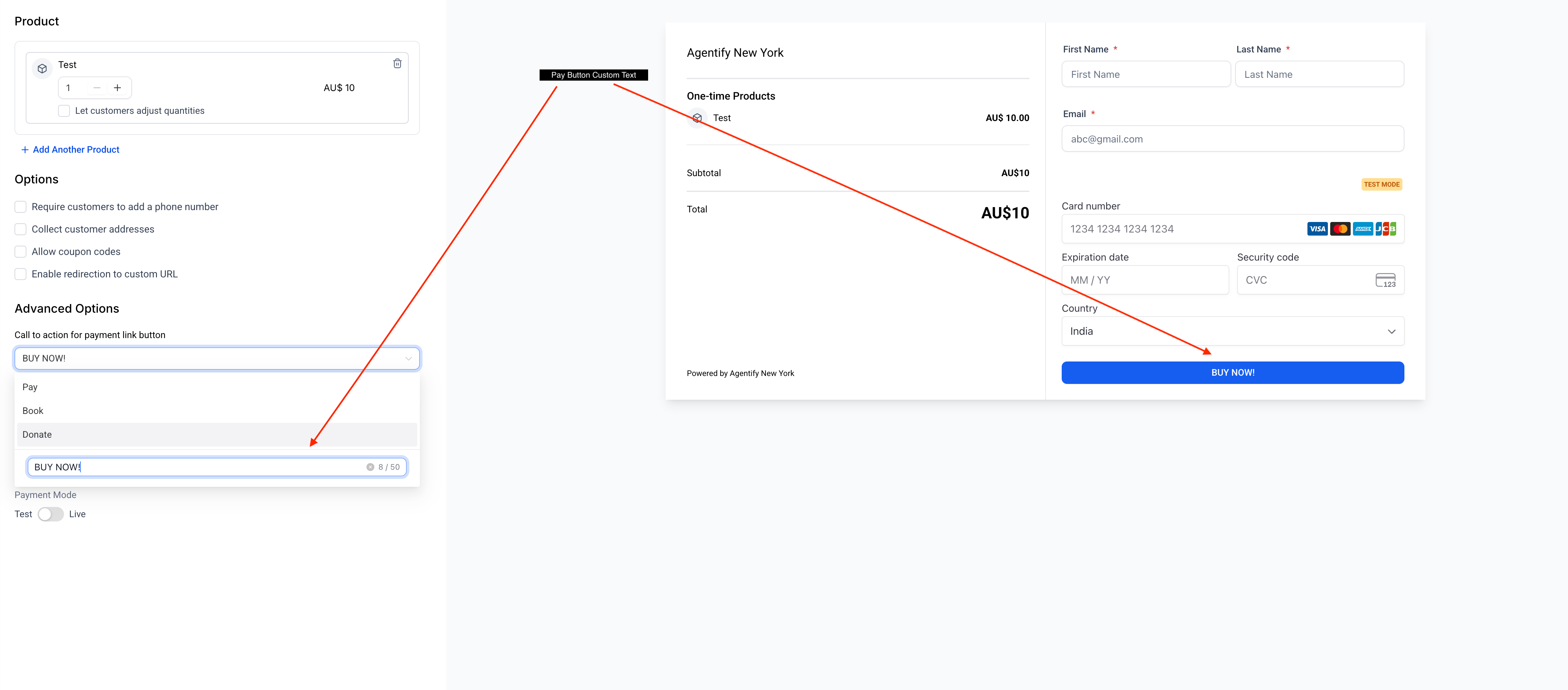
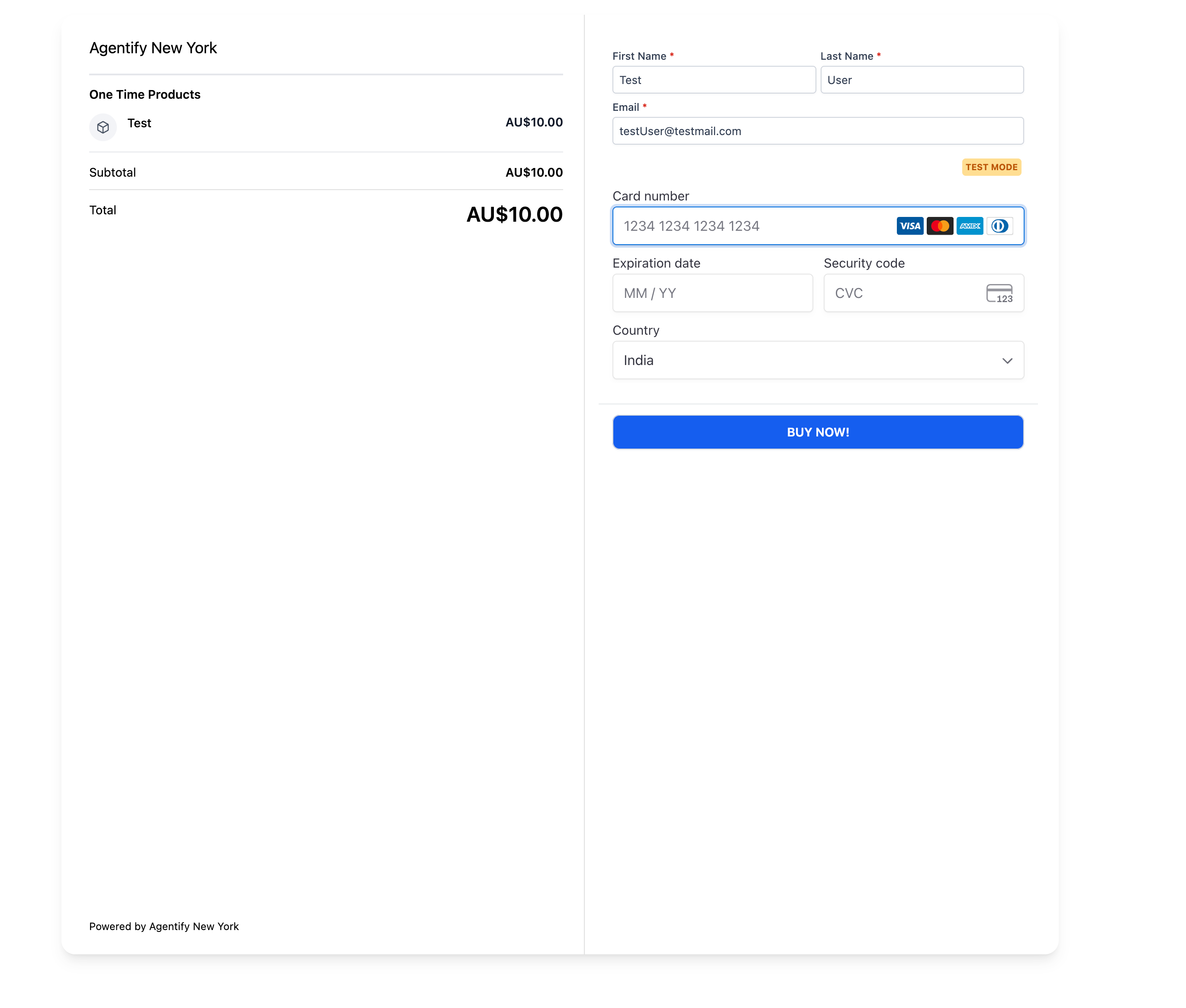
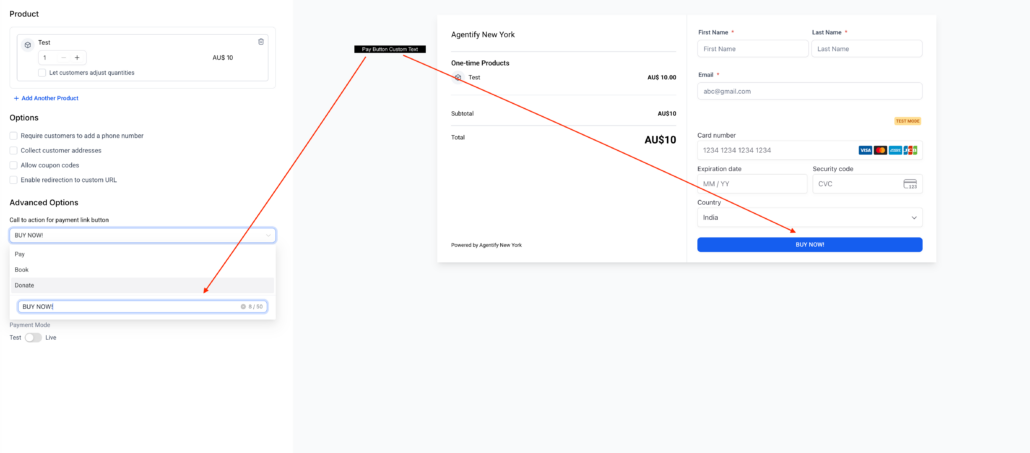
The Payment Link builder now features a custom button text field under Advanced Options. You can select one of the default labels or type your own label (up to 50 characters). Your custom text appears instantly in the checkout preview, allowing you to see exactly what your customers will experience before sharing the link.
🏆 **How This Supercharges Your Business**
🛠️ **How to Get Started**
- Open your Payment Link builder → Go to Payments → Payment Links and either open an existing link or create a new one.
- Scroll to Advanced Options → Under “Call to action for payment link button,” access the dropdown.
- Select a default or go custom → Choose Pay, Book, or Donate, or click the custom text field to enter your own label (up to 50 characters).
- Preview and publish → Your button text updates live in the checkout preview on the right. Click Save when you’re satisfied.
- Custom button text is available for all Payment Link types.
- A maximum of 50 characters is allowed for custom labels.
- This feature is accessible on the Web (Payment Link builder). Customers will see the custom text on all devices.
- Changes apply to new sessions; customers already on a checkout page will see the previous label until they refresh.