New Image Layout Controls in Forms & Surveys
We’ve added new image layout controls in Forms & Surveys to give you greater control over how images appear within your forms and surveys.
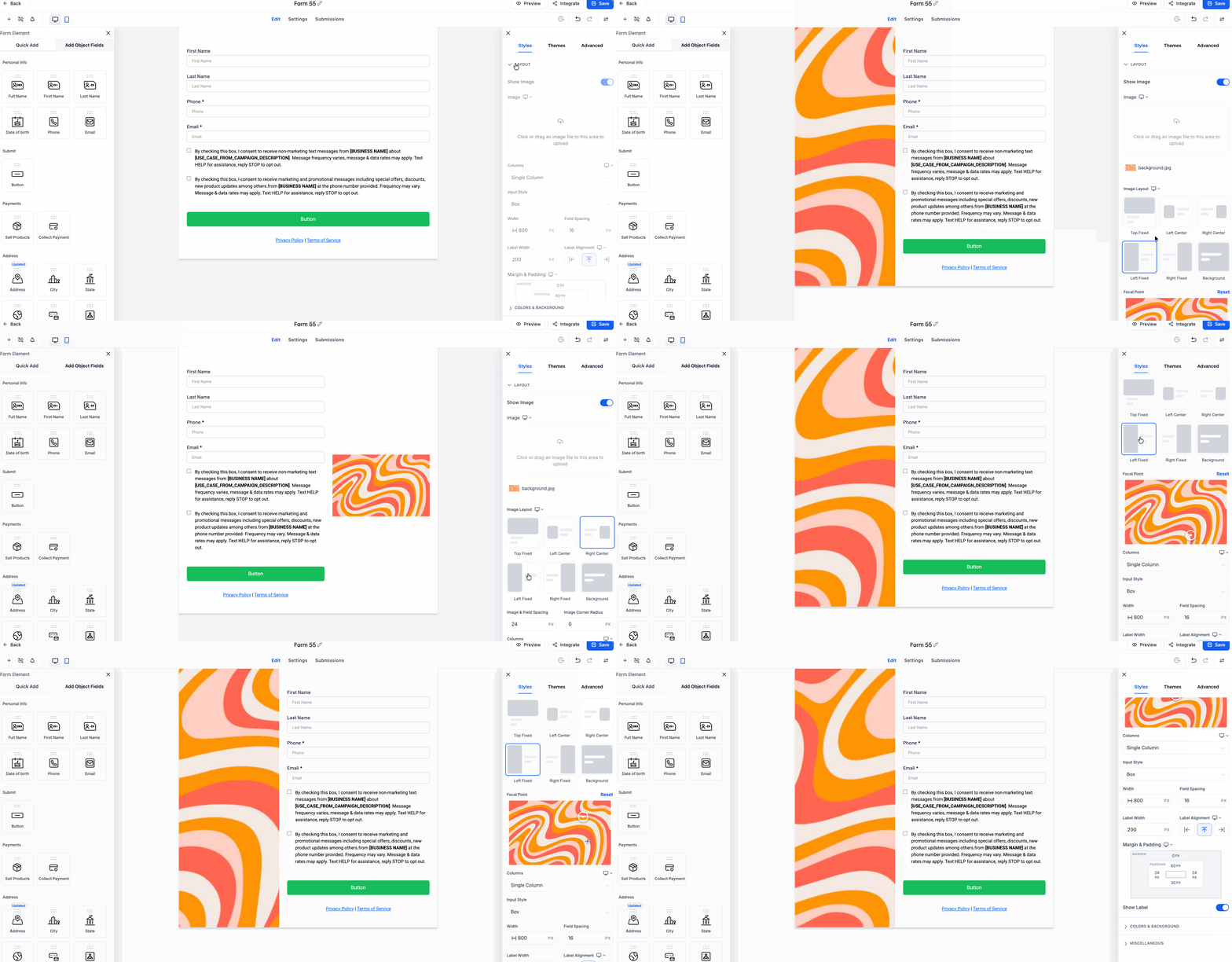
This update introduces new image layout options, styling controls for central image layouts, a focal point selector for fixed image layouts, and slide-level image layout controls in surveys. These enhancements help create cleaner, more polished experiences with improved control over image placement and spacing.
-
Four New Image Layout Options:
You can now utilise four new image layouts in Forms & Surveys:
Left Centre, Right Centre, Left Fixed, or Right Fixed
. These layouts provide more flexibility in how images are displayed alongside form fields and survey content.
-
Image Corner Radius for Left Centre and Right Centre Layouts:
Users can now adjust the corner radius of images in the Left Centre and Right Centre layouts for enhanced visual styling.
-
Image-Field Spacing for Left Centre and Right Centre Layouts:
Users now have control over the spacing between images and form fields in the Left Centre and Right Centre layouts.
-
Focal Point for Left Fixed and Right Fixed Layouts:
A new Focal Point setting is now available for Left Fixed and Right Fixed layouts. Users can click on the image and select the area that should remain in focus, ensuring better display across different aspect ratios.
-
Survey Slide-Level Image Layout Customisation:
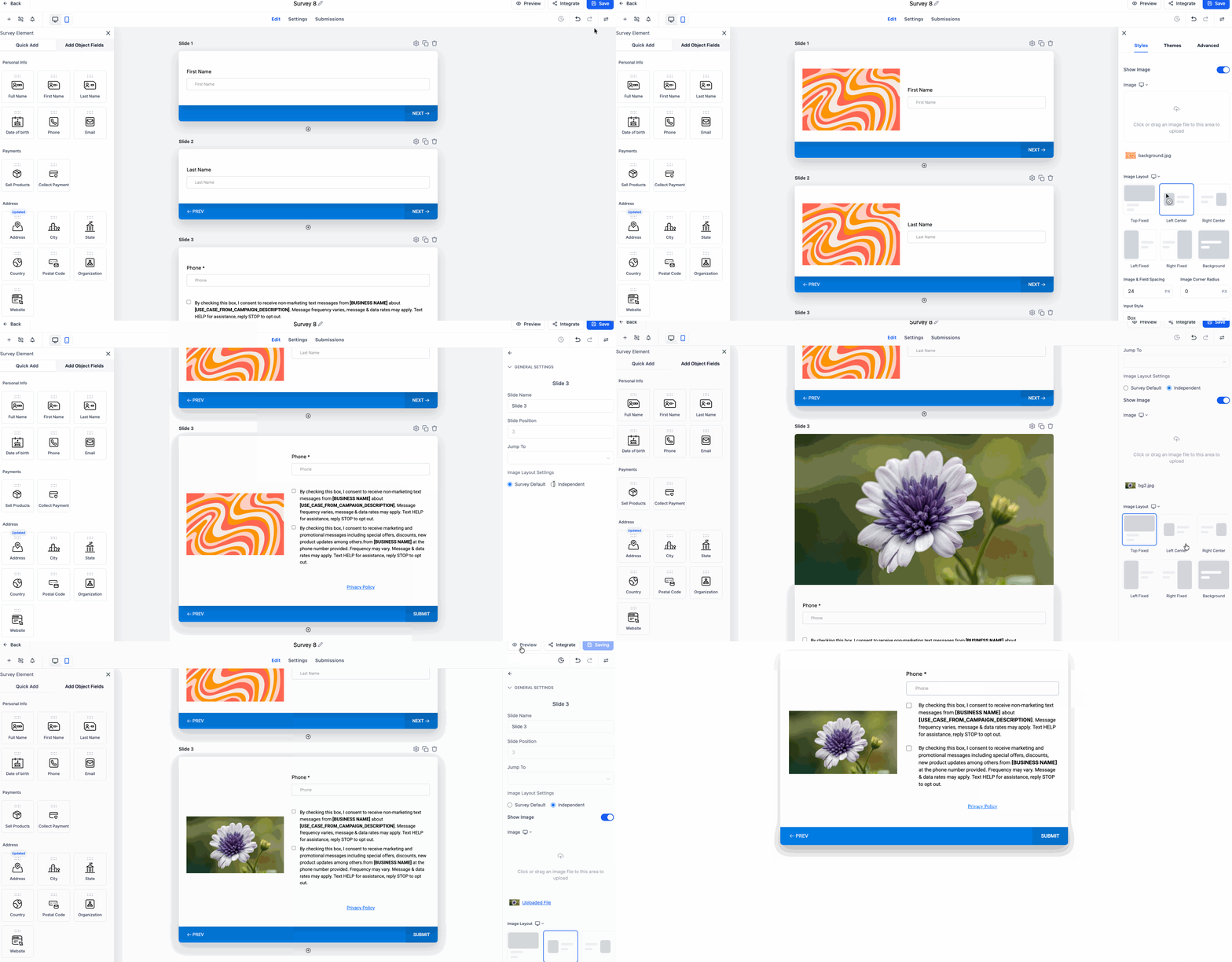
By default, all survey slides use the main survey image layout. Users can now override this at the slide level to apply a different image layout or image for an individual slide.
This slide-level image layout control is currently available for Surveys only.
- Image Corner Radius and Image-Field Spacing apply only to Left Centre and Right Centre layouts.
- These settings are not available for Top layout.
- Left Fixed and Right Fixed layouts do not use image corner radius and will continue using the existing form radius setting.
🚀 How to Access These Changes
- Go to Sites > Open Forms
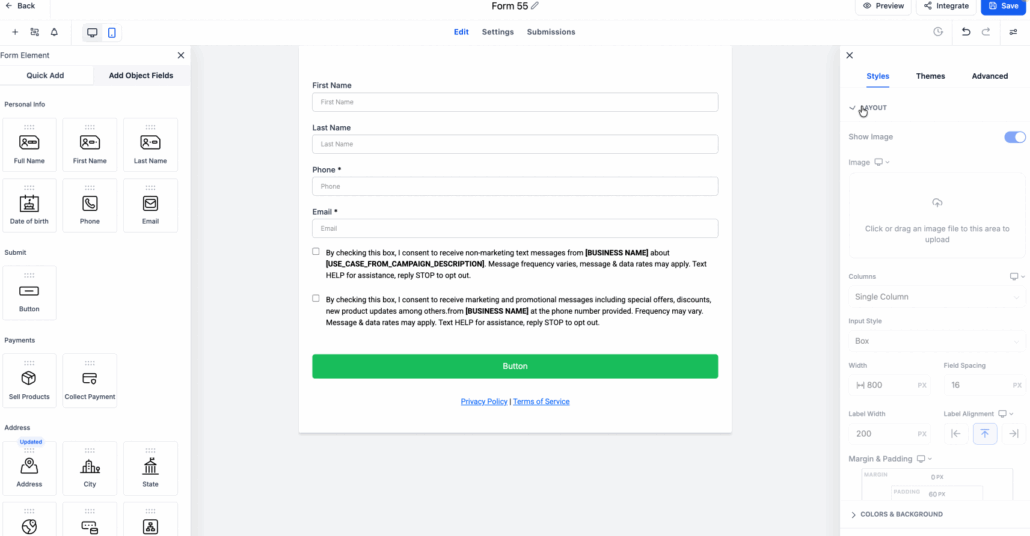
- Create or edit a form. In the builder, open the Styles tab from the right panel.
- Under Layout, enable Show Image.
- Upload or select your image.
- Choose an option under Image Layout.
- Based on the selected layout:
- Use Image Corner Radius and Image-Field Spacing for Left Centre and Right Centre.
- Use Focal Point for Left Fixed and Right Fixed.
- Go to Sites > Surveys.
- Create or edit a survey.
- To add an image, use the same image layout settings available in forms.
- To apply a different image or layout to a specific slide, open that slide’s Settings.
- Under Image Layout Settings, choose Independent.