
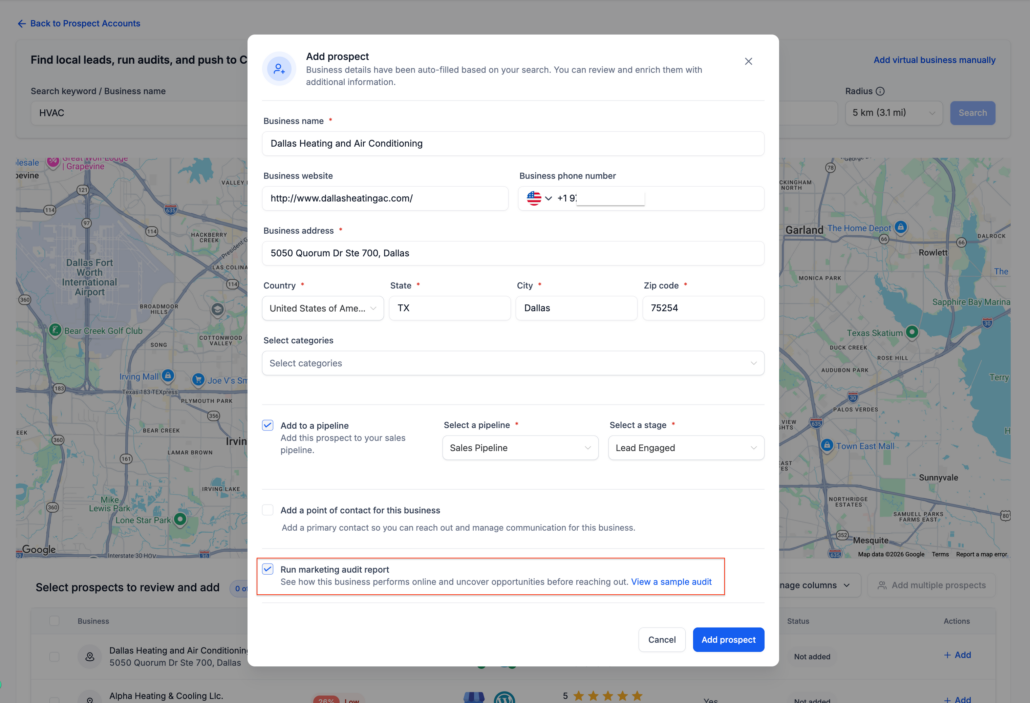
More control when adding prospects in Prospecting Tool
We have enhanced the prospect creation process by giving you greater control over when Marketing Audit Reports are generated.
Previously, each time you added a prospect from search results, a Marketing Audit Report would automatically be created. While many customers appreciate obtaining immediate audit insights, others preferred a quicker way to save prospects first and decide later which businesses warranted a full audit.
Now, you can do both.
Choose Whether to Generate a Marketing Audit Report
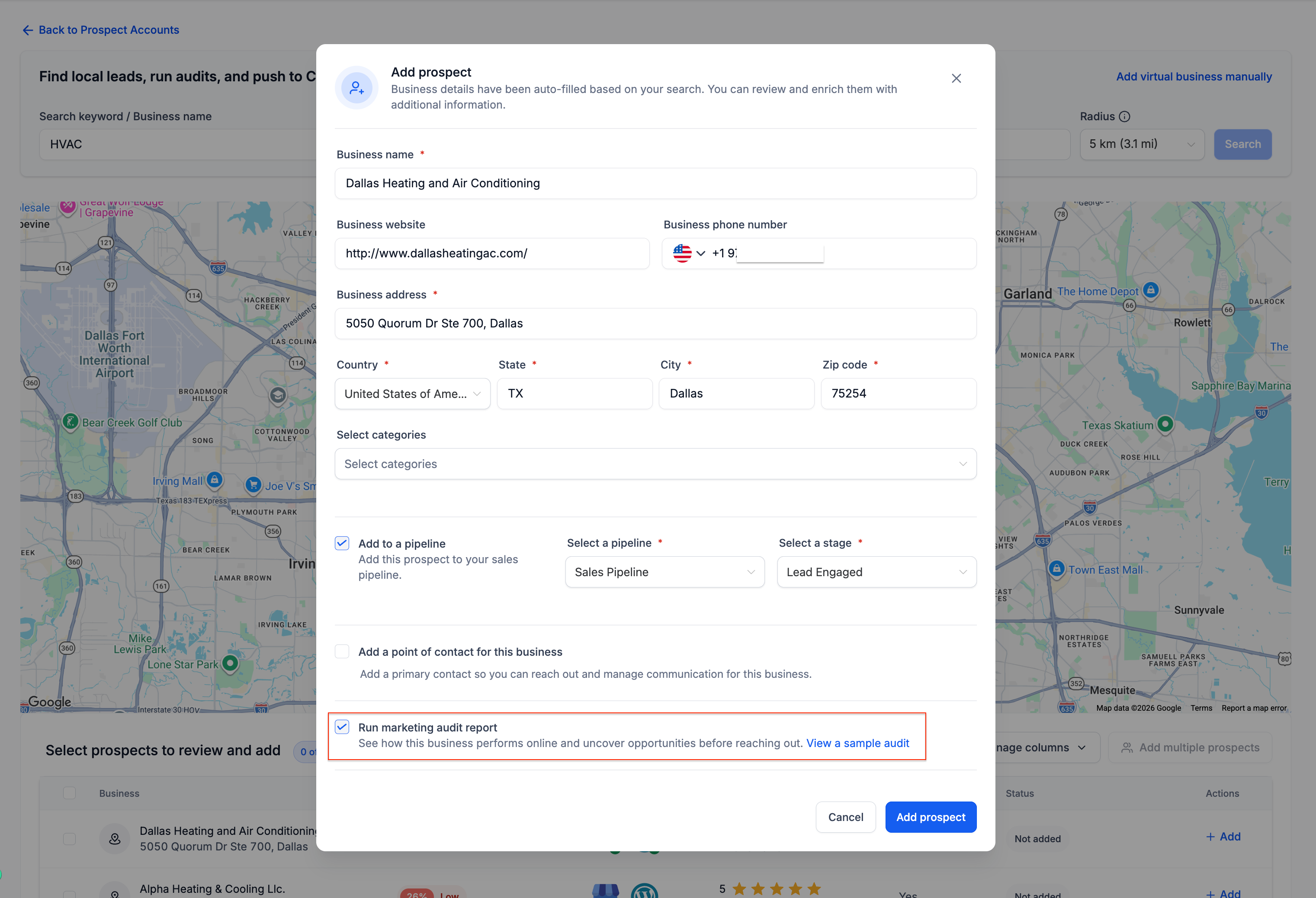
When adding a new prospect, you’ll now encounter a new option:
Run Marketing Audit Report
If enabled:
- The prospect will be saved.
- A Marketing Audit Report will be generated automatically.
If disabled:
- The prospect will be saved immediately.
- No audit will be generated.
- You can generate the report later from the Prospect Details page.
⚡ Faster Prospect List Building
Many agencies prefer to:
- Save prospects in bulk.
- Build prospect lists first.
- Generate audits only for their highest-priority opportunities.
With this update, you can swiftly add prospects without the delay of audit generation each time.
Continue Using Audits When You Need Them
Marketing Audit Reports remain a powerful feature of the Prospecting Tool, helping you identify:
- Website performance issues.
- Google Business Profile opportunities.
- Local SEO insights.
- Reputation and review gaps.
- Improvements in listings and visibility.