Media Storage Revamp and Download Support
This release introduces a collection of enhancements designed to improve your file management experience, including new display options, expanded file support, ability to download files and better UI consistency. By expanding file support and adding new management options, we aim to make Media Storage even more versatile and powerful for your needs.
File Display Enhancements
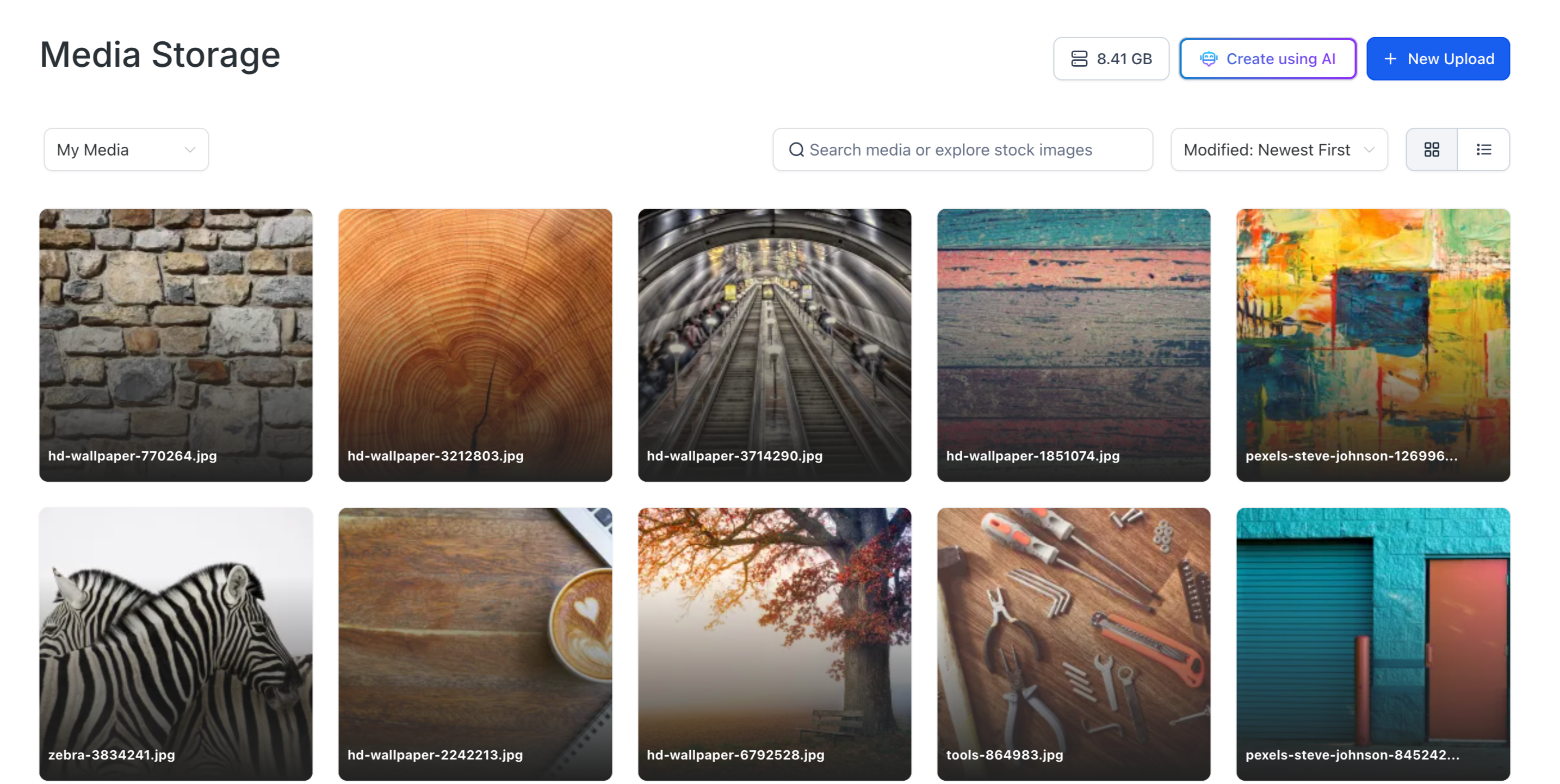
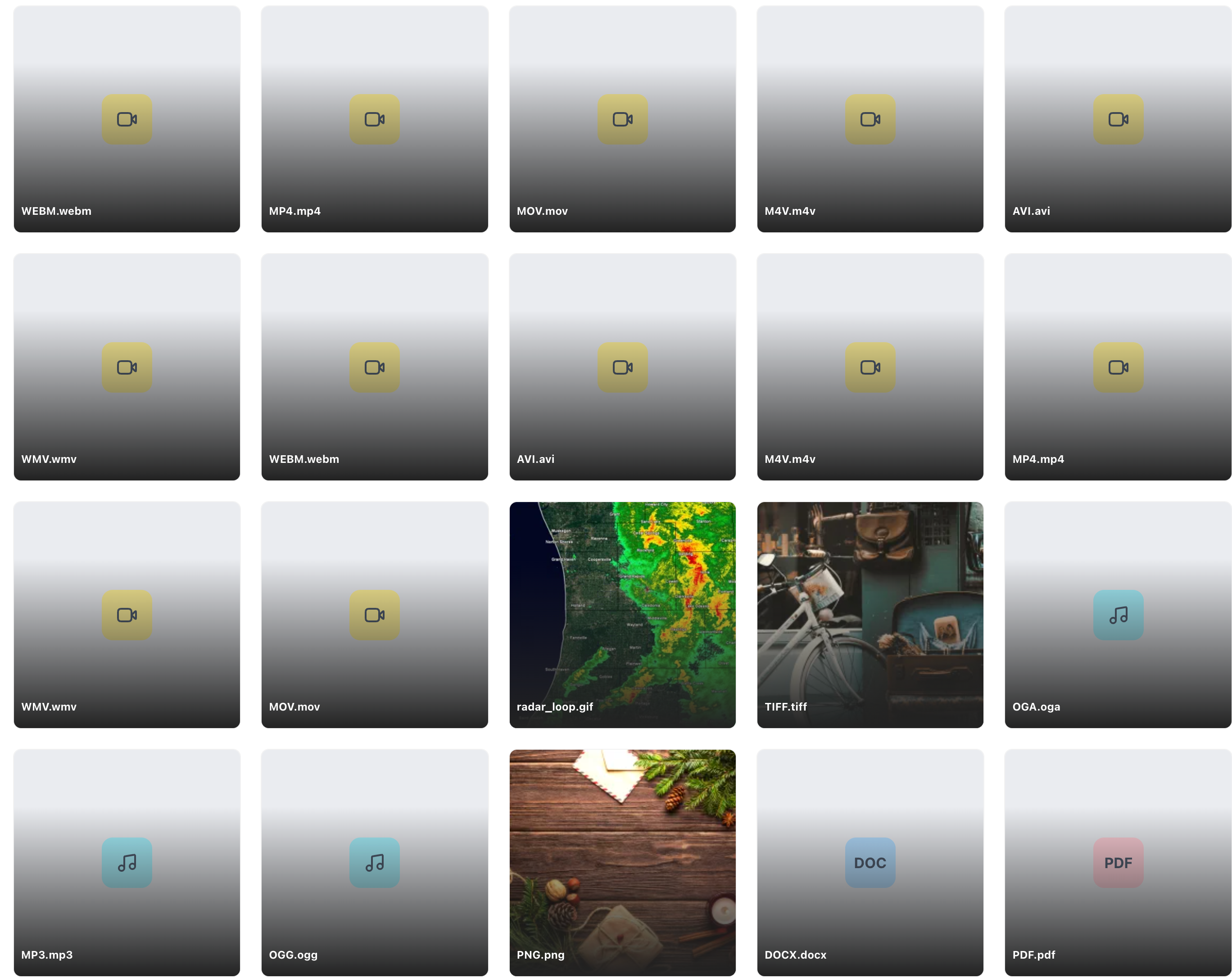
- 🗂️ New Grid Layout: Improved grid layout for a more organised and visually appealing file display.
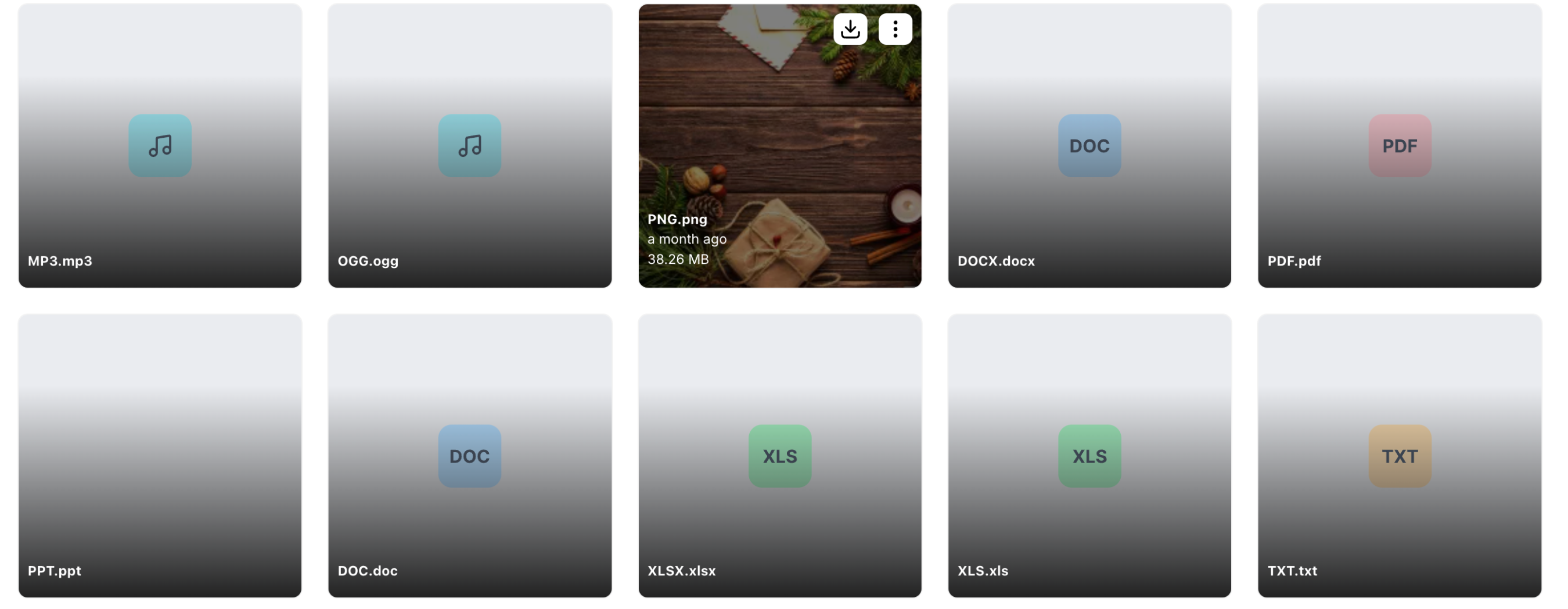
- 📄 Filename Always Visible: File names are now consistently displayed, removing the need to hover, with a gradient background for better readability.
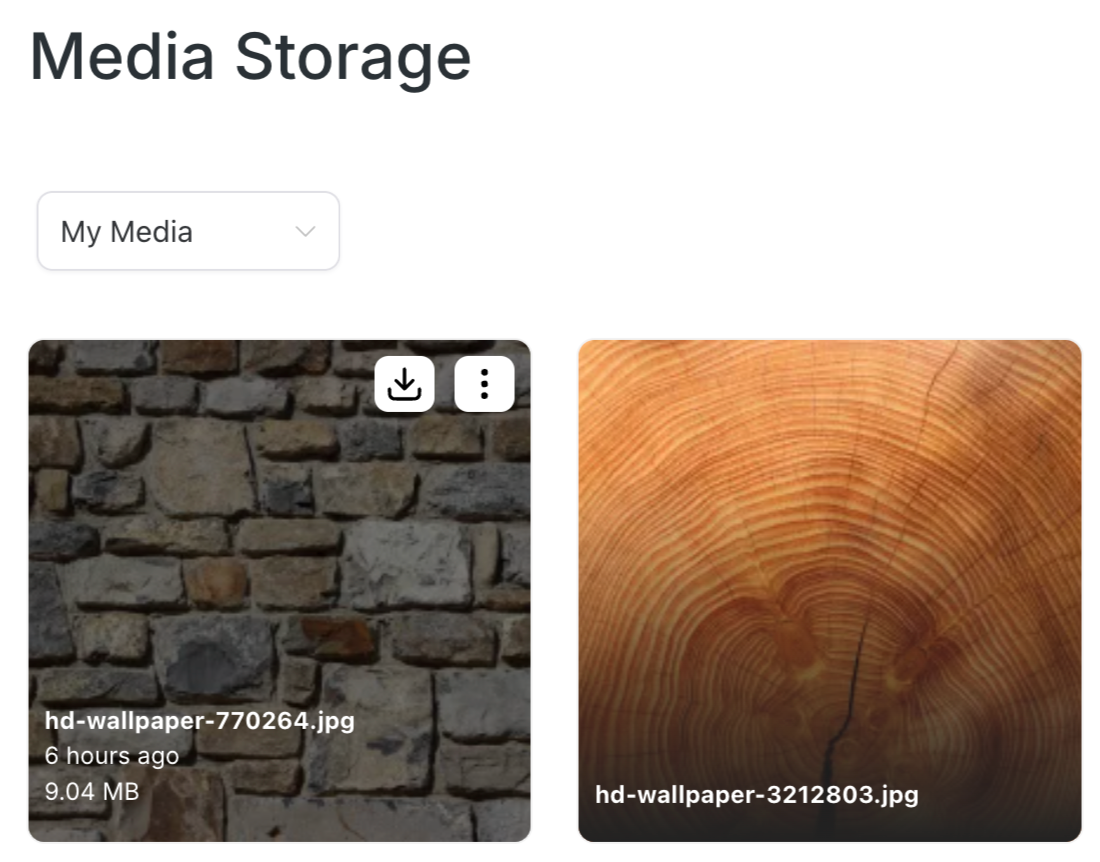
- ℹ️ File Details on Hover: See the file name, last modified date, and file size when you hover over a file for quick reference.
- ⋮ Three-Dot Menu Position: The three-dot menu has been repositioned to the top right corner for easier access and a cleaner UI.
Folder Display Enhancements
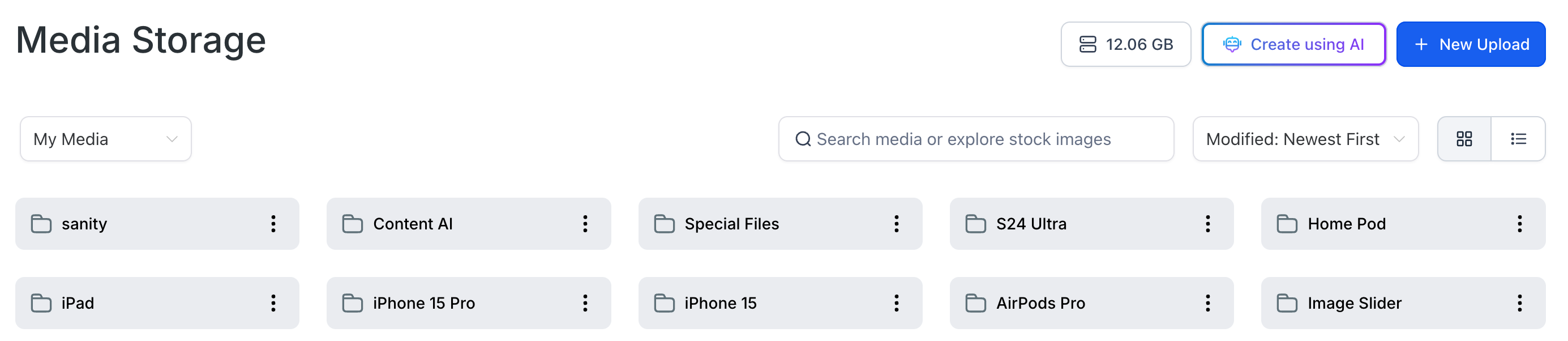
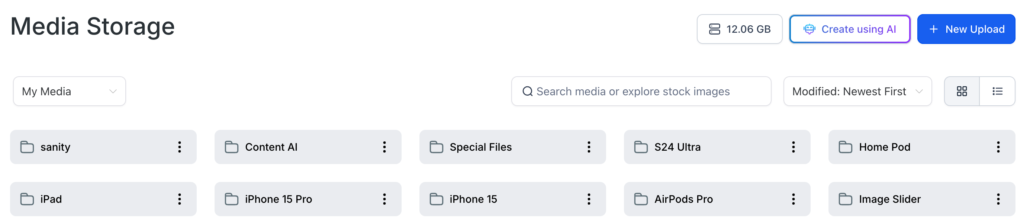
- 🎨 Improved Folder Visibility: A new background colour for folders enhances visibility and the overall user experience.
- ⋮ Three-Dot Menu for Folders: Folders now feature a three-dot menu, giving you more management options.
⬇️ File Download Capability: You can now download any file directly from Media Storage, making it easier to access and use your media outside the platform.
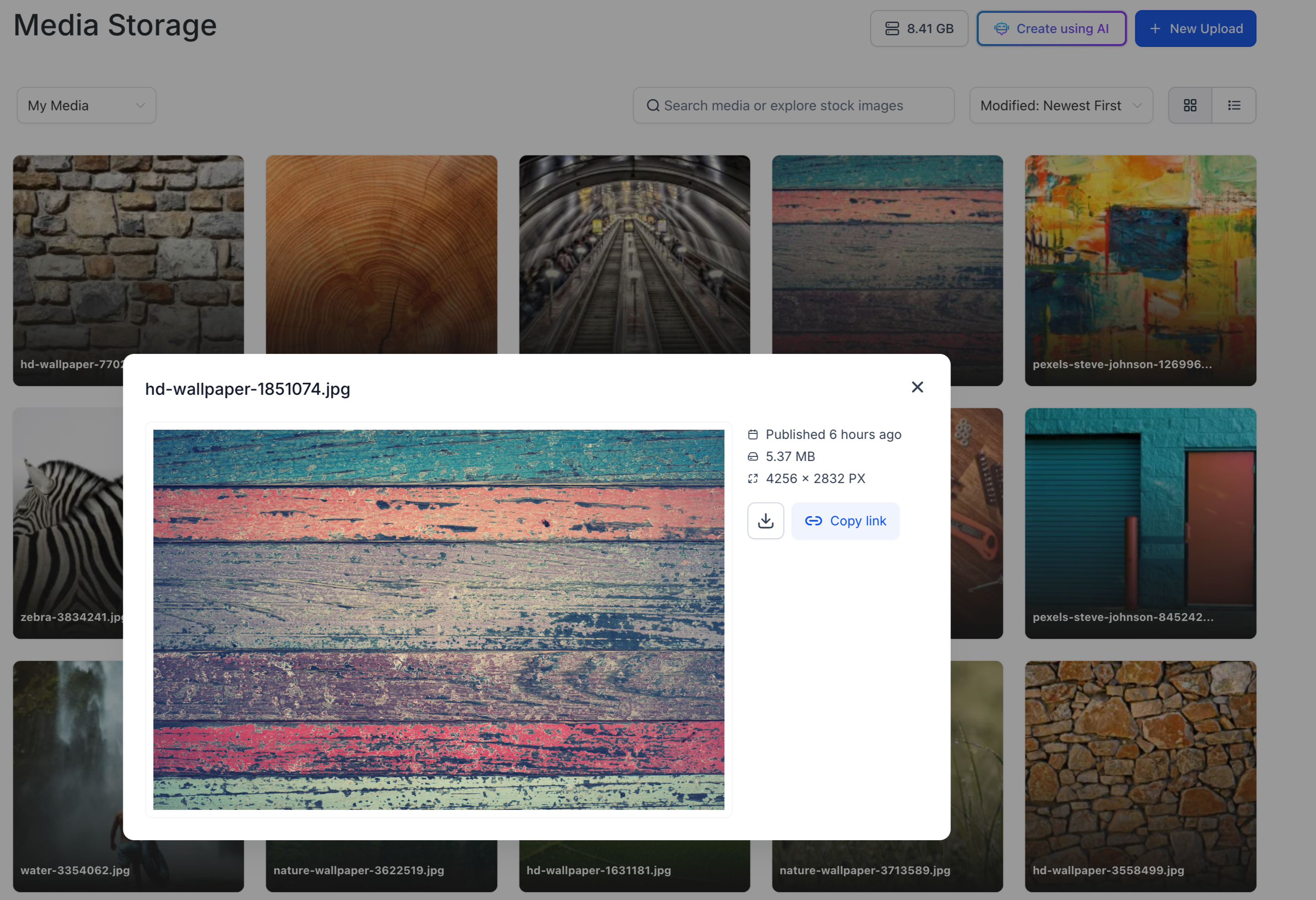
- 🔍 Detailed Image Preview: Click on an image to open a detailed preview popup, showing the published date, file size, and image dimensions.
- ⚙️ Additional Actions: Download and copy the image link directly from the preview popup for quicker access and sharing.
Static Images for Extensions
📁 Consistent File Representation: Static images are now used for different file extensions, ensuring a uniform and professional look across your media storage.
📂 Expanded File Formats: Now supporting a broader range of file types, ensuring greater flexibility in your media management.
- Viewing Files: Navigate to Media Storage and explore the new grid layout. Hover over any file to see details such as the last modified date and file size.
- Accessing the Three-Dot Menu: Simply click the three dots at the top right of any file or folder to manage options like renaming, deleting, or getting the link.
- Previewing Images: Click on any image to see a detailed preview with additional information and options like downloading or copying the link.
- Downloading Files: To download a file, use the three-dot menu or the download button in the image preview popup.
📌 Multi-Select: Upcoming support for selecting multiple files at once for more efficient management.
🌆 Aspect ratio visibility: We will make it easy in the grid layout to identify which images are portrait, landscape or square.
🌐 Google Drive Integration: Soon, you’ll be able to seamlessly integrate with Google Drive and other media providers.
📁 Universal Media Storage: We’re working on enabling Media Storage across all functionalities, including memberships and contacts.