Manage Fields Now Shows All Form, Survey, and Quiz Fields
Improved Manage Fields now enables you to view all fields from your form, survey, or quiz—even if those fields have yet to receive any submission data.
Previously, Manage Fields displayed only fields that had received data from at least one submission. The current update includes all fields from the form definition, simplifying the management of columns prior to receiving submissions.
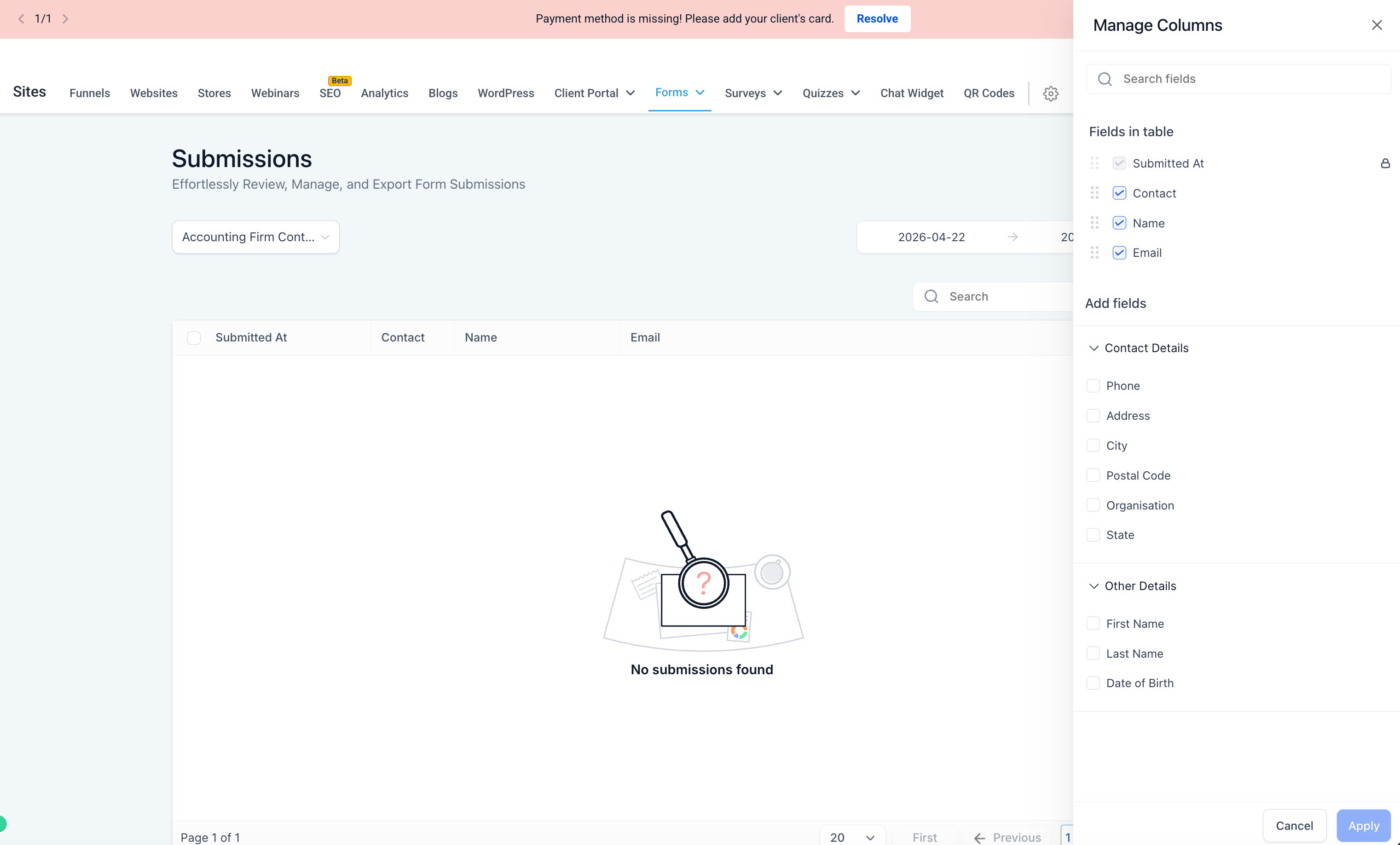
- Manage Fields now displays all fields from your form, survey, or quiz definition.
- New fields are visible even if they haven’t received any submission data yet.
- Fields added after previous submissions will now appear in the available fields list.
- Available yet unselected fields are shown in the Add Fields section.
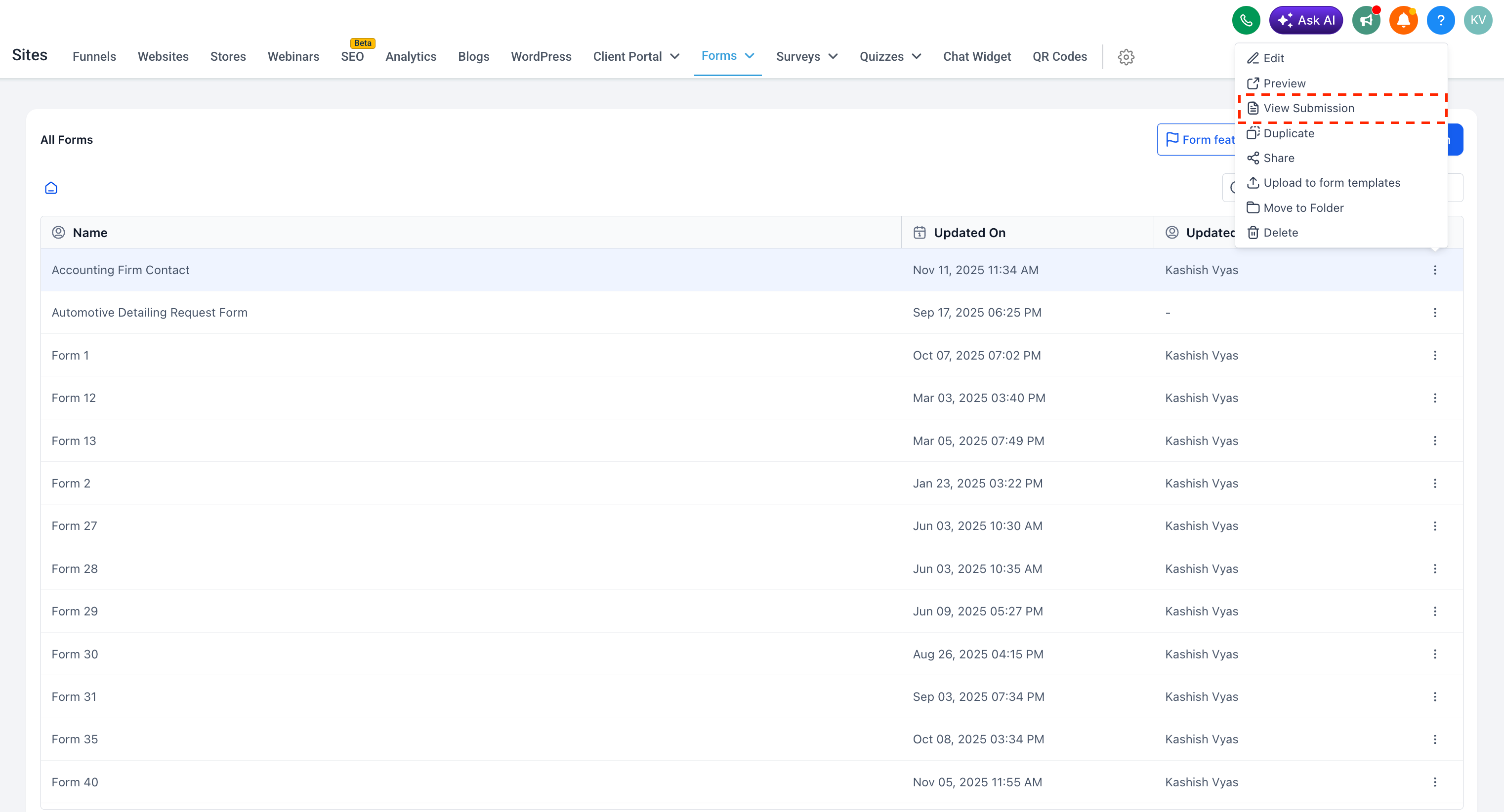
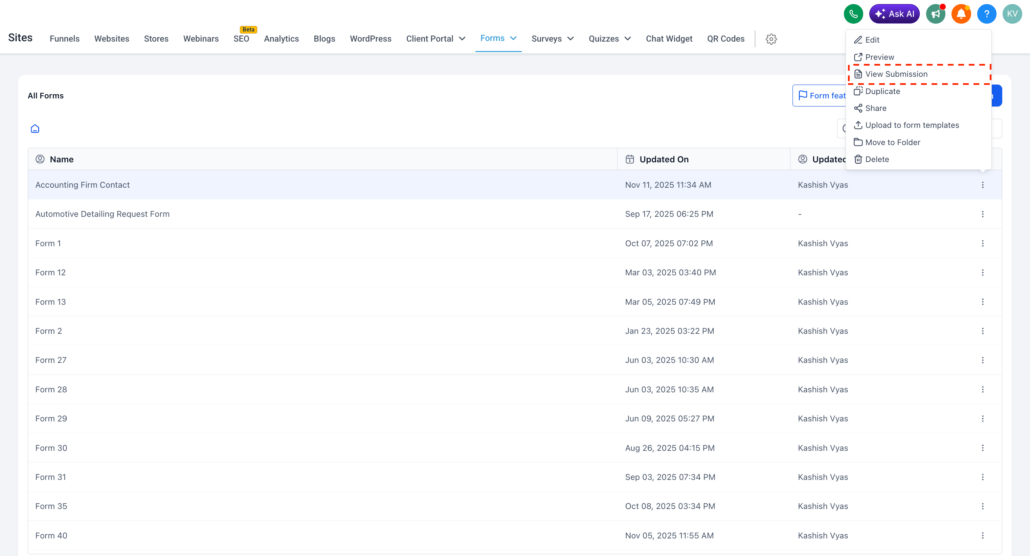
- Go to Sites > Forms, Surveys, or Quizzes.
- Open the three-dot menu for the item you wish to access.
- Click on View Submission.
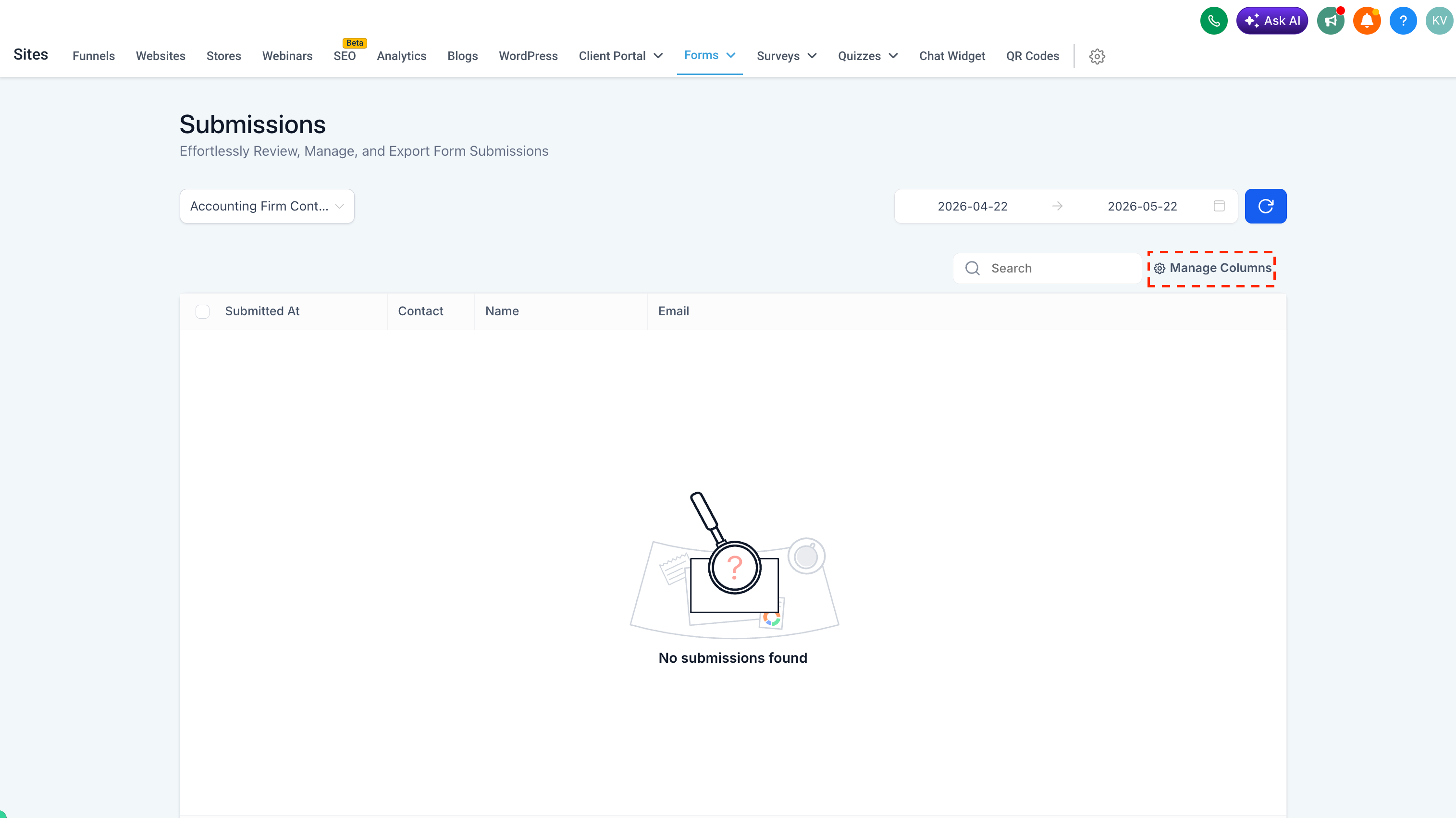
- On the Submissions page, click Manage Columns to view and add fields from the definition, even if they lack submission data.
- Makes it easier to manage columns before new submissions arrive.
- Provides better visibility into all available fields.
- Assists you in preparing reports and views without waiting for test or live submissions.
- Creates a more comprehensive and predictable submissions management experience.