Layers Panel Search in Website & Funnel Builder
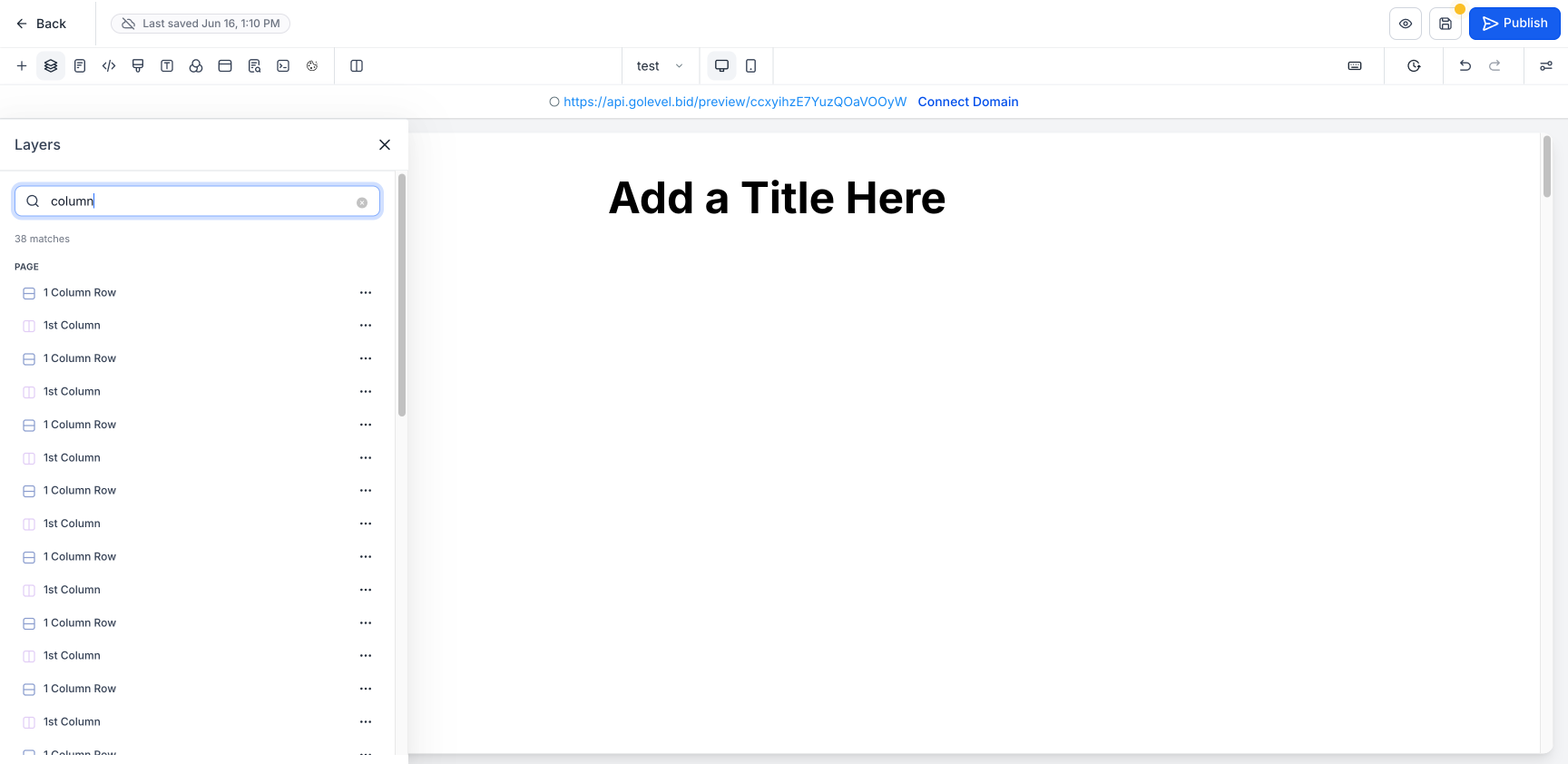
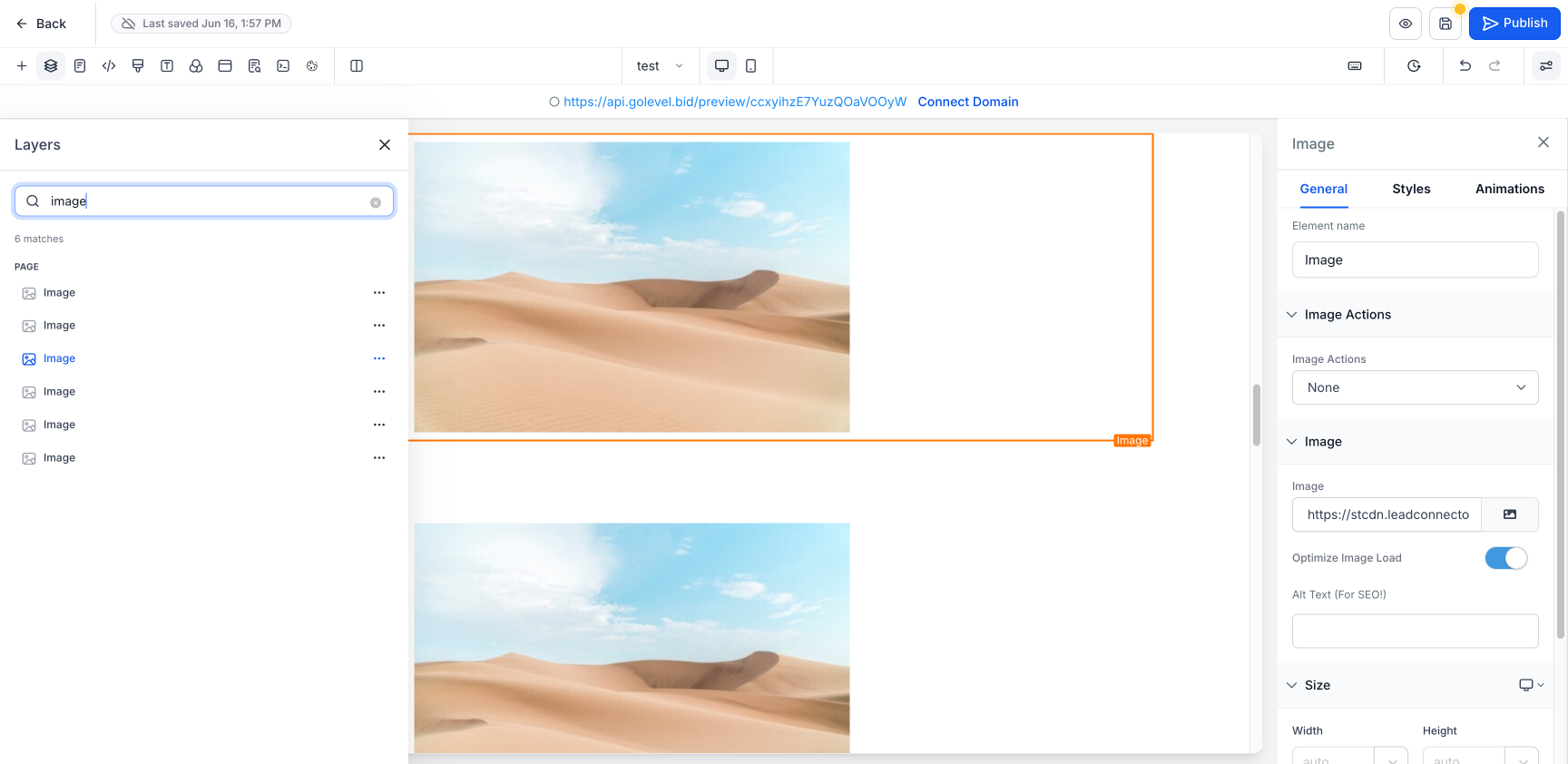
Introducing Layers Panel Search — a search bar seamlessly integrated into the Layers panel of the Clixio Website & Funnel Builder. This tool allows you to locate any element on your page with ease. You can search by name, type, or element ID and navigate directly to it — no more tedious scrolling and expanding through a complex layer tree.
On pages packed with content, the Layers tree can become lengthy and intricately nested. Locating a specific element, such as a specific image, button, or a section hidden within columns, requires manually expanding numerous branches. Layers Panel Search removes this hassle: simply type in what you’re looking for and go straight to it.
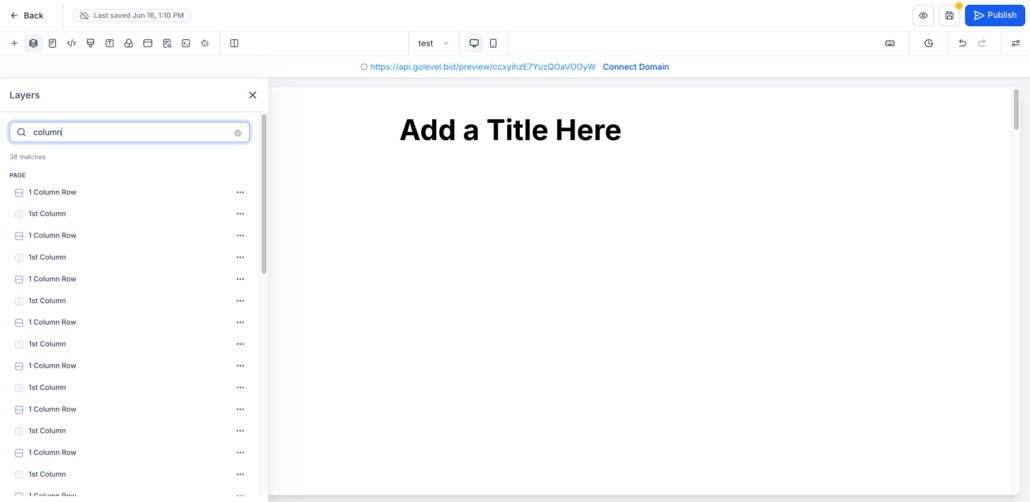
- Search by Name, Type, or ID – Match elements by their title (e.g., “Headline”), type (e.g., “Image”, “Column”), or element ID
- Instant Flat Results – Results appear in a flat list categorized under Page / Popup, complete with a live match count
- Click to Jump & Select – Click any result to highlight and scroll to that element on the canvas, opening its settings
- Full Actions from Results – Hide/Show, Edit, Clone, and Delete directly from each result’s ⋯ menu
- Colour-Coded Icons – Sections, rows, and columns retain their familiar icon colours in the results list
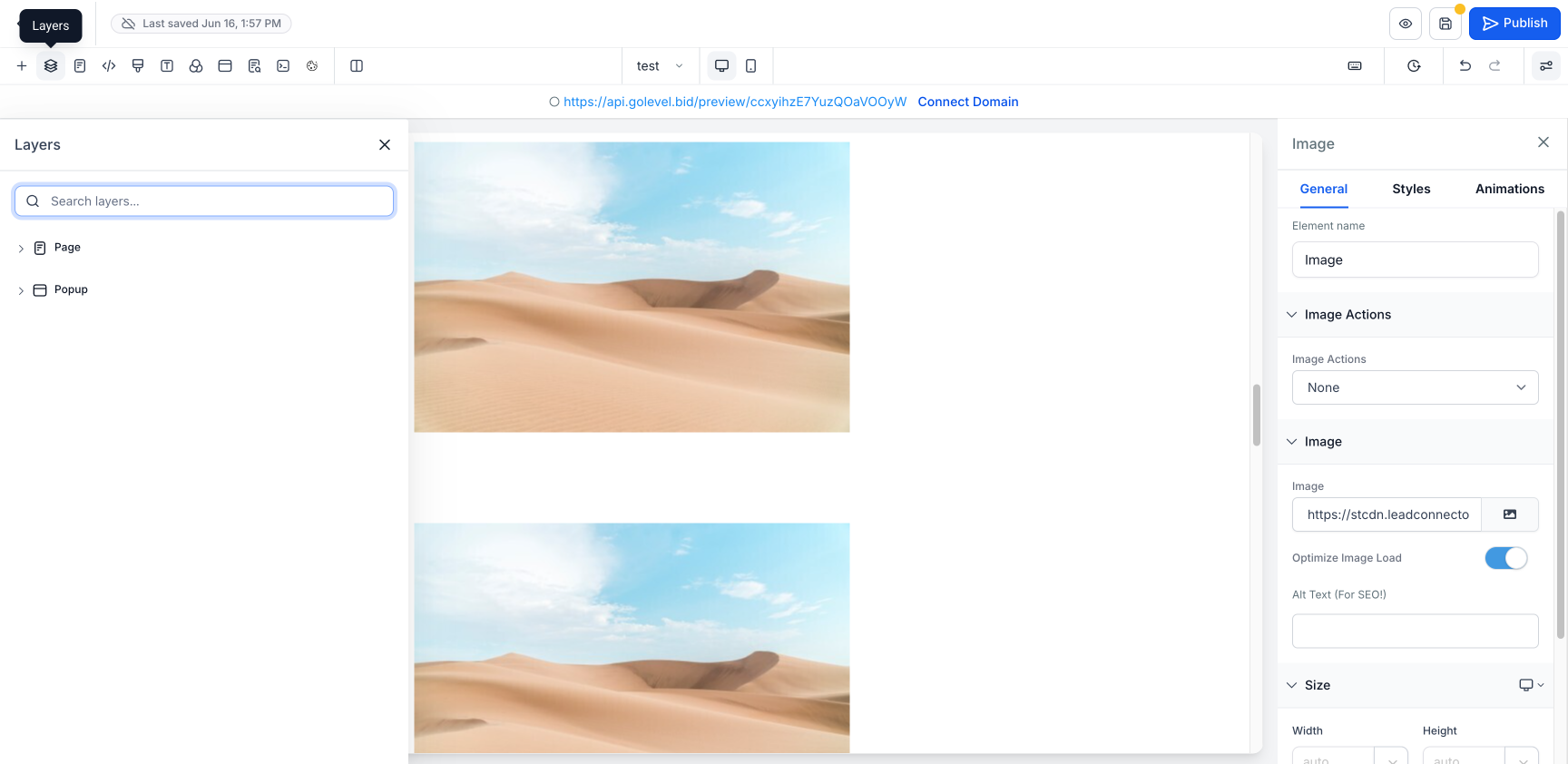
- One-Click Clear – Easily clear the search to return to the full Layers tree
Access: Website/Funnel Builder → Edit Page → Layers panel (left toolbar) → Search layers
Steps:
- Open the Layers panel
- Type the name, type, or ID of the element you want to find in the search box
- Click a result to jump to and select that element on the canvas — alternatively, use the ⋯ menu for Hide/Show, Edit, Clone, or Delete
- Click the ✕ to clear the search and return to the full layers tree
- The search applies only to layers on the current page (both Page and Popup branches) — it does not include other pages or funnel steps
- Matching is case-insensitive and works for partial text
- Results update in real time as you type; clearing the search box restores the complete tree