
Jotform – New Actions & Triggers in Workflows
You can now automate Jotform directly inside Workflows — act on form submissions and signed contracts the moment they land, and create Jotform submissions from any workflow.
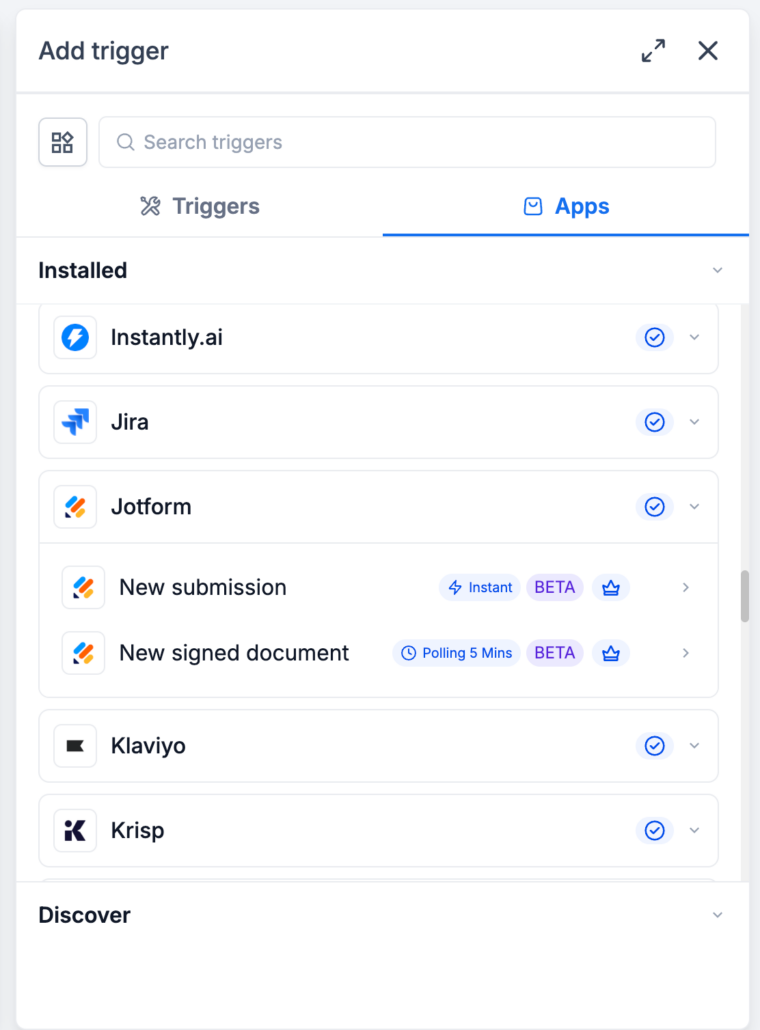
Triggers
(events in Jotform that start a workflow in Clixio):
-
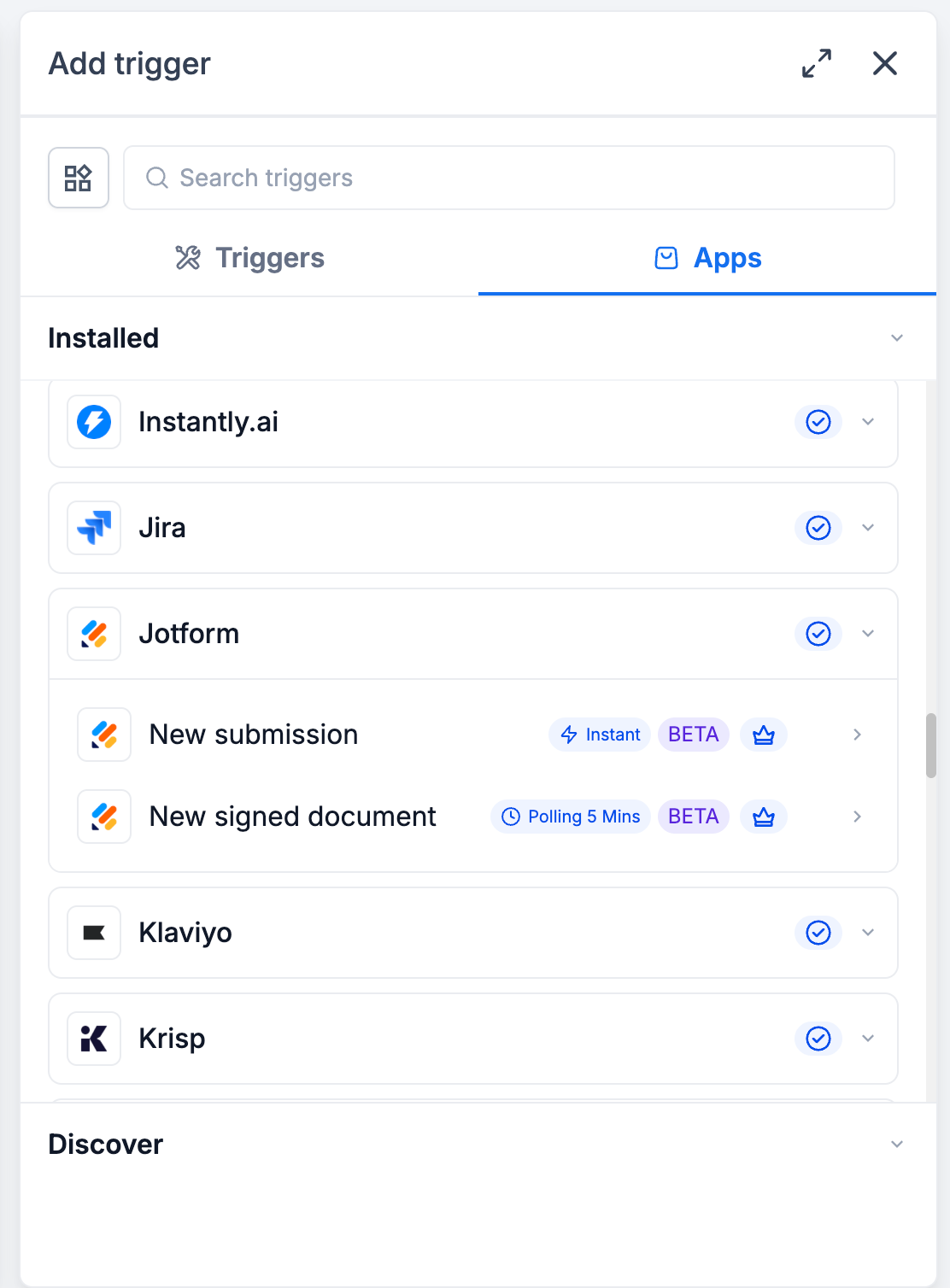
New Submission
– Starts a workflow instantly when a new response is submitted to a Jotform form.
-
New Signed Document
– Starts a workflow when a document with an e-signature field is completed and signed. Checked every 5 minutes.
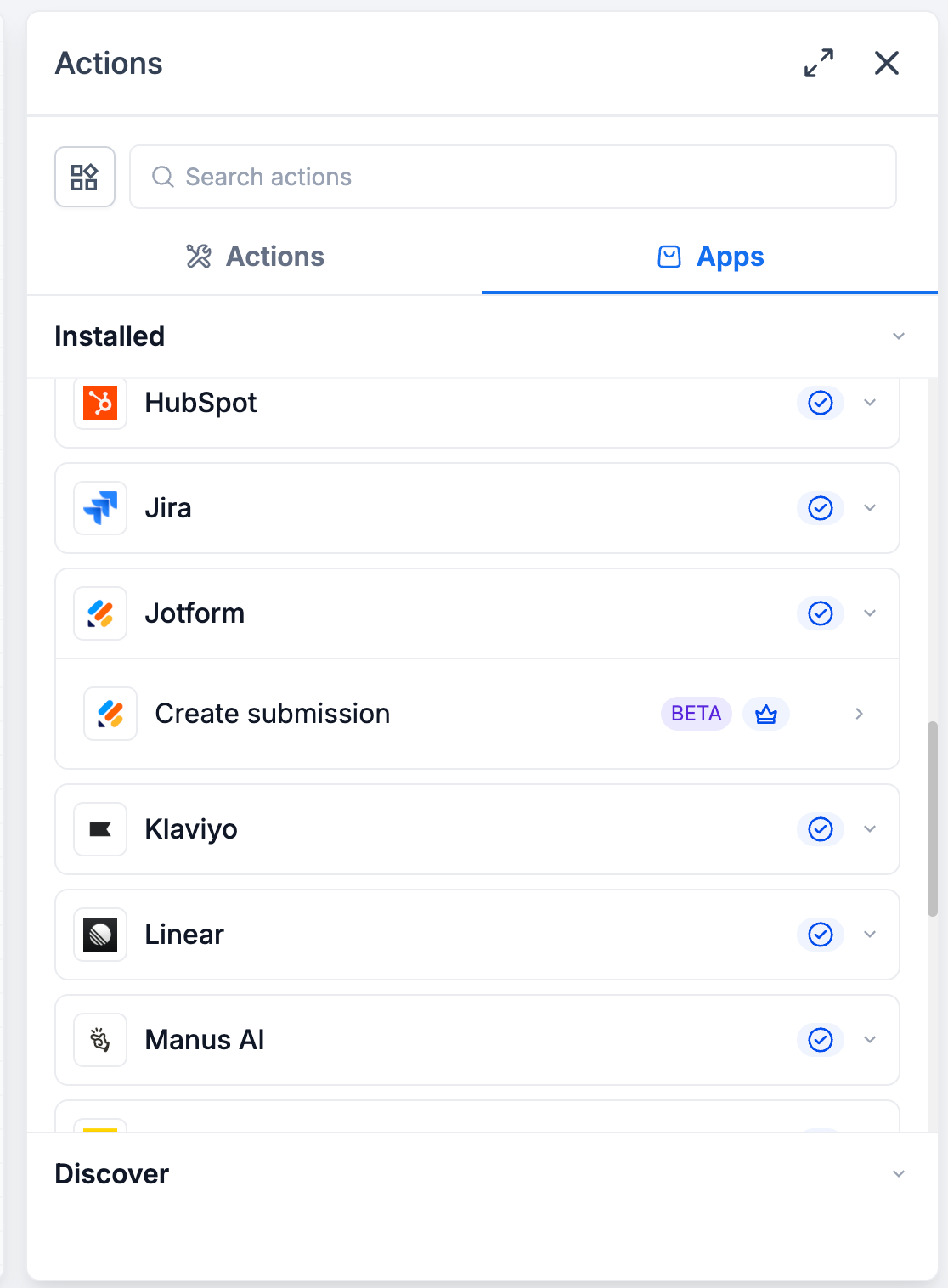
Actions
(steps you can run in Jotform from a Clixio workflow):
-
Create Submission
– Add a new submission to any form in your Jotform account, with values mapped from your workflow.
With Jotform actions and triggers, you can:
- Follow up on new leads the moment a form is submitted, with no manual import.
- Kick off onboarding the moment a contract is signed, with no one watching an inbox.
- Write phone, event and walk-in sign-ups into Jotform so your form reports show every lead, not just the online ones.
- Drop third-party zaps and webhooks, cutting cost and failure points.
Lead capture and CRM sync
A “Website Lead Form” submission creates the contact in Clixio, sends an acknowledgment email, tags them “New Lead”, and posts to your sales channel in Slack.
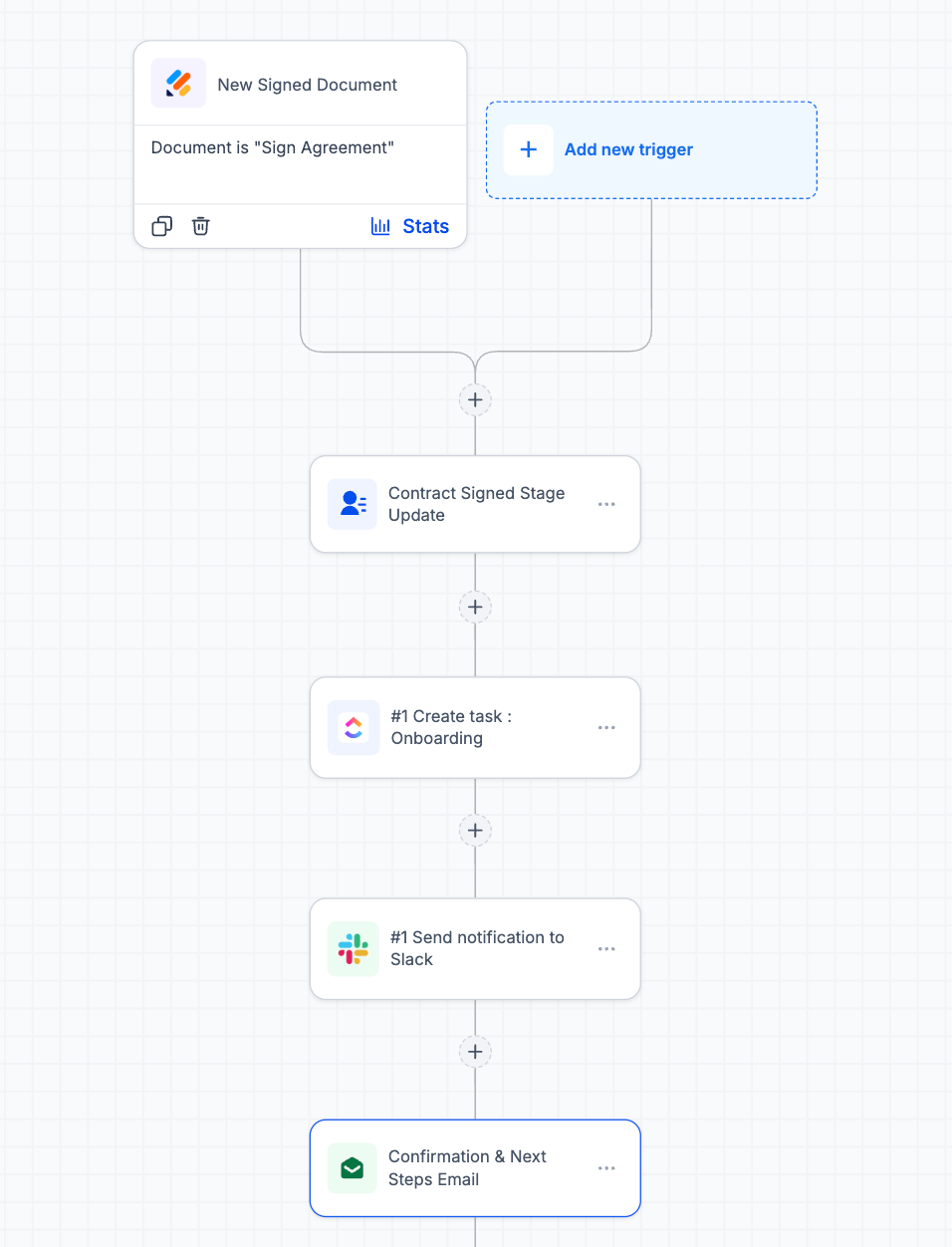
Signed contract to project kickoff
A client signs your “Service Agreement” in Jotform Sign → their stage updates to “Contract Signed”, an onboarding task is created in ClickUp, #operations is notified, and the client gets their next steps.
Offline sign-up to Jotform
Someone registers for an event over the phone → the workflow writes a matching submission into your Jotform event form, so every attendee appears in one report.
Appointment to intake form
A consultation is booked in Clixio → an intake submission is created in Jotform with the client’s details already filled in.
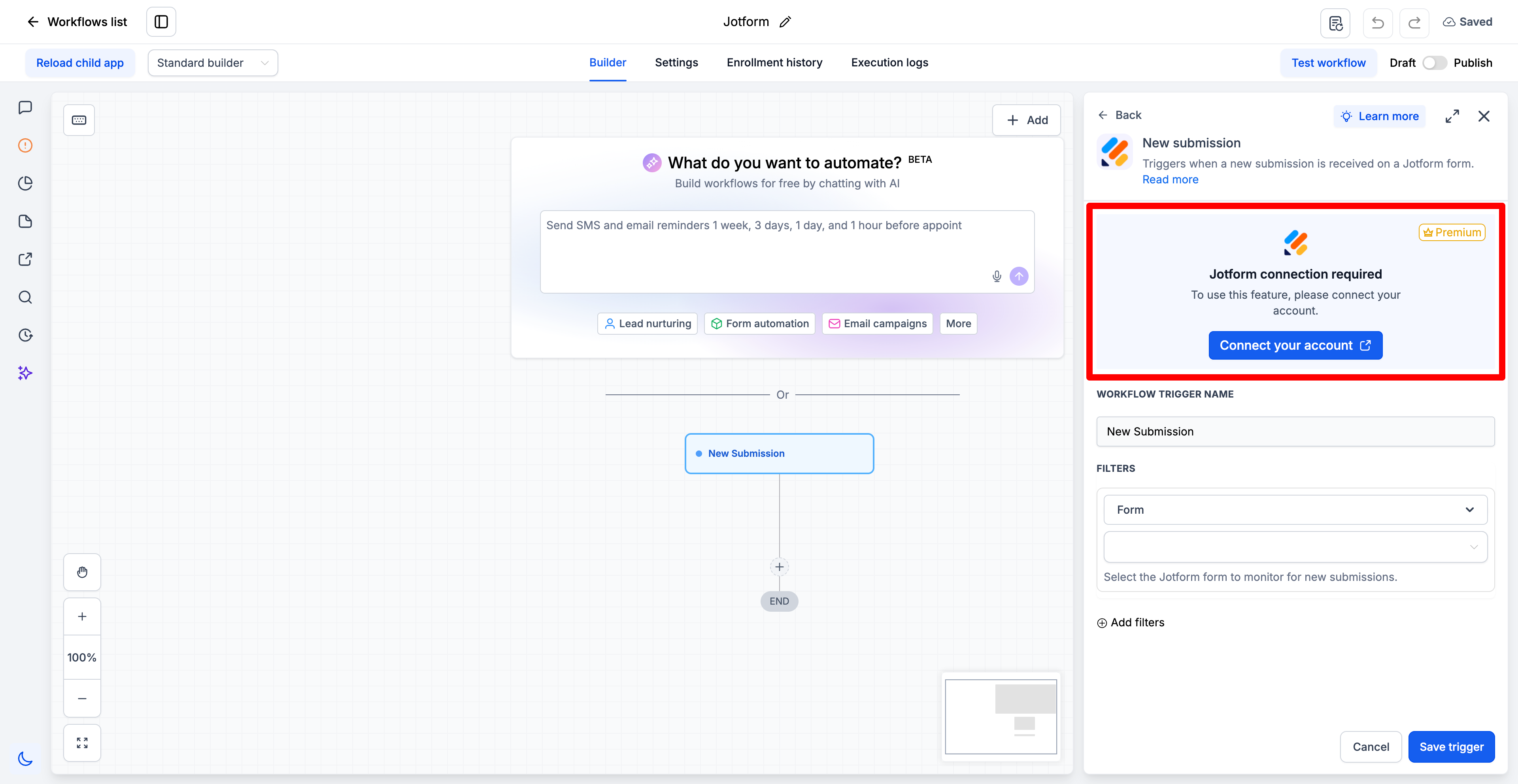
- Open the Workflow Builder and search for “Jotform” actions or triggers.
- Click
Connect Now
when prompted and sign in with your Jotform account.
- Once connected, select a form and its fields load automatically for mapping.
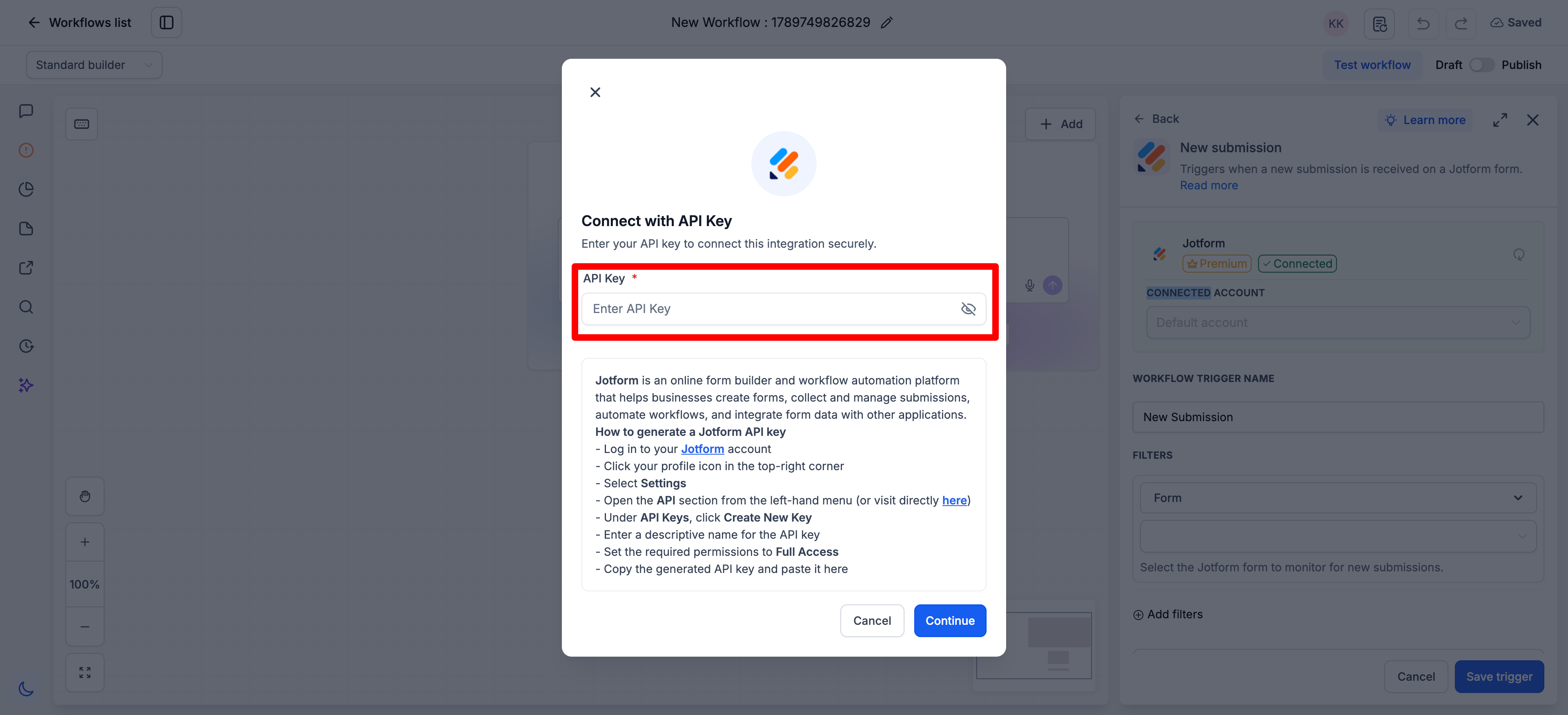
- Alternatively, go to
Settings → Integrations → Jotform
to connect your account first.
Supported fields in Create Submission:
Full Name, Email, Address, Phone, Short Text, Long Text, Number, Dropdown, Single Choice, Multiple Choice, Yes/No, Star Rating, Scale Rating, Date Picker and Time.
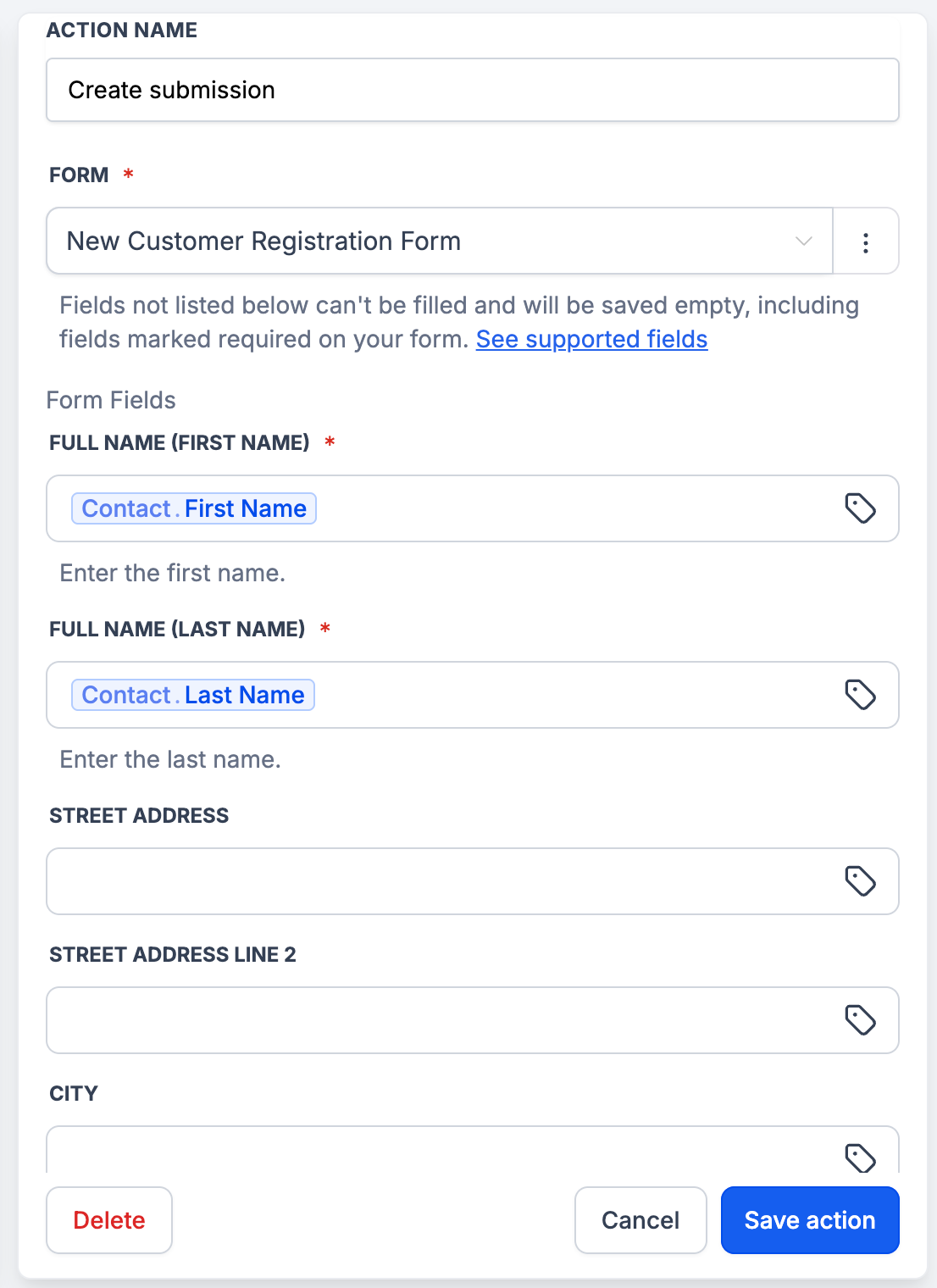
Fields that aren’t supported won’t appear in the mapping list.
These include File Upload, Signature, Appointment, Payment, Product List, Input Table, Fill in the Blanks, Spinner, Emoji Slider, Image Choice, Captcha and widgets such as Terms and Conditions and Checklist.
- Unsupported fields are saved empty. This applies even when the field is marked required on your form — Jotform accepts the submission anyway and marks it active, so nothing fails in your workflow.
- Submissions created by this action carry no payment, amount, product or booked time slot. On a payment form, they look identical to paid submissions, so treat them as unpaid unless payment was collected another way.
- The New Signed Document trigger reads documents signed in Jotform. Create Submission can’t write a signature — signatures have to be captured from a person.
- Dates use YYYY-MM-DD and times use HH:MM.
- Field support is expanding — more types will be added in future releases.
-
Coming next:
Assign Form and Assign Prefilled Form, so you can send a form out for someone to complete rather than writing the submission yourself.