Internal Notifications: Notify Followers + Opportunity Owners
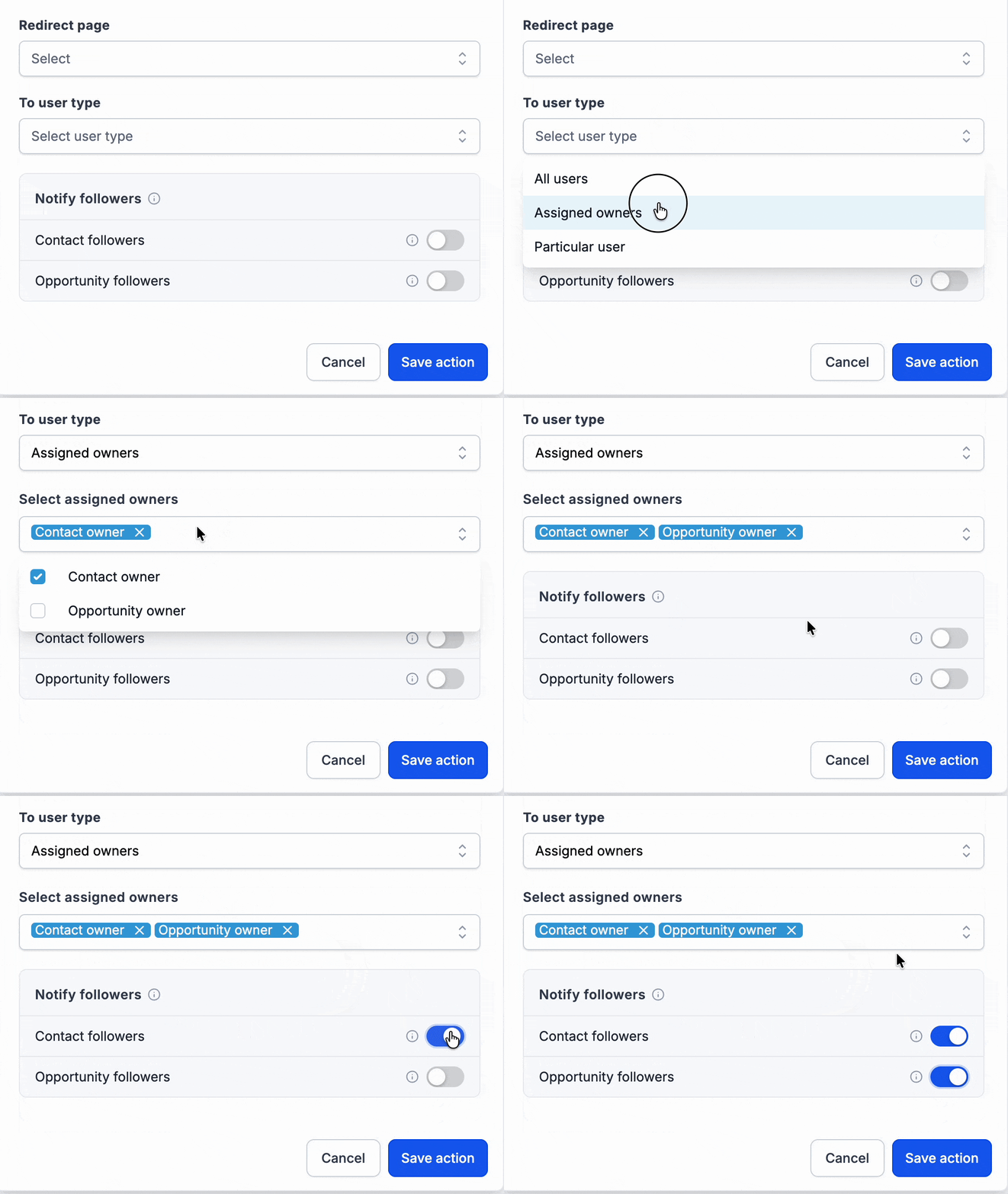
You can now notify contact followers, opportunity followers, or both through the Internal Notification workflow action. Additionally, we’ve introduced Opportunity Owner as a new recipient option in the existing ‘User Type’ picker.
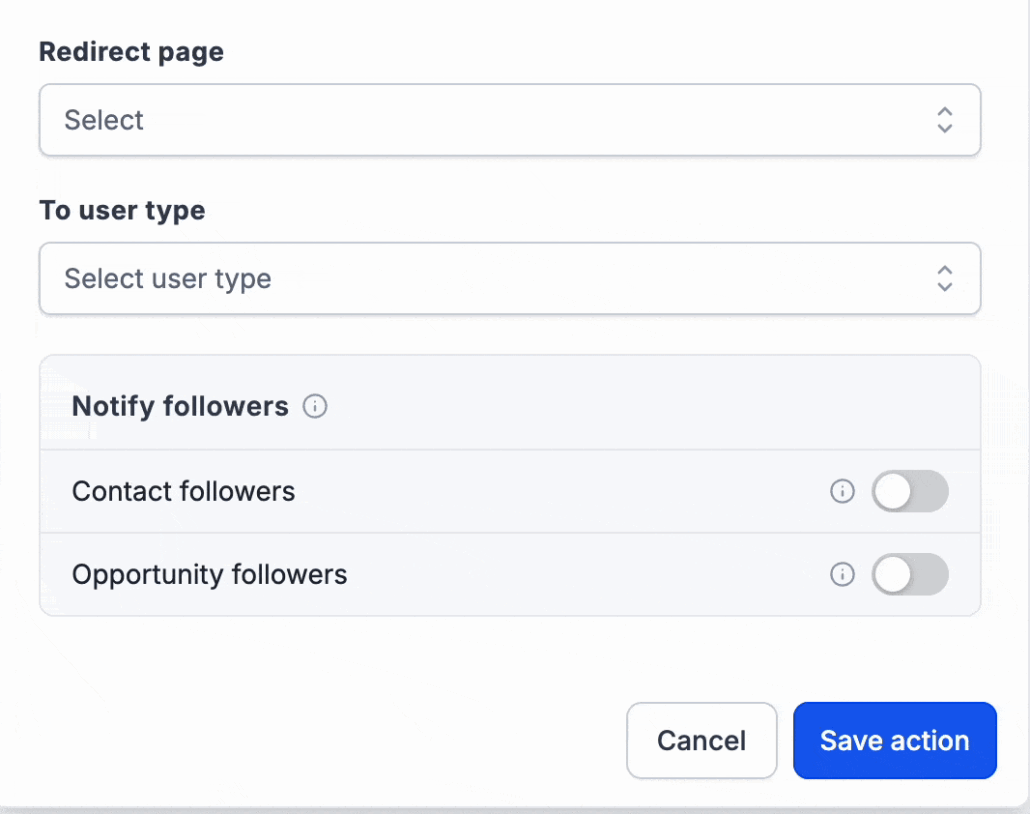
A new section for notifying followers appears directly below the ‘To User Type’ option. The follower checkboxes are additive, allowing notifications to be sent to followers in addition to the selected recipient. Followers are resolved when the action runs, ensuring that all recipients are deduplicated.
Steps to Notify Followers:
- Open an Internal Notification action in a workflow.
- Select your existing ‘To User Type’ recipient.
- Activate Contact followers, Opportunity followers, or both.
Teams often collaborate on contacts and opportunities that they do not own. This functionality helps keep lead generators, closers, mortgage advisors, renewal teams, and coverage colleagues informed without the need for manual mentions or additional workflow branches.
Usage Examples:
- A real estate team has the ‘To User Type’ set to Assigned User and enables Contact followers, allowing the lead generator, agent, and mortgage advisor following the contact to be notified when the lead replies.
- A sales team managing PTO activates both Contact followers and Opportunity followers, ensuring that the covering teammate following the record receives notifications when a form is submitted or an opportunity stage changes.
Key Features:
- Available for Email, In-App Notification, SMS, and WhatsApp. Contact and opportunity follower toggles operate independently and can be used together.
- Duplicate recipients are automatically deduplicated when the action runs.
- Opportunity followers will be skipped if no opportunity is in scope, or if the opportunity has been deleted. The selected ‘To User Type’ recipient will still receive the notification.
- Followers without the required channel address will be skipped for that notification type.
- Existing Internal Notification actions remain unchanged.