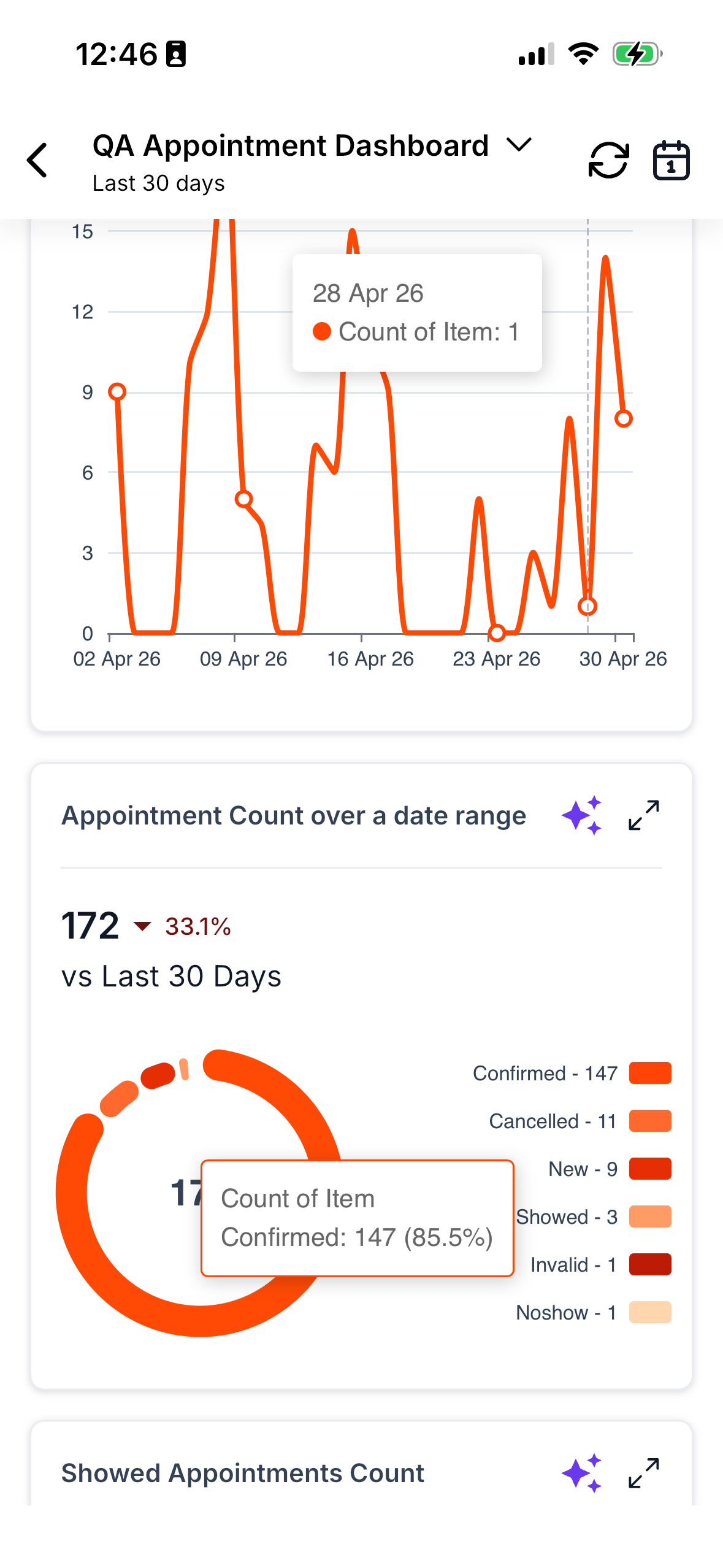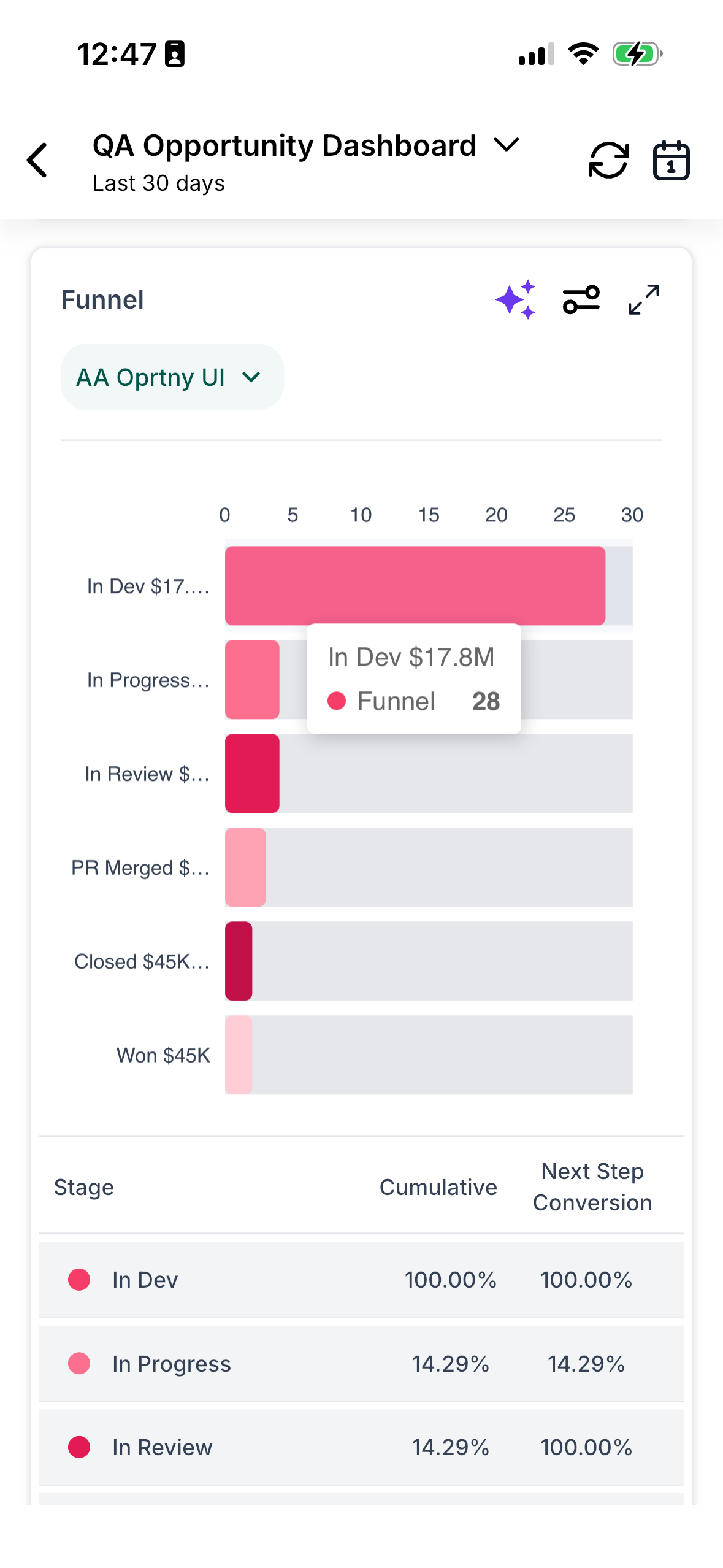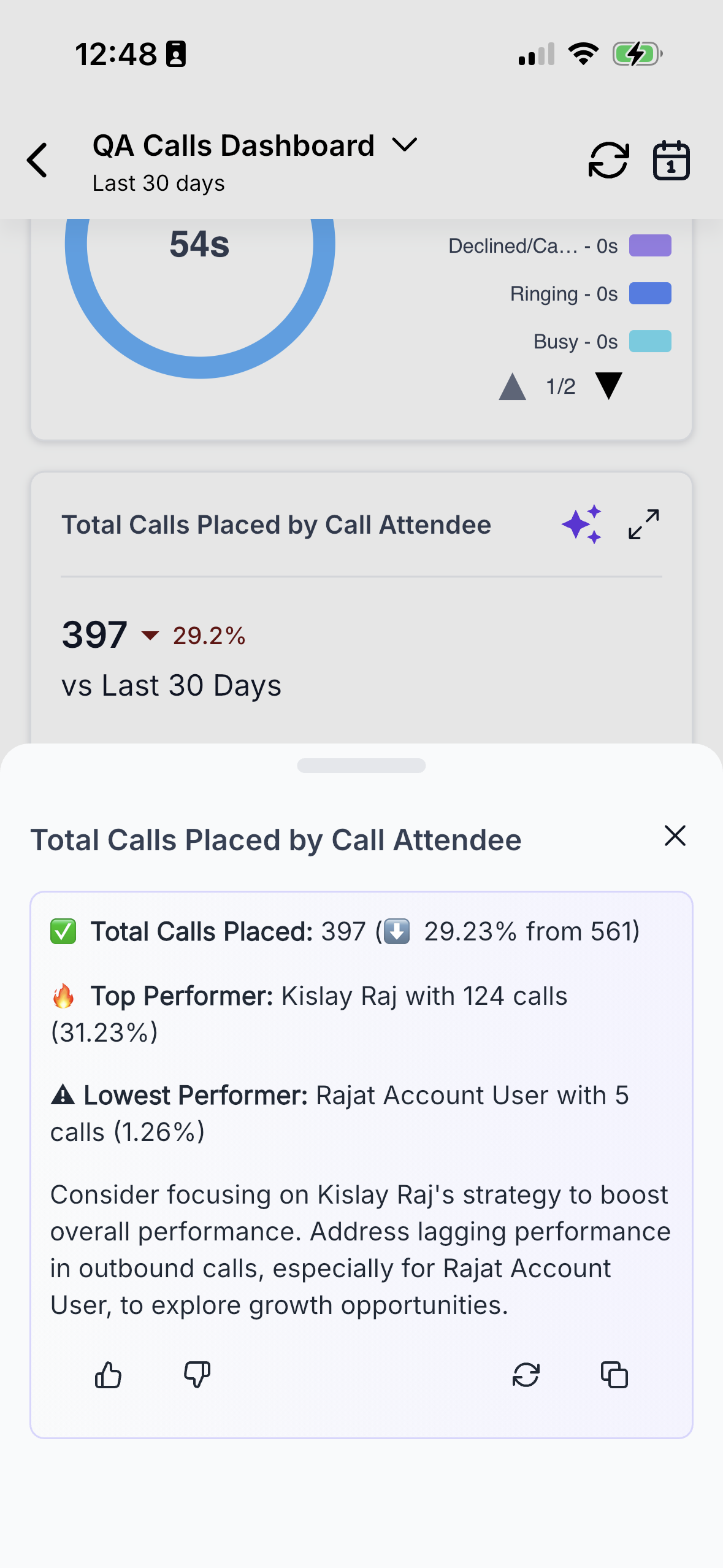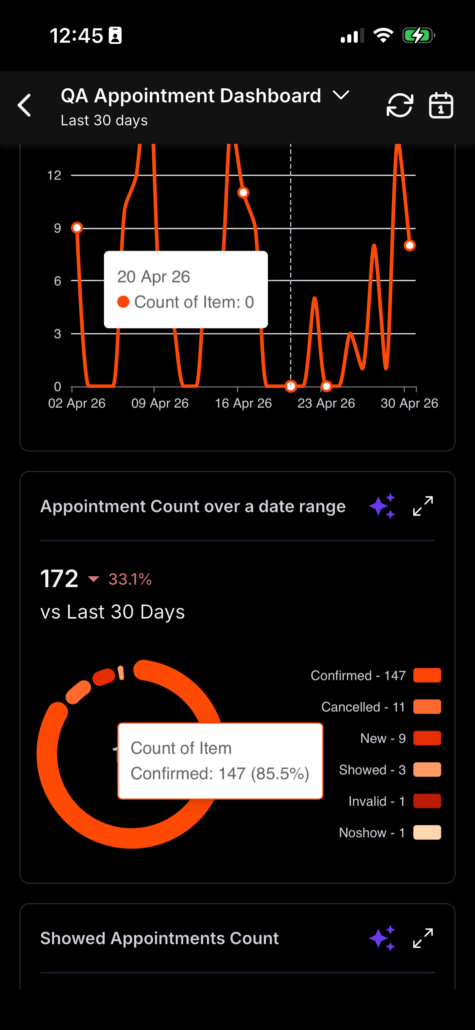
Insights is now Dashboards on the Mobile App
Your business numbers at your fingertips, wherever you are
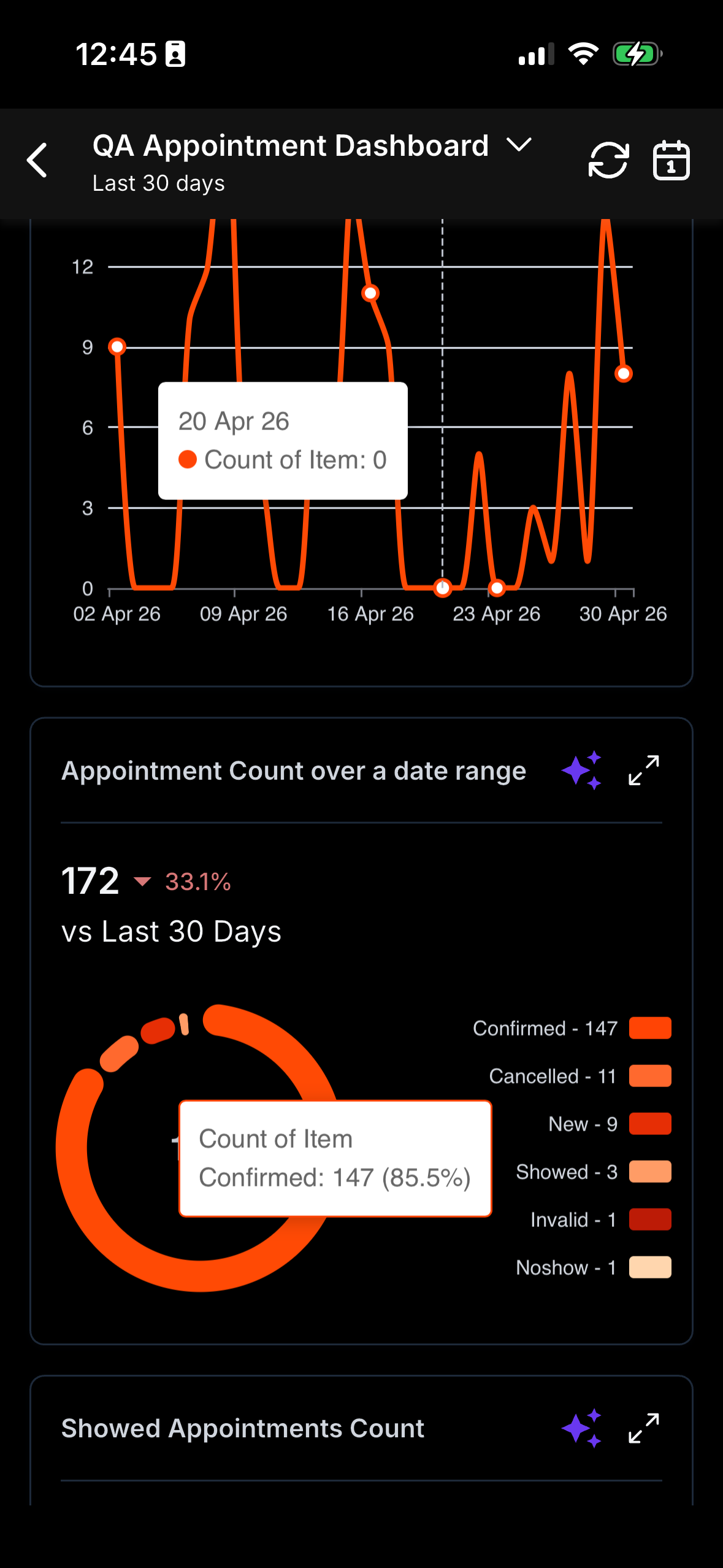
Every dashboard you’ve created on the web is now available on your mobile app — in full, not a limited version. Pipeline, deals, conversions, campaigns, team activity, and more are now at your disposal, in your pocket. You can access the same data your team is viewing on their laptops in real-time.
Previously, reliable dashboards were confined to desktops, and the full range of dashboard types and widgets was only accessible on the web. If you wanted the complete picture, you had to open your laptop. The old mobile experience— Insights — only provided a limited view, and customers often experienced data discrepancies and missing figures between mobile and web. This meant decisions were frequently delayed or made based on incomplete information. We’re now addressing this gap.
We’ve replaced Insights with Dashboards in the mobile app, bringing your entire web experience to your phone. Once you open the module, your default dashboard loads automatically — no setup required. From there, you can:
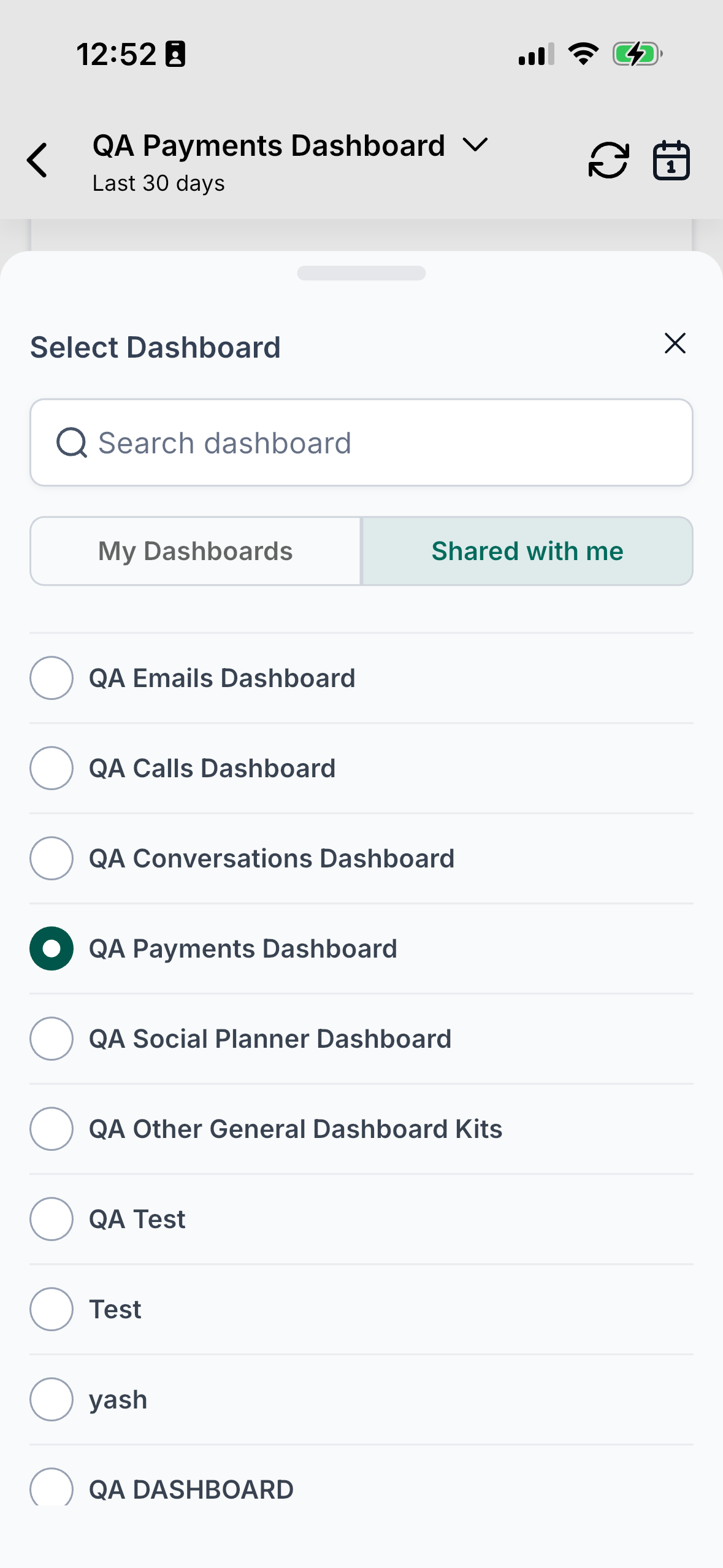
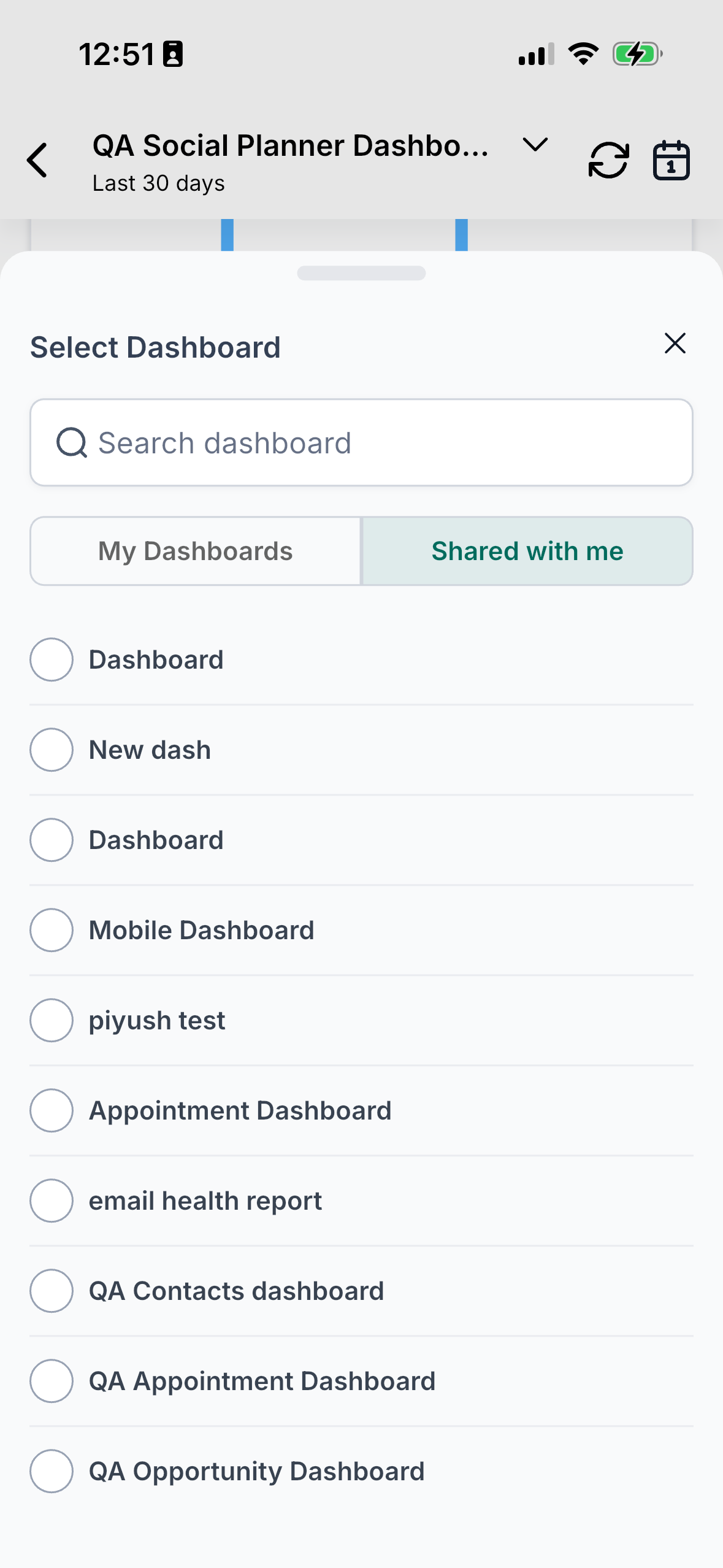
- Switch between any of your dashboards with a tap
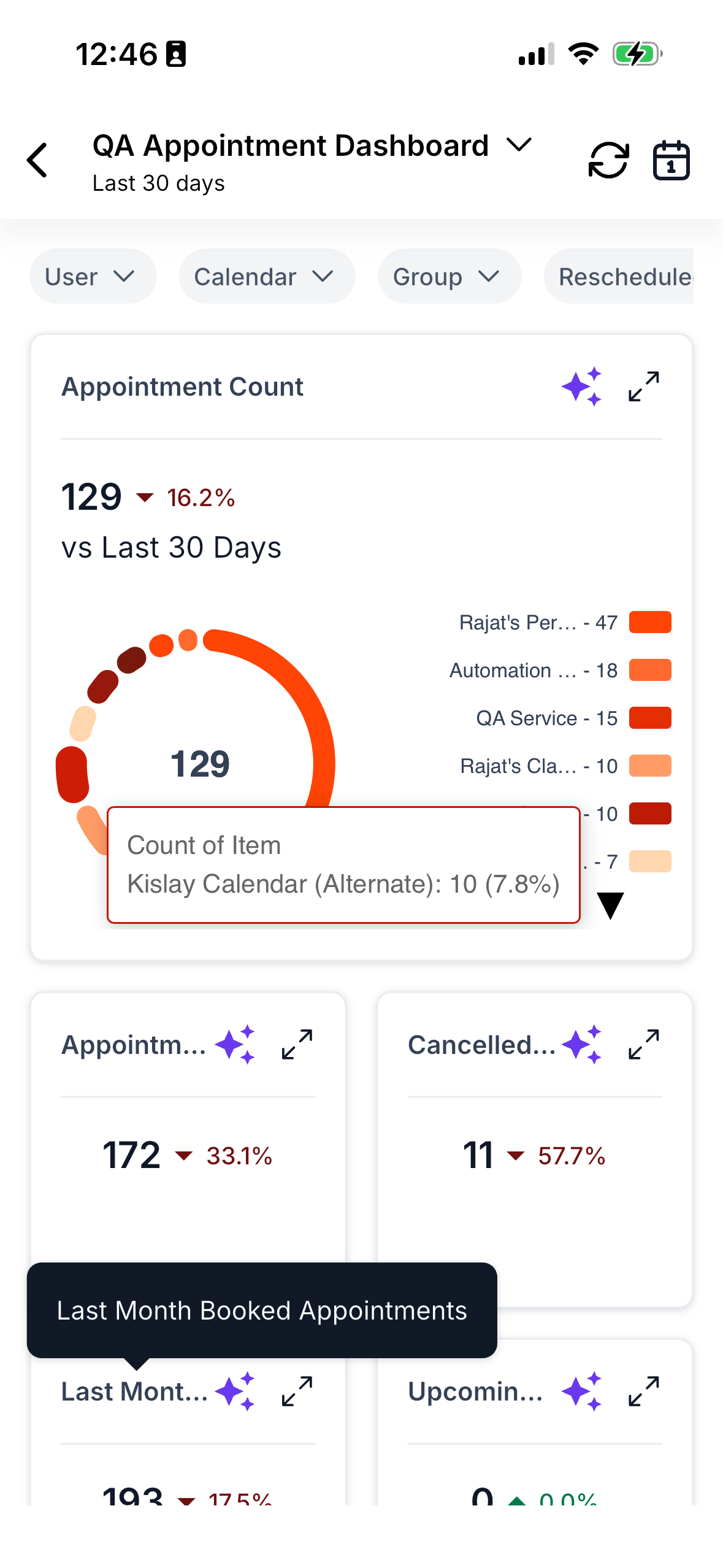
- Apply quick filters and date ranges to analyse the data
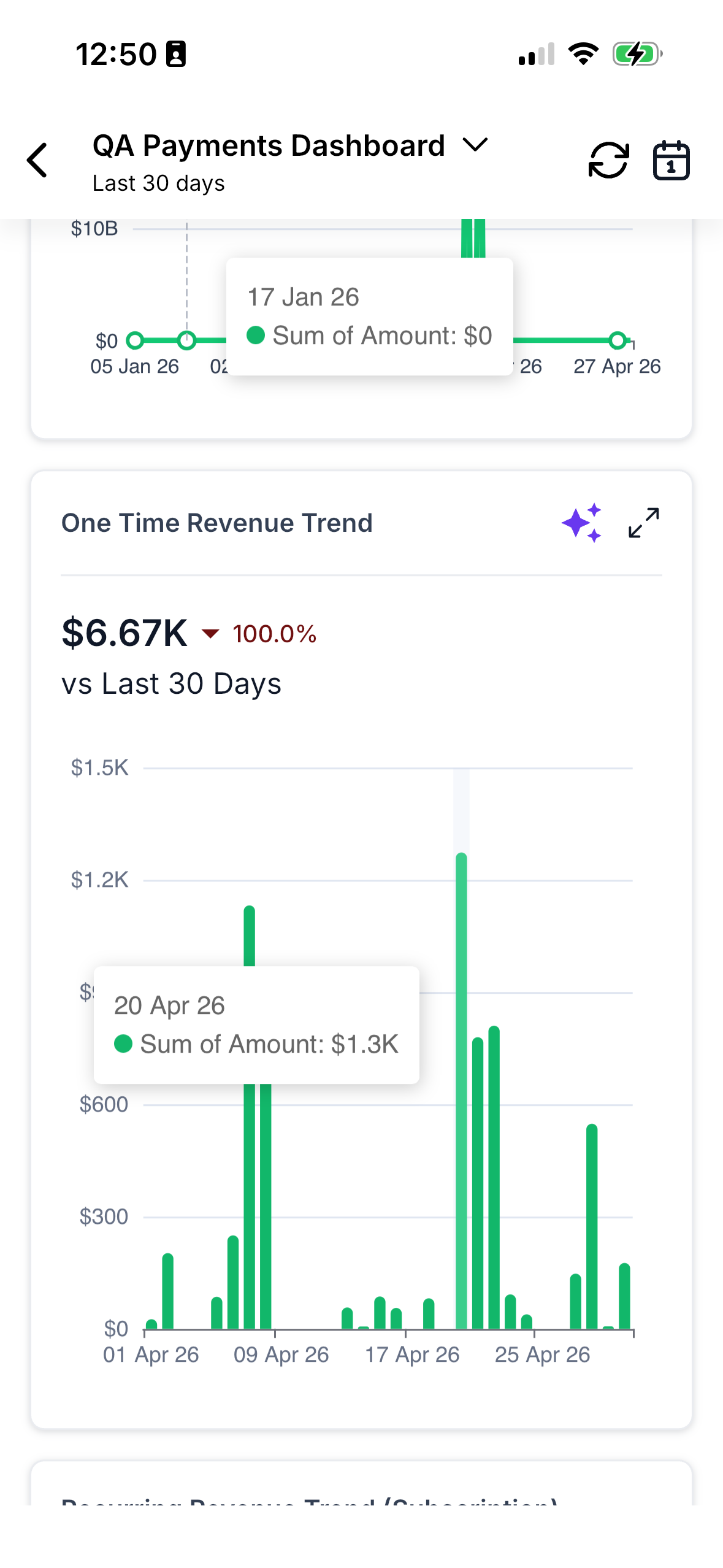
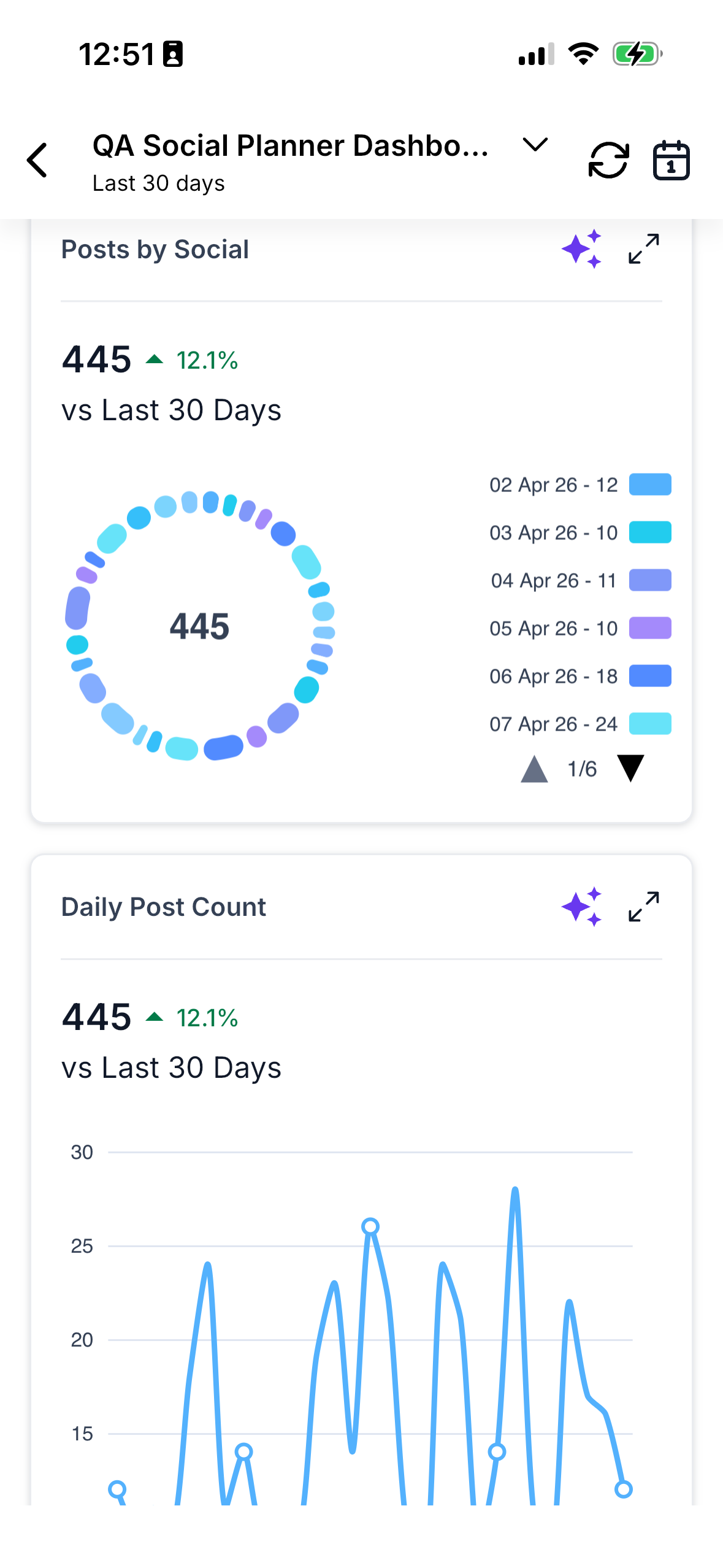
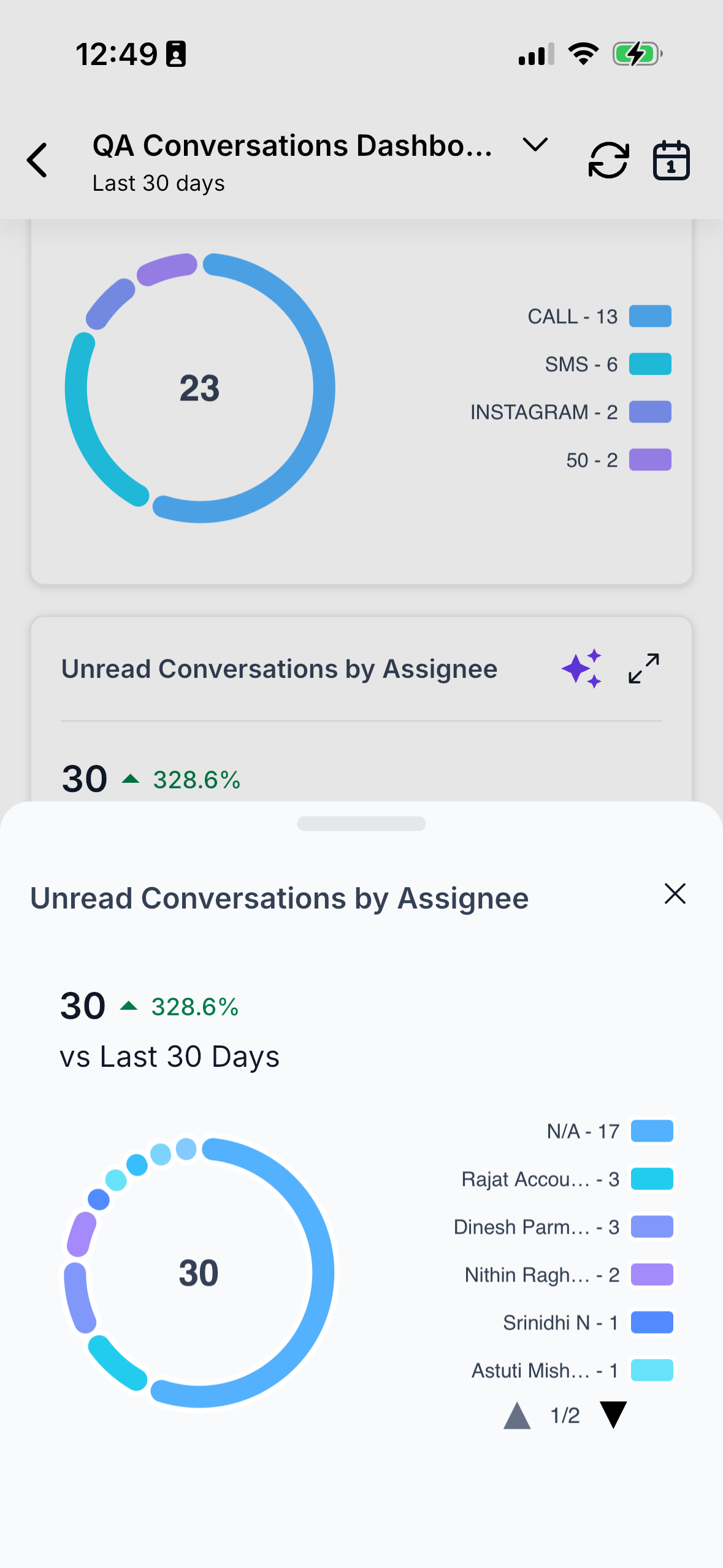
- Browse your key chart widgets: Numeric, Line, Donut, Vertical Bar, Horizontal Bar
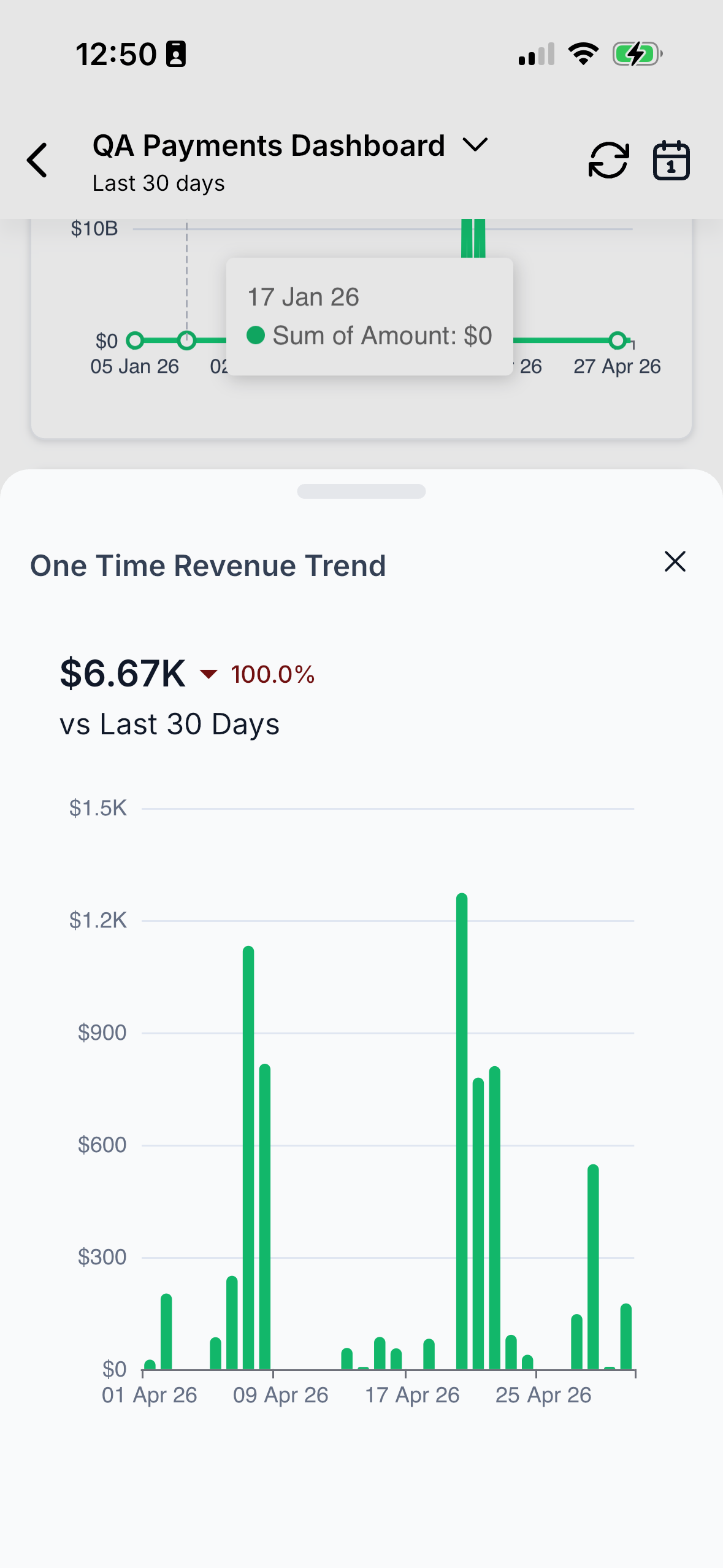
- Expand any widget for an in-depth look at trends and details
- Interact directly with charts — drag your finger across a line to read exact values, or tap into a bar to explore its content
- Access widget-level AI insights for a clear interpretation of the data
Importantly, the data is real-time. Refresh intervals are managed automatically, ensuring there is no lag or discrepancies between what you see on your phone and what your team views on the web. One source of truth, across two screens.
How This Helps Your Business
Currently, Mobile Dashboards can be enabled in Labs. Here’s how to turn it on:
- Open your mobile app and go to Labs.
- Locate Mobile Dashboards and toggle it on.
- Open the Apps section and tap Dashboards — your default dashboard will load automatically.
- From there, switch dashboards, apply filters, expand any widget, and tap the AI icon whenever you want a quick data summary.
We plan to roll this out for general access to everyone in approximately 14 days. So even if you don’t enable it now, it will be available to you shortly.
Campaign data, which once resided within Insights, has now been organised into a dedicated Campaigns module, allowing you to track every campaign’s status in a single, focused location — no more searching through Insights to find what you need.
- Release: Rolling out with the current mobile release cycle
- Version: 4.14.1
- Status: Public rollout (phased) — currently in Labs, general access in 14 days
- Clixio: Yes
- LeadConnector: Yes
- WL App: Yes
- Supported widgets: Numeric, Line, Donut, Vertical Bar, Horizontal Bar, and supported system widgets.
- What’s included: Dashboard switcher, default-load behaviour, quick and date filters, expanded widget views, theme support, and analytics events.
- Phase 1 limits: View-only — editing of dashboards or widgets from mobile is not yet available, and dashboard-level AI summaries are not part of this release.
- Unsupported widgets: A clear placeholder message will be displayed instead of failing silently.