Improved Visibility for Store Elements in Builder
We have enhanced the Add Elements panel in the Store Builder to make store elements more discoverable and accessible, depending on the store presence in your sub-account.
With this update, store elements are now prioritised dynamically, allowing users to swiftly locate and utilise ecommerce components while building pages.
**Here’s what’s new:**
- **Dynamic Element Ranking**
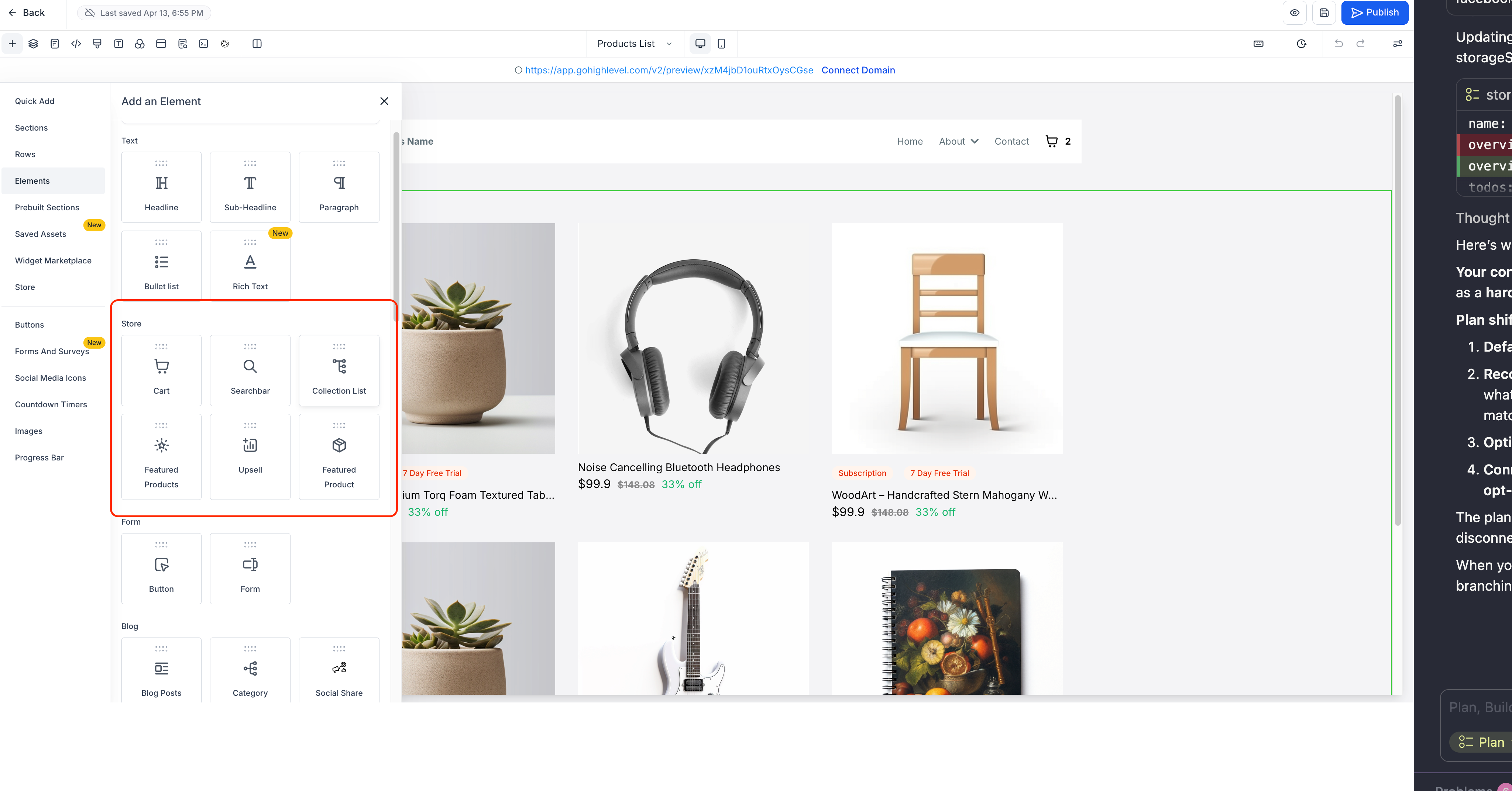
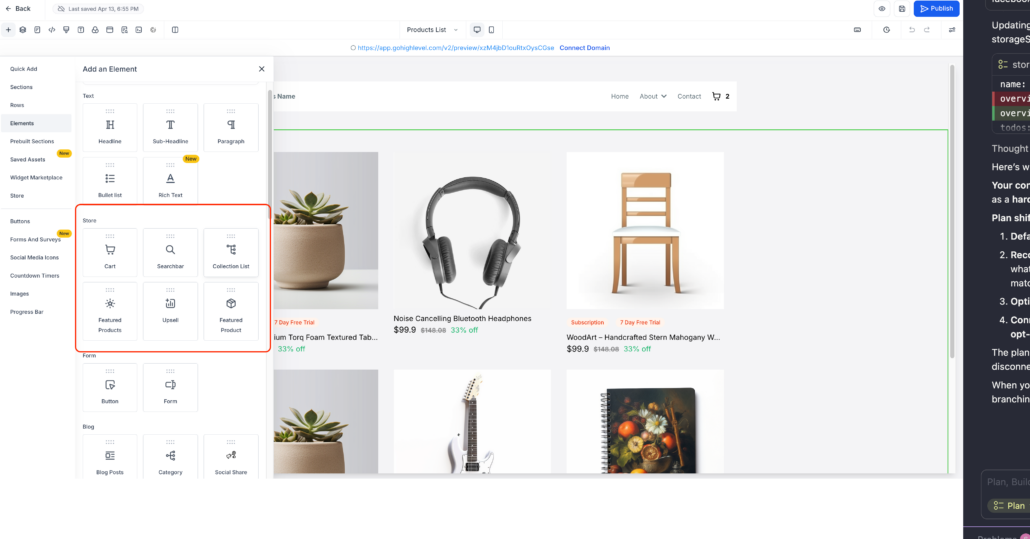
- When a store is added to a sub-account, store elements are prioritised and ranked at the top of the Add Elements panel for maximum visibility.
- **Contextual Default Placement**
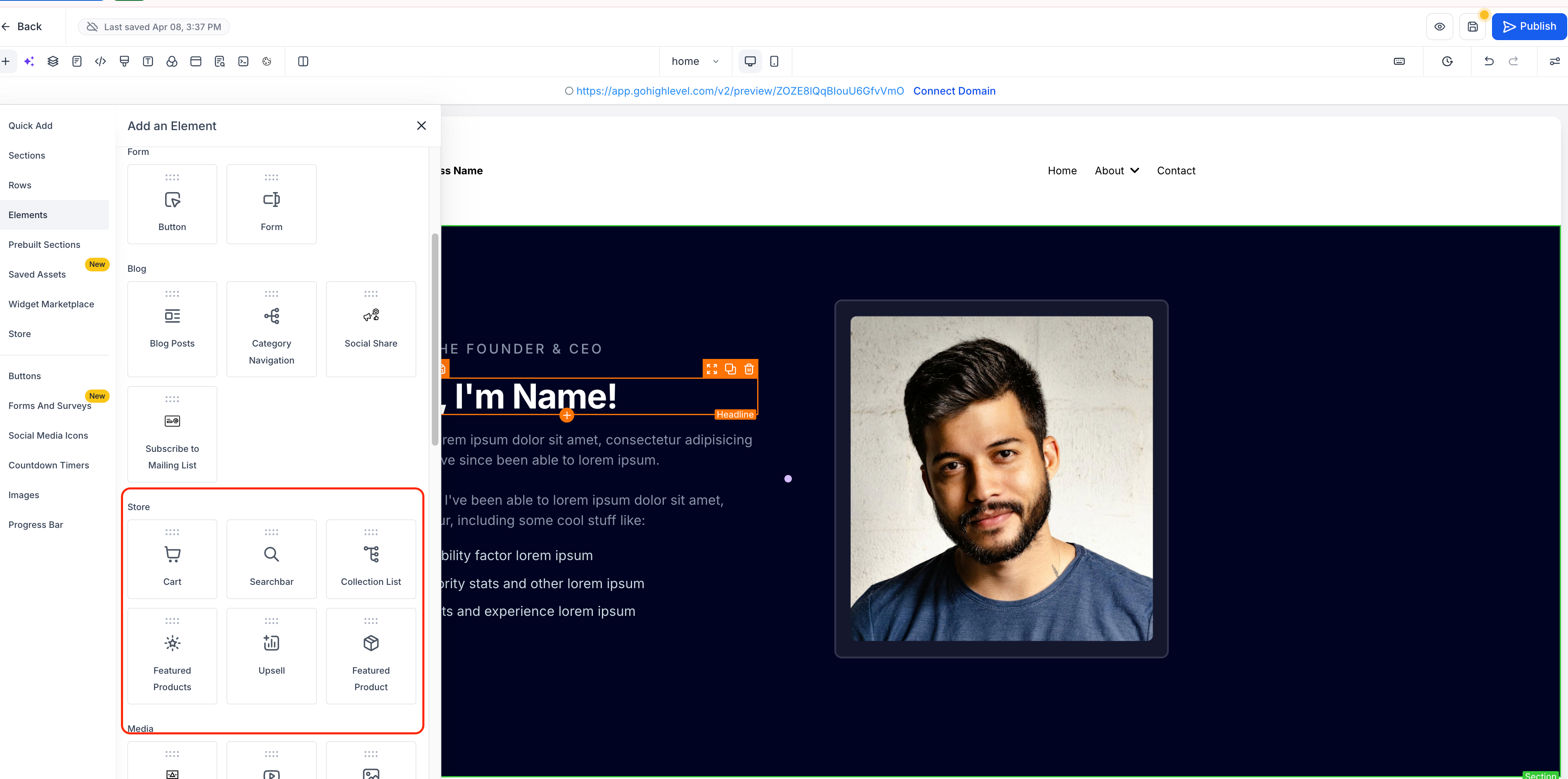
- If no store is present, store elements are logically positioned between the “Blog” and “Media” sections for improved grouping.
- **Consistent Builder Experience**
- No changes have been made to the functionality of individual store elements.
- Open the Store Builder.
- Click on “Add Elements” from the left panel.
- If a store exists in your sub-account, you will see Store Elements ranked at the top of the panel.
- If no store exists, store Elements will appear between the Blog and Media sections.
- Drag and drop the desired store elements (e.g., Featured Products, Cart, Collection) onto your page.