Improved Field Search Experience in Workflows
Improvements to Field Dropdowns and UI
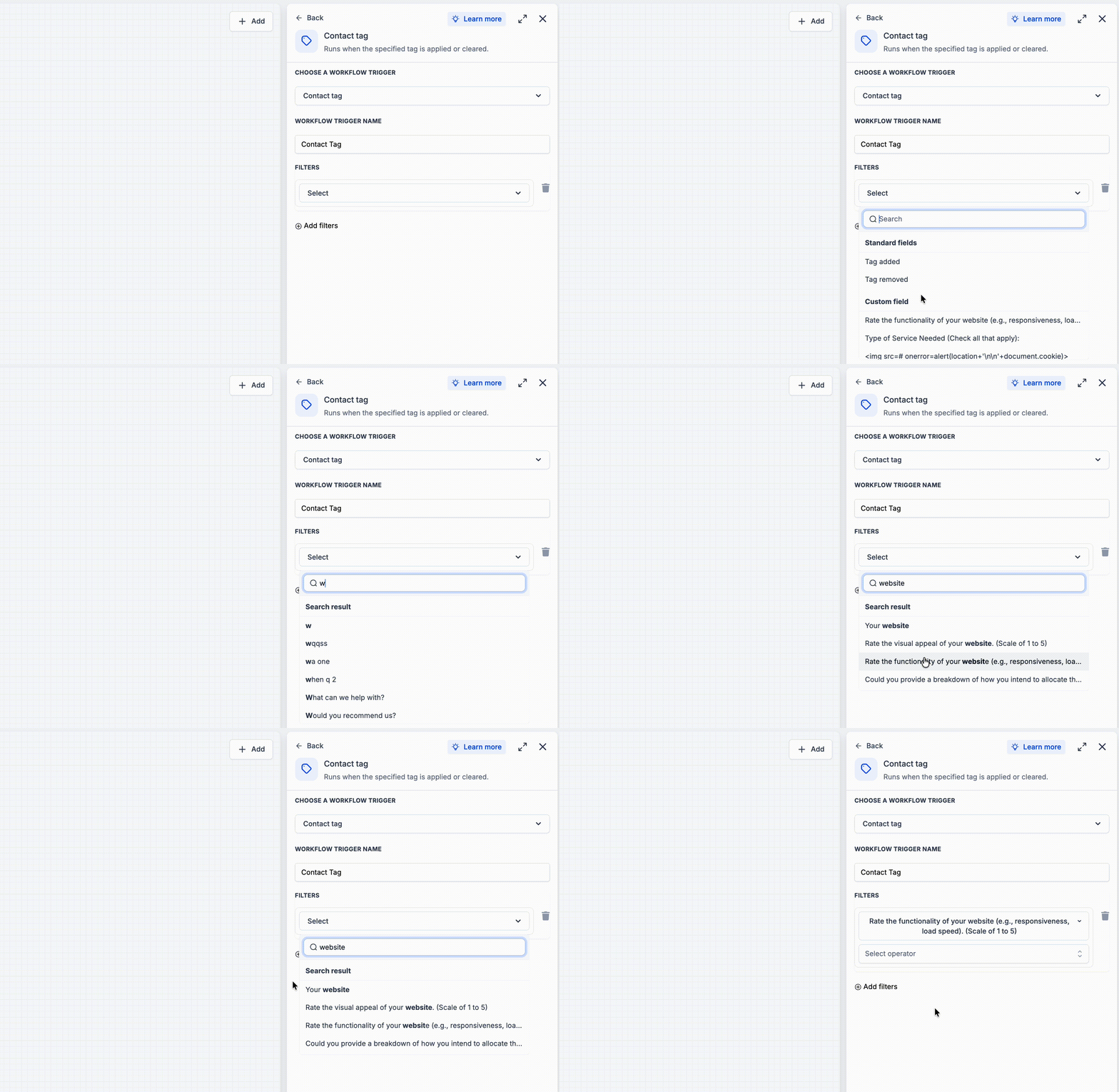
We have enhanced how field dropdowns rank search results and introduced a refreshed user interface for workflow trigger filters. Now, when you search for a field, the best match appears at the top, whether it is a standard or custom field.
All matching fields will still be displayed in a single list under search results, just as before. Once you clear the search, the dropdown will revert to the standard sections for Standard Fields and Custom Fields.
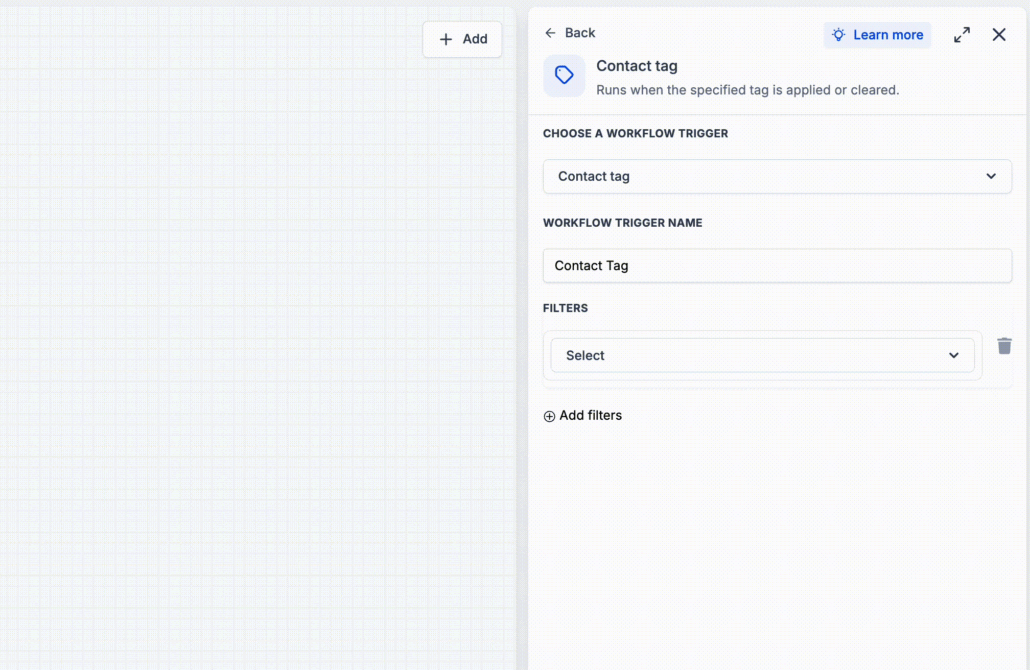
- Open a workflow trigger filter, such as Contact Changed → Filters.
- Search for a field in the Field dropdown.
- Select the best match from the top of the search results.
This update aims to reduce the need for users to sift through long field lists, as the most relevant matches will now be positioned higher in the dropdown. Consequently, field selection is now quicker and more predictable.
- These changes apply wherever this field dropdown is utilised in the workflow builder.
- Search results continue to appear under a single Search Result header.