Improved Abandoned Checkouts with Export, Filters & Notifications
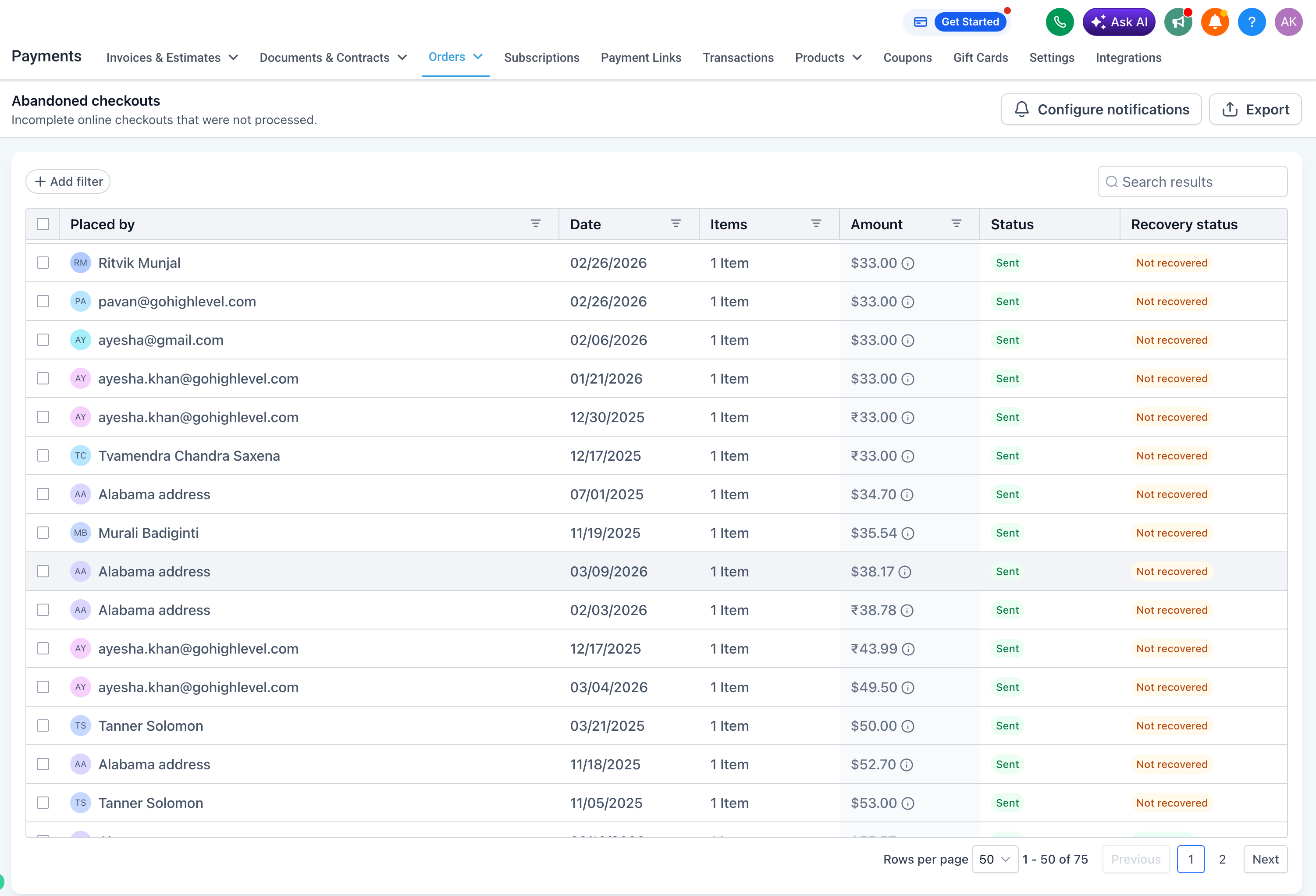
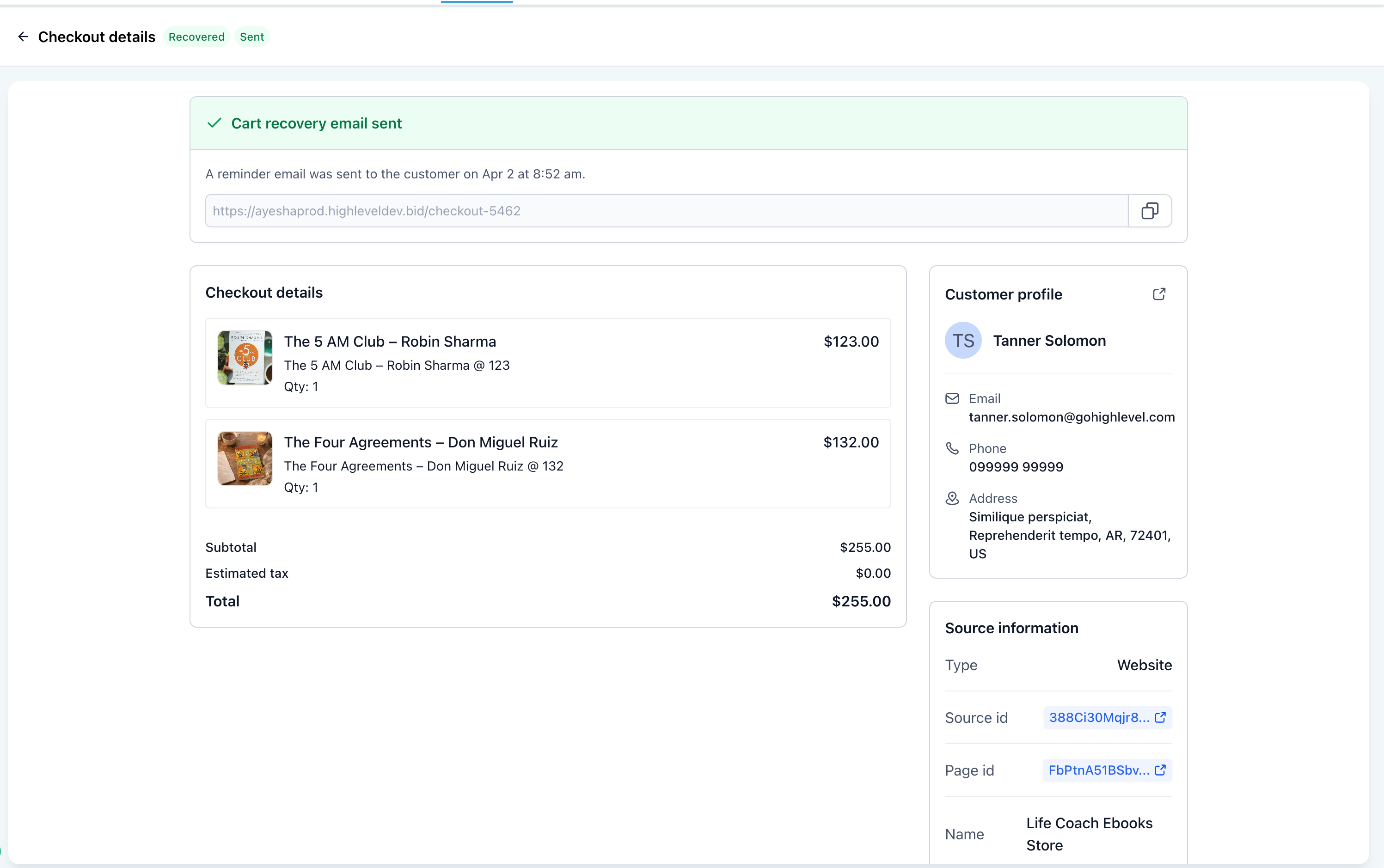
The **Abandoned Checkouts** page has been redesigned with the **High-Rise UI** and new tools to assist store owners in efficiently finding, managing, and exporting abandoned checkout data.
Steps to Manage Abandoned Checkouts:
- Navigate to **Payments > Orders > Abandoned Checkouts**.
- Search or filter the necessary records.
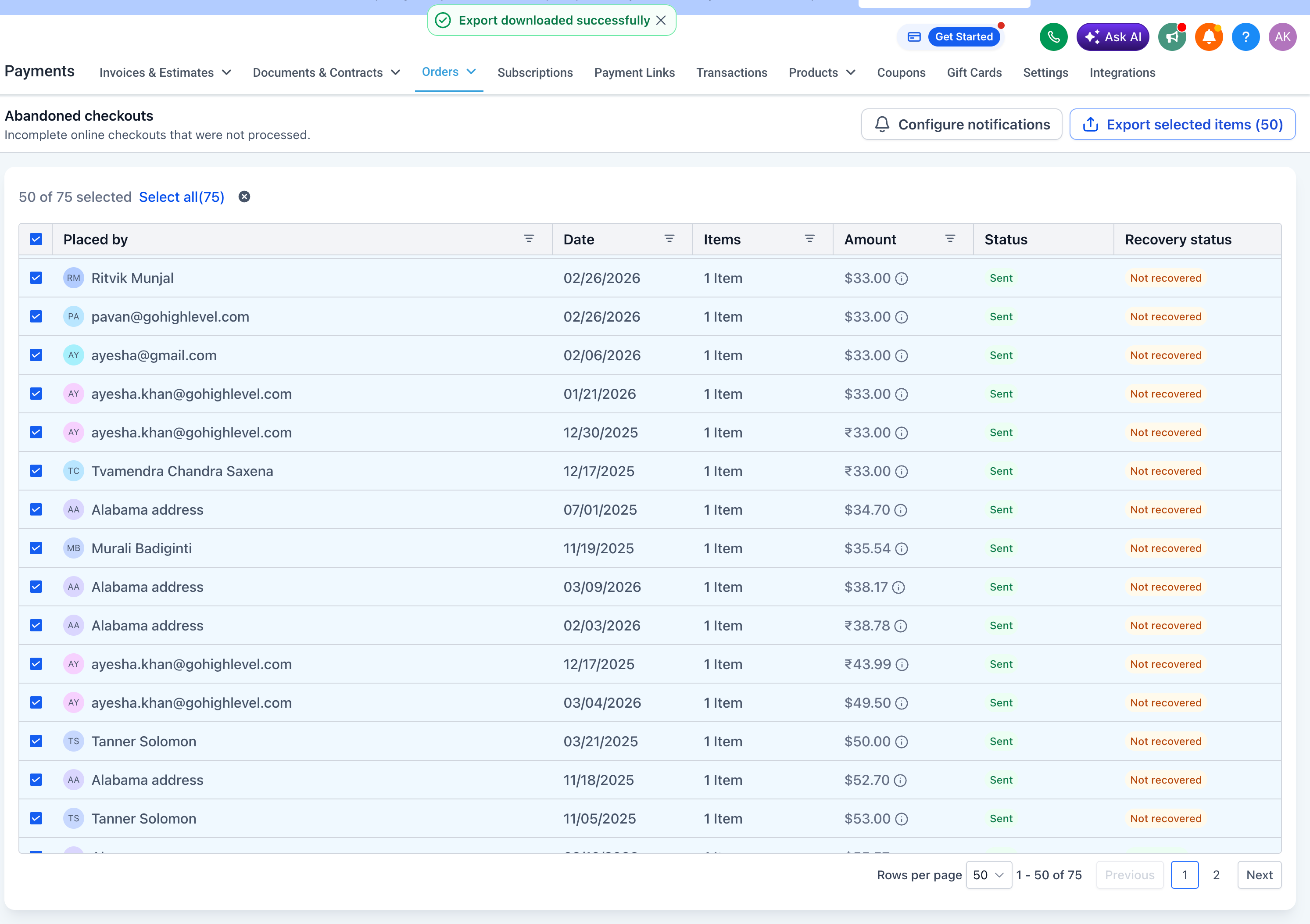
- Select the checkouts and click **Export CSV**.
- Utilise **Configure Notifications** to manage abandoned cart notifications.
Important Notes:
- Export is only enabled after selecting at least one record.
- Select All applies only to the current page.
- Exports containing more than
5,000 records
will be sent via email.