Gradient Backgrounds for Buttons – Forms, Surveys and Quizzes
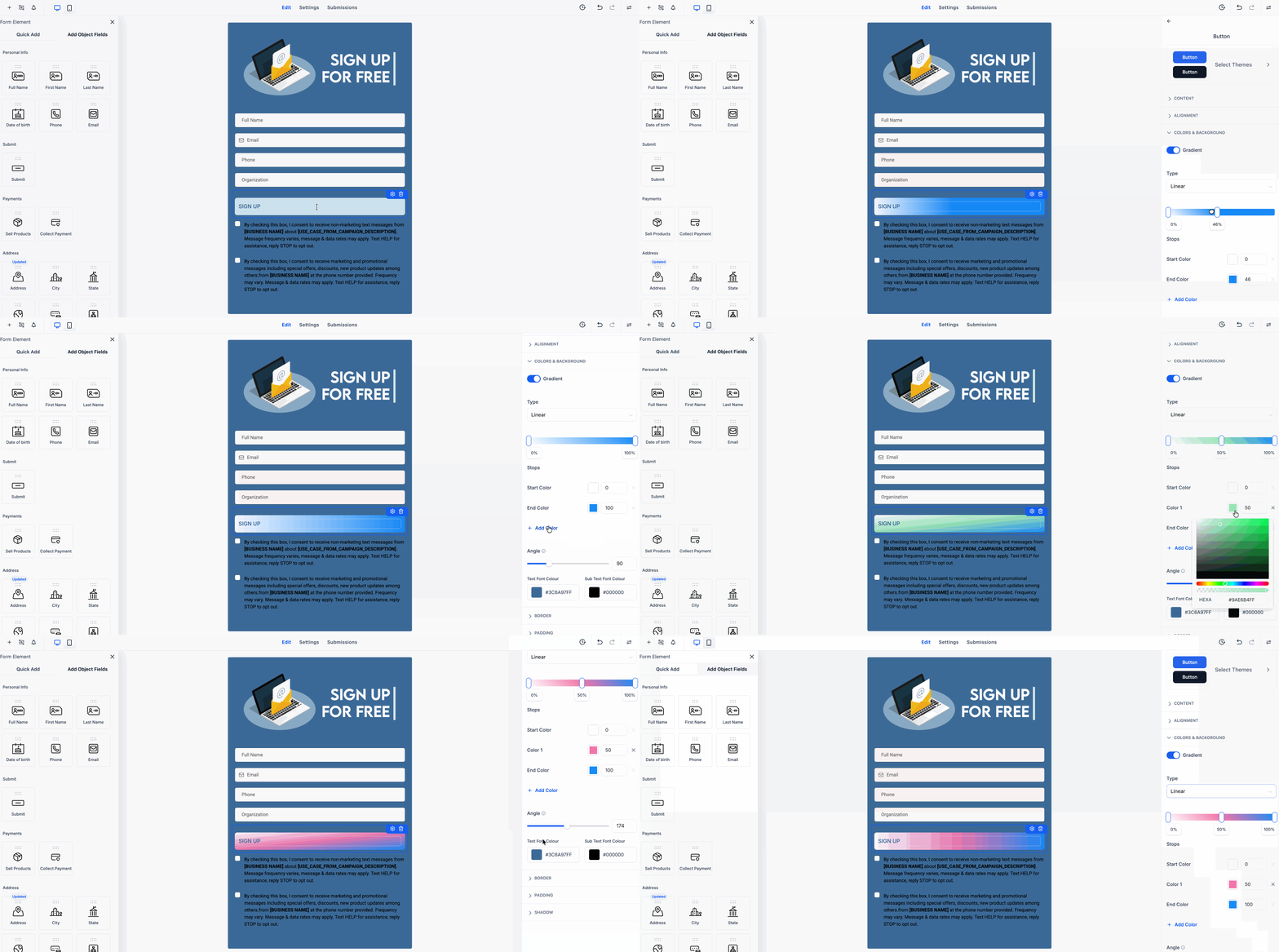
Added Gradient Background Support for Buttons in the Form, Survey, and Quiz Builder.
This update provides you with enhanced control over button styling, allowing you to switch between a solid colour and a gradient background directly from the button settings.
- You can now apply a gradient background to buttons.
- Choose between solid colour or gradient styling.
- Supports linear, radial, and angular gradient types.
- Adjust the gradient angle for supported styles.
- Add and edit multiple colour stops for more customised button designs.
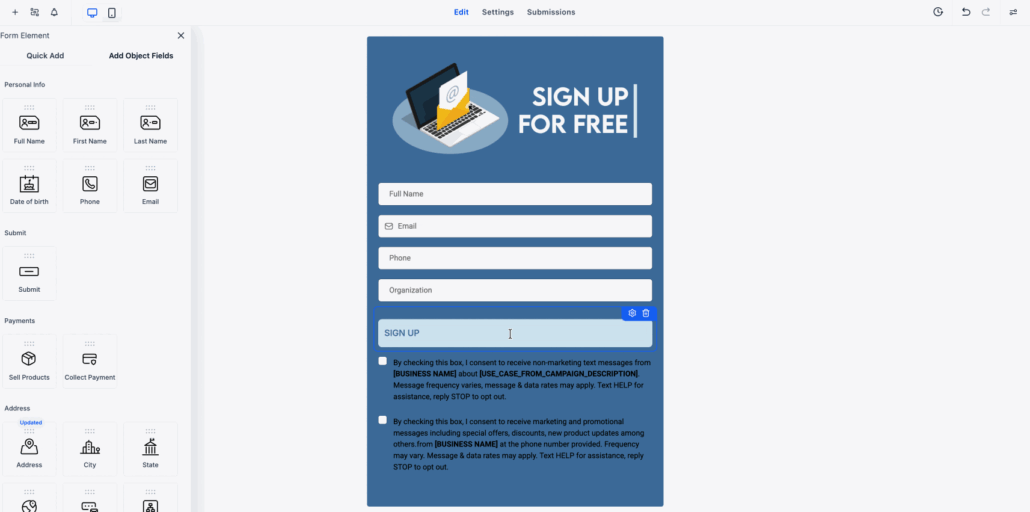
- Open the Form, Survey, or Quiz Builder and select a button element.
- From the button style settings, open the Button Background section. You can then switch from a solid colour to a gradient and customise the colours, type, and angle.
- Offers greater flexibility when styling buttons.
- Facilitates the creation of more modern and visually dynamic designs.
- Allows you to customise buttons without the need for custom code.
- Preserves existing button styles while adding more design options.