
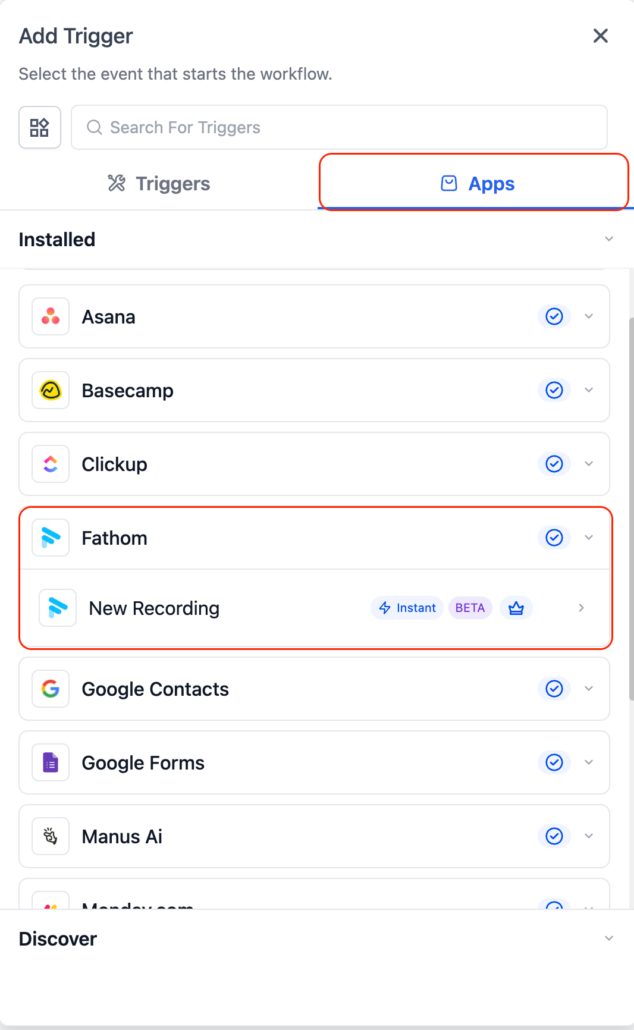
Fathom actions and triggers in Workflows.
We’ve introduced Fathom actions and triggers in Workflows.
This enables users to transform meeting conversations into automated workflows, including follow-ups, task creation, and internal notifications, all without manual effort.
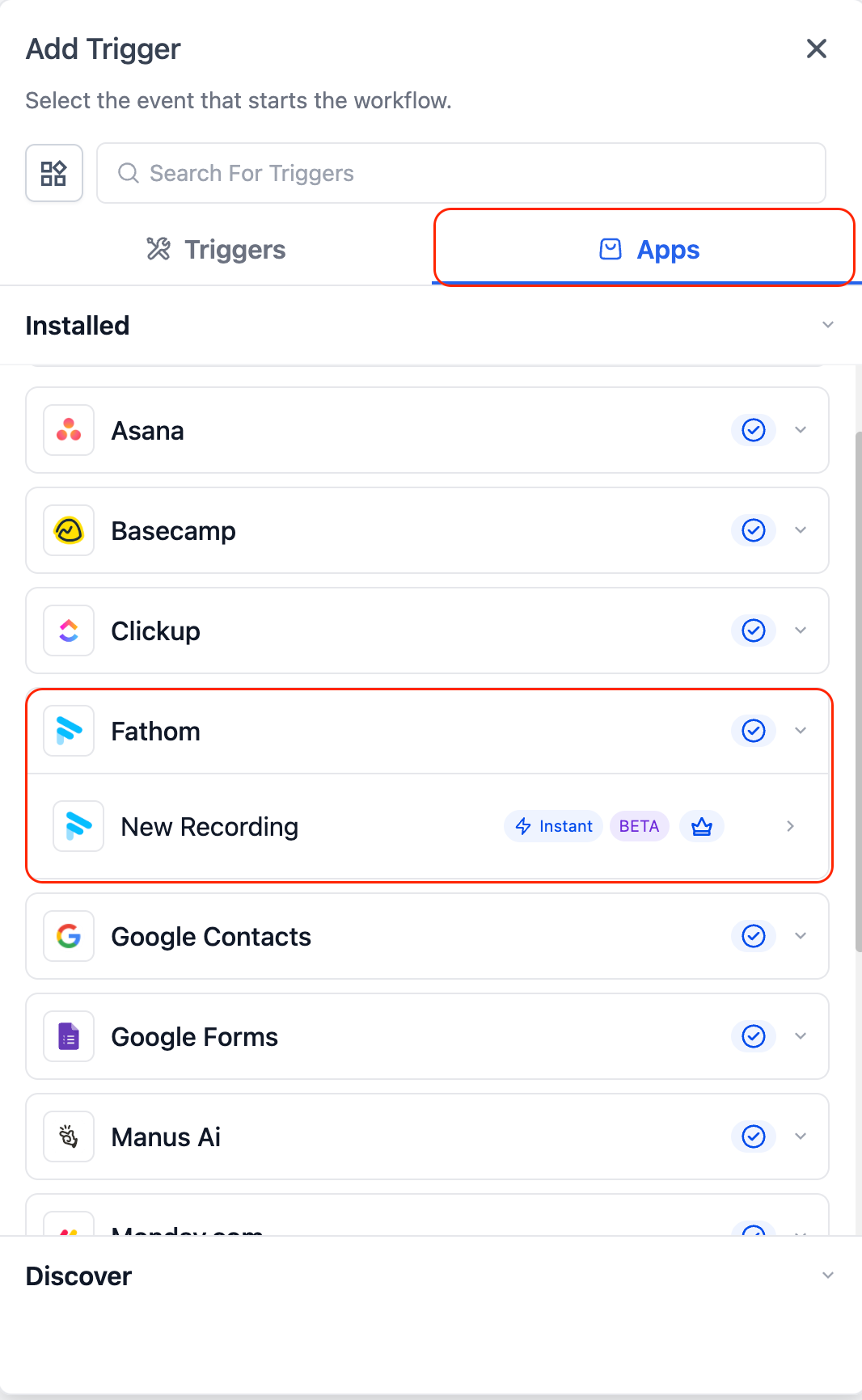
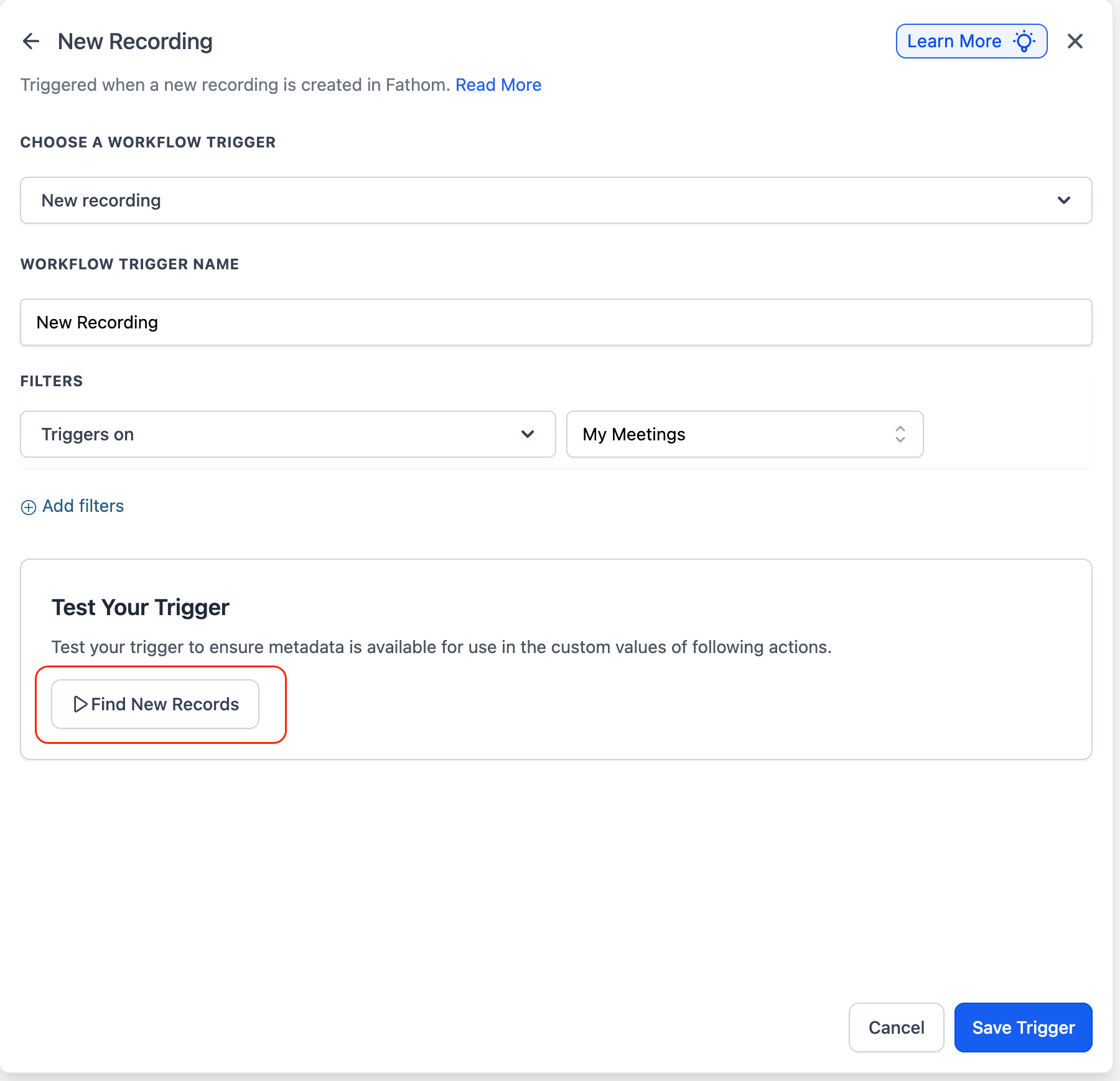
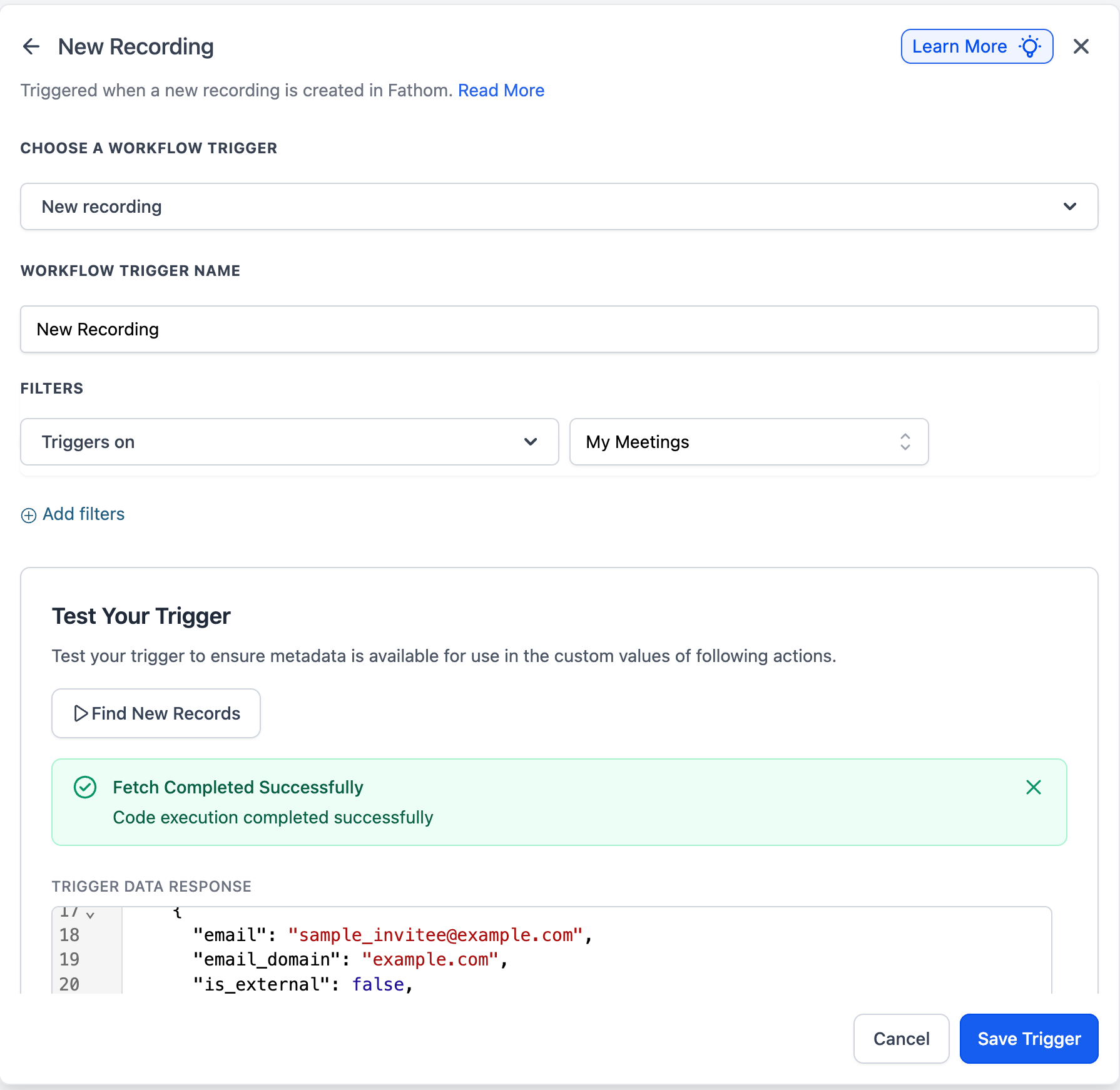
Trigger workflows when a new meeting recording becomes available in Fathom.
- Fires when a meeting recording is created and processed
- Provides metadata such as recording ID, meeting details, transcript, and more
Retrieve a list of available Fathom recordings for the connected account.
- Fetch recordings based on the connected user
- Allows selection of recordings for subsequent actions
Retrieve the transcript for a selected recording.
- Provides a full meeting transcript
- Enables the use of transcript data in AI and other workflow steps
Retrieve the AI-generated summary for a selected recording.
- Provides concise meeting summaries
- Can be utilized for task extraction, notifications, and follow-ups
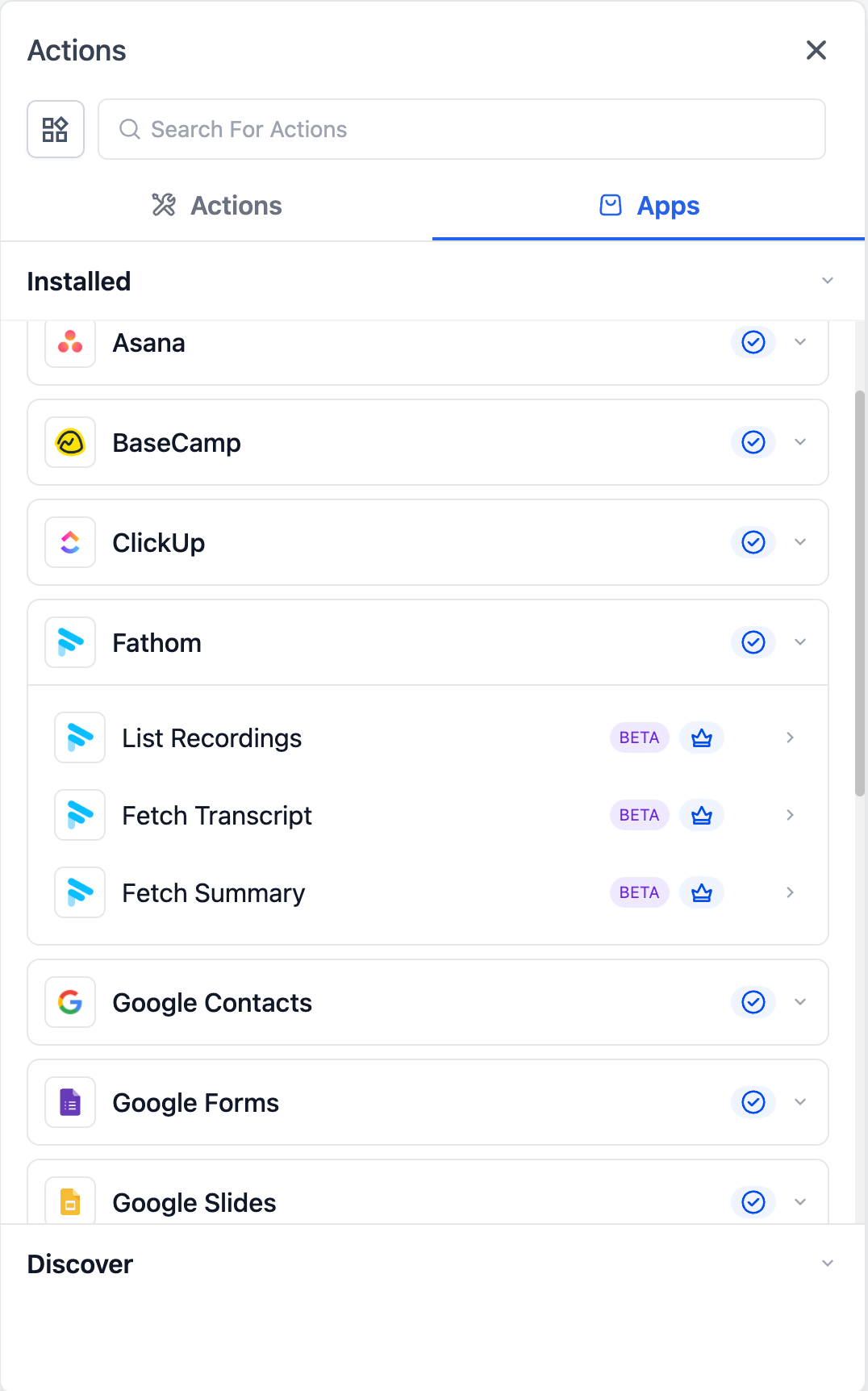
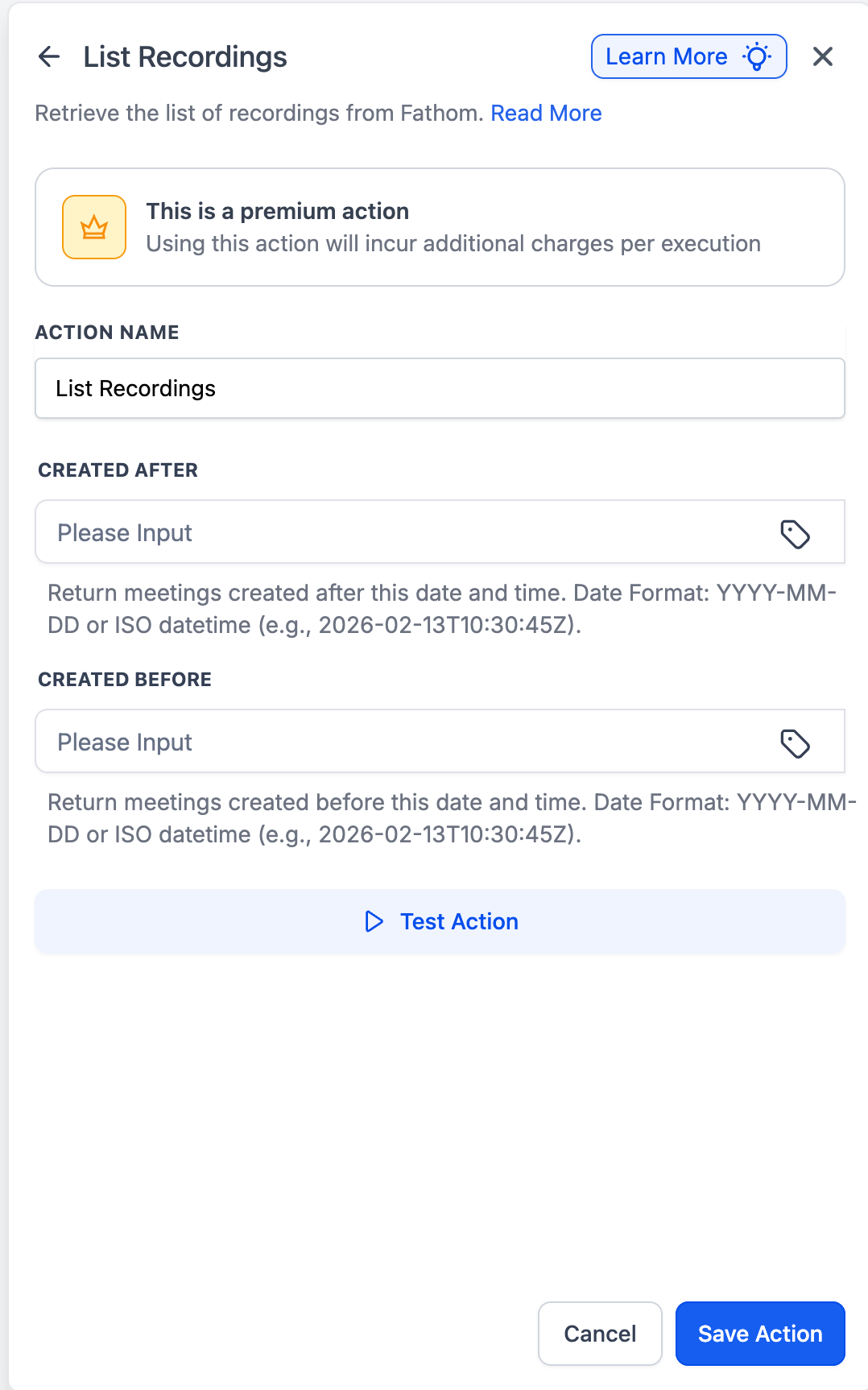
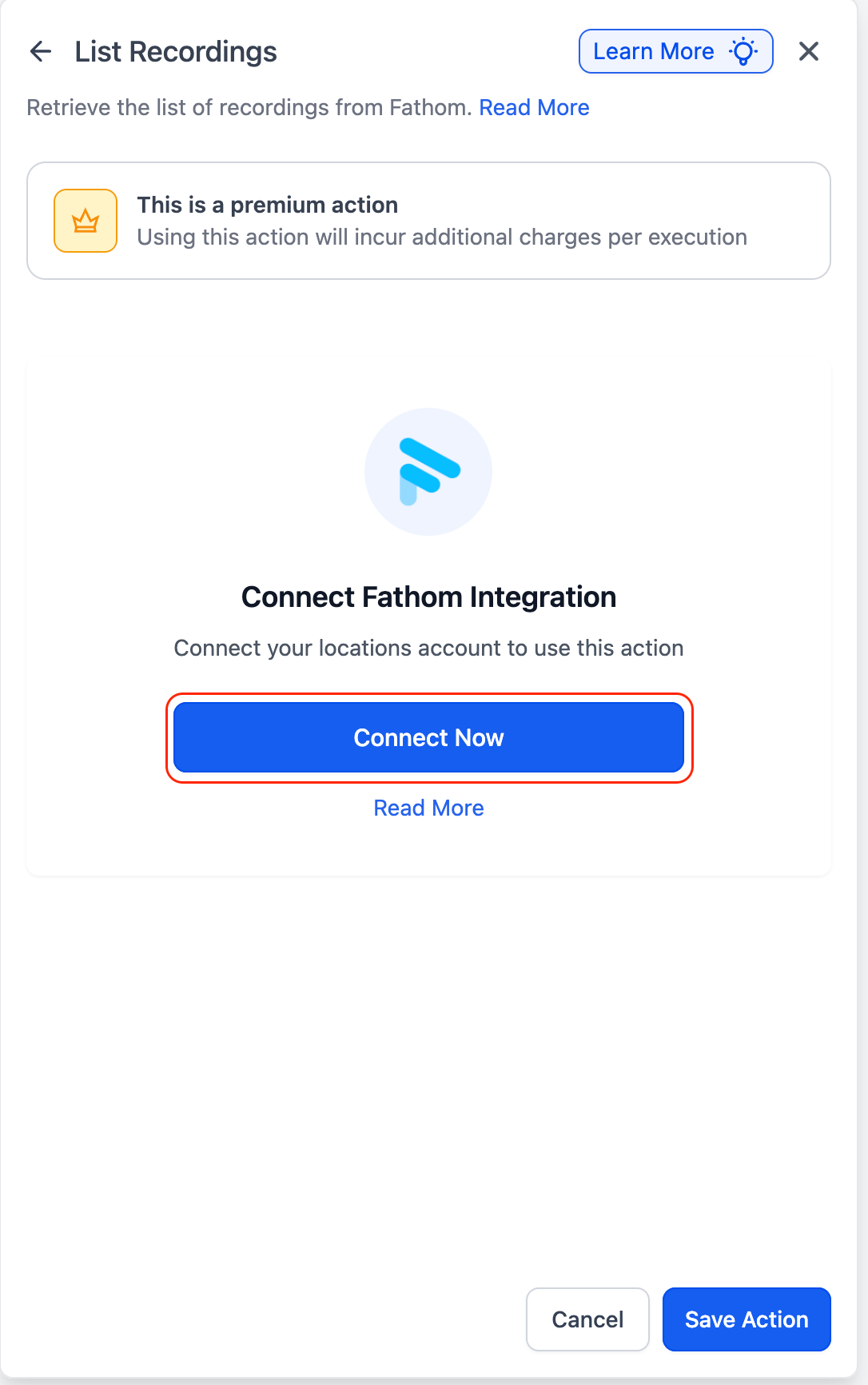
Connect Fathom to start using triggers and actions in workflows.
- Go to Workflow Builder and search for Fathom
- Select any Fathom trigger or action
- Click “Connect Now” and sign in using your Fathom account
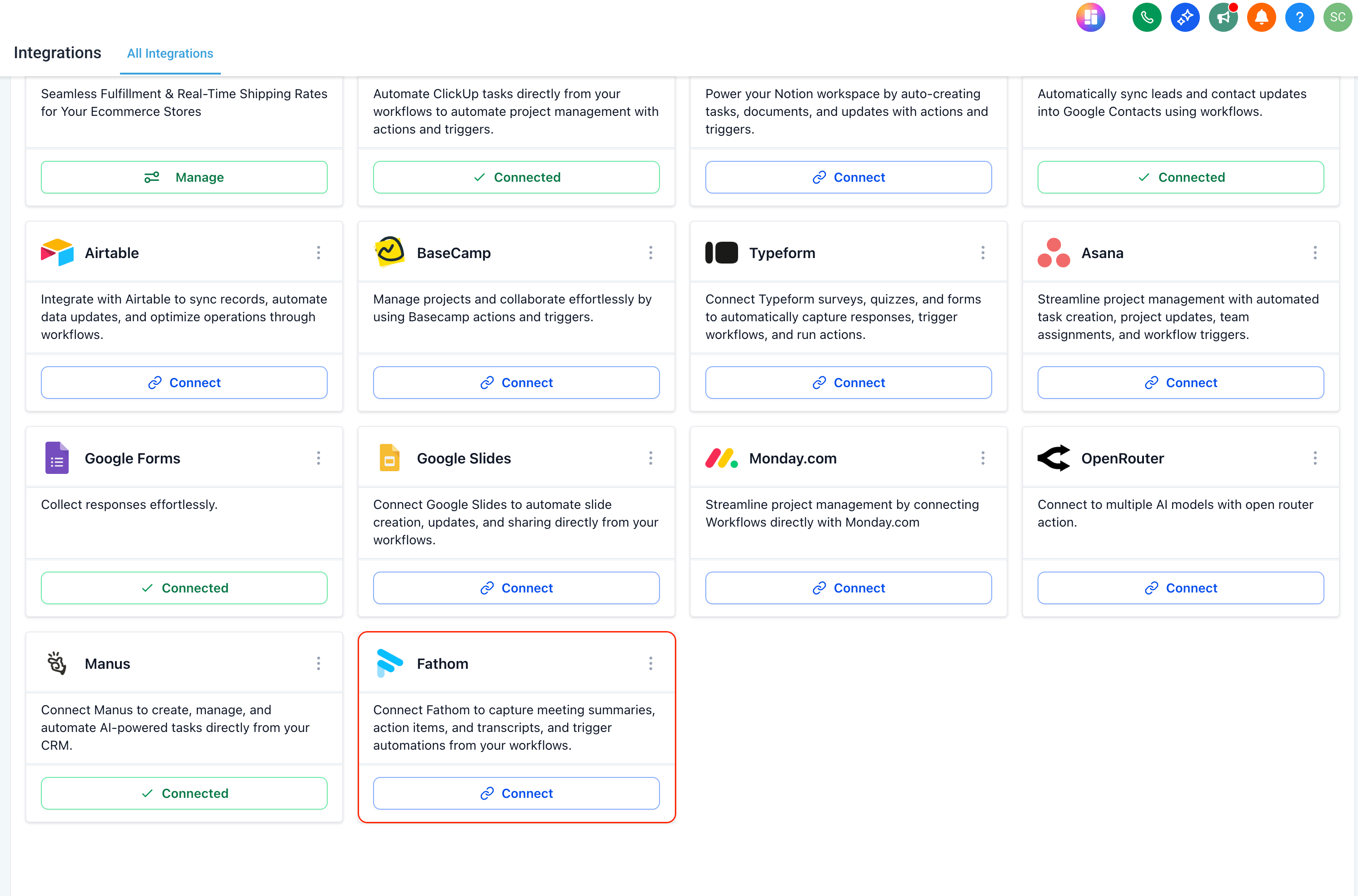
- Alternatively:
- Go to Settings → Integrations
- Find Fathom and connect your account
- Use transcripts from Fathom to generate personalised follow-up emails.
- Trigger when the transcript is generated
- Extract mentioned competitors from the call using Manus
- Generate context-aware follow-ups using an AI action
- Send emails automatically based on the conversation
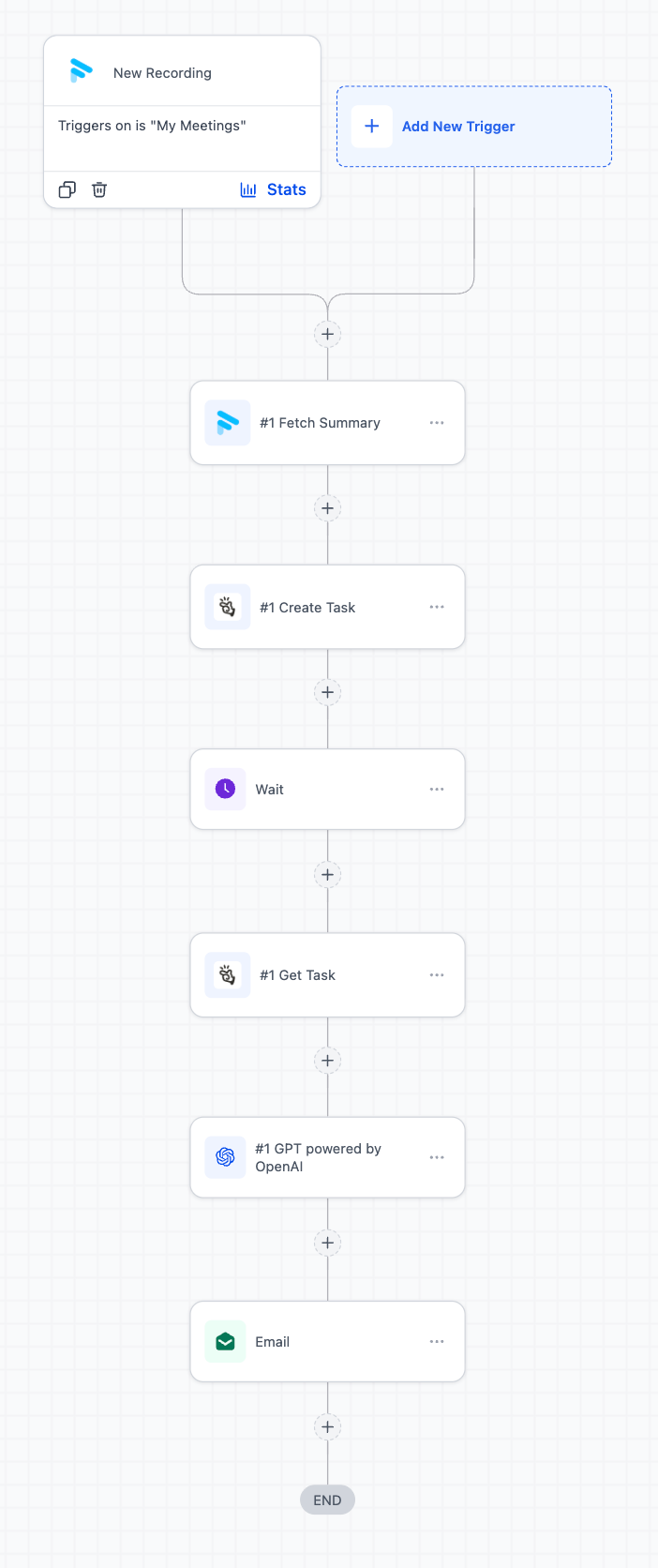
- Client Call → Auto Summary + Task Assignment
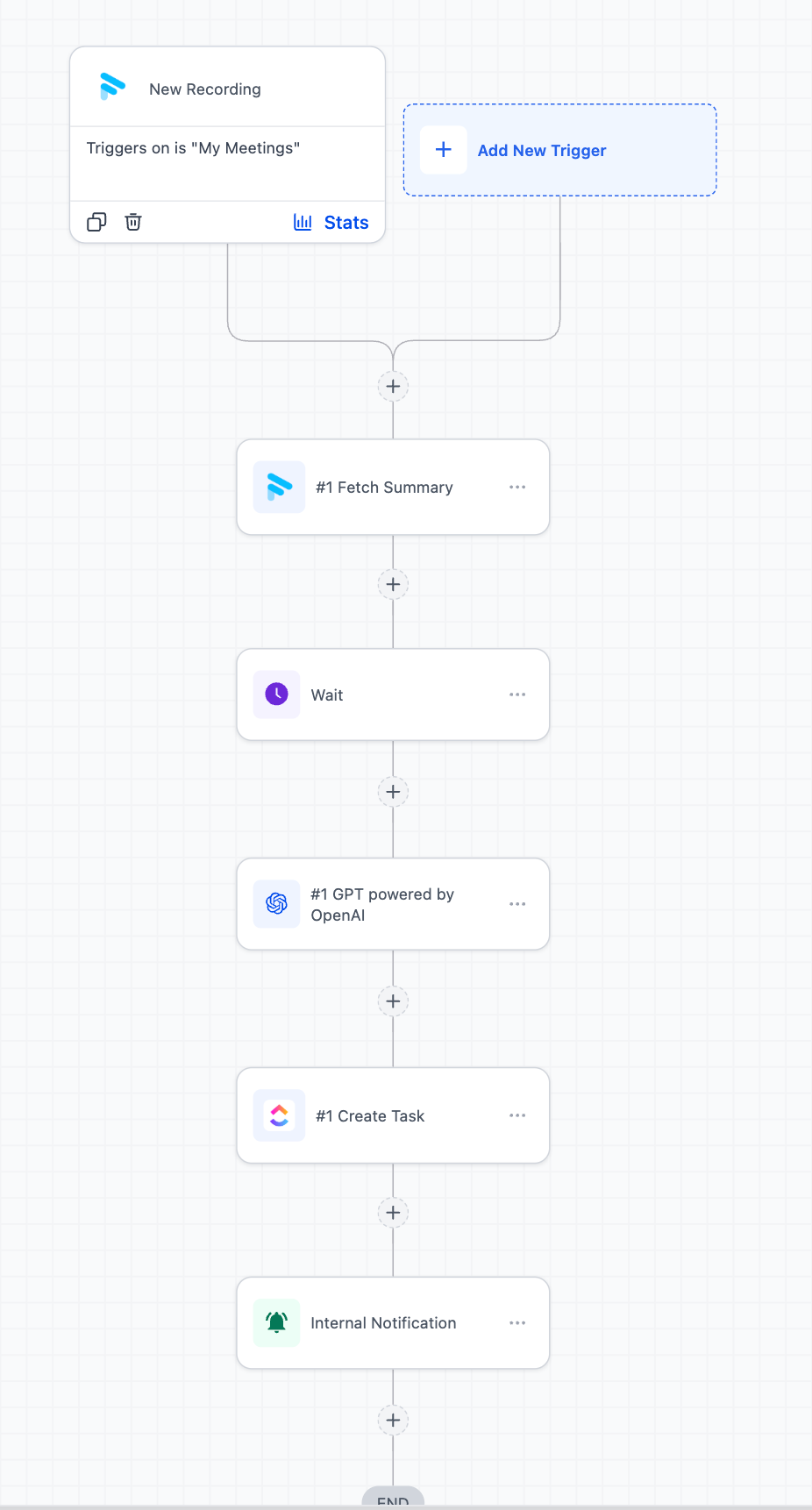
Automatically convert meeting summaries into actionable tasks in ClickUp.
- Fetch meeting summary from Fathom
- Extract action items using AI
- Create tasks in ClickUp
- Send internal notifications to the team for visibility
When does the “New Recording” trigger fire?
The trigger fires once the meeting recording has been processed and is available in Fathom. This may take a few minutes after the call ends before the summary is ready.
Can I map Fathom recordings to contacts in Clixio?
Yes, but mapping is not automatic. You can match contacts using participant details (such as email) within your workflow.
Is Fathom a premium action in workflows?
Yes. Fathom actions, such as fetching transcripts, summaries, or recordings, are classed as premium workflow actions and will incur the standard fee per execution.