
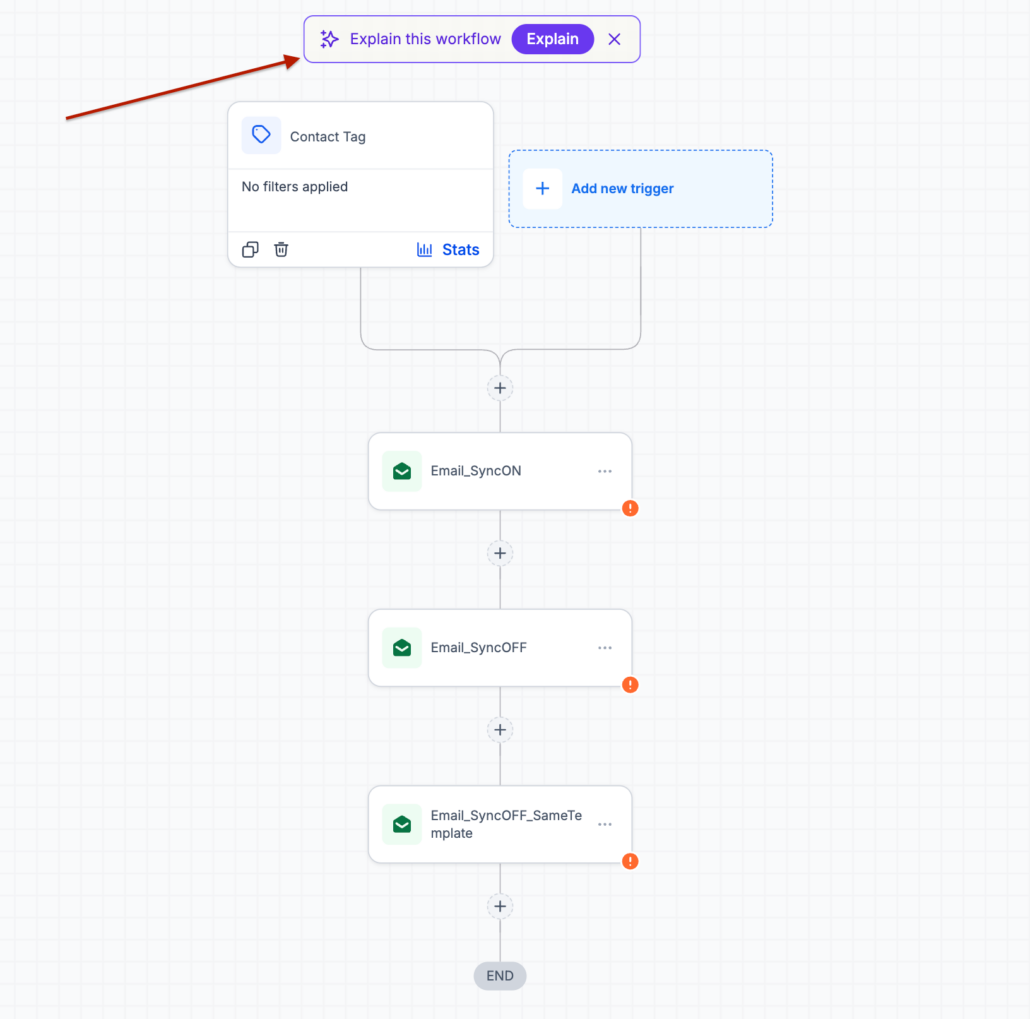
“Explain This Workflow” discovery pill in Snapshot imported workflows
Workflows Imported via Snapshot now feature an “Explain This Workflow” pill at the top of the builder. A single click will launch the AI Assistant, providing a comprehensive breakdown of what that workflow entails.
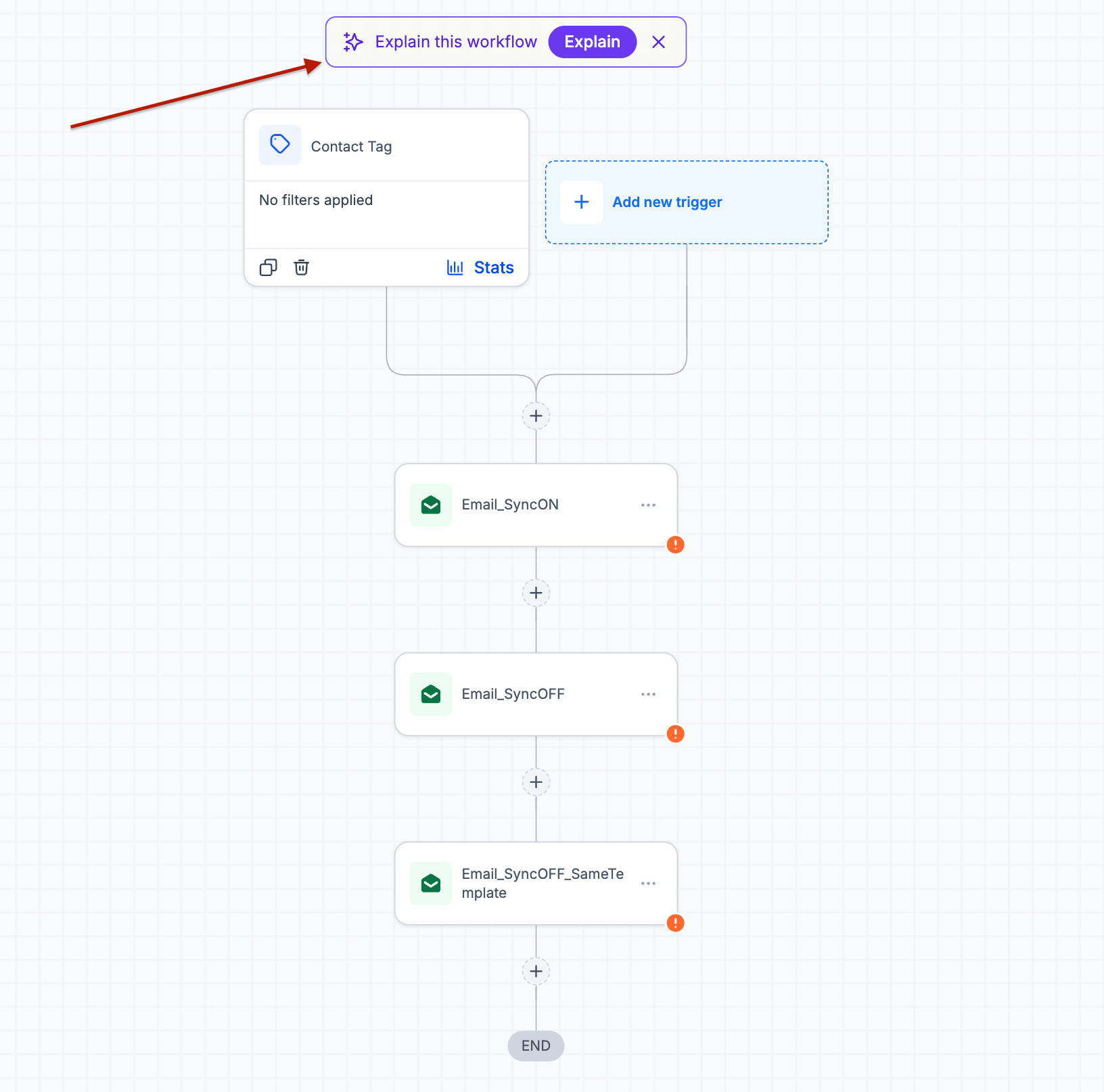
Explain This Workflow Pill — This appears at the top of every workflow imported via snapshot.
One-Click Explanation — Accesses the AI Assistant for a detailed overview of the workflow’s triggers, actions, and branching logic.
Dismissible — The pill can be dismissed once and will not reappear for that workflow.
- Open any workflow imported through a snapshot.
- Click the “Explain This Workflow” pill at the top of the builder.
- Review the explanation in the AI Assistant panel.
- Ask follow-up questions about specific steps or describe the changes you wish to implement, allowing the AI Builder to make those adjustments.
Snapshot workflows are inherited, rather than created, which means users often open them without any context regarding their functions or purpose. Highlighting the explanation at the point of import bridges this gap before it escalates into a support request, effectively linking the workflow to the AI Assistant and AI Builder. What was once a passive import now serves as an entry point for understanding, questioning, and modifying automation in place.