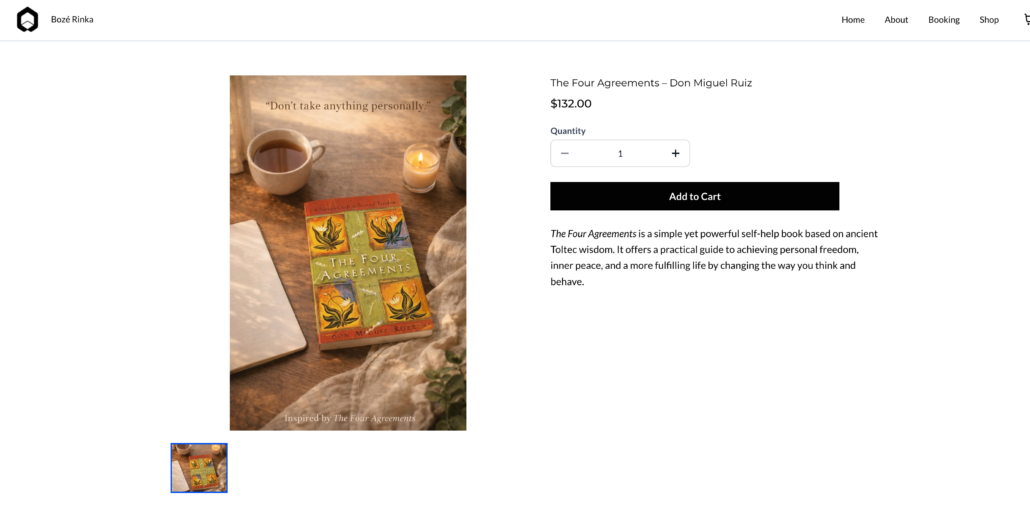
Digital Fulfillment via Email Attachments & URL Access
What’s New?
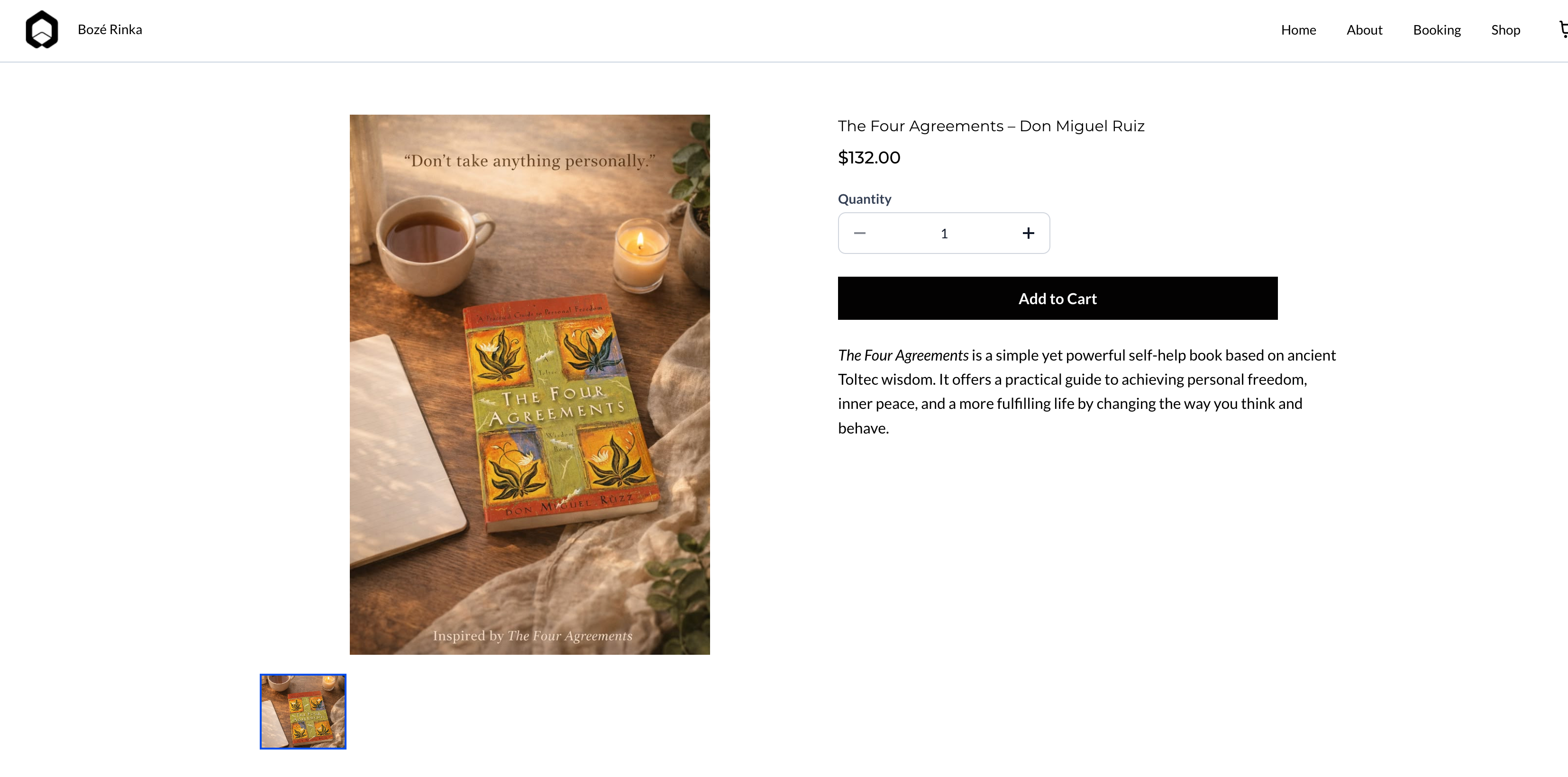
We are thrilled to unveil our enhanced digital fulfilment capabilities for Ecommerce stores. This allows merchants to deliver digital products effortlessly through email attachments, external URLs, and instant access post-checkout—no login is required.
Store owners now have the flexibility to choose how digital products are delivered, with the following options:
- Multiple Digital Delivery Methods:
- Send digital files directly via email attachments (for smaller files).
- Share external content through URL-based fulfilment.
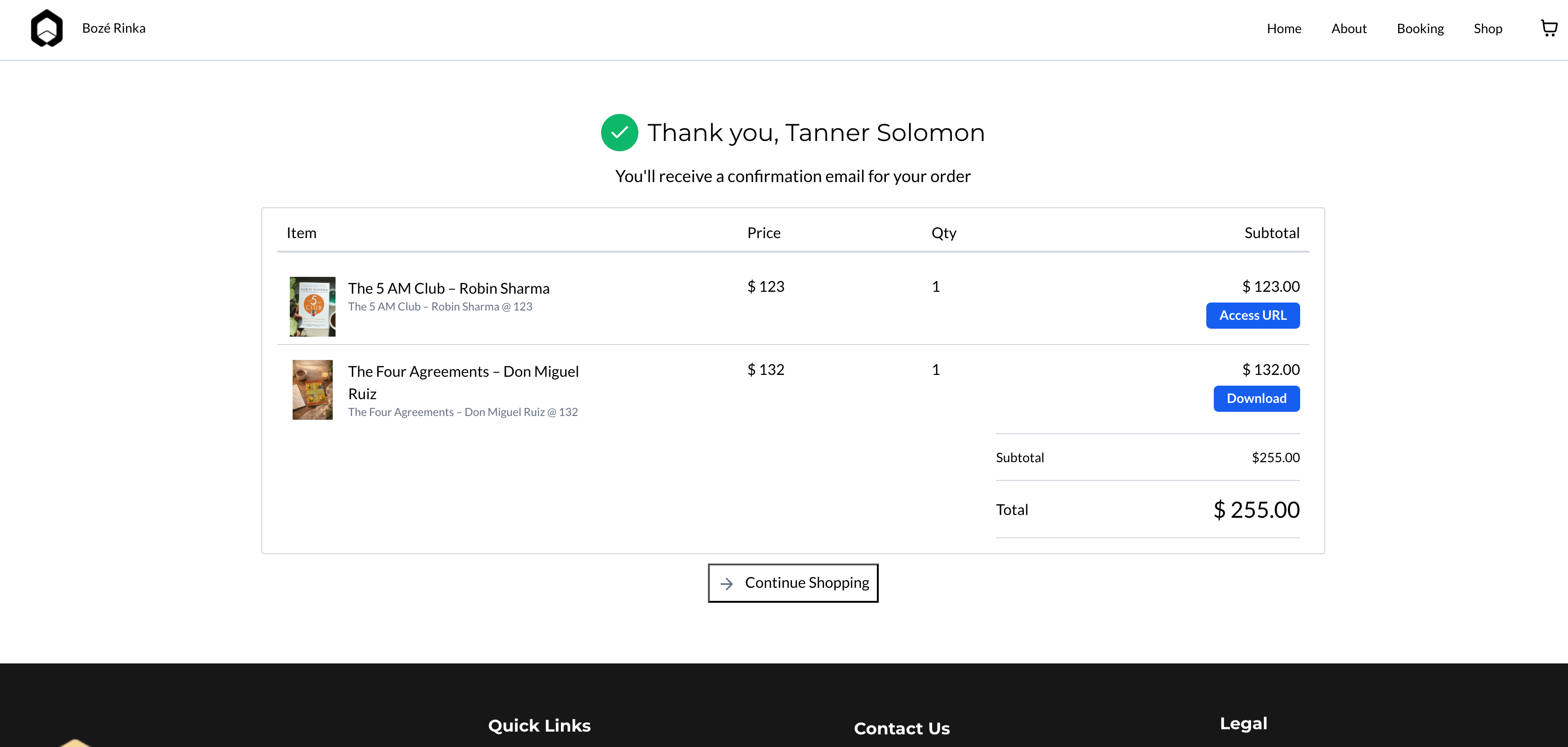
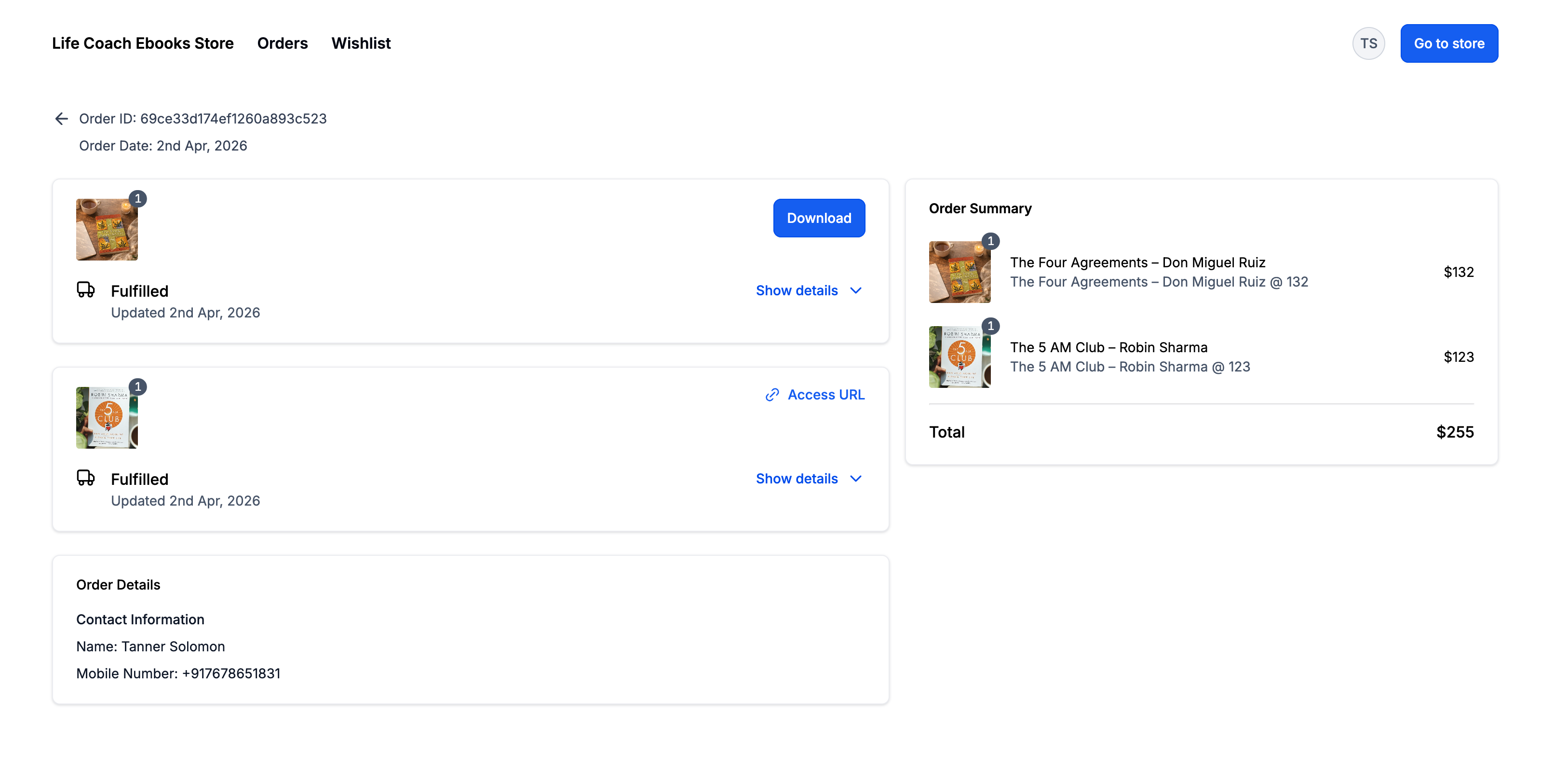
- Enable customers to access files or URLs instantly from the Thank You page after purchase.
- Smart Email Delivery Handling:
- Files ≤20MB are automatically attached to order confirmation emails.
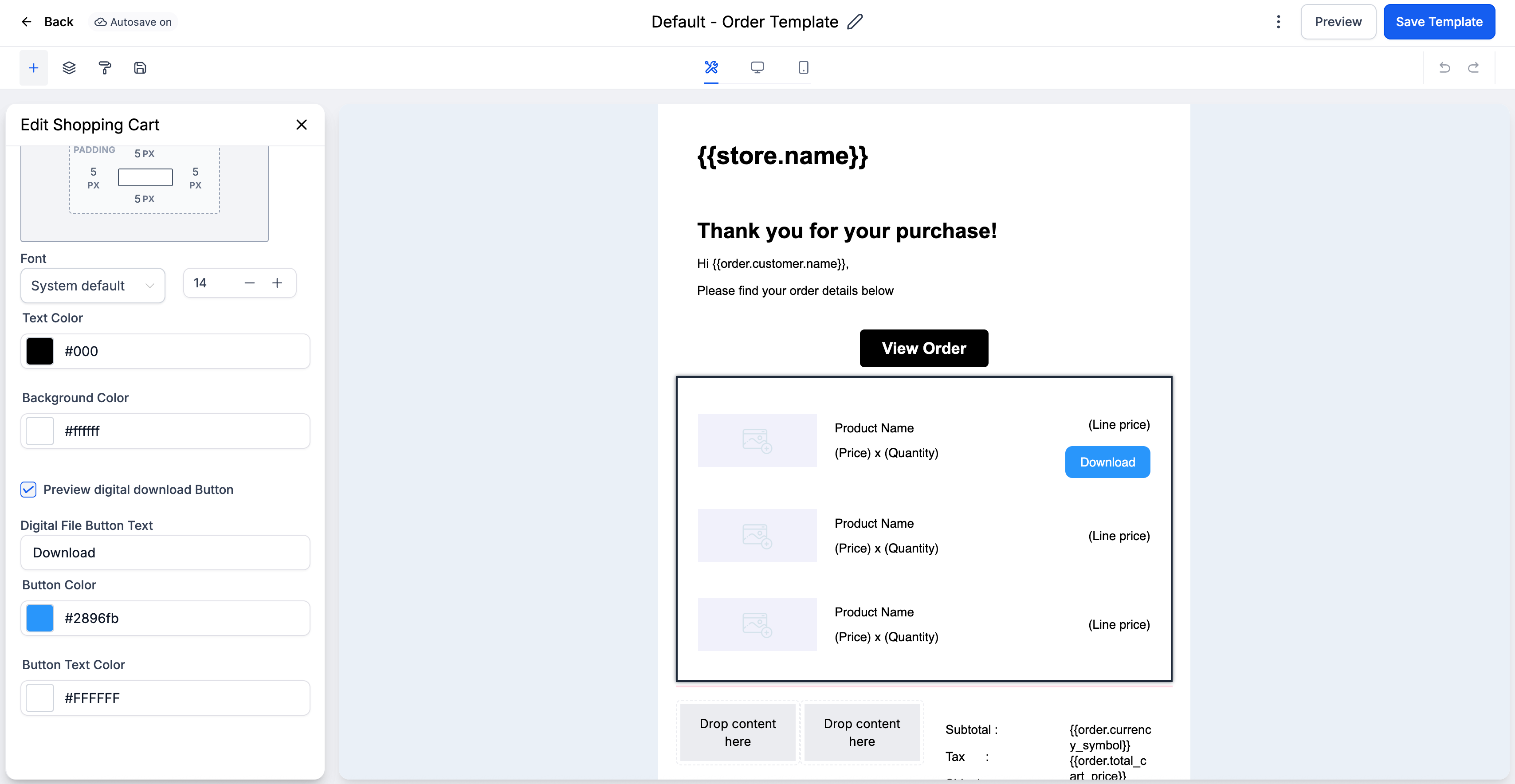
- Files >20MB are delivered via a secure download button in the email.
- This guarantees reliable delivery without size limitations.
- Direct Post-Checkout Access:
- Customers can download files or access URLs immediately after checkout without needing to log in.
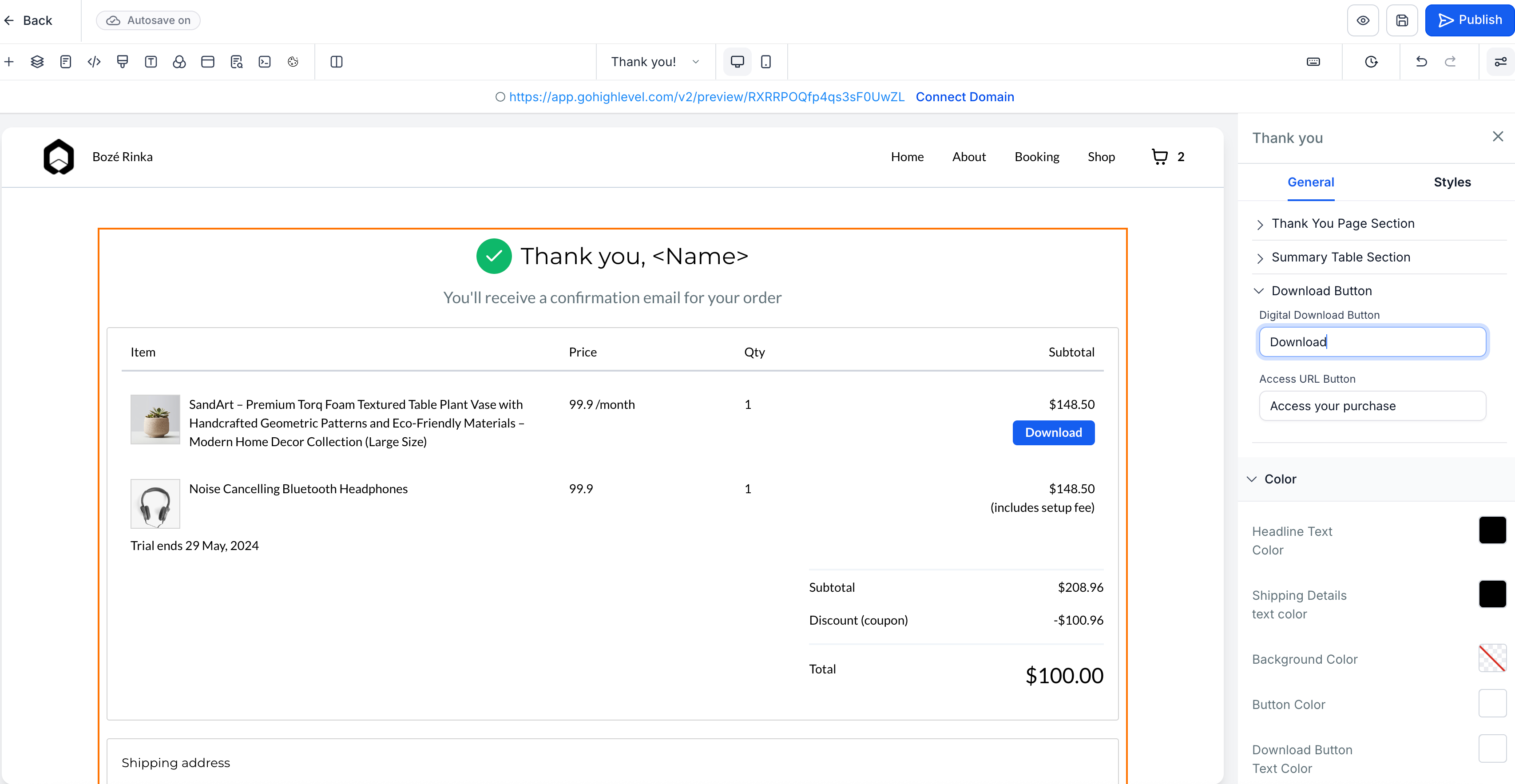
- Download/Access buttons are available on the Thank You page and in emails.
- Configurable Delivery Control:
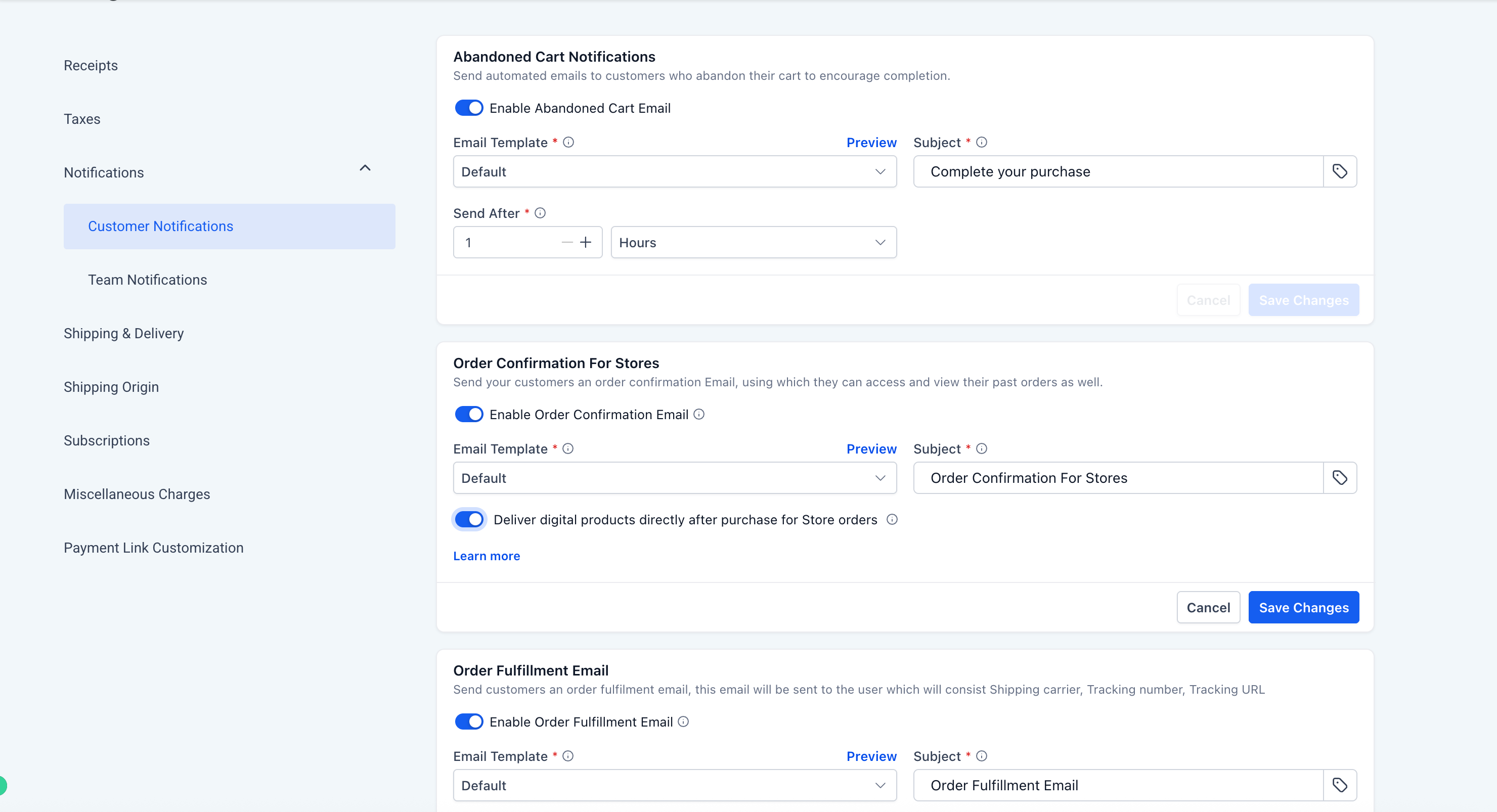
- A new toggle: “Deliver Digital Products Directly After Store Purchase” is available in Store Notifications.
- When enabled, customers receive instant delivery via email and the Thank You page.
- When disabled, fulfilment will revert to the Customer Access Centre (CAC).
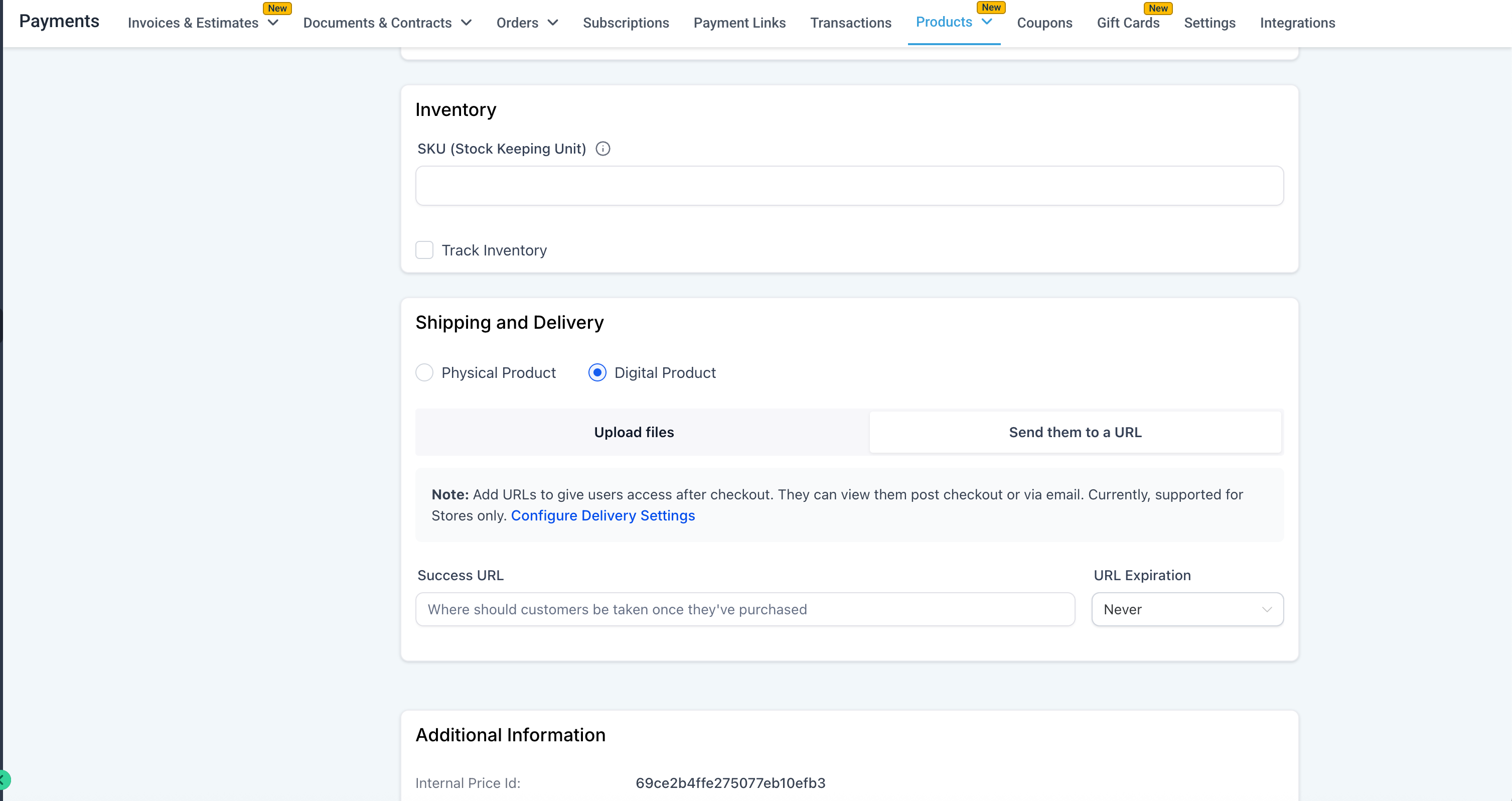
- URL-Based Fulfilment with Expiry:
- Merchants can include external URLs as digital products.
- You can set expiry durations from the time of purchase for controlled access.
How to Use It?
- Navigate to Payments → Settings → Notifications in your store.
- Activate the toggle “Deliver digital products directly after purchase for Store orders.”
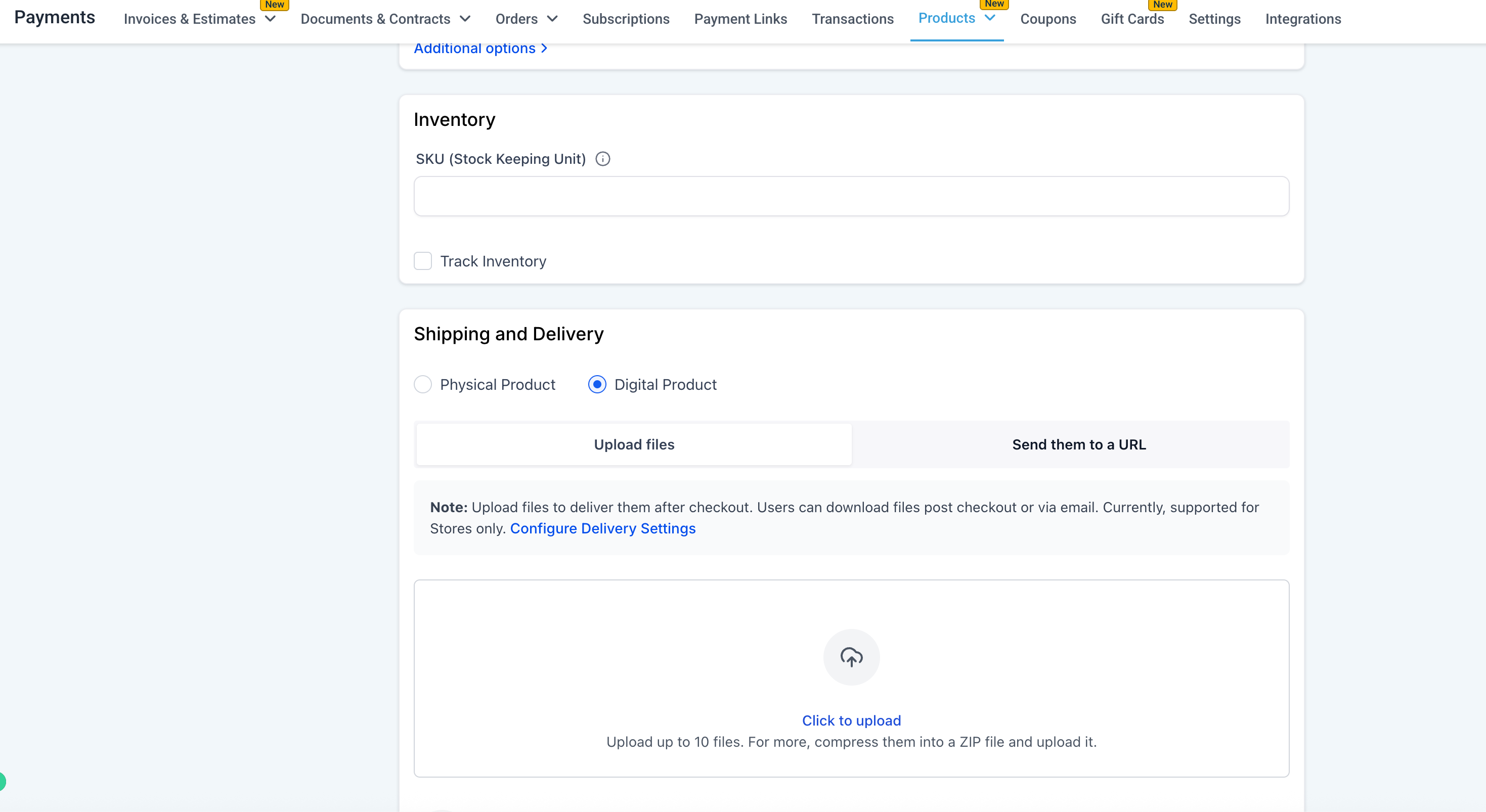
- When creating or editing a product variant:
- Choose “Digital Product.”
- Upload a file or add an external URL with expiry.
- Optionally, customise your order confirmation email.
- Save your changes; customers will now receive digital products instantly after purchase.
Key Points to Note:
- If direct delivery is disabled, all files will be delivered via the Customer Access Centre by default.
- New locations have direct delivery enabled by default.
- On iOS devices, downloads may redirect users to a file list or the CAC due to OS restrictions. If multiple files are included, users may need to download them individually.
- Existing custom email templates must be re-saved to reflect the new download button functionality.
- If no digital file or URL is attached, no download button will appear in the order flow.
This update significantly reduces friction in digital product delivery, enhances the customer experience, and aligns Ecommerce stores with contemporary fulfilment expectations.
Images: