Delete & Restore Blog Posts
What’s New
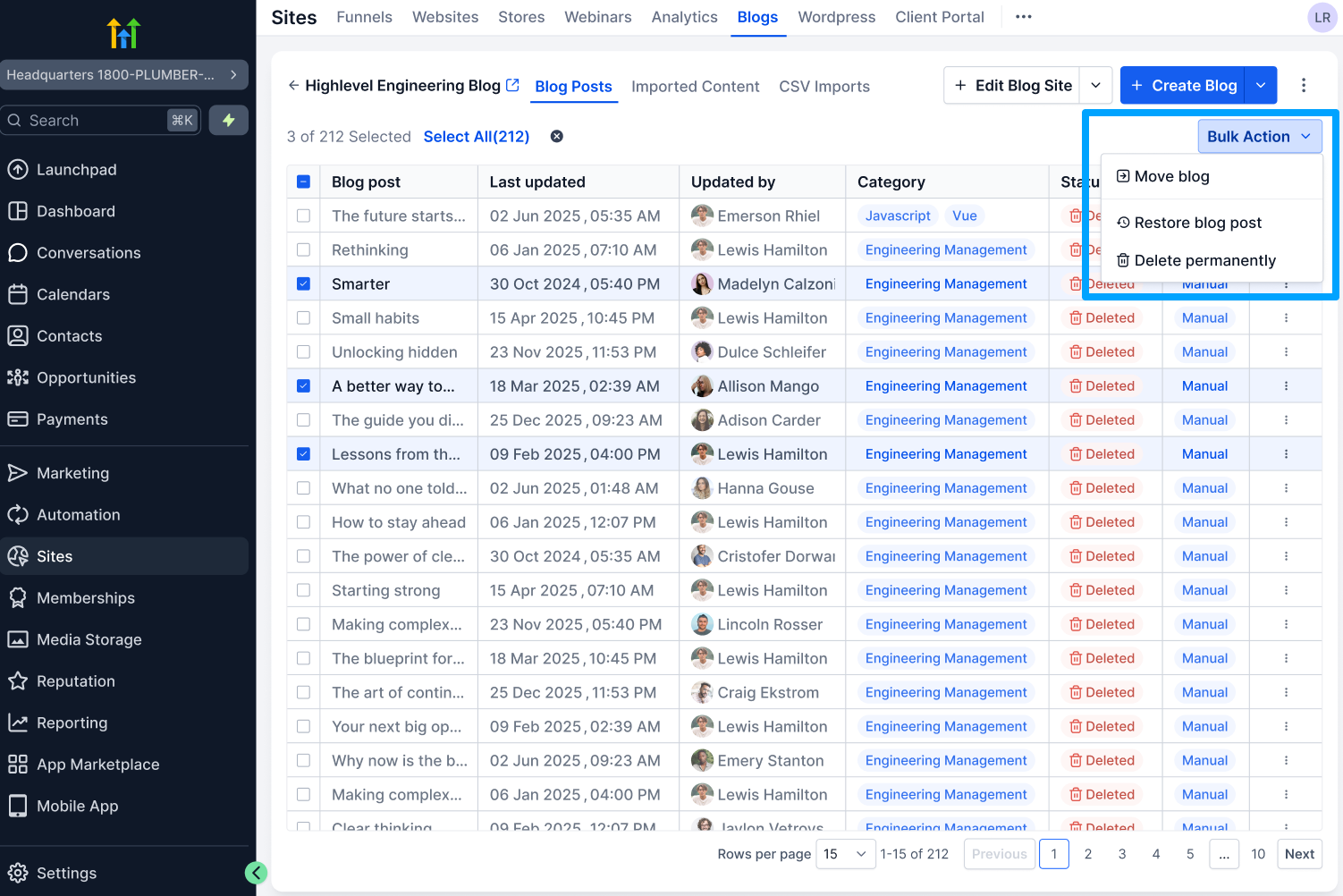
Deleting a blog post no longer results in permanent removal. The “Restore Blog Post” feature allows users to recover posts with their original content and status. For long-term clean-up, users can select “Delete Forever” from the Deleted filter.
Updated Behaviour:
- The blog post is marked as Deleted.
- It is hidden from the main list.
- It remains fully recoverable for 30 days.
A dedicated “Deleted” filter now allows users to:
- View all deleted blog posts.
- Restore a post with one click.
- Permanently delete if desired.
Why It Matters
This update assists users by enabling them to:
- Avoid accidental content loss.
- Restore blogs without needing support assistance.
- Maintain a safer, more intuitive content workflow.
- Manage blogs with confidence and full control.
- Reduce operational friction and reliance on support.
How It Works
Delete a Post
- Navigate to Sites → Blogs.
- Open the 3-dot menu for the post.
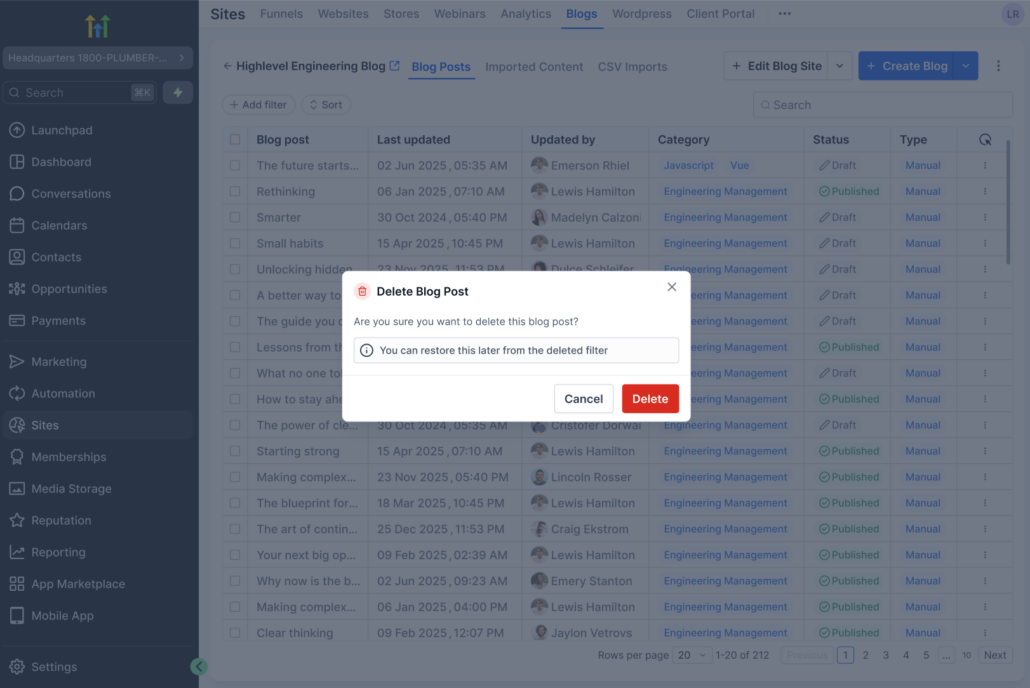
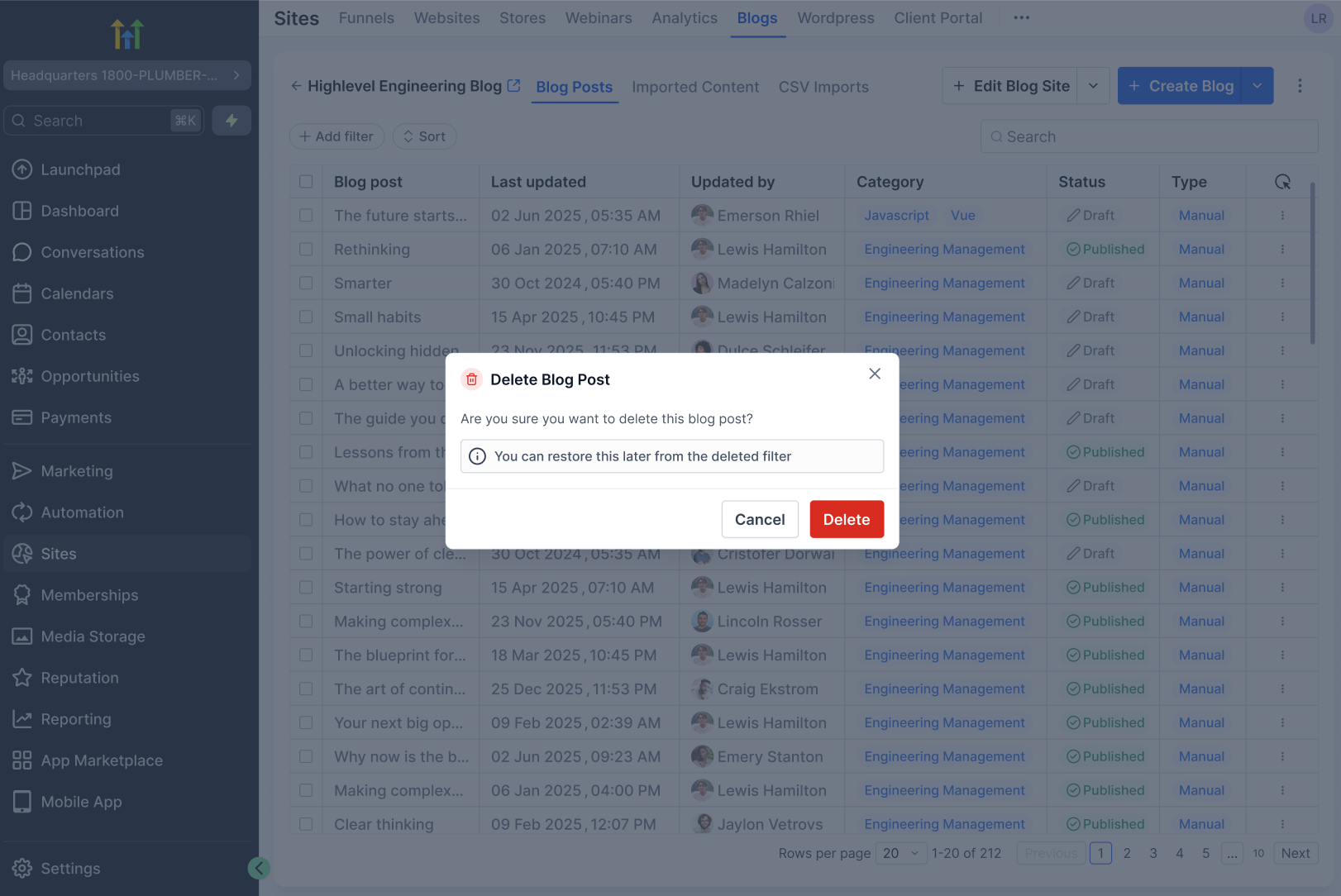
- Click Delete → Confirm.
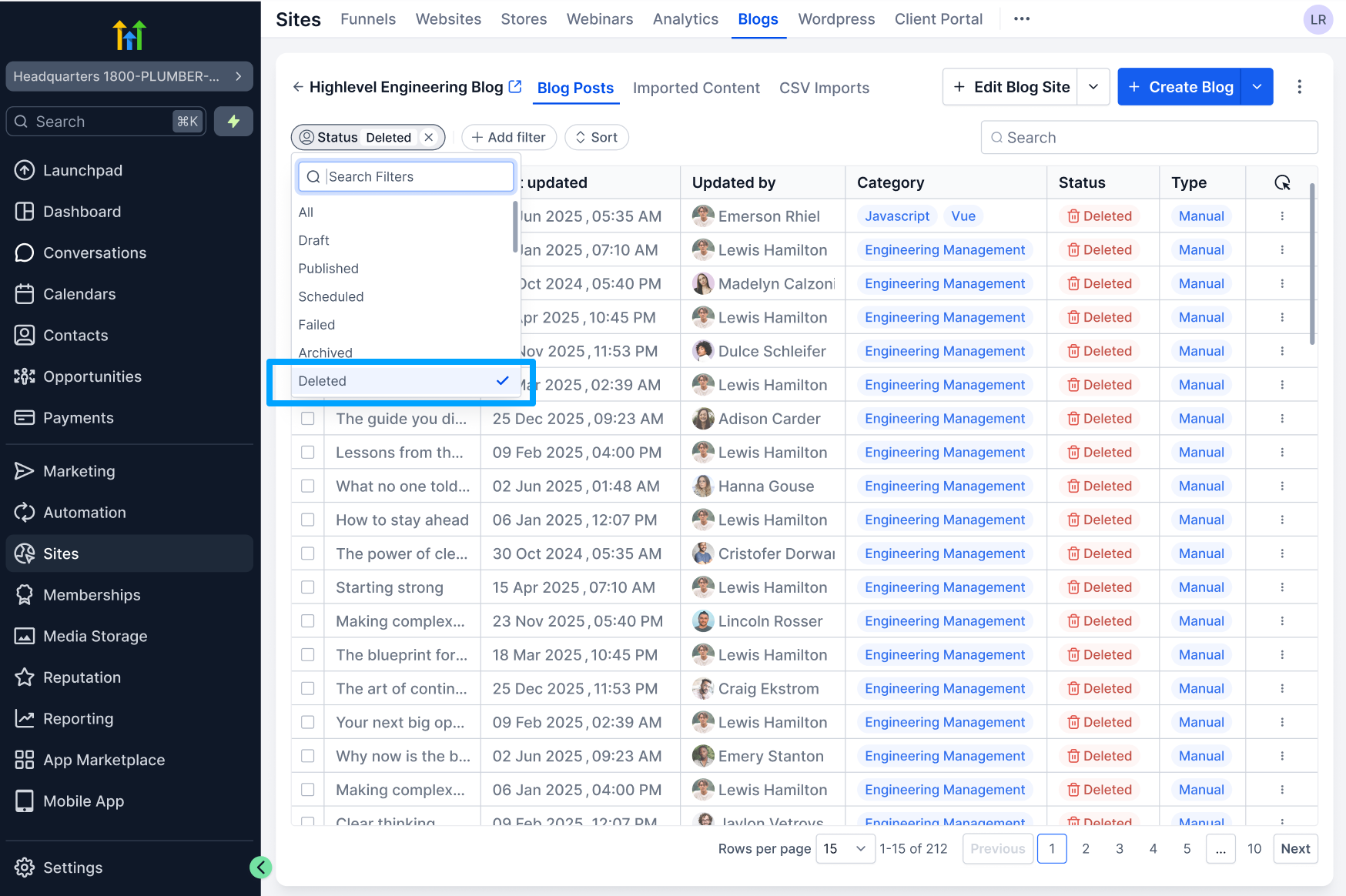
- Restore a deleted blog post, perform a bulk restore, or permanently delete a post.