Configure Manual Taxes by Region with Tax Zones
Businesses can now create Tax Zones, under Manual Taxes, to organise and apply user-defined tax rates based on a customer’s country or state. This provides greater control for businesses that need different manual tax setups across the regions they sell in, while keeping tax configuration easier to understand and maintain.
Create Geographic Tax Zones
- Create zones by grouping specific countries and states together.
- Give each zone a recognisable name based on the region or tax setup it represents.
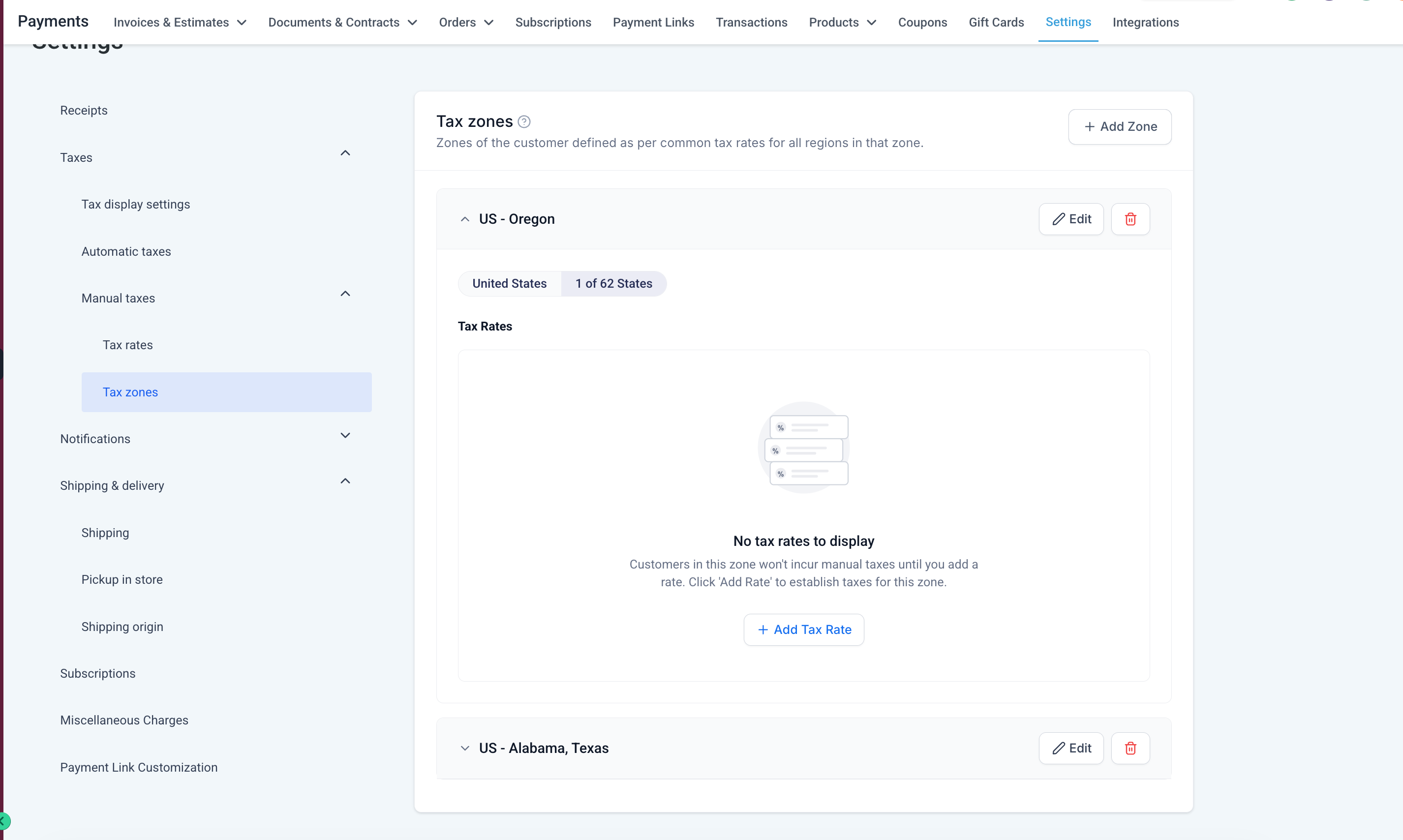
- A country or state can belong to only one Manual Tax Zone at a time, preventing overlapping tax configurations.
Example: Create a Canada Tax Zone containing the relevant Canadian regions and associate the manual tax rates you want customers in that zone to be charged.
How does manual tax zone work in conjunction with automatic taxes is both are configured?
- Manual Tax Zones also work alongside Automatic Taxes without requiring you to choose one system exclusively with manual taxes acting as a fallback and automatic taxes taking priority.
- Automatic Taxes take precedence whenever they are available for the applicable country and product combination.
- Manual tax rates associated with a zone apply when Automatic Taxes are disabled or unavailable for that combination.
- This makes Tax Zones particularly useful for configuring regional tax rates while retaining manual taxes as a fallback alongside Automatic Taxes.
- Tax settings are now organised into dedicated areas for:
- Display settings – Tax Inclusive / Exclusive – configure the default behaviour for whether product prices include or exclude taxes.
- Automatic Taxes – configure automatic tax categories and nexus.
- Manual Taxes – create and manage manual tax rates and organise them into geographic Tax Zones, if required.
Go to: Payments → Settings → Taxes → Manual Taxes
From here, you can:
- Create and manage manual tax rates
- Create Tax Zones
- Select the countries/states belonging to each zone
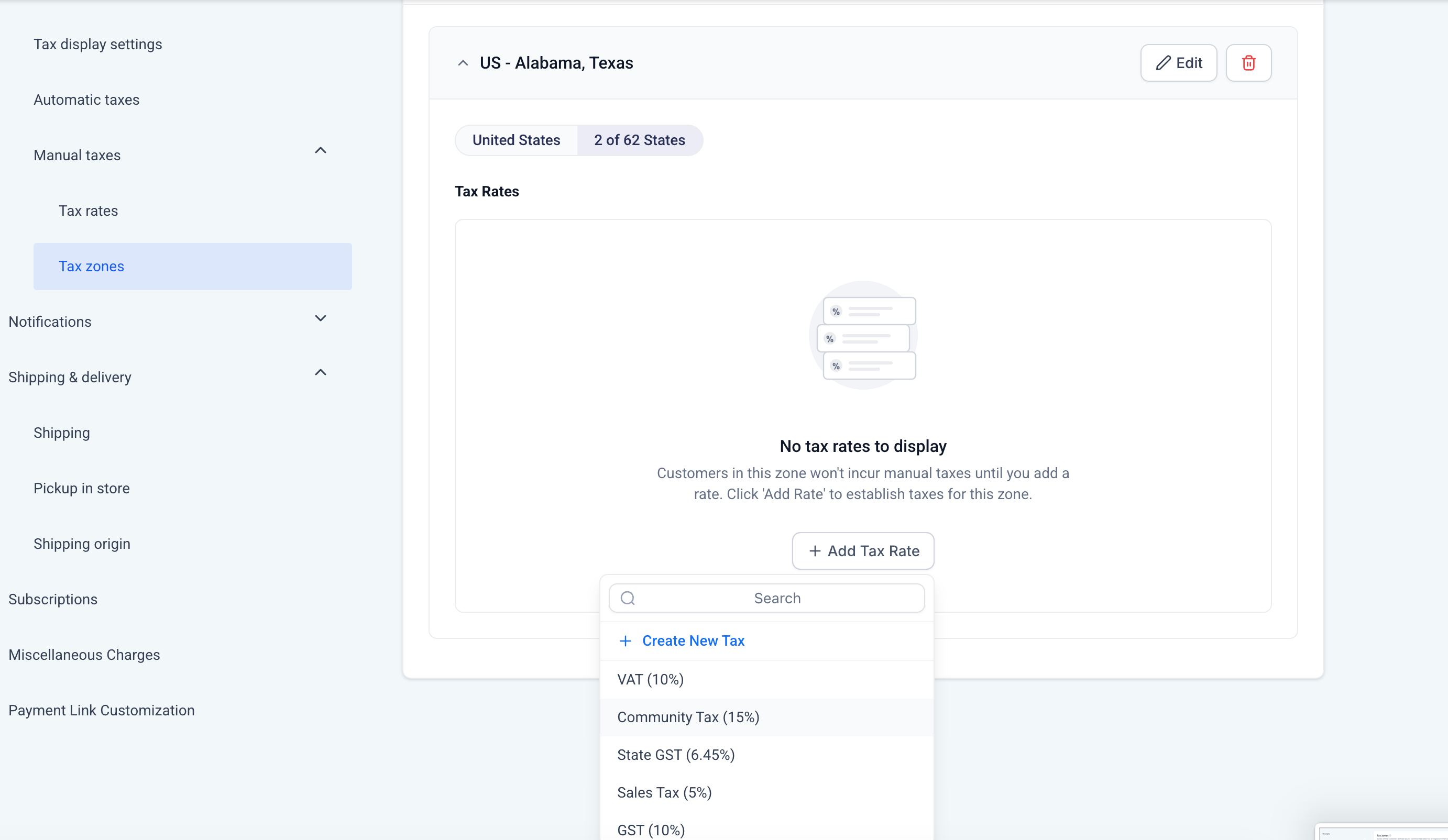
- Associate existing manual tax rates with a zone
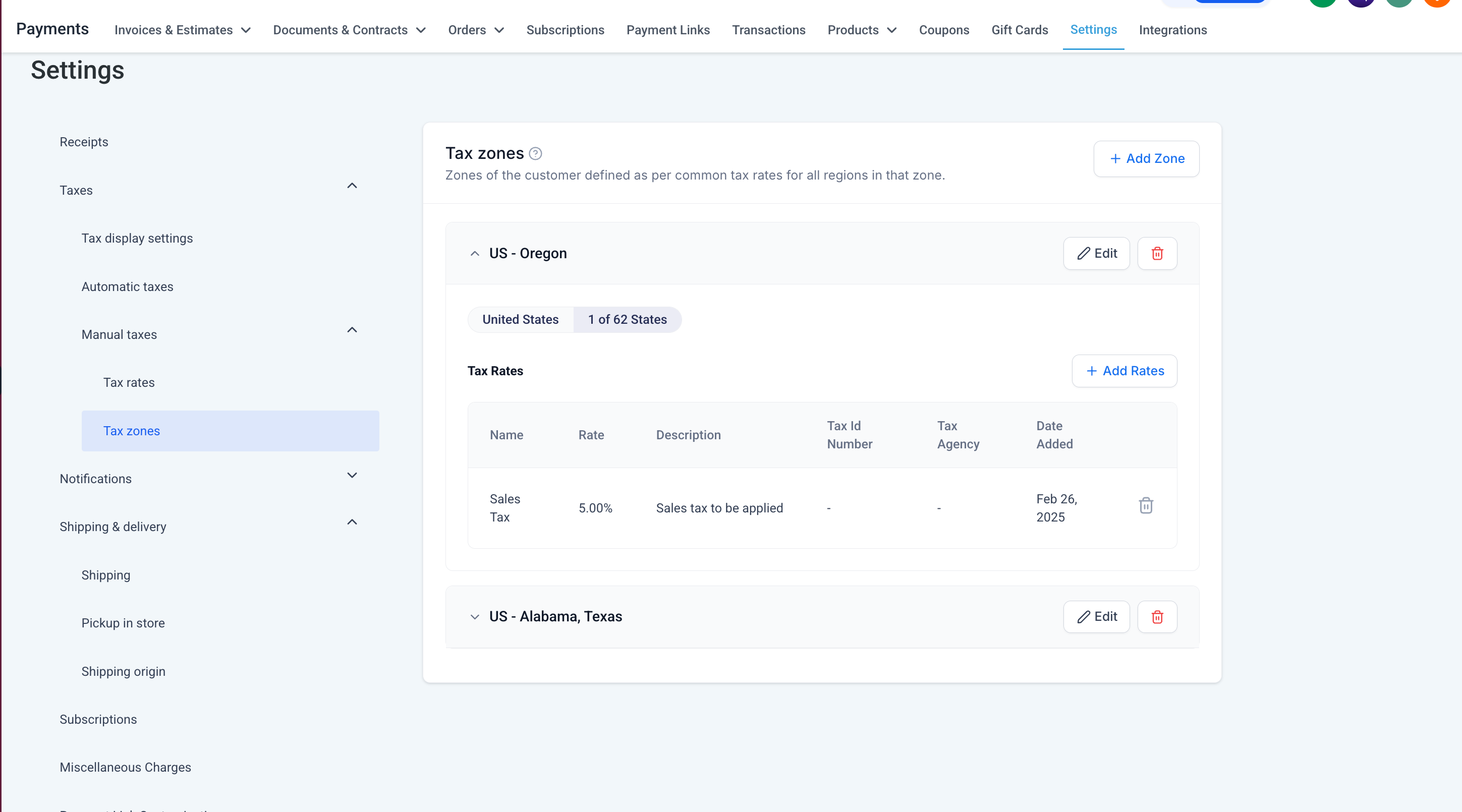
- Review and update the rates configured for each zone
We’ll continue expanding Manual Taxes to support more flexible regional tax configurations and make it easier for businesses with complex tax requirements to control how manual taxes are applied across different geographies.
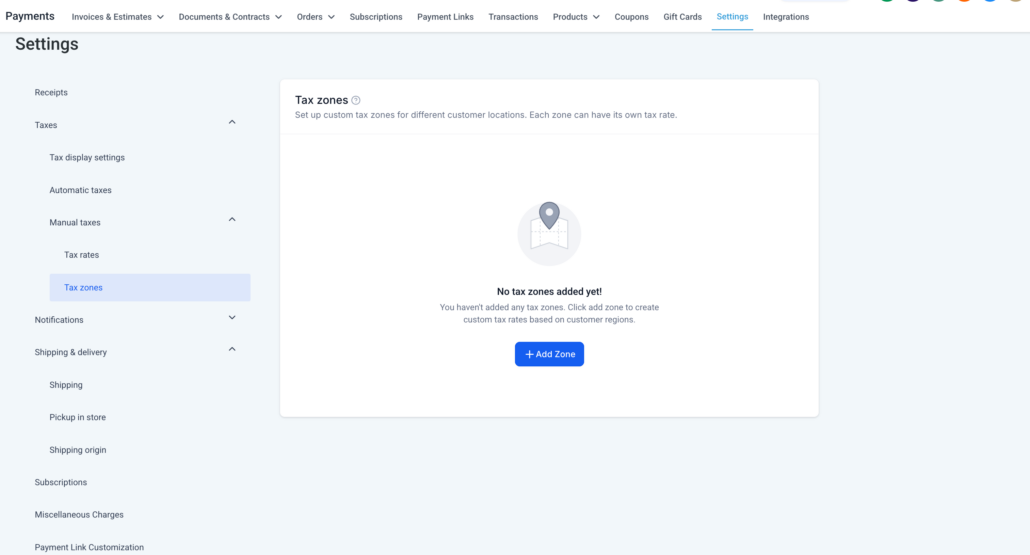
Landing Page
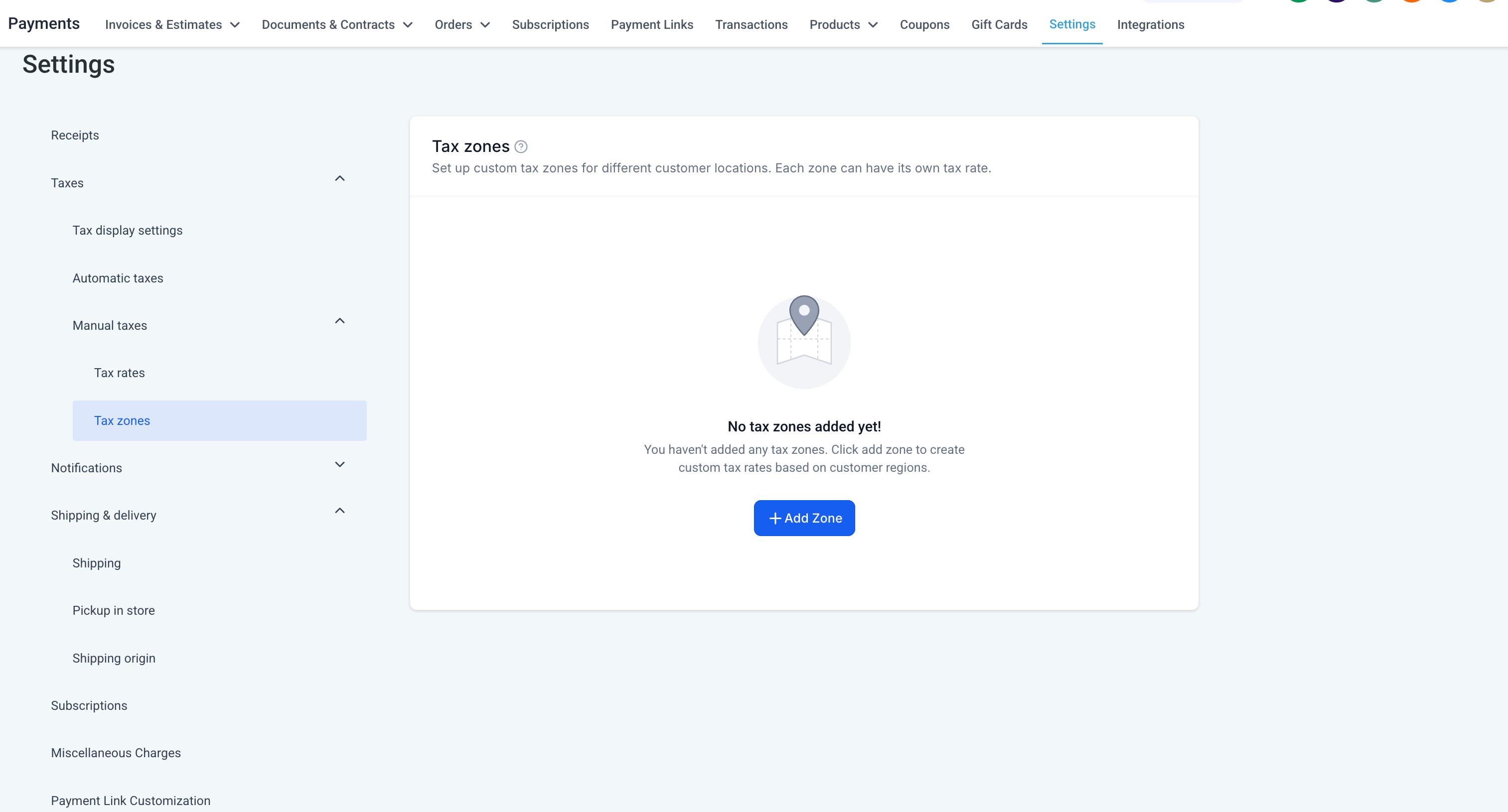
Create Tax Zone
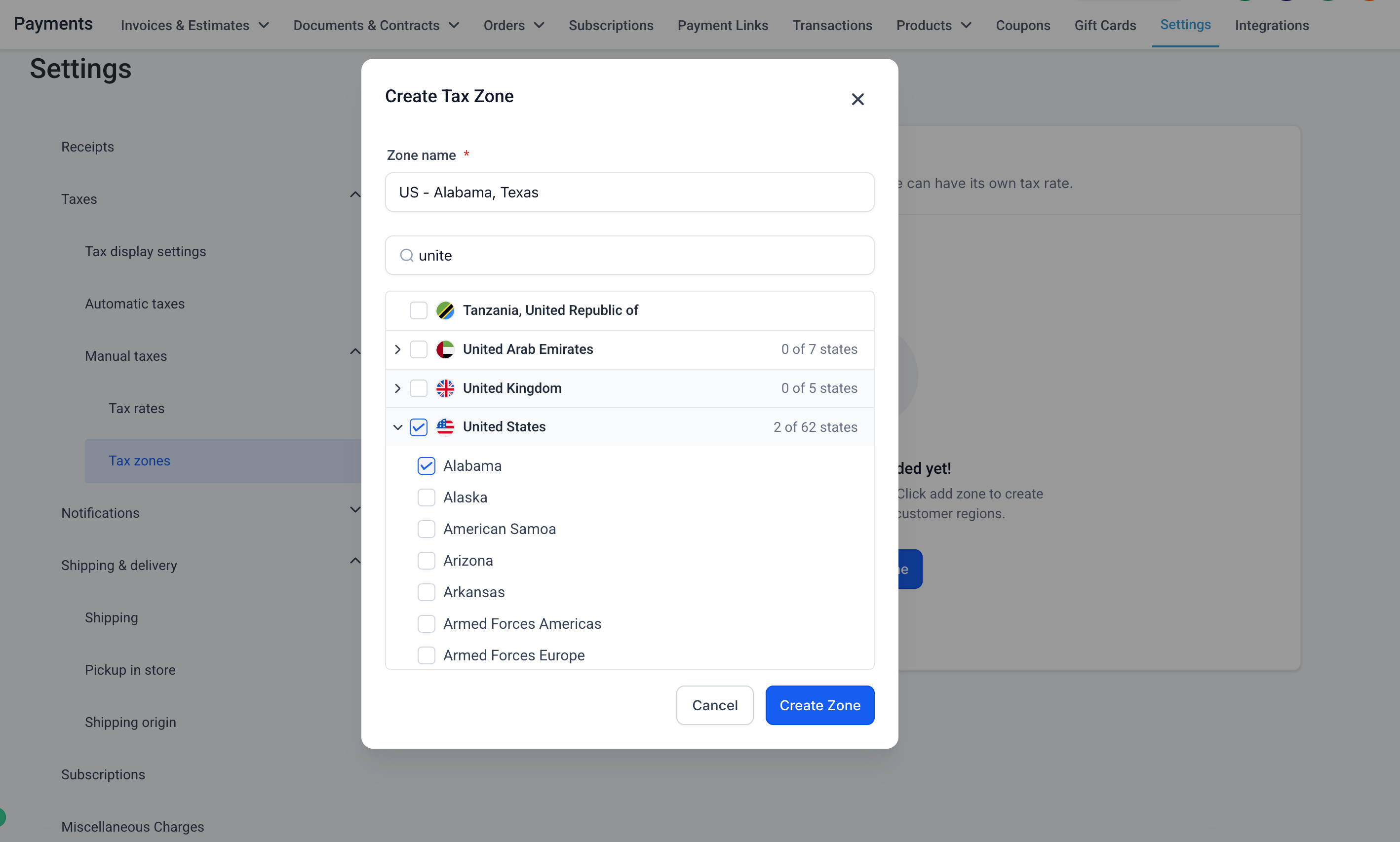
Tax Zone without Tax Rates
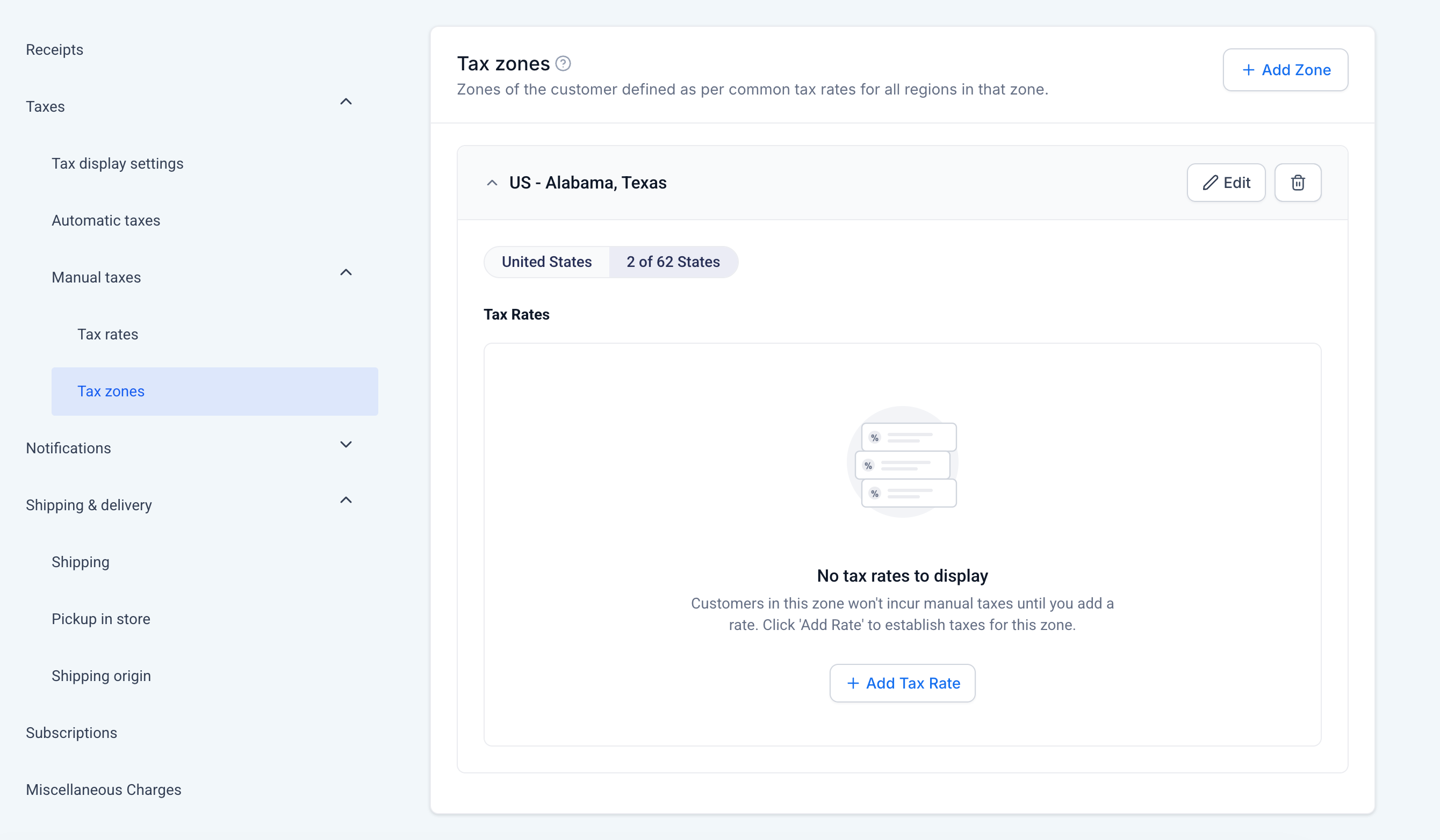
Attach Tax Rate
Add more Tax Zones
Tax Zone with Tax Rates
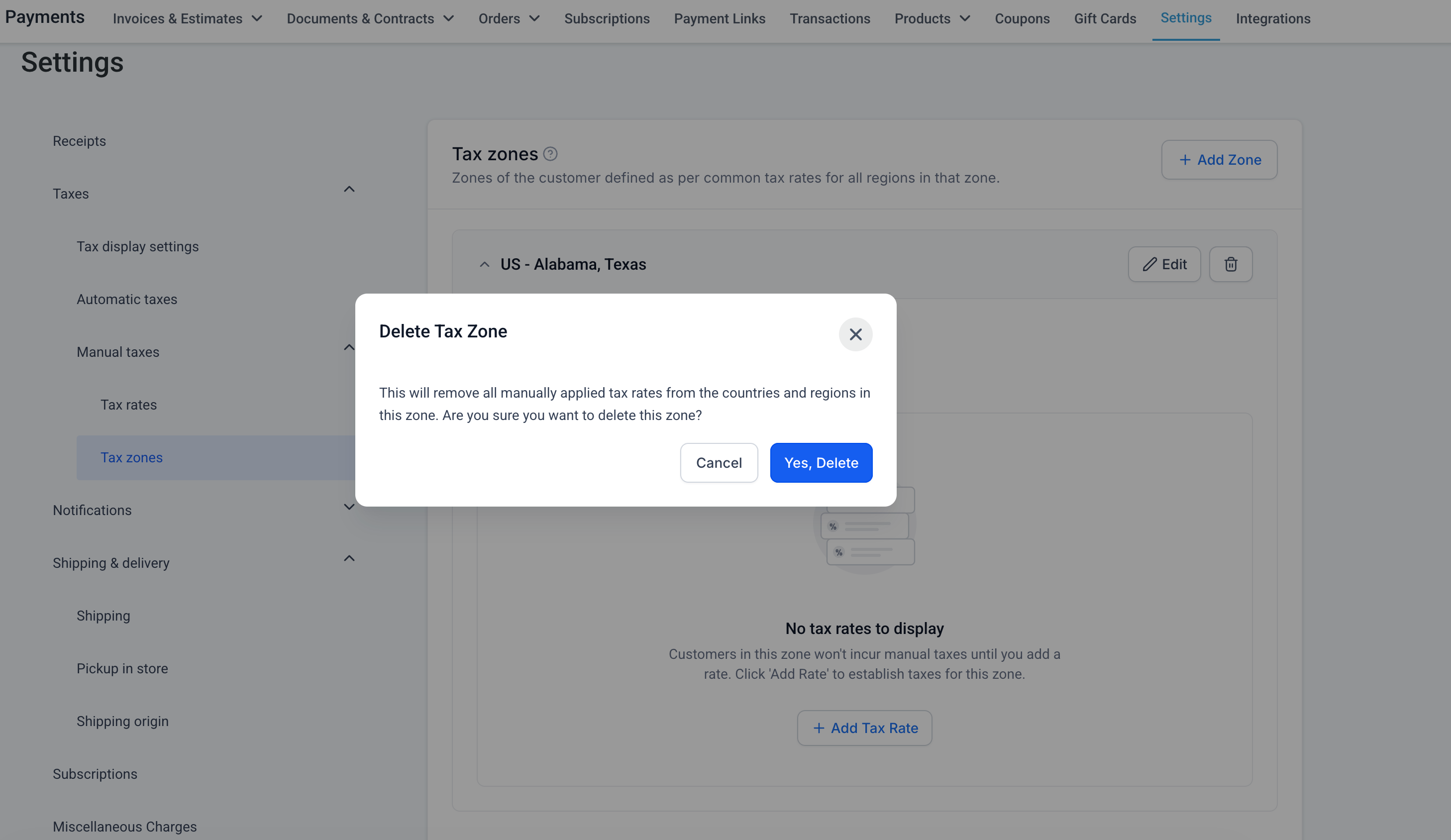
Delete Tax Zone