• Shopping Cart Shopping Cart
    0Shopping Cart
Clixio
  • Features
  • Pricing
  • FAQ
  • Blog
  • Log in
  • Free Trial
  • Menu Menu

Conditional Logic in Surveys! | Clixio Changelog

June 10, 2025/in What's New? Surveys

We are excited to introduce Conditional Logic to the Survey Builder — a powerful feature that allows you to create adaptive surveys that respond intelligently to each user’s input. This enhances personalisation, facilitates cleaner data collection, and improves lead quality.

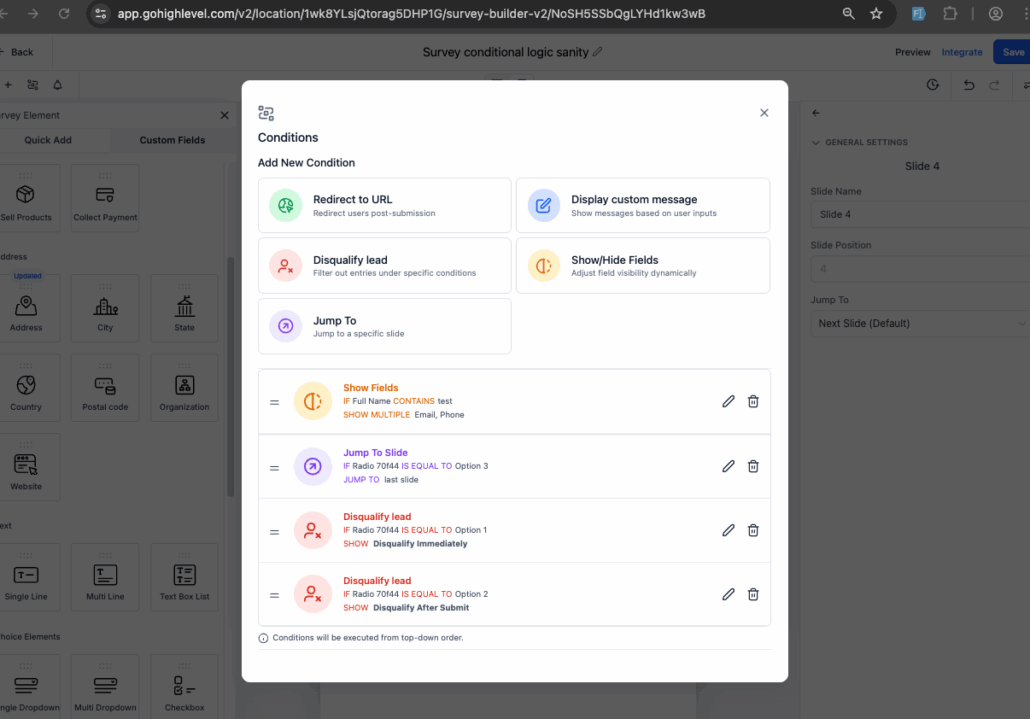
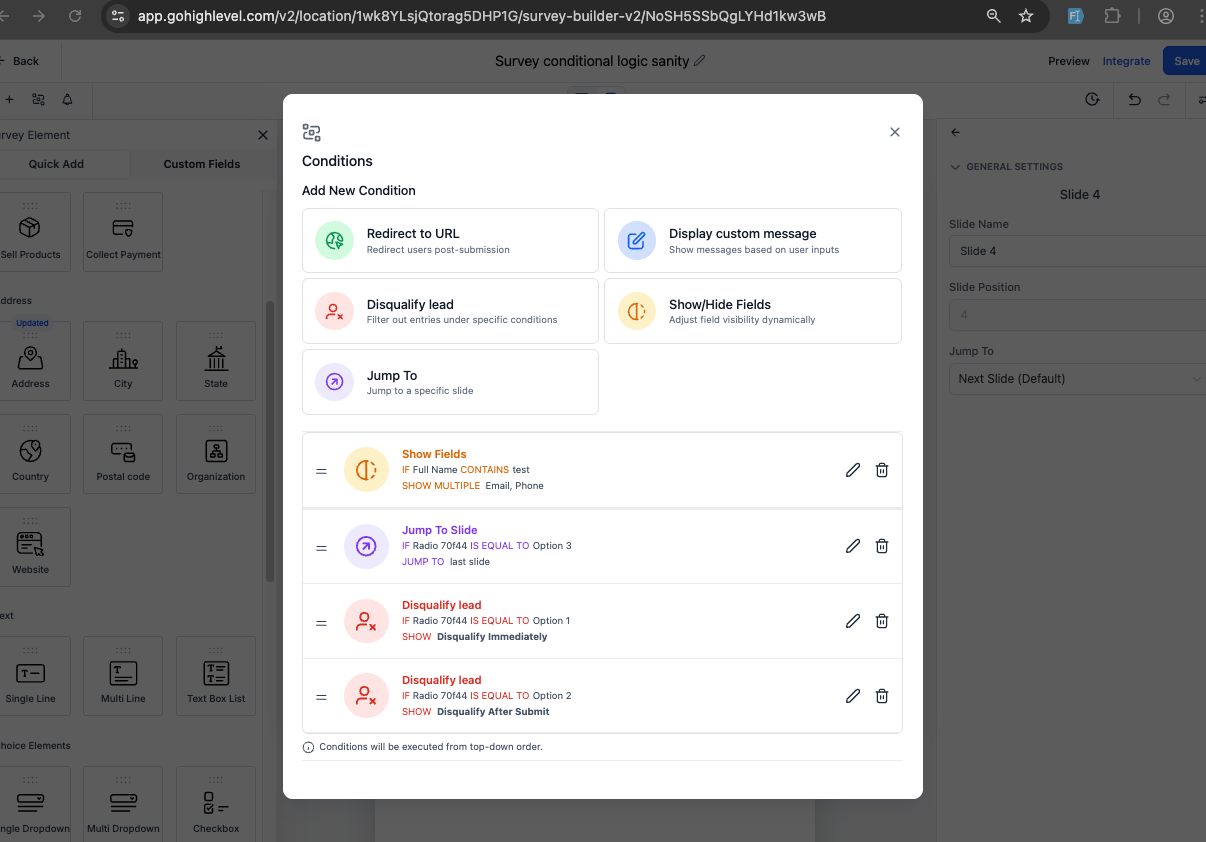
With Conditional Logic, you can configure multiple actions based on respondents’ answers, including:

  • Redirect to URL – Automatically direct respondents to a specific webpage or external site based on their selected responses.

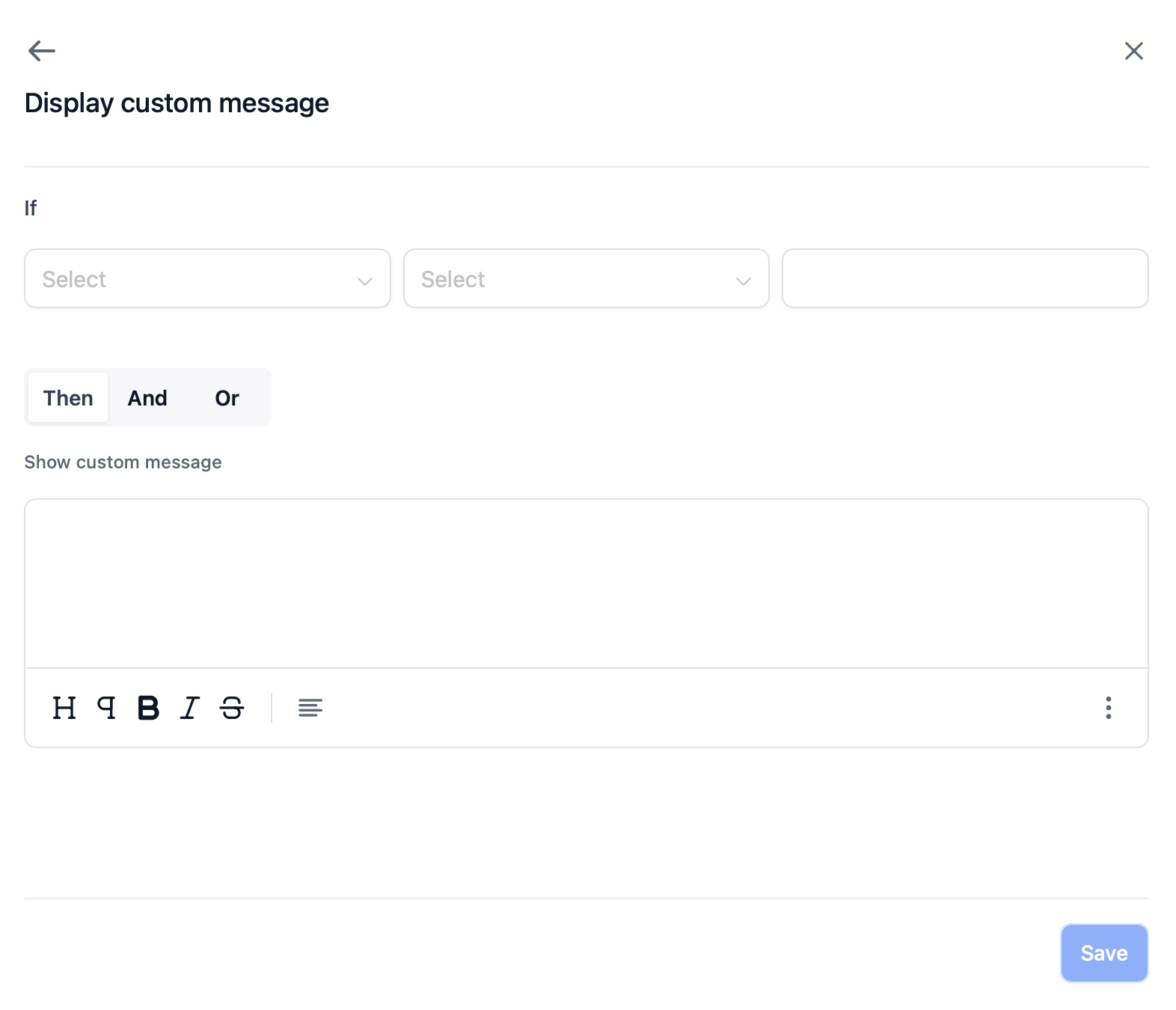
  • Display Custom Message – Show tailored messages when users choose certain answers, providing guidance, confirmation, or feedback in real-time.

  • Show/Hide Fields – Dynamically control the visibility of form fields based on earlier inputs, reducing clutter and enhancing focus.

  • Disqualify Lead – Instantly halt the survey flow when specific disqualification criteria are met. Optionally display a custom message upon disqualification.

  • Jump To Slide (NEW!) – Skip users to a specific slide in the survey based on their input, making the experience more fluid and relevant.

  1. Access the Survey Builder: Conditional Logic is available in new and cloned surveys.
  2. Click on “Conditions” in the form editor panel.
  3. Choose an Action Type: Redirect to URL, Display Custom Message, Show/Hide Fields, Disqualify Lead, or Jump To.
  4. Define Your Logic: Use dropdown selectors and logical operators (AND, OR) to set up rules.
  5. Preview and Save: You can add as many conditions as needed. Conditions are executed top-down.
  6. Publish the survey once all logic is in place.

This highly requested feature (126 upvotes on Ideasboard) directly supports Clixio’s mission to assist businesses in creating smarter, more engaging experiences. By granting survey creators control over logic, we are simplifying the process of achieving higher completion rates, reducing irrelevant data, and capturing more qualified leads.
Screenshot 2025-06-09 at 2
Screenshot 2025-06-09 at 7
https://clixio.io/wp-content/uploads/2025/06/d75890babb8f33a9cabf1f14523c805a.png 842 1206 Clixio.io https://clixio.io/wp-content/uploads/2023/08/clixio-logo-dark.png Clixio.io2025-06-10 01:56:002025-06-10 01:56:00Conditional Logic in Surveys! | Clixio Changelog

RSS feed: Latest Feature Updates Latest Feature Updates

  • Improved: Dynamic Value Chips with Improved error segmentation September 4, 2026
  • 📞 More Reliable Missed Call Text Back with Smarter Number Selection September 4, 2026
  • 🔐 Client Portal: “User login” Workflow Trigger Now Supports the New Client Portal Experience September 3, 2026
  • 📢 Carrier Fee Pricing Update – Effective October 1, 2026 September 3, 2026
  • Privacy Policy + T&C URLs on Toll-Free Verification September 2, 2026
  • Workflow Builder: Pick an Email Sender Domain for Each Workflow! August 28, 2026
  • Certificate AI Beta is now live August 27, 2026
  • 📅 Date Range Setting Can Now Count Only the Days You Actually Work August 27, 2026
  • Schedule Availability with Custom Open & Expiry Experiences – Form, Survey & Quiz August 27, 2026
  • WhatsApp messaging limits: now shown at the portfolio level August 27, 2026
Book a demo
See Clixio working
for your business, live.

30 minute call with our team. Personalised to your industry, no hard sell.

Book your free demo
14 day free trial · Cancel anytime
Clixio - Marketing and sales automation

Marketing & sales automation built for Australian service businesses. One platform, one flat rate, genuinely easy to use.

Product
Features Pricing How it works Latest updates
Company
Blog FAQ Get support Account transfers
Legal
Privacy Policy Terms & Conditions
© Clixio. All rights reserved. Made with ♡ in Australia.
Scroll to top Scroll to top Scroll to top