
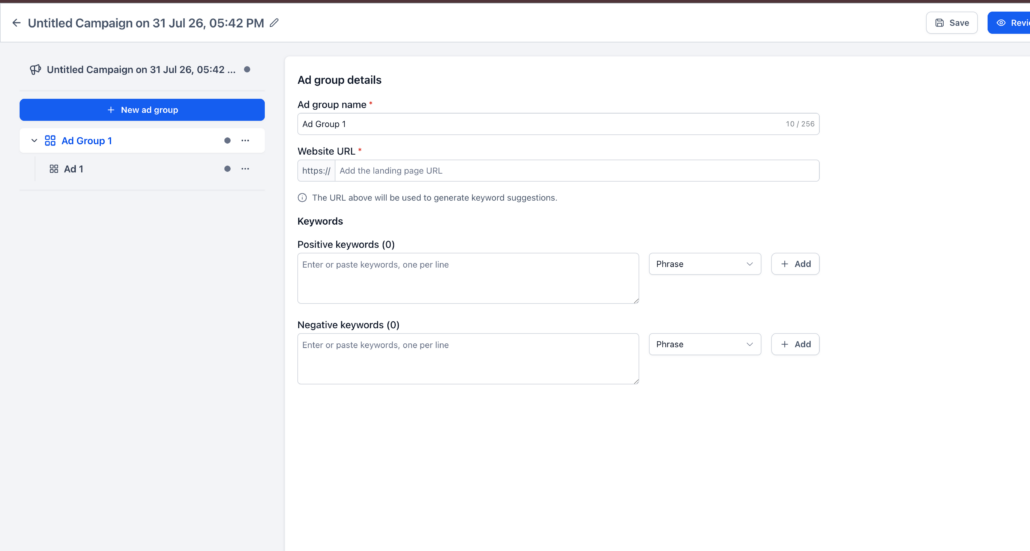
Bulk Keyword Management for Google Ads in Ad Manager
We have improved keyword management in Google Ads campaigns, making it quicker and more flexible:
- Go to
Ad Manager → Google Campaign → Ad Group
.
- Navigate to the
Positive or Negative Keywords
section.
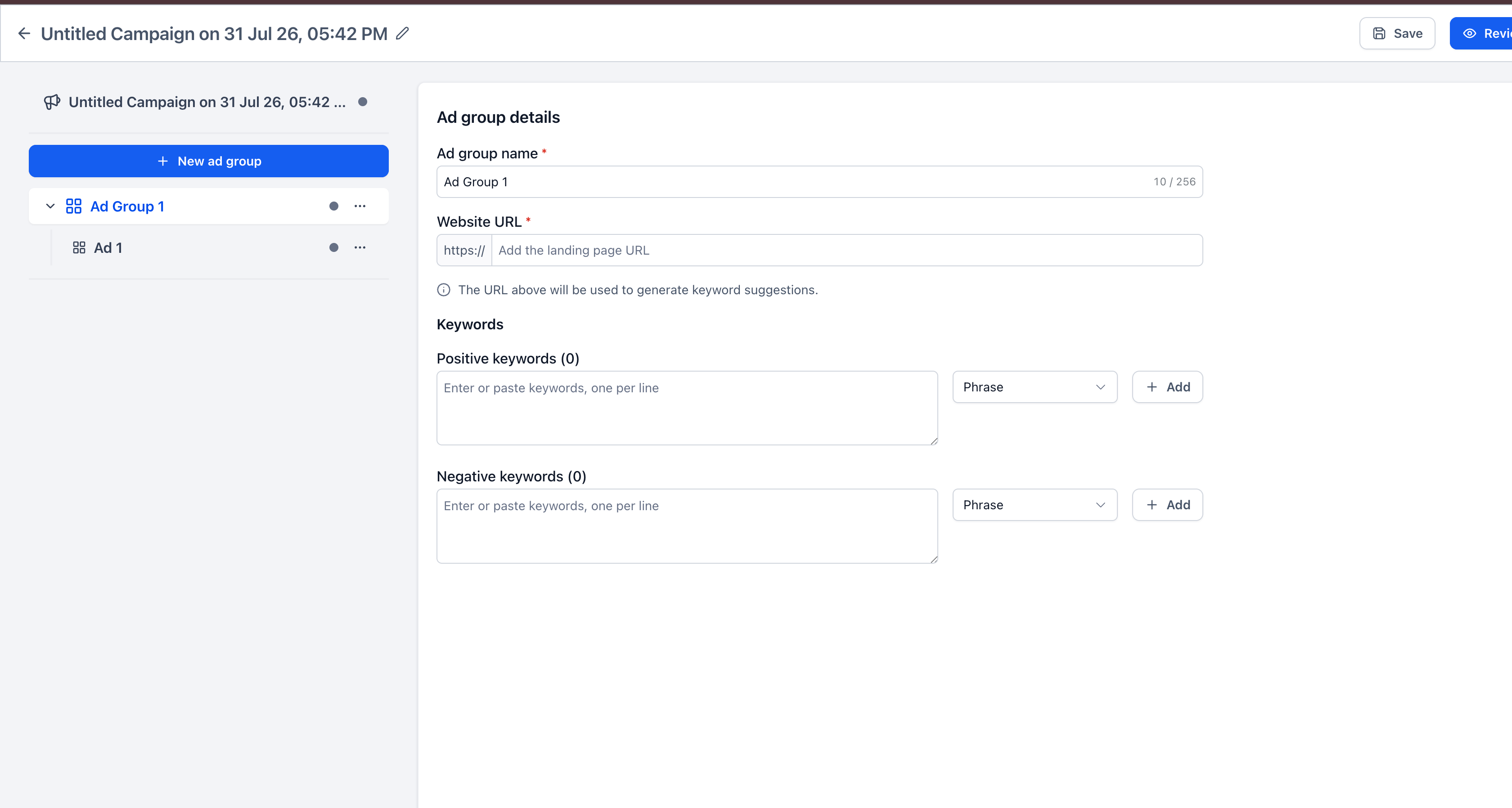
- Type or paste multiple keywords into the keyword field.
- Separate keywords using
new lines or commas
.
- Select the desired match type and click
Add
.
- Managing large keyword lists is now significantly faster. Advertisers can import existing keyword lists into Clixio in one go, reducing repetitive manual entry and building more comprehensive Google Search campaigns without being limited by the previous 40-keyword cap.
- Available for both
Positive and Negative Keywords
in Google Ads campaigns.
- Duplicate and empty keyword entries are automatically removed during bulk entry.
- Keyword eligibility remains subject to the requirements of Google Ads.