
Blogs- Domain Management, Custom Tags & Sitemap Improvements
⭐**What’s New**
- You can now create a blog site without connecting a domain.
Begin building and preparing your content first, and connect your domain later when you’re ready.
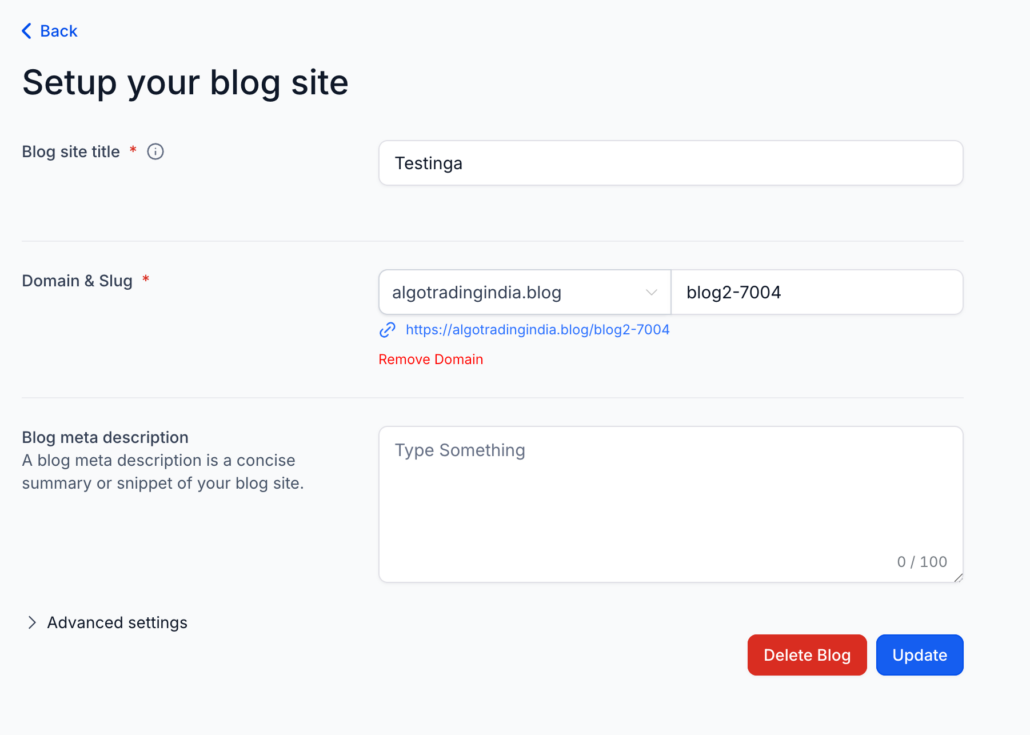
- **Remove Domain from Blog Settings**
- A new option to remove a domain is now available.
- Disconnect an existing domain easily.
- Switch domains without needing support assistance.
- Manage domain settings directly from the user interface.
- **Custom Values Support in SEO Fields**
Blogs now support dynamic custom values in SEO fields. This feature allows for flexible and scalable SEO configurations across blog pages.
- **Automatic Sitemap Updates**
Sitemaps now update automatically when a blog post is published.
💡**Why It Matters**
- Faster blog setup without domain dependency.
- Easier domain management and switching.
- More flexible SEO configurations.
- Always up-to-date sitemaps for better indexing.
- Reduced manual effort and maintenance.
🛠️**How It Works**
- Go to Sites → Blogs.
- Create a blog site (with or without a domain).
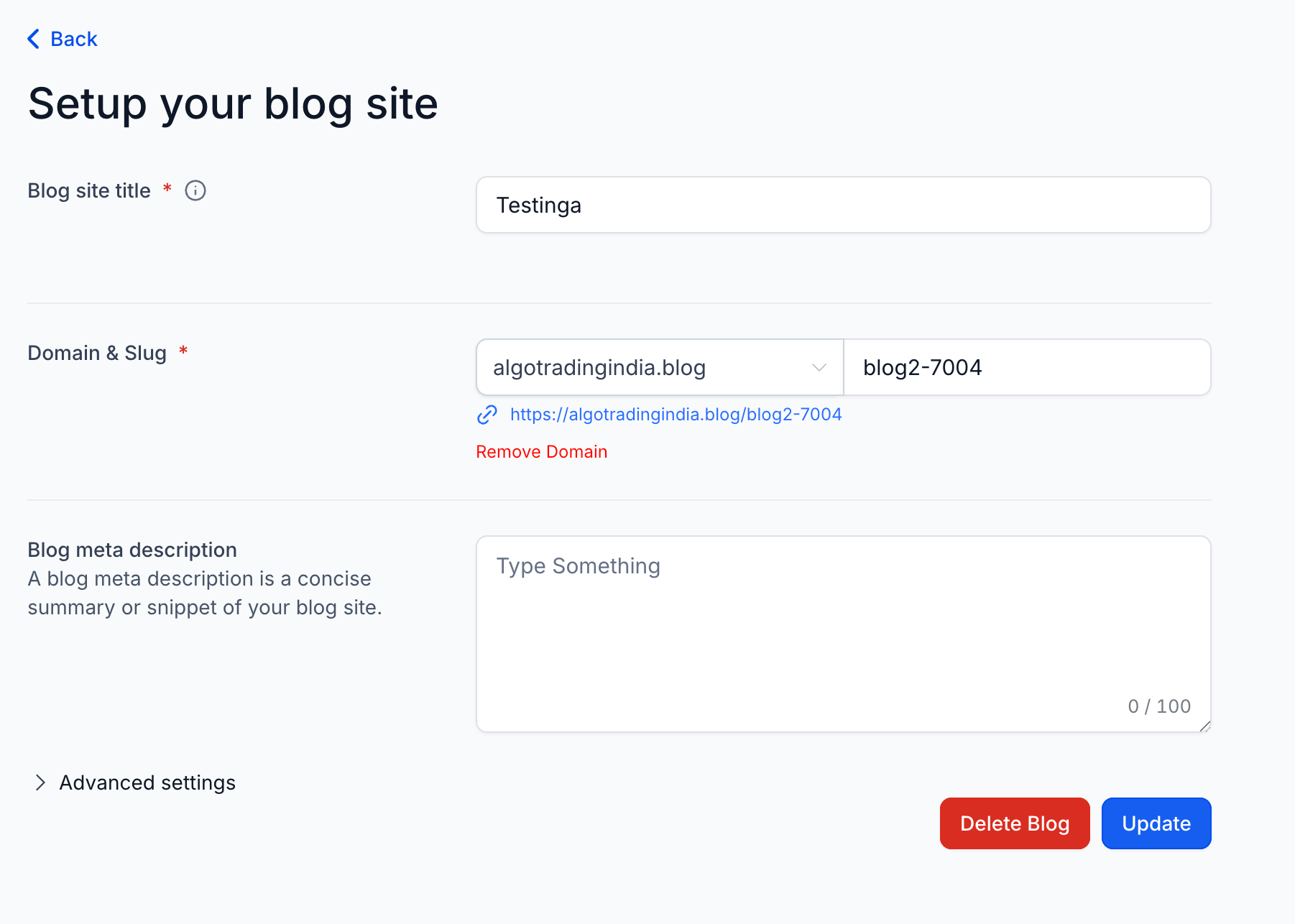
- Manage or remove domains in Blog Settings.
- Add custom values in SEO fields.
- Continue publishing; sitemaps update automatically.