• Shopping Cart Shopping Cart
    0Shopping Cart
Clixio
  • Features
  • Pricing
  • FAQ
  • Blog
  • Log in
  • Free Trial
  • Menu Menu

✨ Ask AI in Mobile App Can Now Read Your Files ✨

July 31, 2026/in What's New? Documents & Contracts

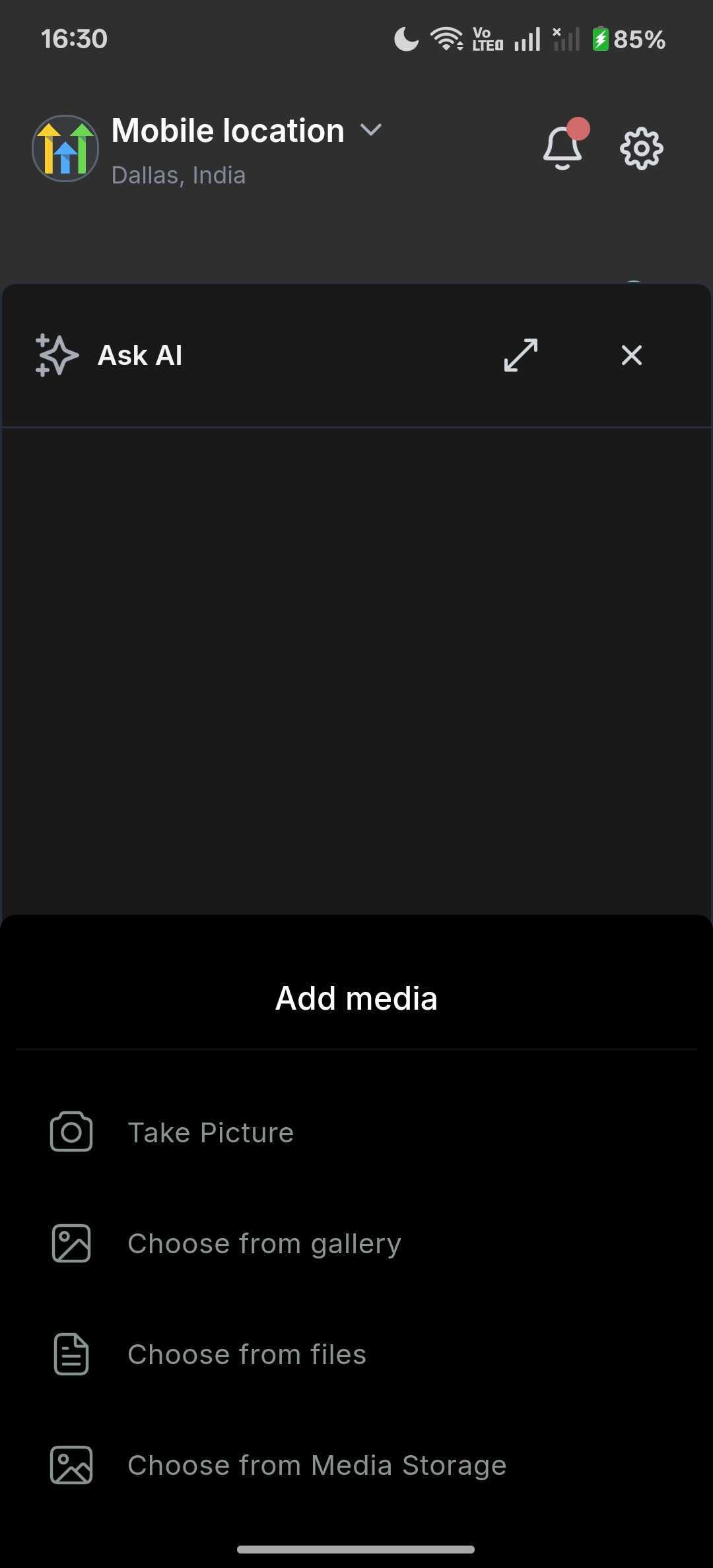
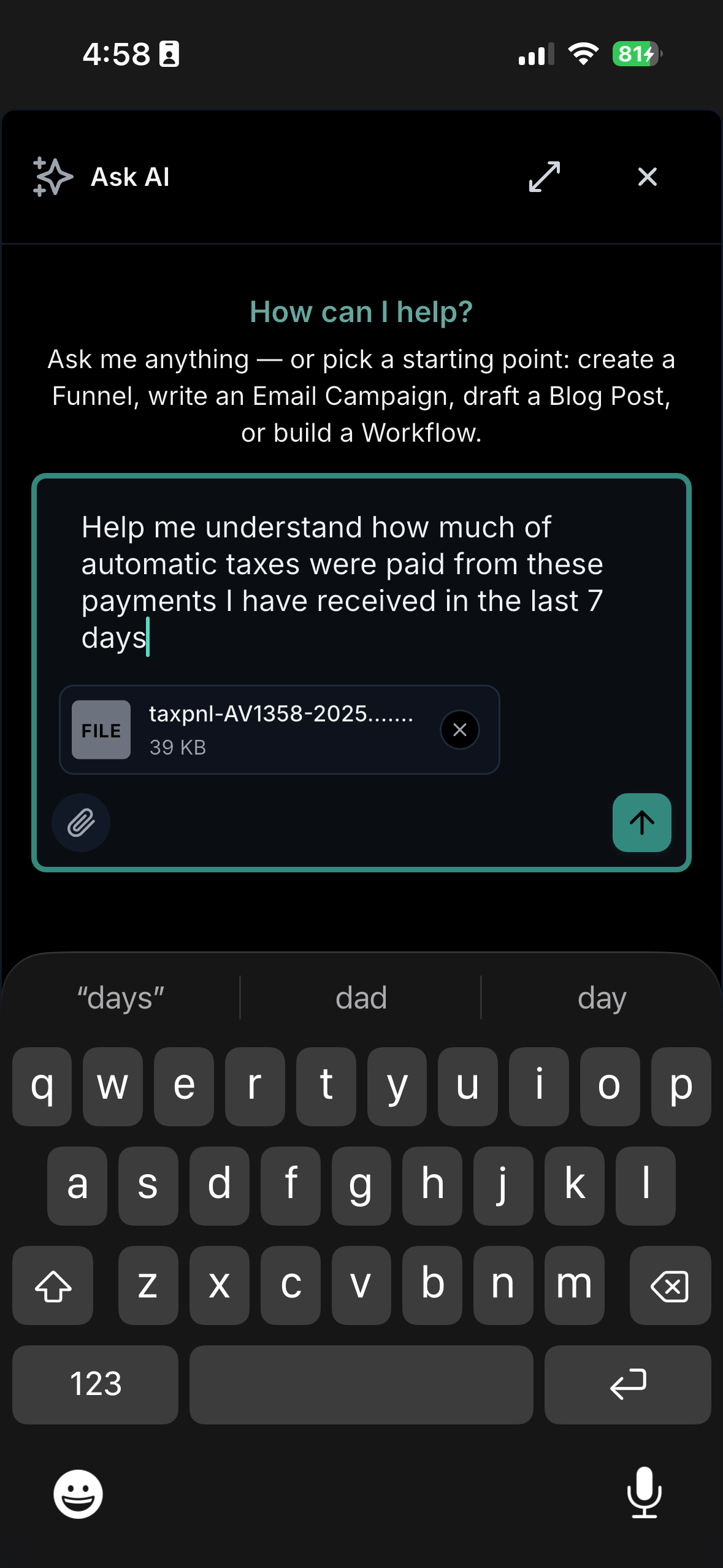
Ask AI now accepts images and documents directly in the chat composer. Simply take a photo, select a PDF, or choose a file from your Media Library, then ask the assistant about it in straightforward language.

You might already have the answer stored in a file—a screenshot of a broken funnel, a CSV of last month’s leads, or a signed contract PDF.

Previously, Ask AI could only read what you typed.

✨

Solution: Attachments in Ask AI

Tap 📎 in the composer and choose from four options: Camera, Gallery, Files, or your Media Library. Your file uploads in the background while you continue typing, accompanying your next message as a tidy chip that the assistant can read.

🏆

How This Supercharges Your Business

⏱️ Save Time: Stop retyping information that a screenshot already conveys. Attach it and ask.

📱 Work Fully Mobile: Address document-based questions on your phone without needing a laptop.

🎯 Get Sharper Answers: The assistant reads your actual data, ensuring answers correspond to your business.

🗂️ Reuse What You Have: Access files directly from the Media Library; already uploaded files attach instantly, eliminating the need for re-uploading.

How to Get Started

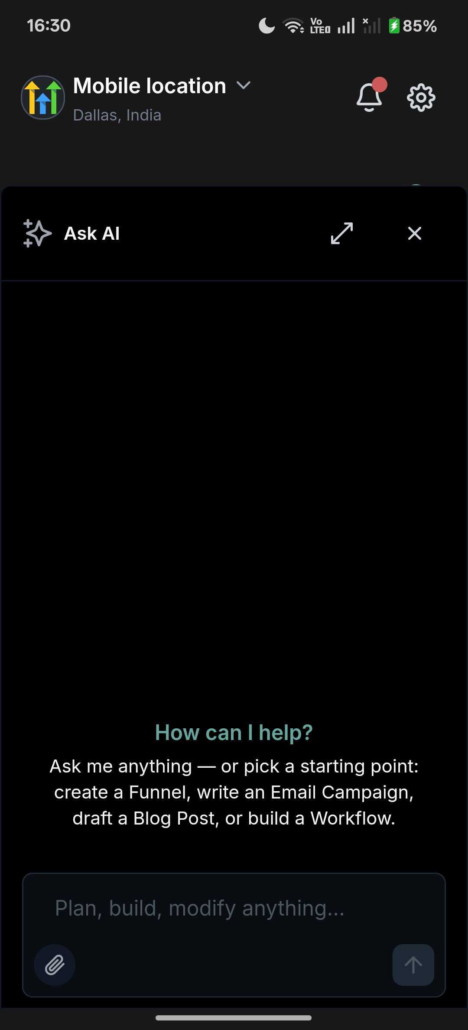
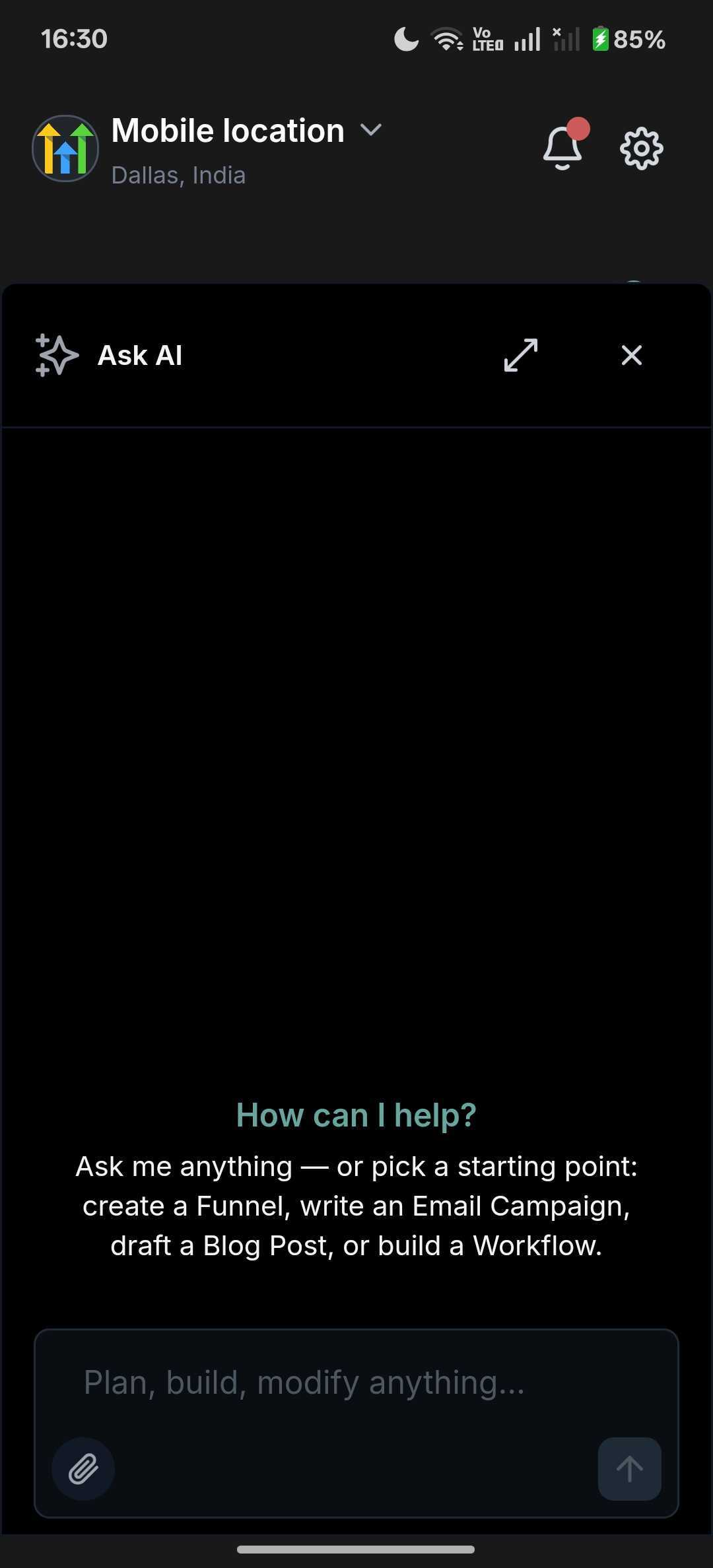
  1. Navigate: Open Ask AI from your app’s navigation, then start or open a chat.
  2. Activate: Tap the 📎 paperclip in the composer and select Camera, Gallery, Files, or Media Library.
  3. Enjoy: Watch the chip change from “Uploading…” to ready, type your question, and hit send.

Tip: No question in mind? Send the file on its own; Ask AI will analyse it for you.

We’re expanding the capabilities of Ask AI. Upcoming features include larger document limits, support for more file types (spreadsheets, plain text, Markdown), and in-app previews so you can review an attachment without leaving the chat. We’re also exploring attachment history and re-use across sessions.

Roll-out & Availability

4.21.0+844
image
image
image

https://clixio.io/wp-content/uploads/2026/07/ad82e2ef9f4156d3e0701aa8aeef9505.png 2376 1080 Clixio.io https://clixio.io/wp-content/uploads/2023/08/clixio-logo-dark.png Clixio.io2026-07-31 21:39:002026-07-31 21:39:00✨ Ask AI in Mobile App Can Now Read Your Files ✨

RSS feed: Latest Feature Updates Latest Feature Updates

  • Improved: Dynamic Value Chips with Improved error segmentation September 4, 2026
  • 📞 More Reliable Missed Call Text Back with Smarter Number Selection September 4, 2026
  • 🔐 Client Portal: “User login” Workflow Trigger Now Supports the New Client Portal Experience September 3, 2026
  • 📢 Carrier Fee Pricing Update – Effective October 1, 2026 September 3, 2026
  • Privacy Policy + T&C URLs on Toll-Free Verification September 2, 2026
  • Workflow Builder: Pick an Email Sender Domain for Each Workflow! August 28, 2026
  • Certificate AI Beta is now live August 27, 2026
  • 📅 Date Range Setting Can Now Count Only the Days You Actually Work August 27, 2026
  • Schedule Availability with Custom Open & Expiry Experiences – Form, Survey & Quiz August 27, 2026
  • WhatsApp messaging limits: now shown at the portfolio level August 27, 2026
Book a demo
See Clixio working
for your business, live.

30 minute call with our team. Personalised to your industry, no hard sell.

Book your free demo
14 day free trial · Cancel anytime
Clixio - Marketing and sales automation

Marketing & sales automation built for Australian service businesses. One platform, one flat rate, genuinely easy to use.

Product
Features Pricing How it works Latest updates
Company
Blog FAQ Get support Account transfers
Legal
Privacy Policy Terms & Conditions
© Clixio. All rights reserved. Made with ♡ in Australia.
Scroll to top Scroll to top Scroll to top