Ask AI Artifacts: Interactive AI Responses on Mobile App
Ask AI V2 reimagines the Clixio mobile AI assistant, allowing you to obtain genuine answers and take action from anywhere—not just from a laptop. With ten interactive response types, a searchable history, and live streaming, everything is rendered natively.
You don’t run your business from a desk. Until now, mobile AI couldn’t keep up. Answers were presented as flat text, with no history to revert to and no means to act on the information the AI provided. Consequently, critical decisions had to wait until you returned to a computer.
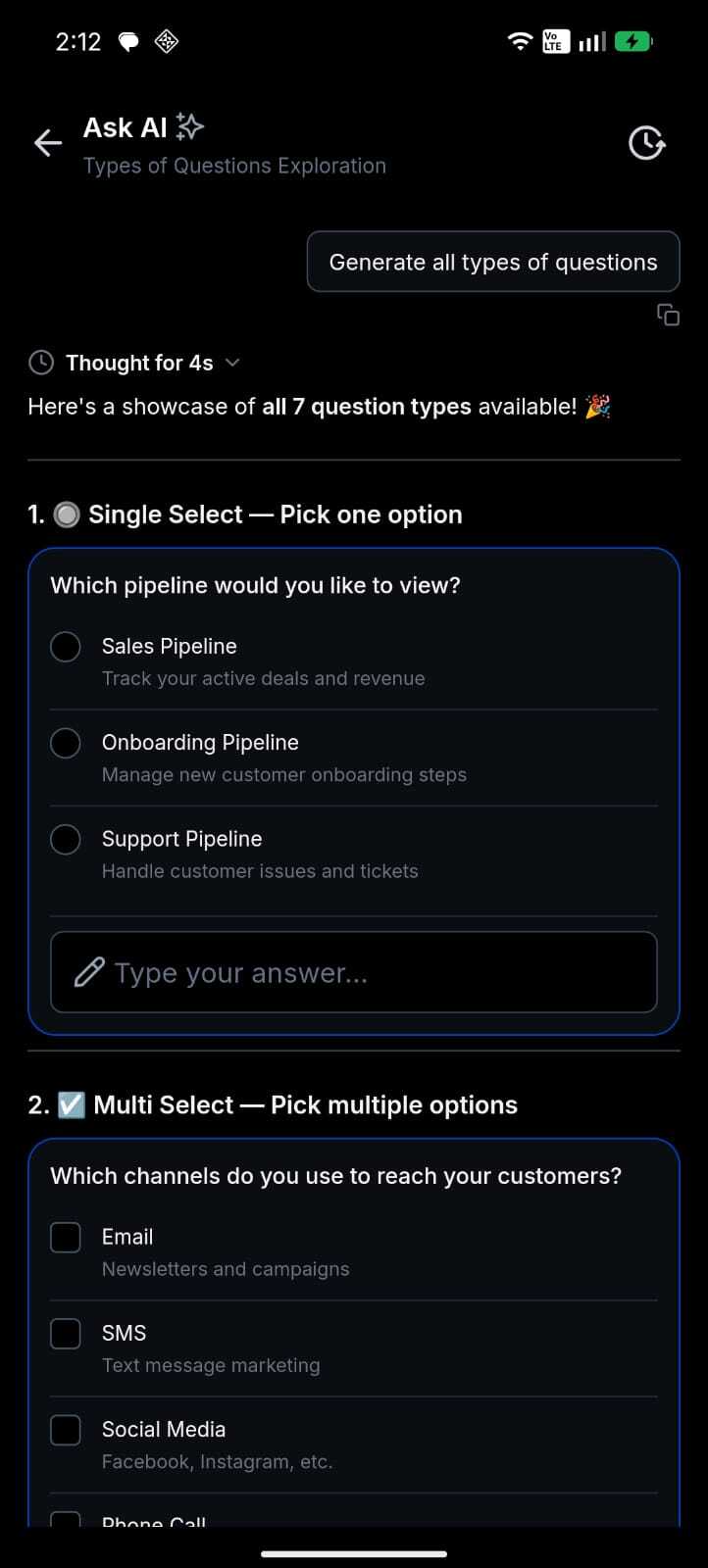
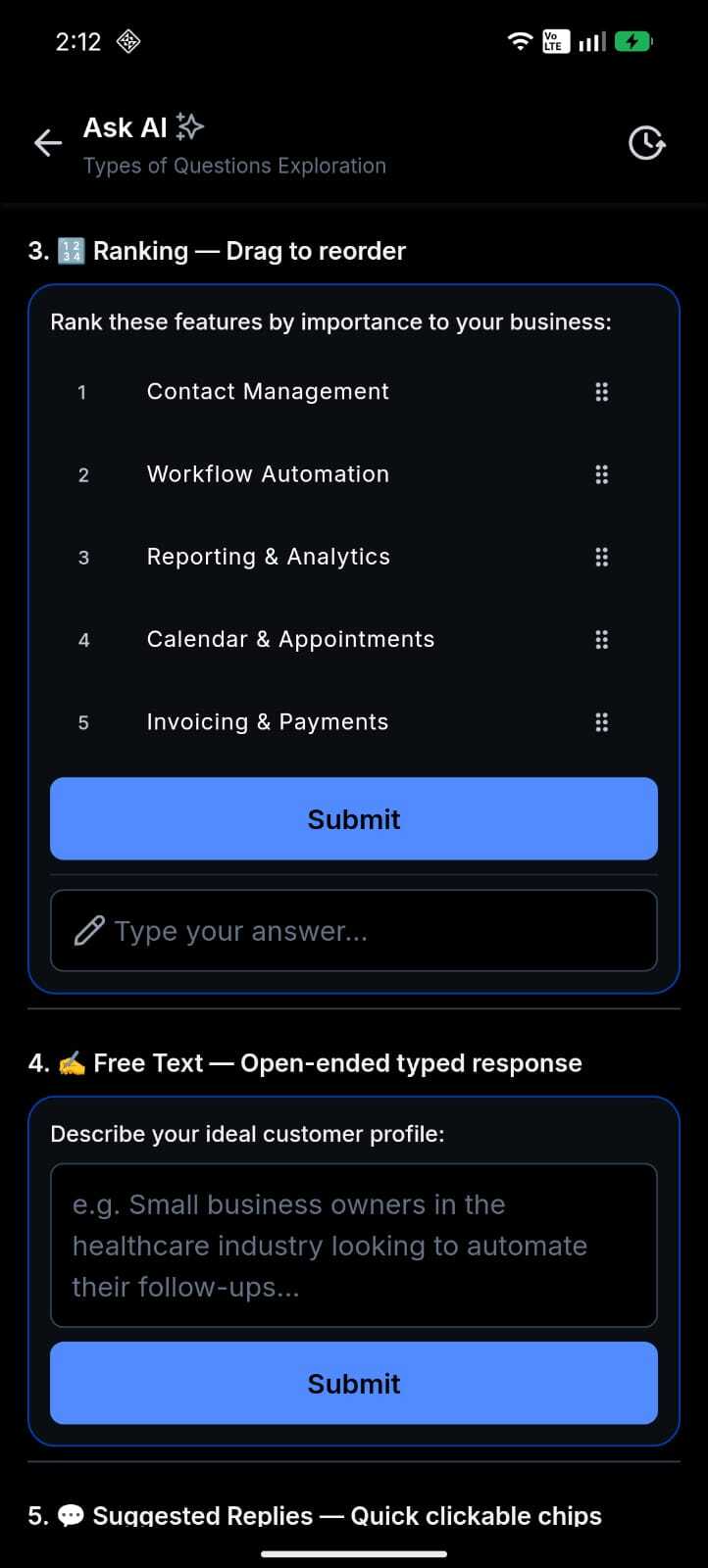
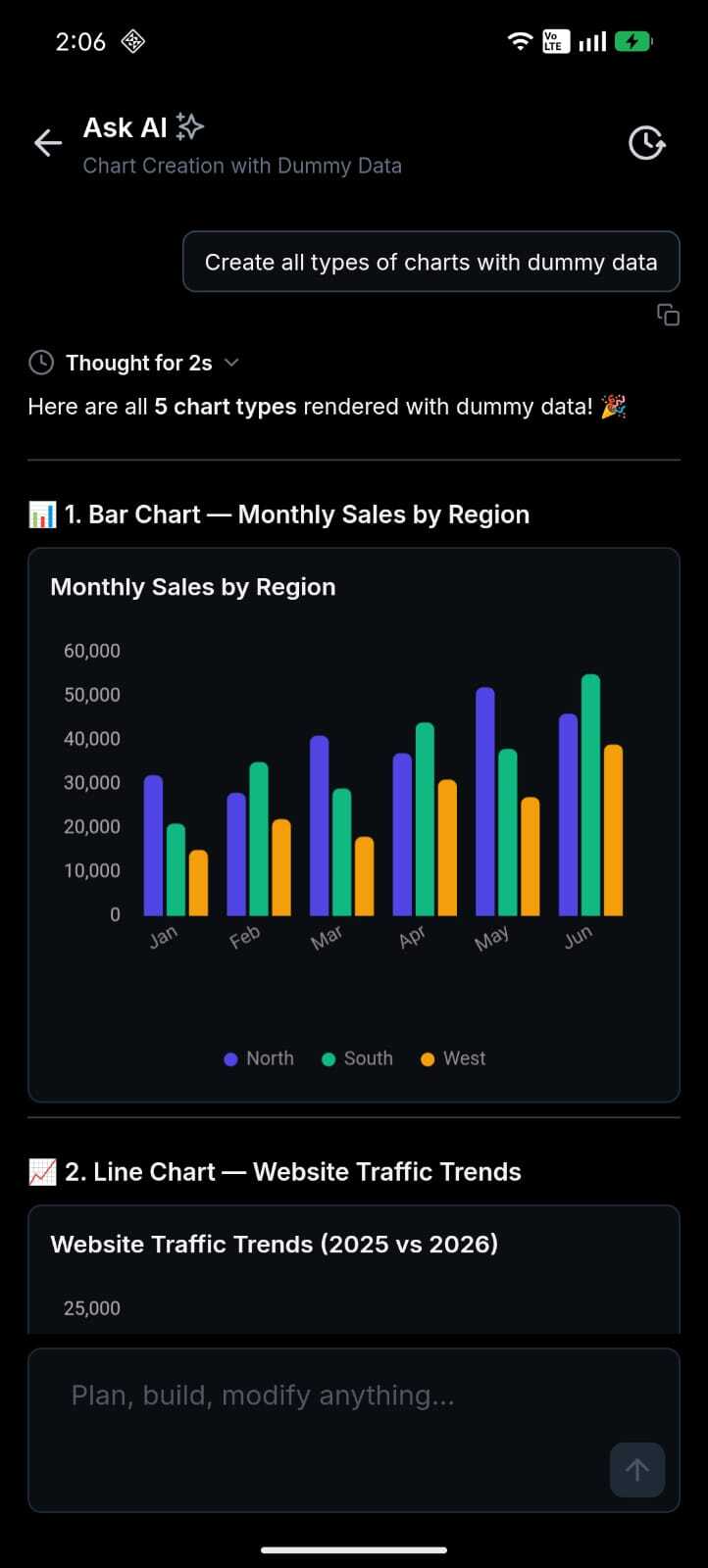
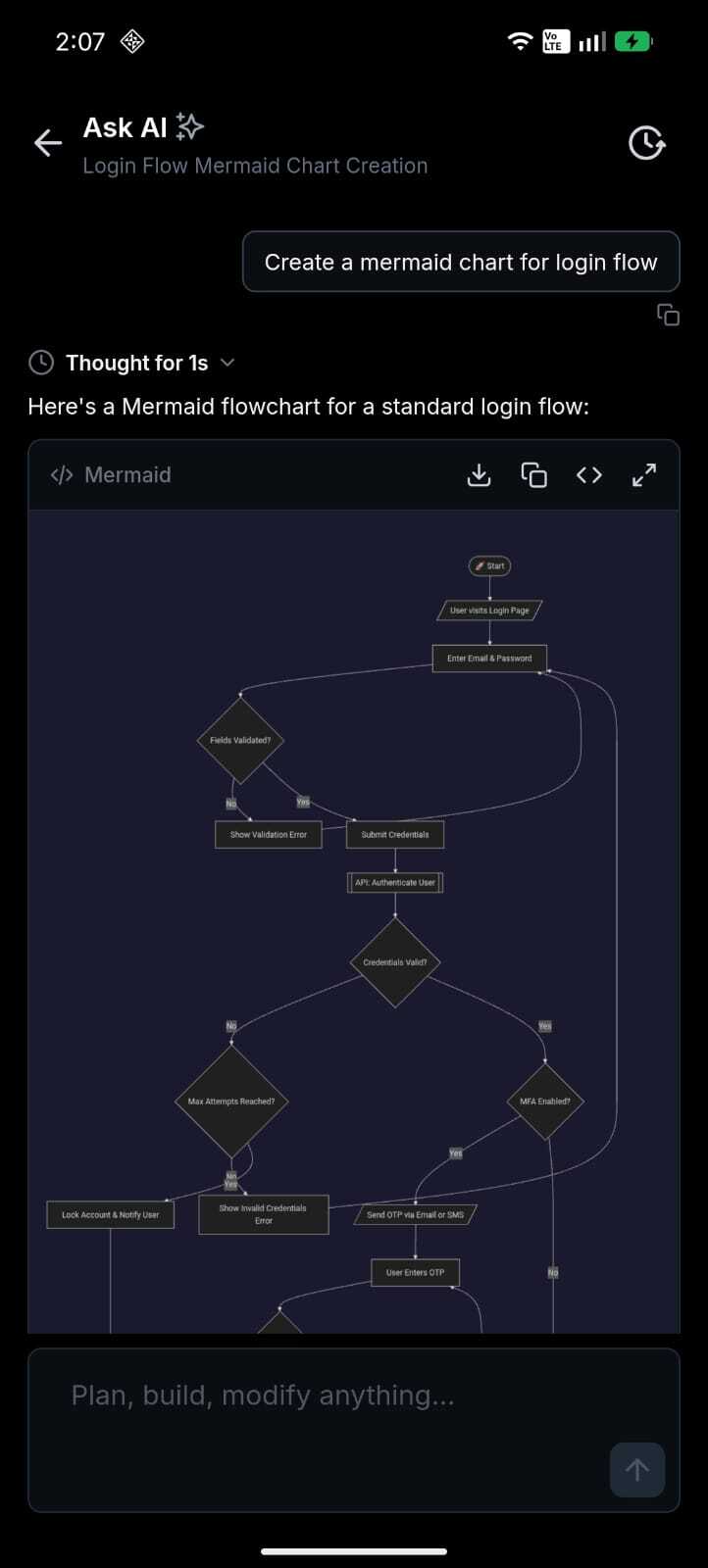
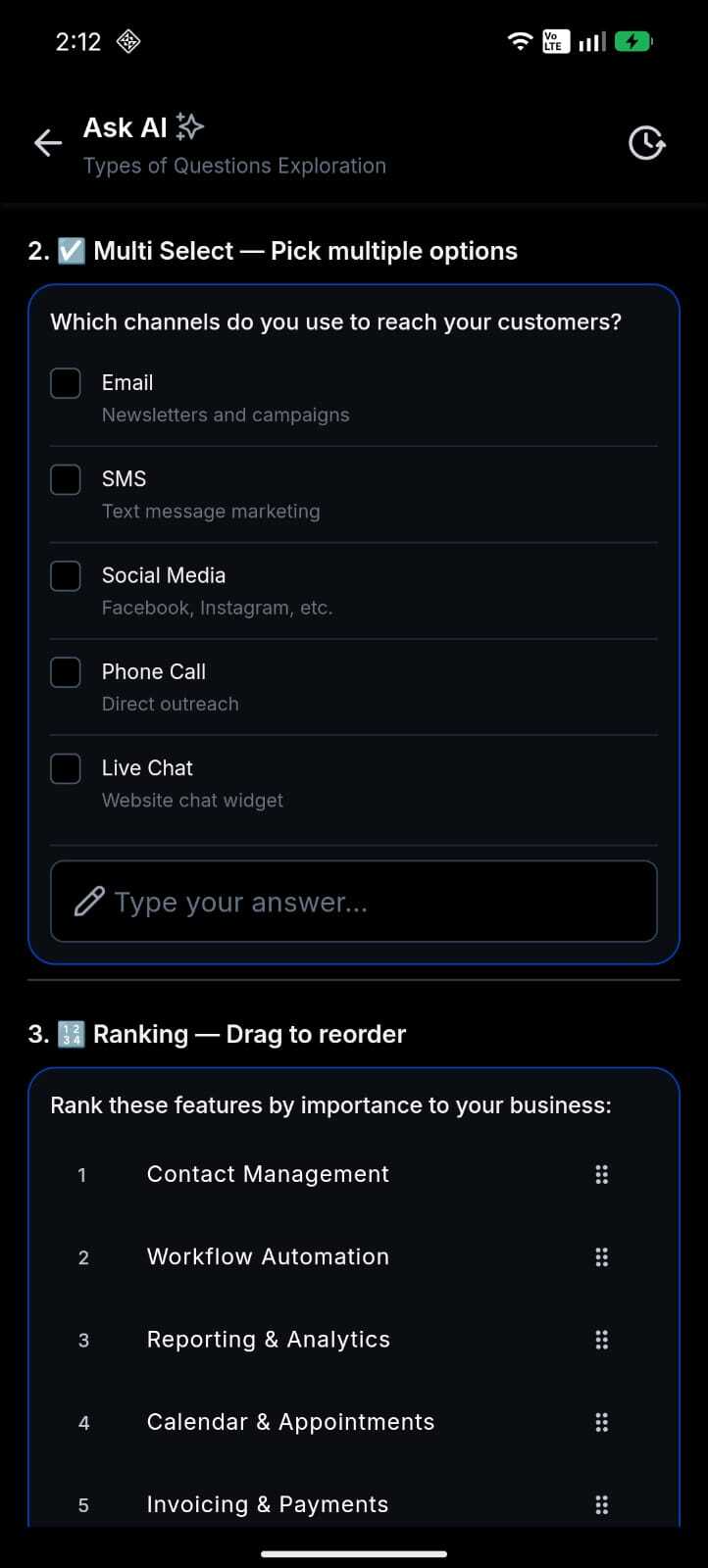
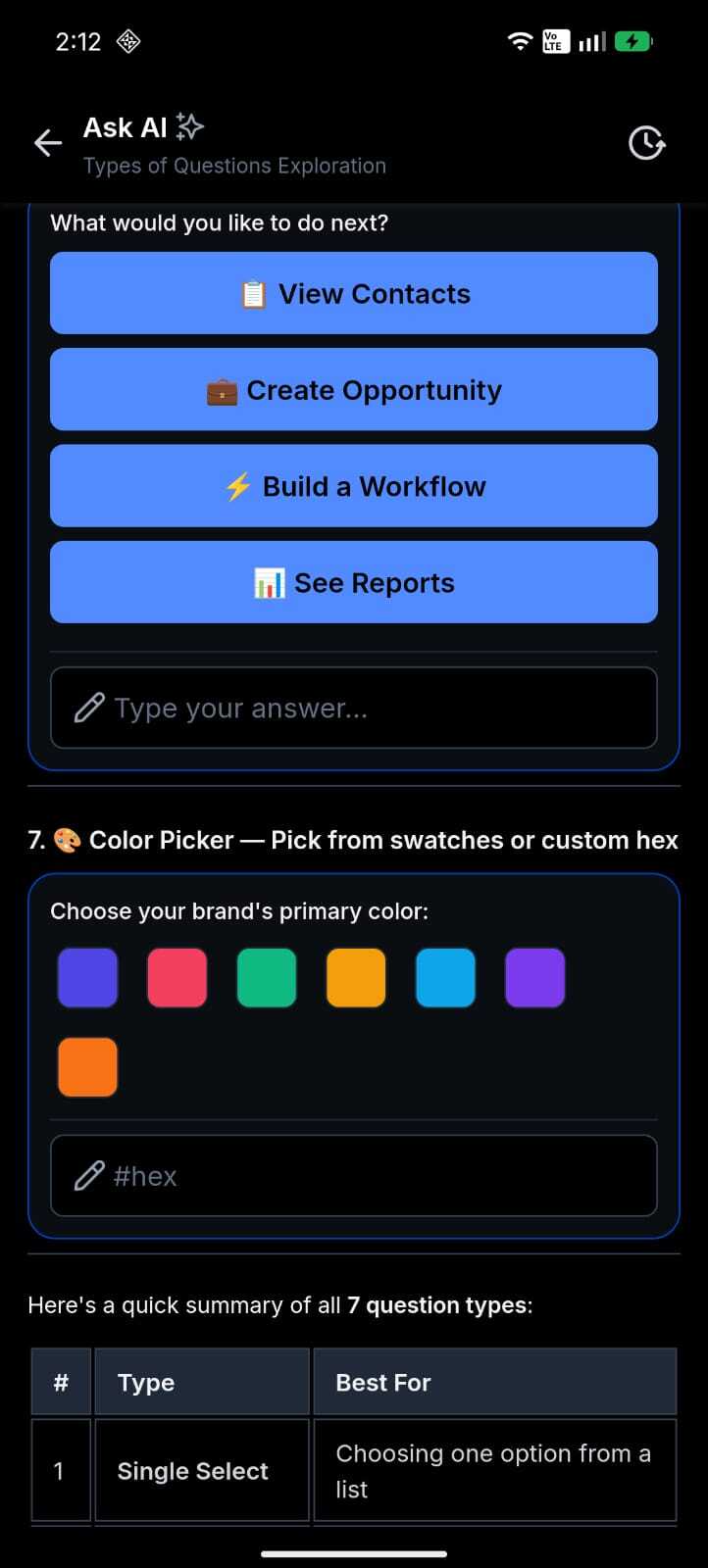
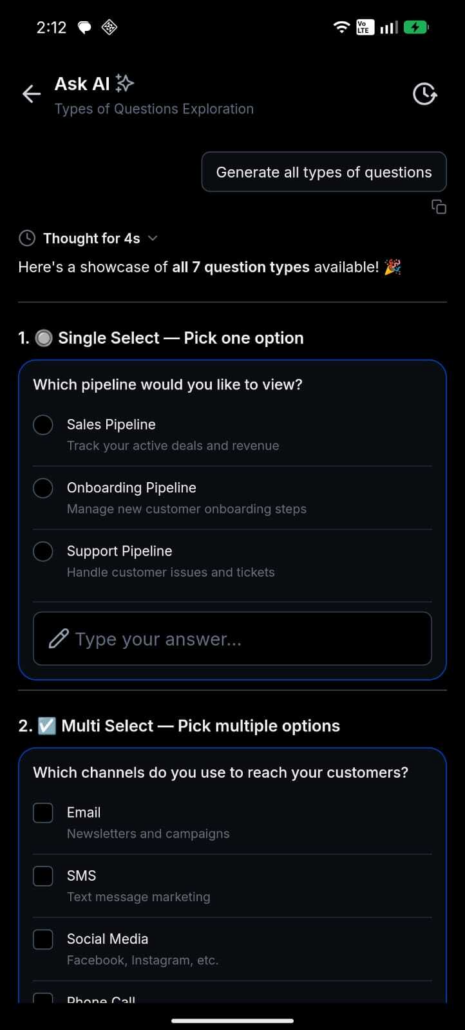
Ask AI V2 brings the full AI experience to your phone. Ten types of artefacts—charts, data tables, code blocks, approval flows, question wizards, and more—render natively and respond to touch. Answers stream in real-time, and your entire conversation history is searchable. You can decide and take action while on the move.
How This Supercharges Your Business
- Decide on the move: Interactive charts and data tables provide real business insights at your fingertips, whether between meetings or on-site with clients.
- Act, don’t just ask: Approval flows and multi-step question wizards enable you to complete structured tasks from your phone—no laptop needed.
- Never lose a thread: A searchable conversation history allows you to pick up any session exactly where you left off.
- Trust what you see: Real-time streaming and a live thinking indicator showcase the AI’s reasoning in action, rather than just providing the final answer.
How to Get Started
Open Ask AI: Tap on Ask AI in the Clixio mobile app.
Ask anything: Type your question into the composer bar.
Interact: Tap on charts, copy code, follow a wizard, or tap on Sources to see what your web search has discovered.
We are expanding what renders natively on mobile. The Canvas preview pipeline (nine preview types) is already built and will activate via a backend toggle—no app update needed. More artefact types and richer interactions are on the roadmap.
Roll-out & Availability
| Release Date | 18 June 2026 |
| Available Version | 4.18.1 (build 833) |
| Status | Public |
| Clixio | ✅ |
| LeadConnector | ✅ |
| WL App | ✅ |
| Platforms | iOS & Android |
- Full dark mode support across all artefact types, automatically matching your device theme.
- Model selection available (Claude Sonnet 4.6 by Anthropic).
- Canvas preview pipeline (nine preview types) ships dormant and activates through a backend toggle.
💬 We Want to Hear From You!