All New Task Manager – Mobile App V2
Tasks V2:
Your smartest way to get things done. A faster, repeatable, team-ready task manager reimagined on mobile app.
Tasks V2 is a comprehensive upgrade featuring the functionalities you’ve been waiting for: recurring tasks, opportunity links, multiple contacts, board view, and a cleaner, smarter interface. It encompasses everything the previous version of Tasks could not do, designed to keep you and your team productive.
Your day consists of a series of follow-ups; the old Tasks made it overly complicated. There was no option to repeat tasks, only one contact per task, and no connection to a deal. Everything appeared as a long list with no structure, requiring you to open each task just to see the assigned person. Important work often got lost in the shuffle.
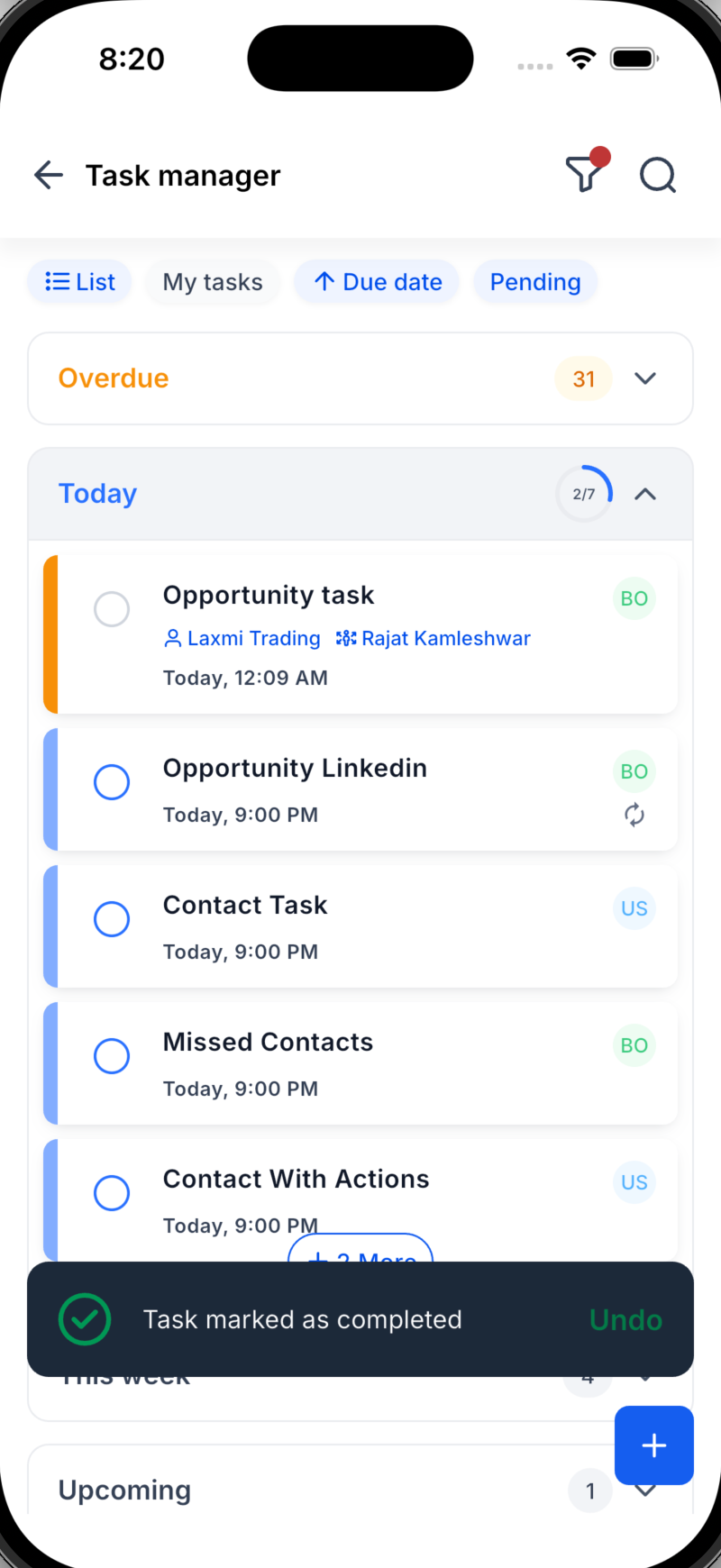
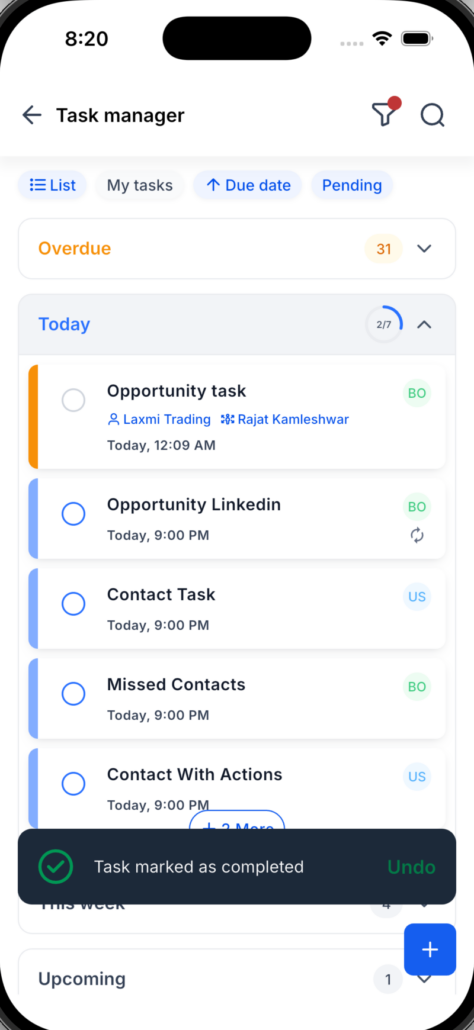
Tasks V2 resolves all these issues. You can set tasks to repeat on your chosen schedule, link them to contacts and opportunities, and see all pertinent information directly on the task card without any extra tapping. Switch between List and Board views to organise your day into clear sections and track your progress as you go.
What’s New in Tasks V2
Recurring Tasks (New!)
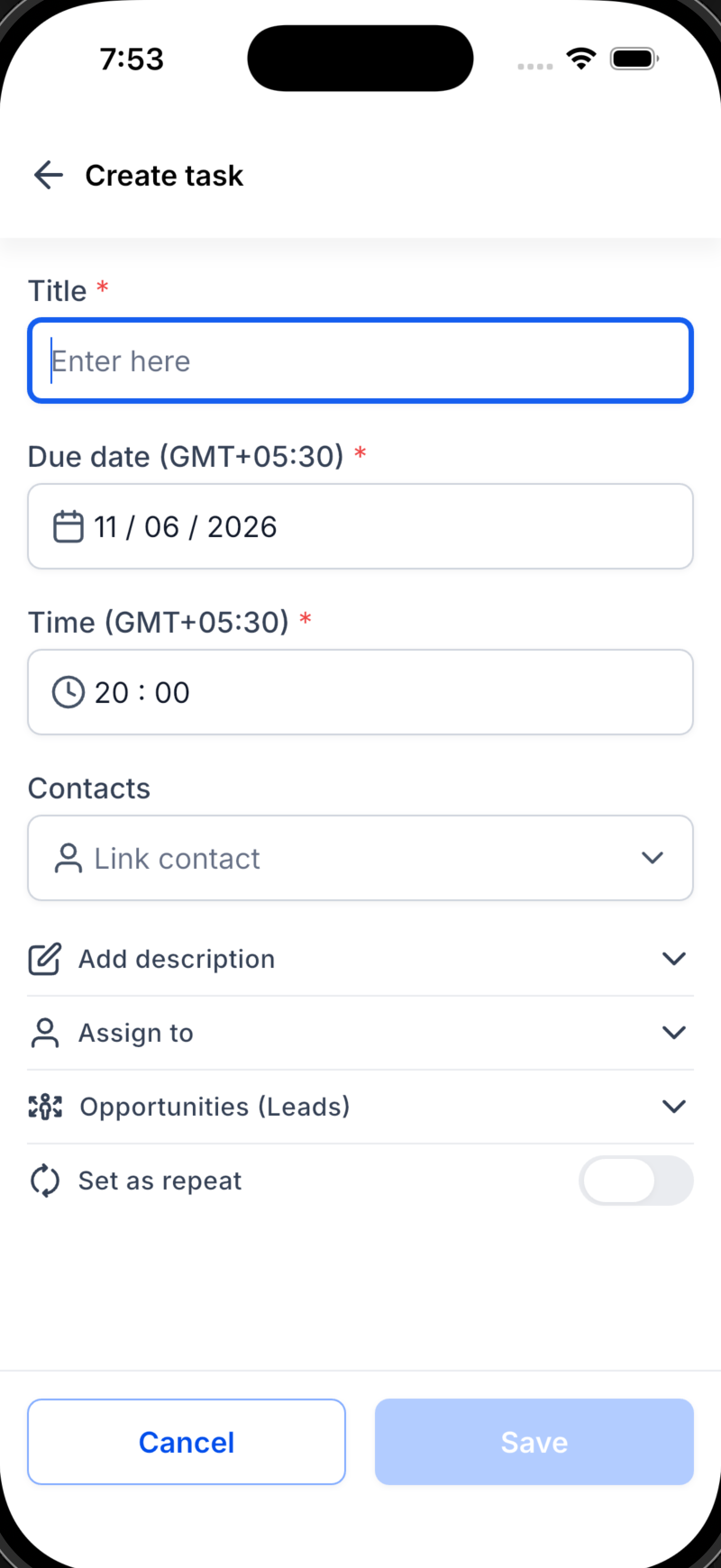
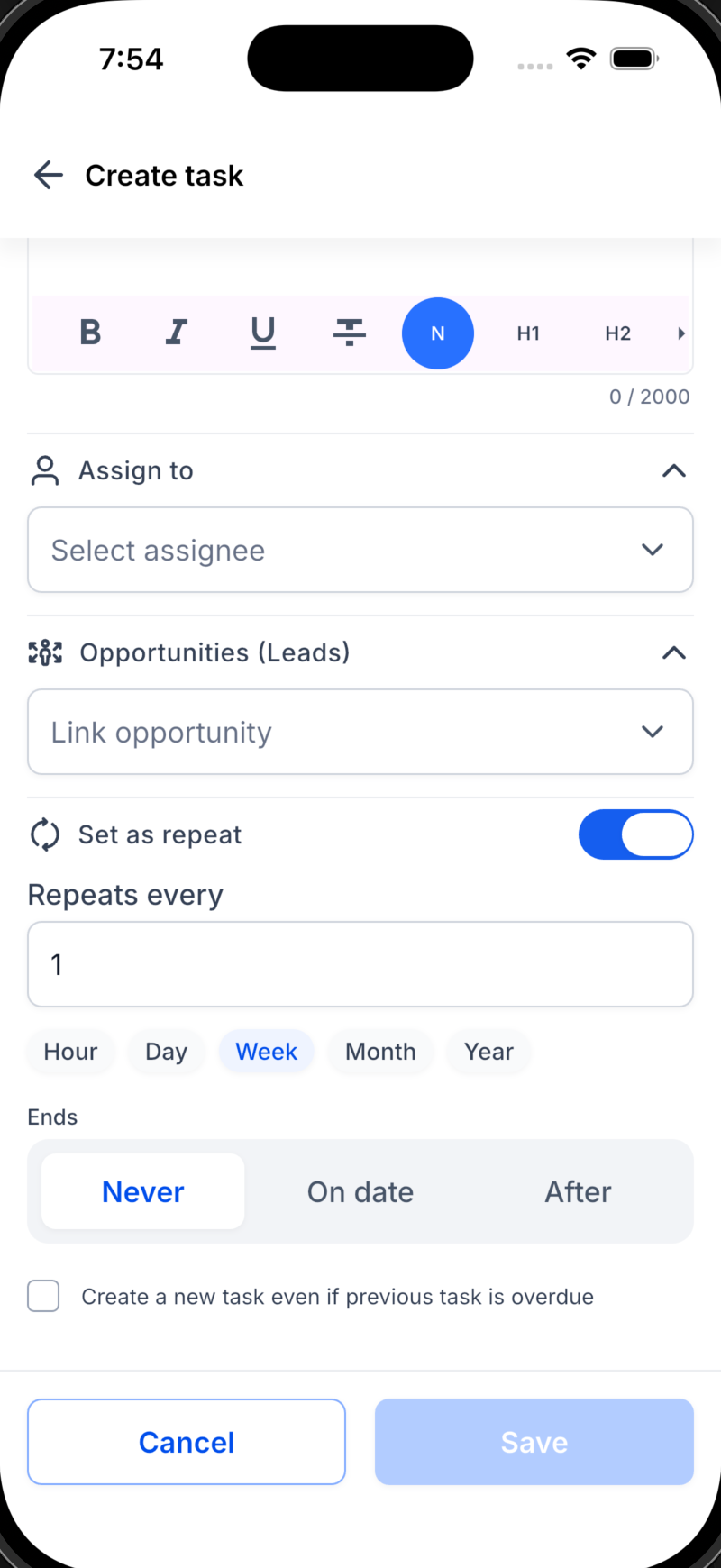
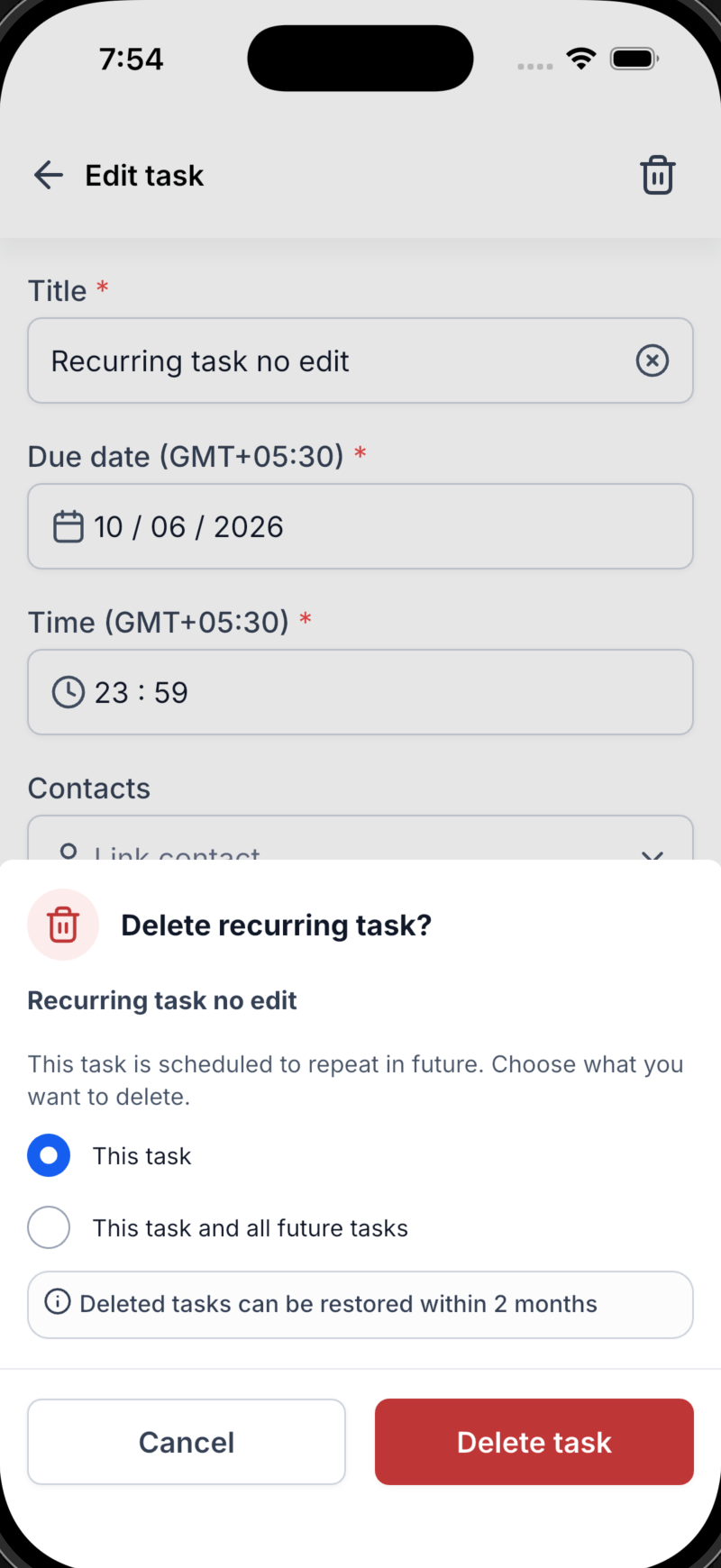
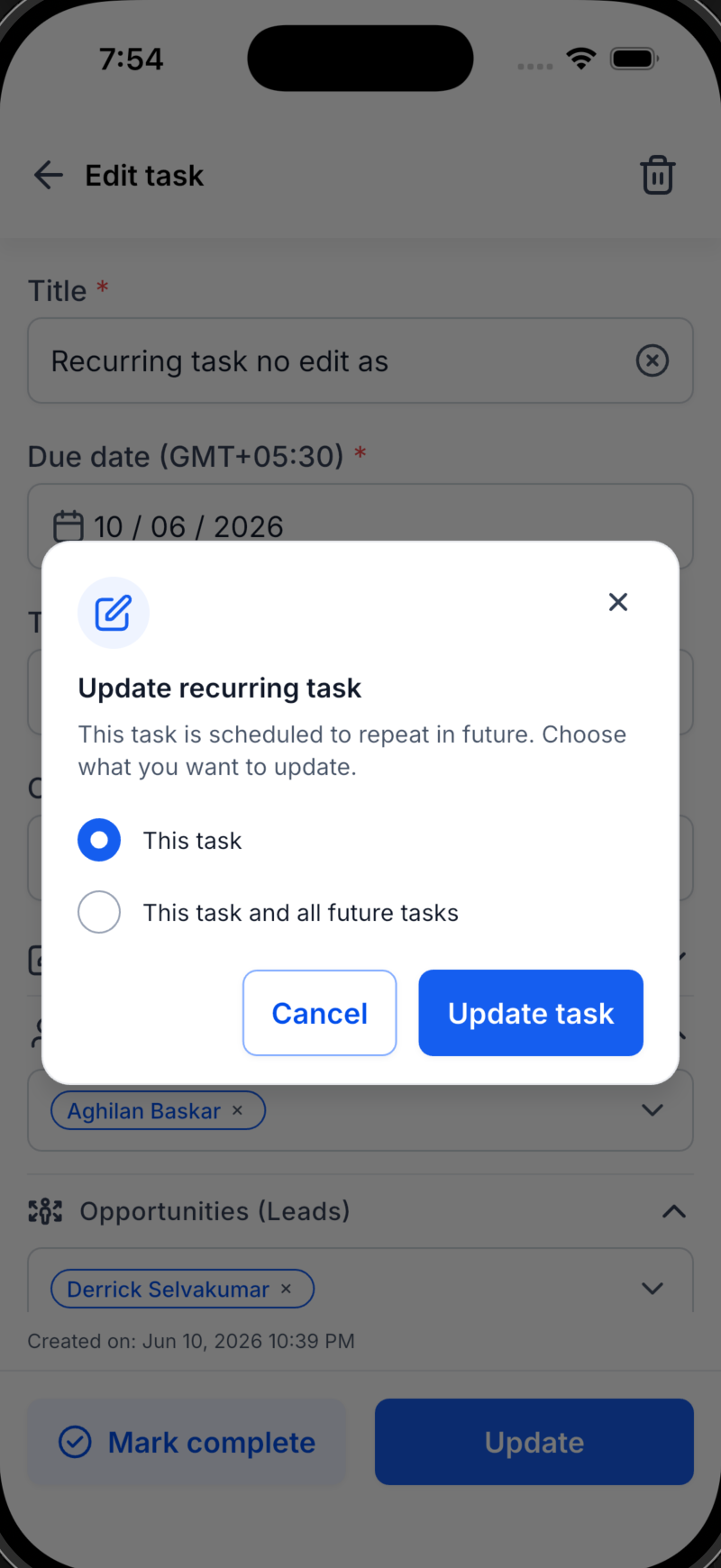
: Assign a task to repeat hourly, daily, weekly, or monthly, with the option to end it on a specific date or after a set number of occurrences. Routine follow-ups will now manage themselves.
Link to Opportunities (New!)
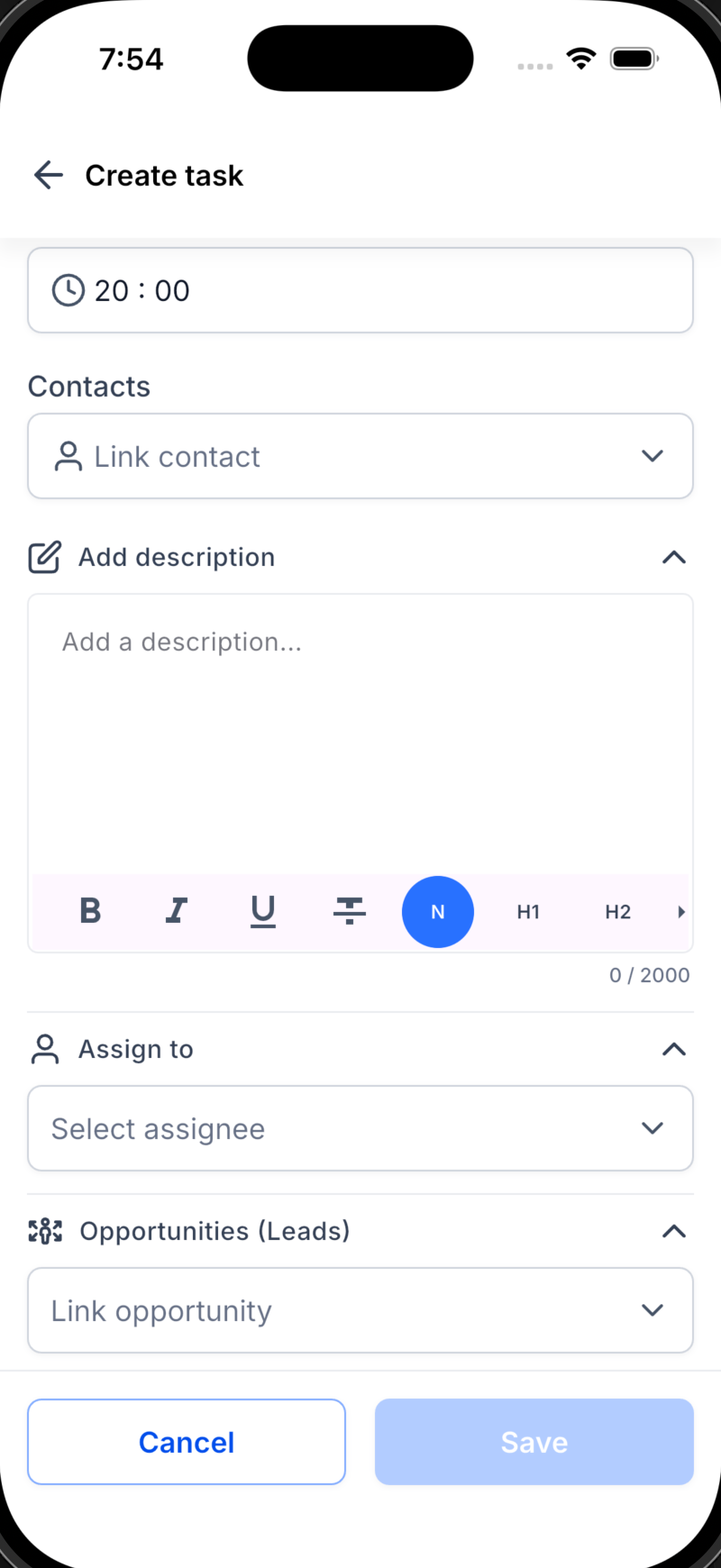
: Connect tasks to deals instead of just contacts, ensuring every follow-up links back to the revenue it generates.
👥 Multiple Contacts (New!): Attach several contacts to a single task, eliminating duplicates.
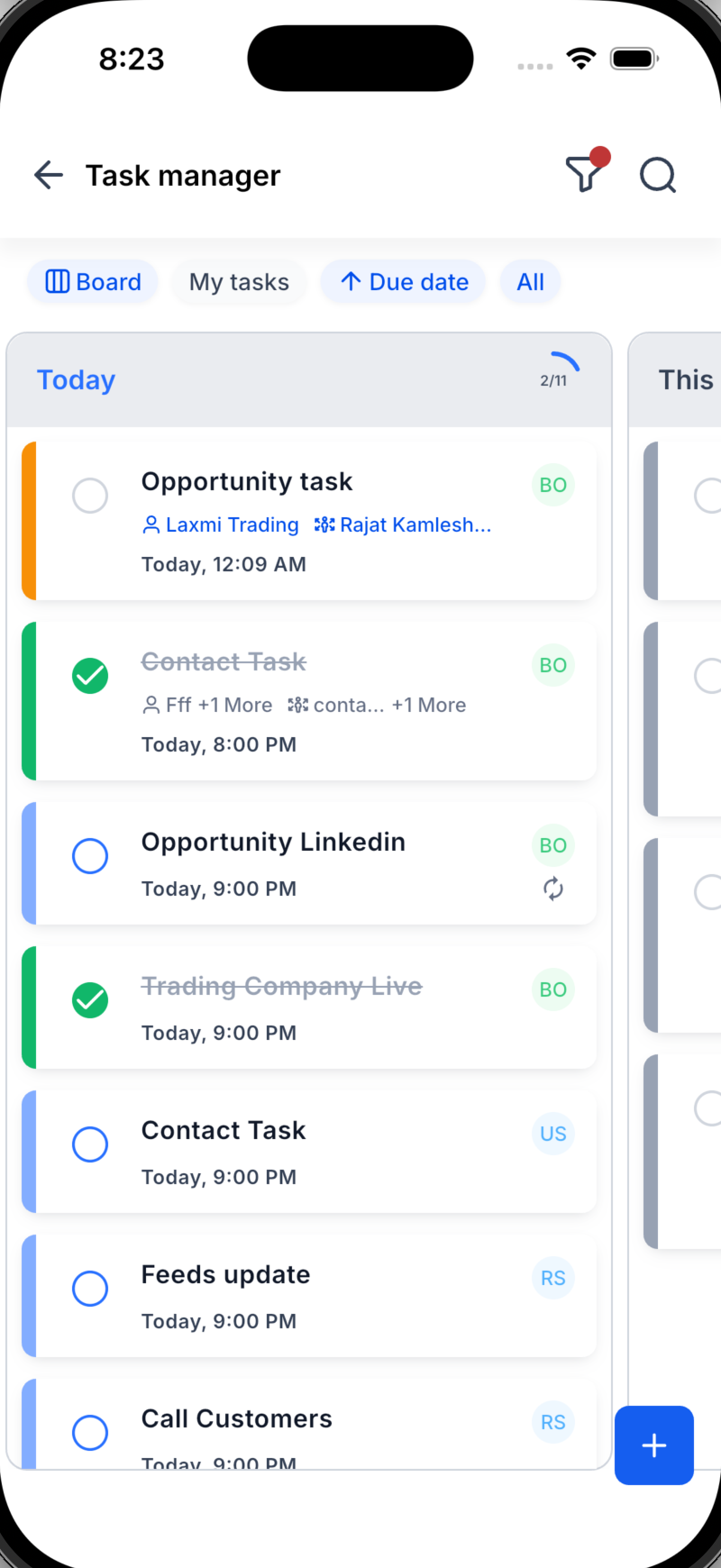
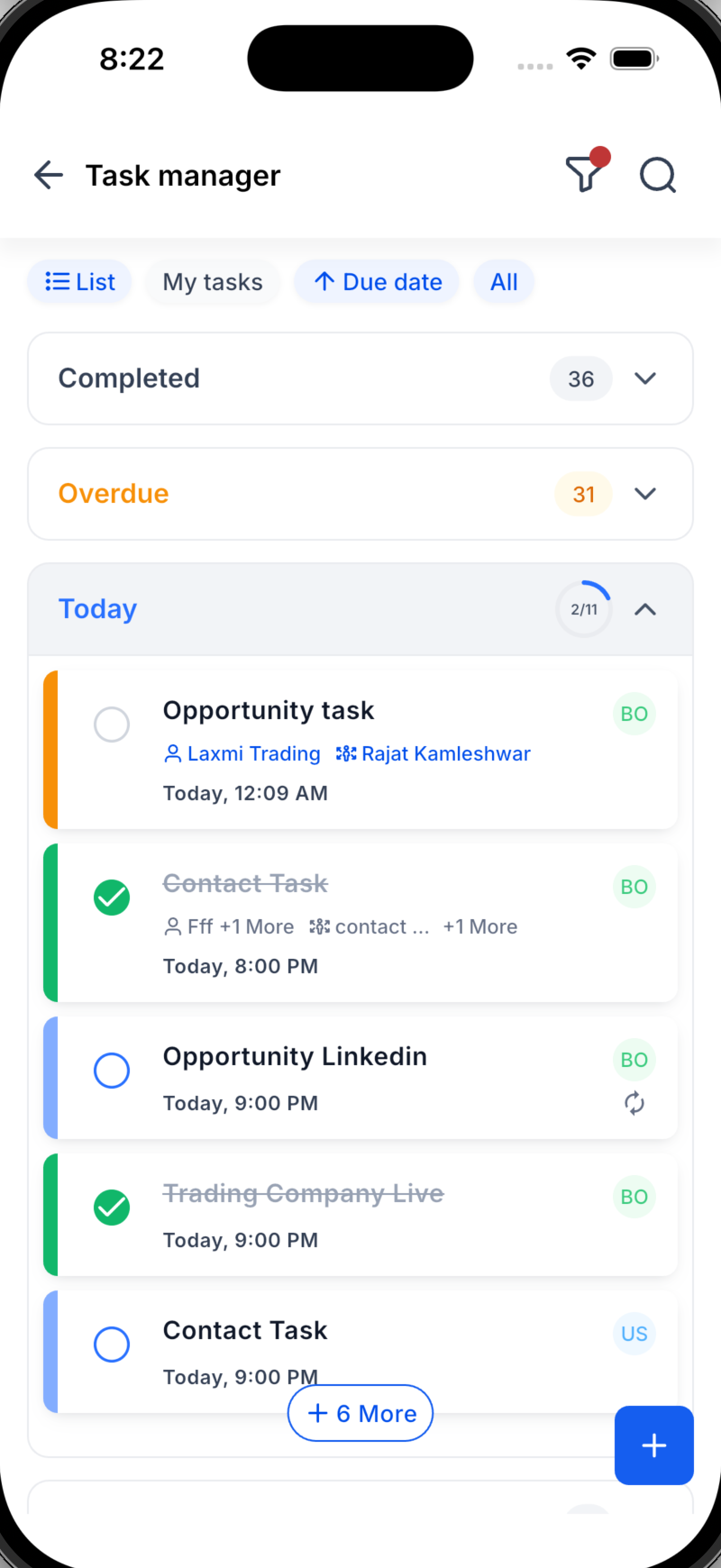
List & Board Views (New!)
: View your tasks as a straightforward list or a visual board, depending on what suits your workflow best.
Today’s Progress Ring (New!)
: Observe a progress ring fill up as you complete today’s tasks, providing motivation at a glance.
Organised Sections (New!)
: Tasks automatically group into categories such as Overdue, Today, This Week, and Upcoming in both List and Board views, ensuring nothing gets overlooked.
See More Without Tapping (New!)
: The task card now displays the linked contact and opportunity directly on the tile, eliminating the need to open the task.
A Fresh, Faster Experience
: A cleaner, more intuitive UI/UX throughout makes creating, finding, and completing tasks effortless.
🛠️ How to Get Started
1. Navigate: Open the Tasks tab. (Screenshot 1 placeholder)
2. Create: Tap +, add your title, due date, contact(s), and opportunity, assign a teammate, then enable Repeat for recurring tasks. (Screenshot 2 placeholder)
3. Work Your Way: Switch between List and Board views, monitor your sections from Overdue to Upcoming, and watch today’s progress ring fill. (Screenshot 3 placeholder)
Dynamic Task Widget on the Homepage
: A dynamic task widget on the homepage provides at-a-glance visibility into your current and pending tasks.
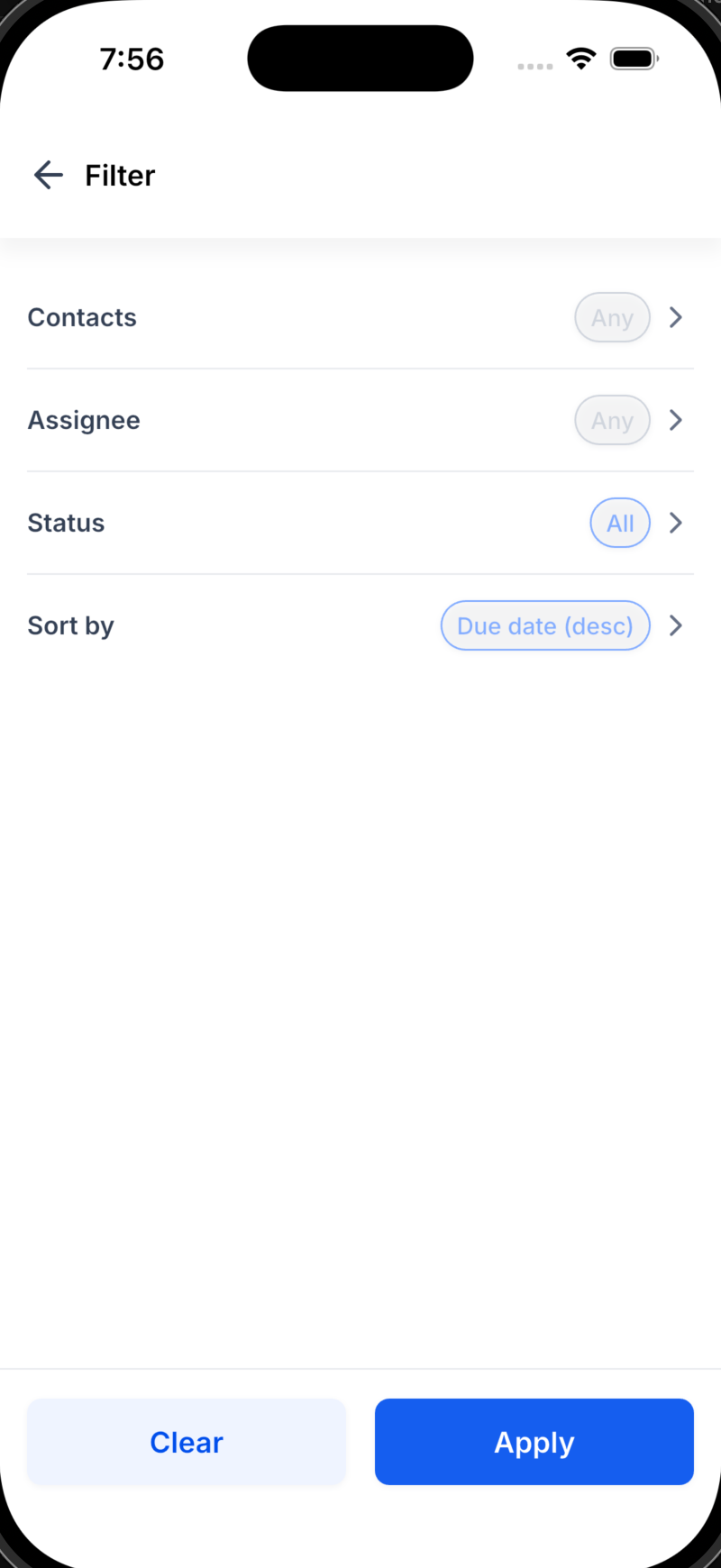
Look forward to richer recurring options, expanded filtering and grouping capabilities, and even deeper links among tasks, contacts, and opportunities. Share your thoughts on what could make your workflow more effortless.
– Release Date: [11/06/2026]
– Available Version: [4.18.0 — confirm]
– Status: Public
– Clixio: ✅
– LeadConnector: ✅
– WL App: ✅
💬 We Want to Hear From You!