AI Studio Form Submitted Workflow Trigger
The New AI Studio Form Submitted Trigger
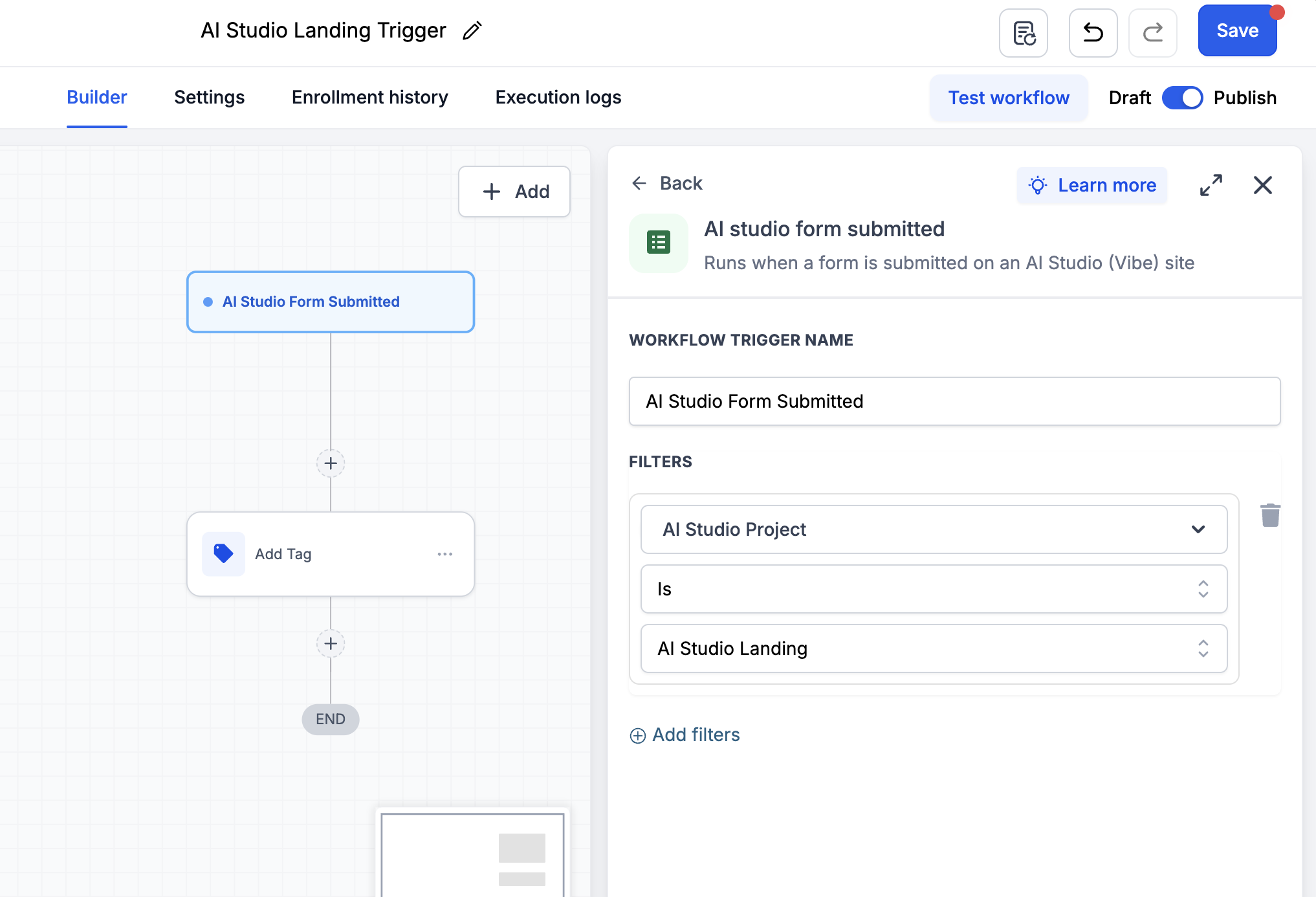
The new AI Studio Form Submitted trigger enables you to initiate workflows when visitors submit forms on connected AI Studio websites. This feature allows you to automate follow-up actions for AI Studio leads, such as sending notifications, emails, SMS messages, adding tags, or creating opportunities.
AI Studio form submissions will also continue to work seamlessly with the existing External Tracking functionality.
Add the AI Studio Form Submitted trigger to your workflow.
When a visitor submits a connected AI Studio form, the workflow will automatically start.
Incorporate the necessary actions for following up with the contact. The existing External Tracking script and trigger will continue to function alongside this new trigger.
Important Note: How Existing Forms Can Use This Trigger
Forms connected prior to the release of this trigger will need to refresh their tracking setup:
- Open the AI Studio project.
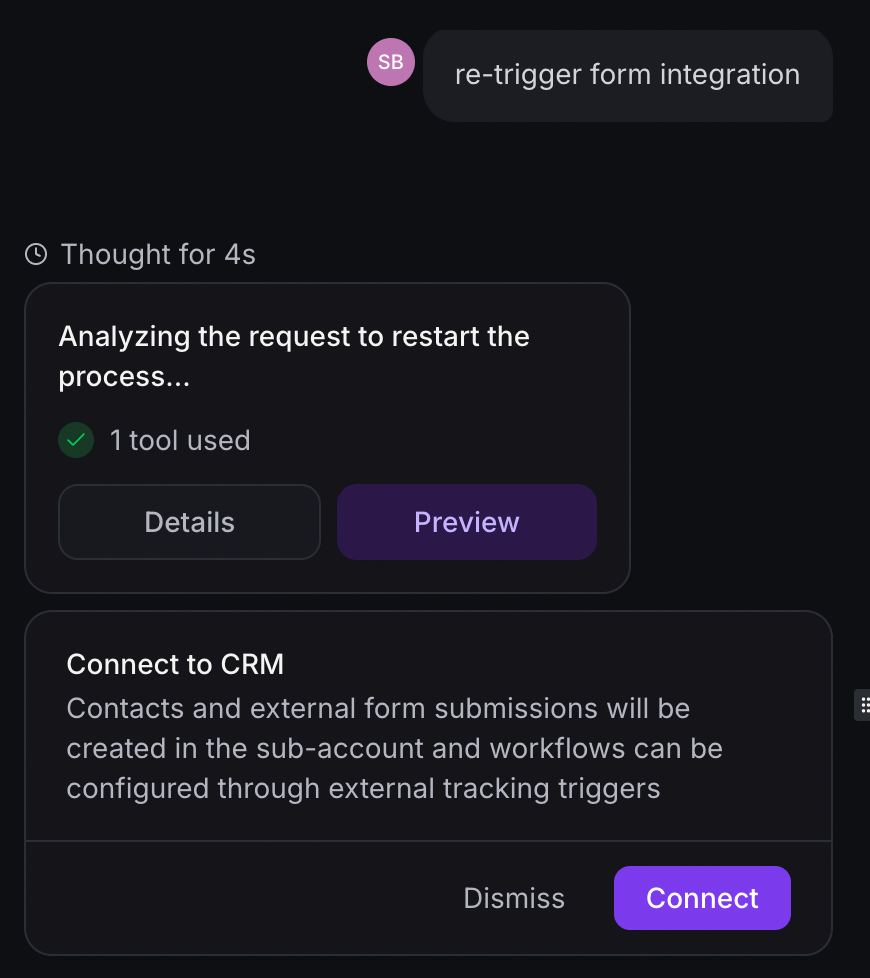
- Request AI Studio: “Re-trigger form integration.”
- Reconnect the form to CRM tracking.
- Publish the project.
- Submit a test form entry.
- Refresh the workflow builder and configure the trigger.