
AI Studio Cloud: A Built-In Backend for Your Apps
☁️ Your AI Studio apps can now have a real backend
Not anymore.
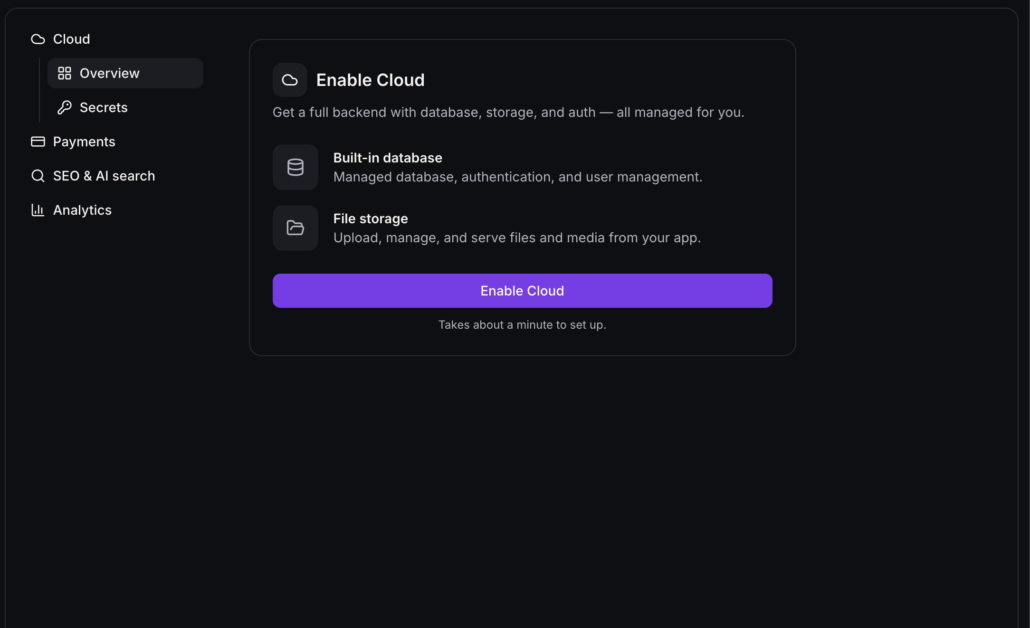
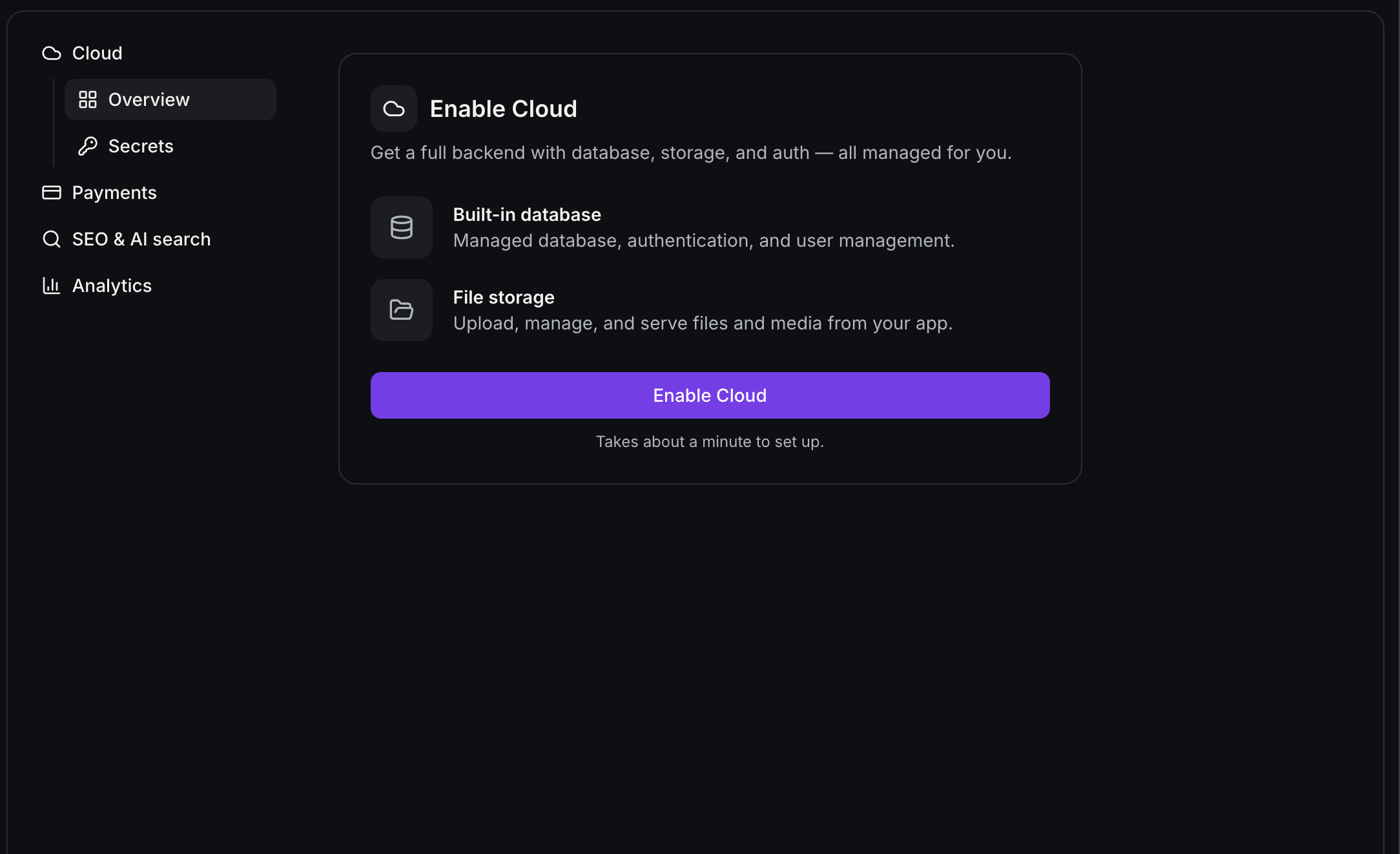
More → Cloud
and turn it on from
Overview
. In about a minute, Clixio creates a private backend just for that project, with a
database
,
user accounts
, and
file storage
. There’s nothing extra to connect.
- You can keep building while it sets up.
- If setup stops, your app is untouched, and
Try again
picks up where it left off.
- AI Studio checks with you before it builds anything against Cloud.
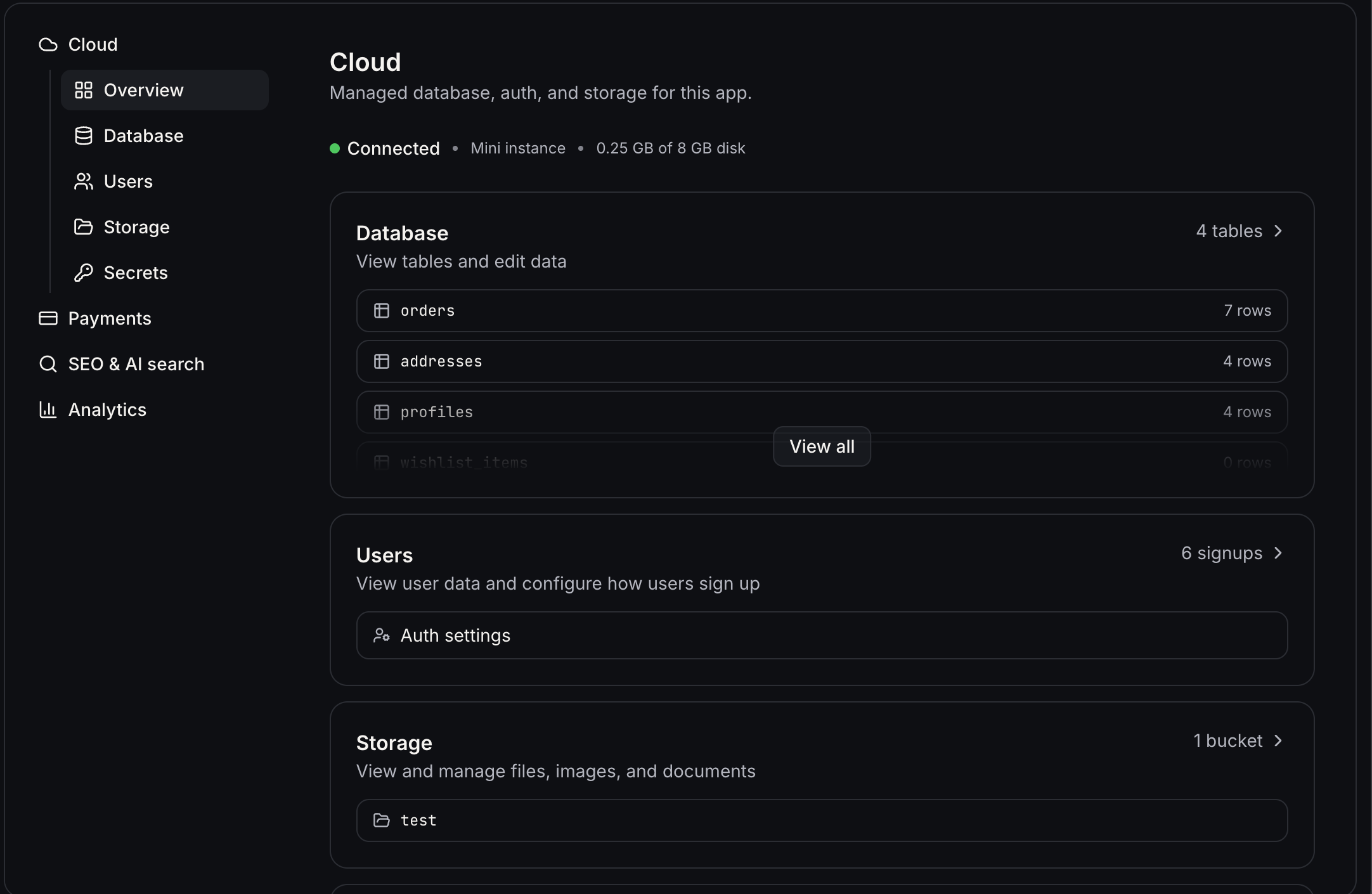
Once Cloud is running, here’s what you get:
🗃️ Database: your app’s memory
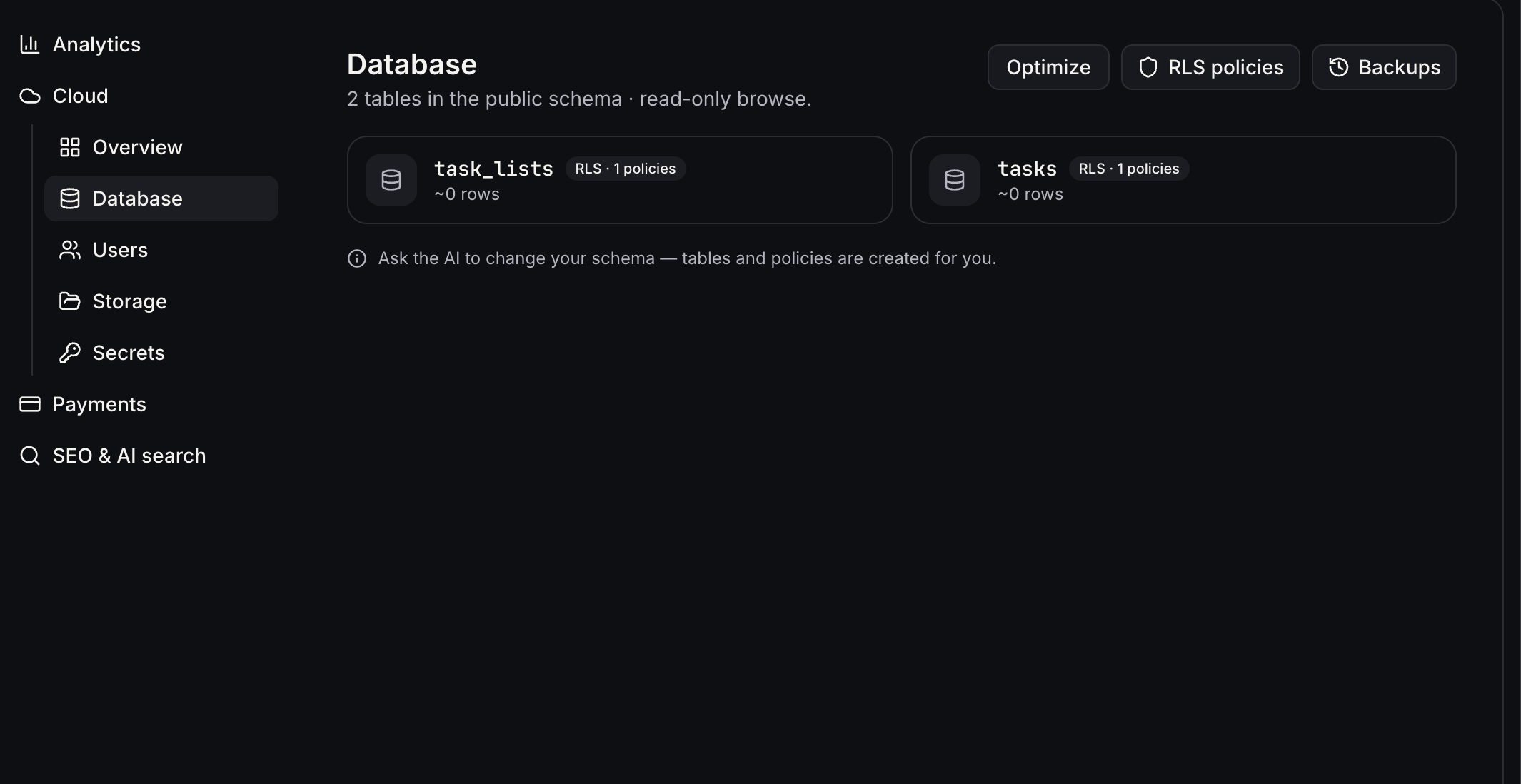
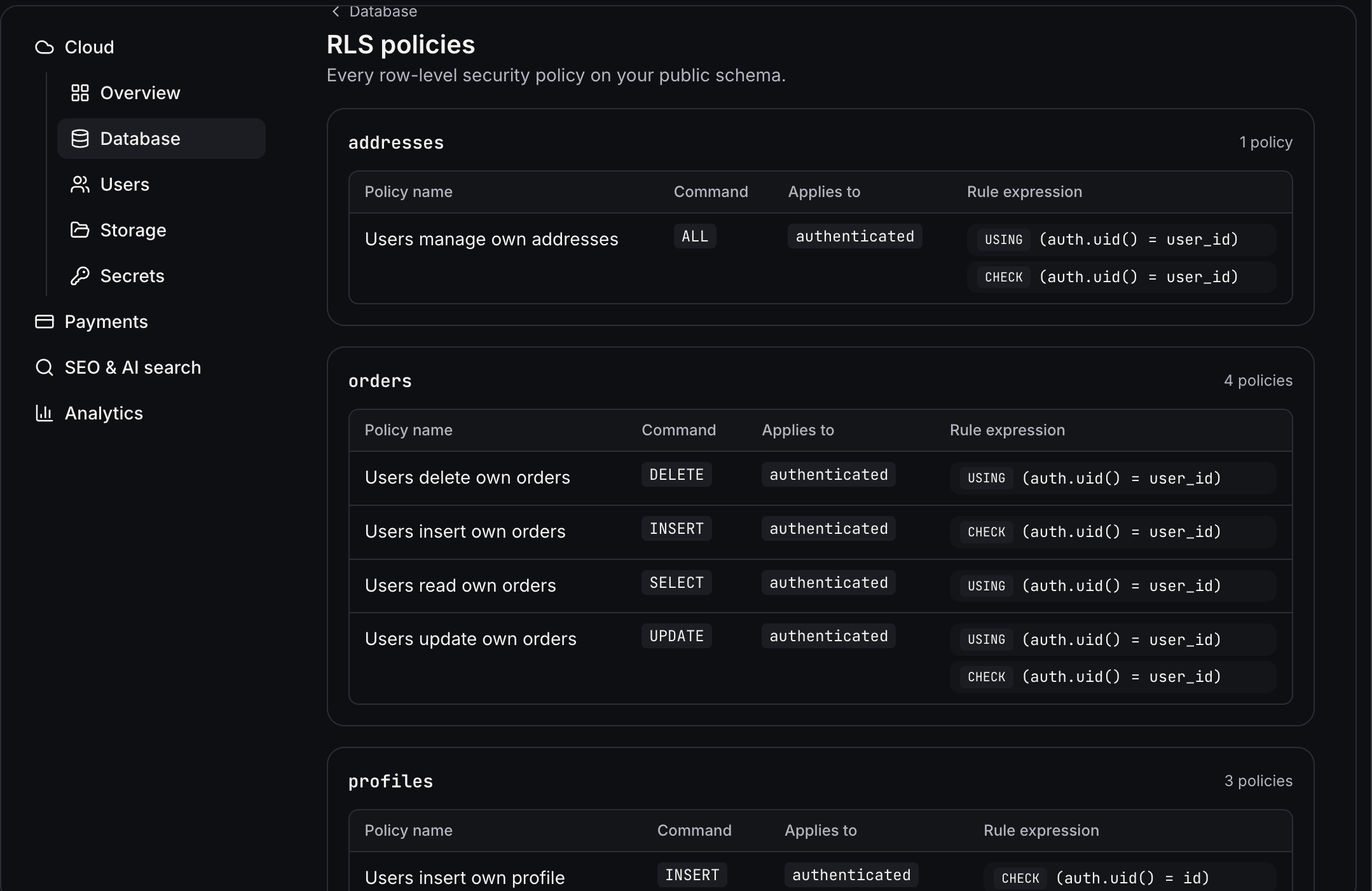
- See every table, roughly how many rows it holds, and whether row-level security is on.
- Open a table to add rows, double-click a cell to edit it, or select rows to delete them.
- Need a new table or policy? Just ask AI Studio in chat and it handles the schema.
- Slow or costly database?
Optimise
sends a health check to chat. It uses credits, like any message.
-
Daily Backups
snapshot your schema and rows (not storage files or app code).
-
Restore
replaces the live database with a snapshot. The app pauses its database access for a few minutes while that happens. If the schema no longer matches your code, ask chat to patch it.
👥 Users: the people using your app
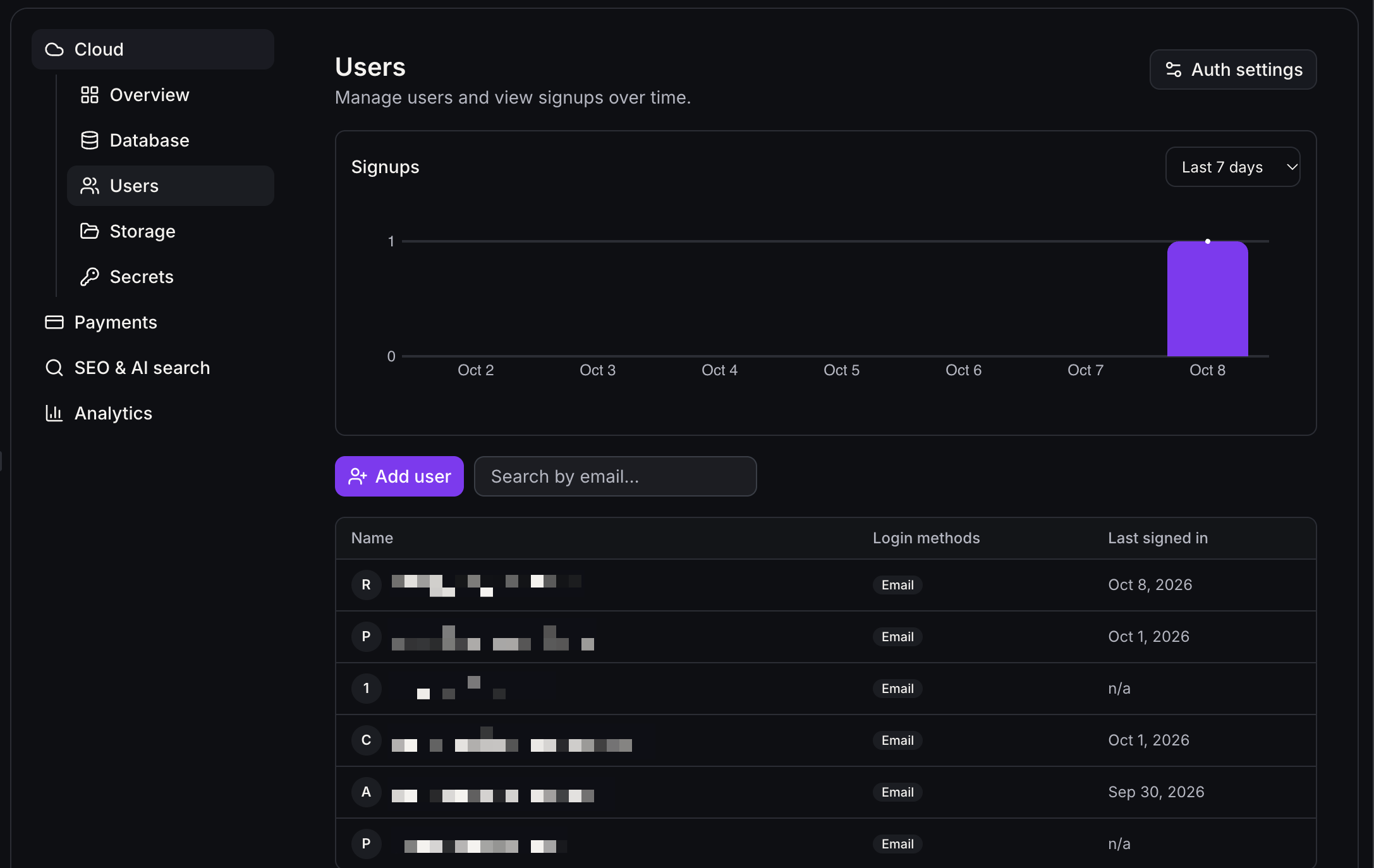
- Watch signups on a chart and search people by email.
-
Create new user
adds someone already confirmed, with no email sent.
Send invitation
emails them a link to set a password.
- Open a person to see how they sign in, or
Delete user
. Deleting can’t be undone.
- Signup, invite, and reset emails go out through your account’s email, and the links open your app.
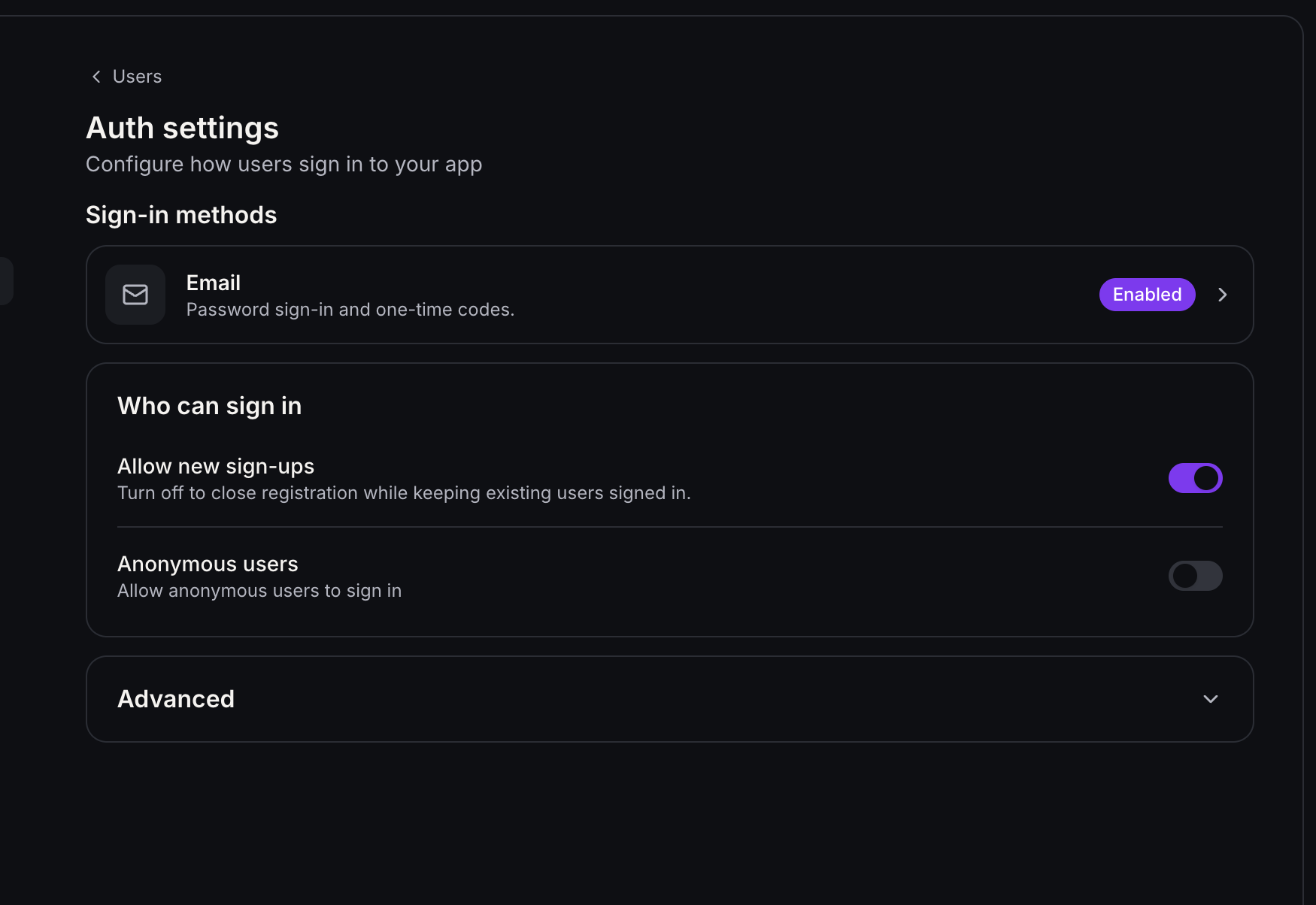
Auth settings
lets you shape sign-in:
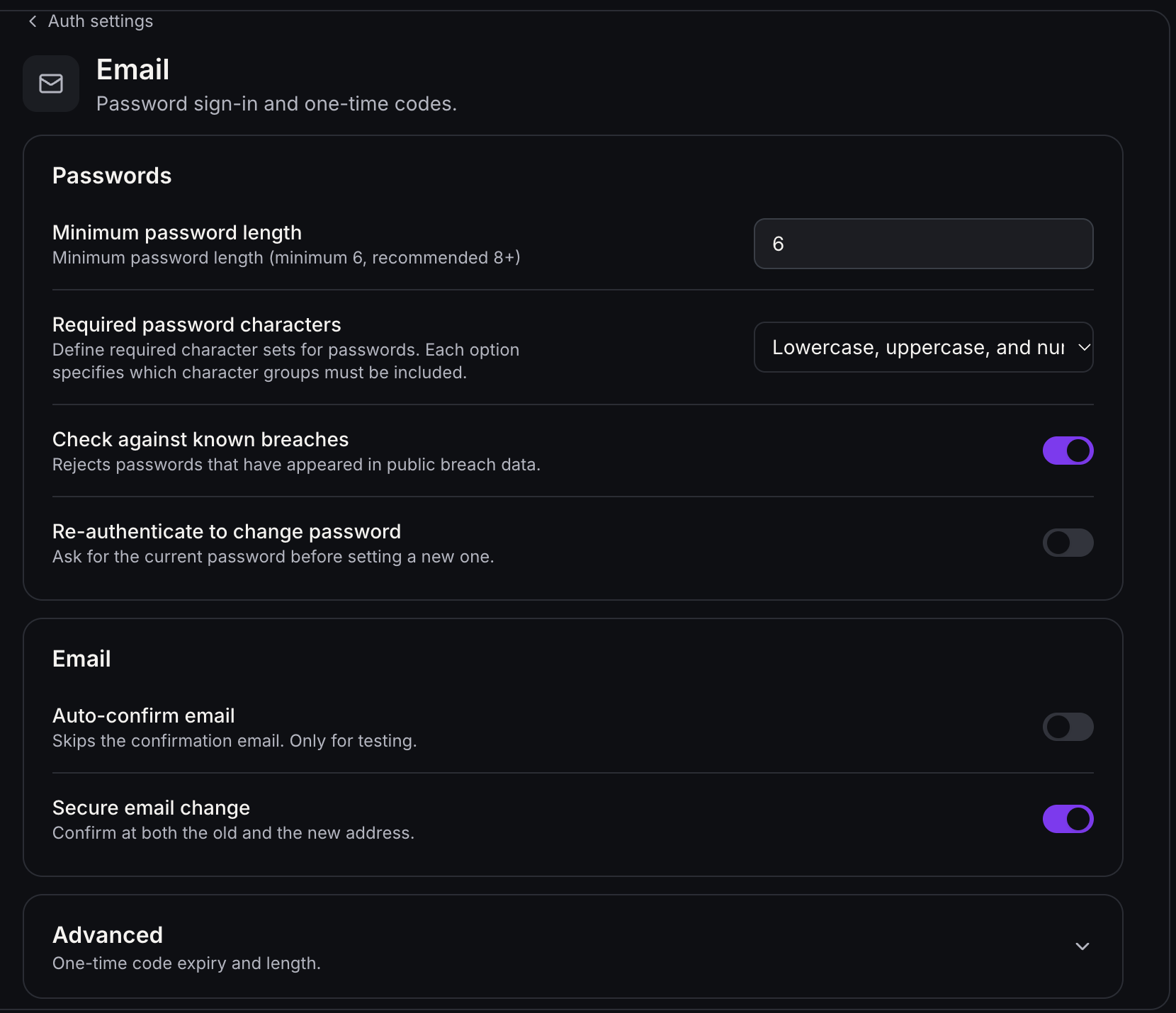
- Email confirmation is required by default.
Auto-confirm email
is for testing only.
- Close registration any time with
Allow new sign-ups
. Existing users stay signed in.
- Reject passwords found in public breaches, and set your own password rules.
- Set your
Site URL
and
Redirect URLs
. A mismatch here is the usual reason a login fails. Preview URLs are handled for you, and you can add your own, including mobile links like
myapp://callback
.
Heads up for v1:
sign-in supports email and password only. We’ll expand to more sign-in methods in future releases.
📁 Storage: where files live
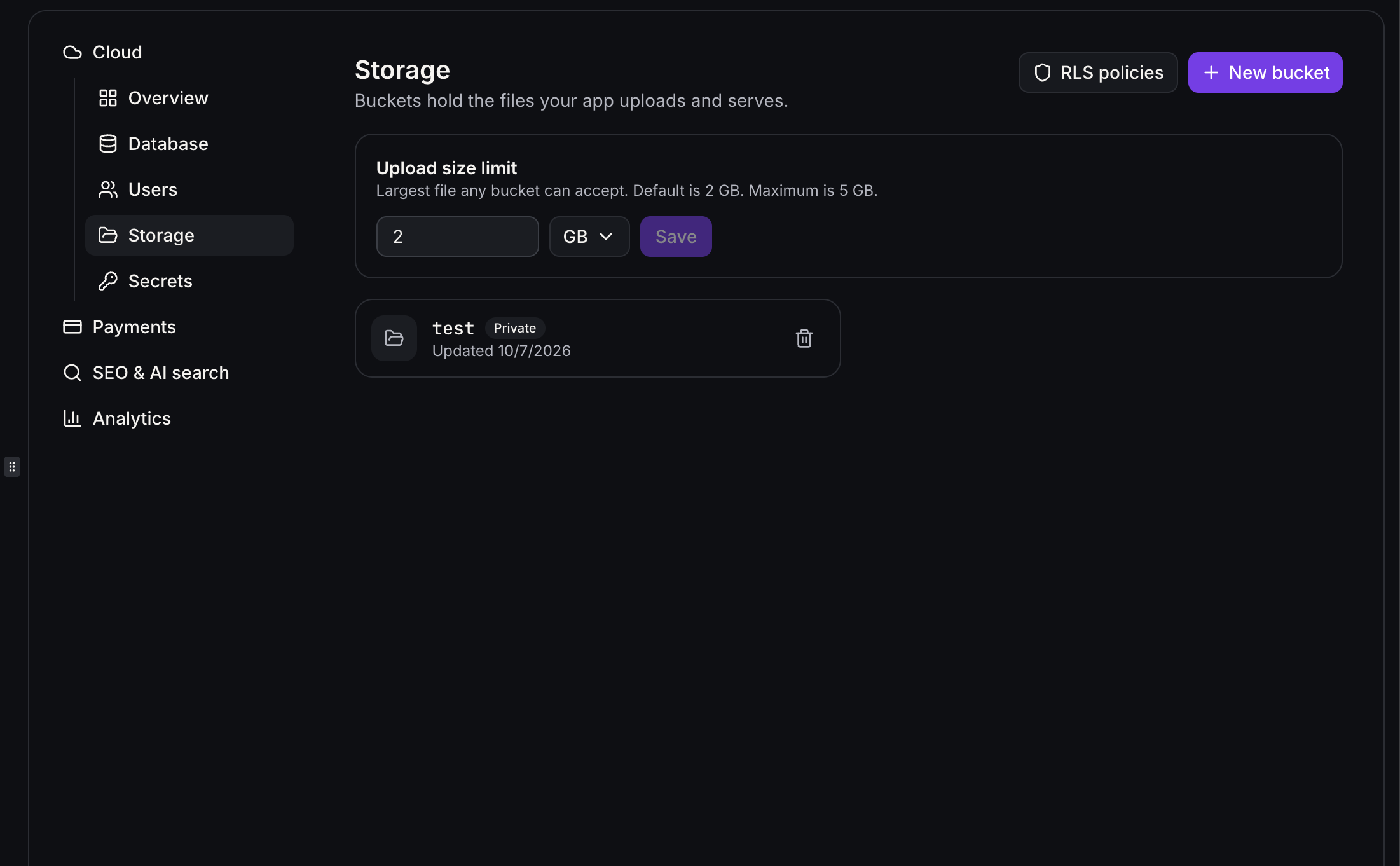
-
Buckets
hold uploads. Public buckets open for anyone with the link. Private ones are for signed-in users.
- Names use lowercase letters, numbers, and hyphens (3 to 63 characters) and can’t be changed later.
- Upload, organise into folders, download, delete, rename, and
Copy URL
. Renaming a file changes its URL.
- Set an
Upload size limit
and review who can read and write through RLS policies.
📈 Advanced settings: grow at your pace
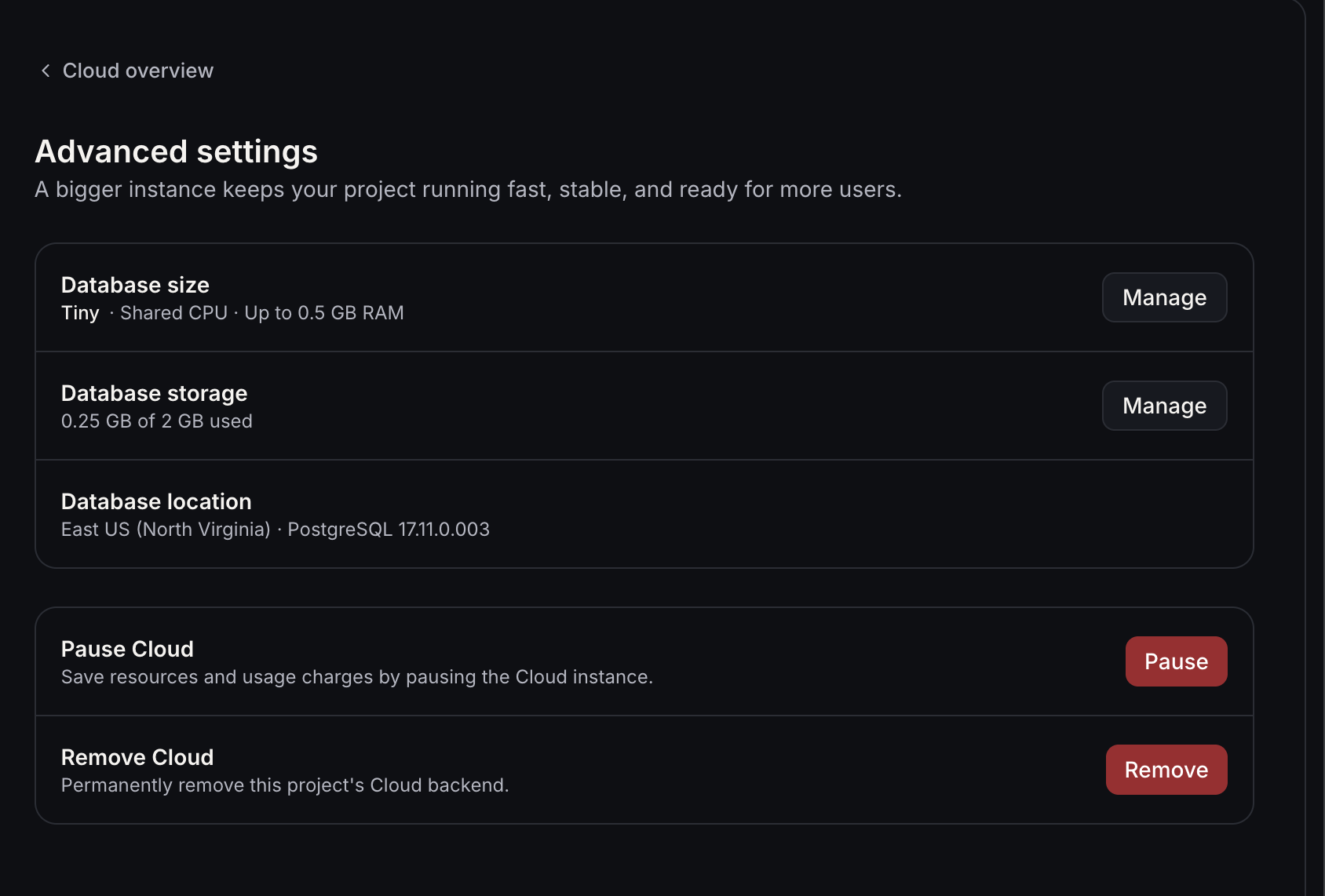
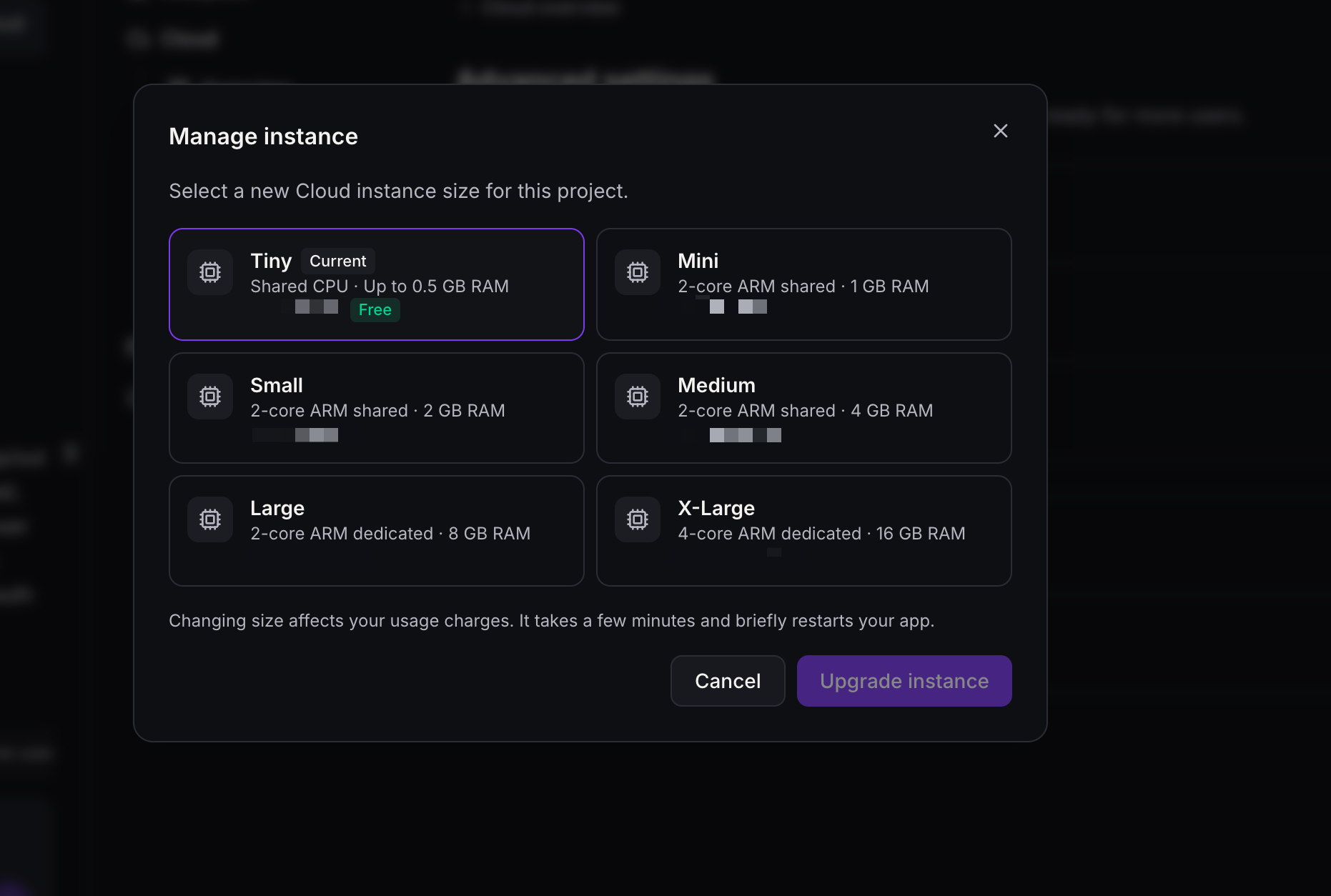
-
Database size
starts at
Tiny (free)
. Move up to Mini, Small, Medium, Large, or X-Large, or back down, once an hour. Each size shows its hourly price. A change takes a few minutes and briefly restarts the app.
-
Database storage
can grow, never shrink, up to 4 times a day. You pay hourly for the space you set aside, even when paused.
-
File storage
grows and shrinks with your files, and you pay for what’s actually stored.
-
Pause
stops access to your data while keeping it safe.
Resume
wakes it.
- If your wallet can’t cover Cloud, it pauses itself. Nothing is deleted, and
Wake up
returns once billing is fixed. You can still move down to Tiny.
-
Remove Cloud
permanently deletes that project’s database, users, and files. Export tables as CSV and download files first. Other projects aren’t affected.
🛡️ A friendly watchdog
Overview
.
View issues
lists them, and
Try to fix
asks AI Studio to repair them.
- Fix
critical
issues before you publish.
-
Warnings
are worth a look but aren’t urgent.