
AI Data Extract Action in Workflows
Workflows Now Include AI Data Extract — a native AI-powered action that enables the extraction of structured data from unstructured text. AI Data Extract takes various raw inputs—such as emails, SMS messages, webhook payloads, and AI outputs—and returns clean, typed variables that are ready for use in any downstream action.
Simply define the fields you need, direct the action to your input source, and let the AI manage the rest. There’s no need for coding or external tools.
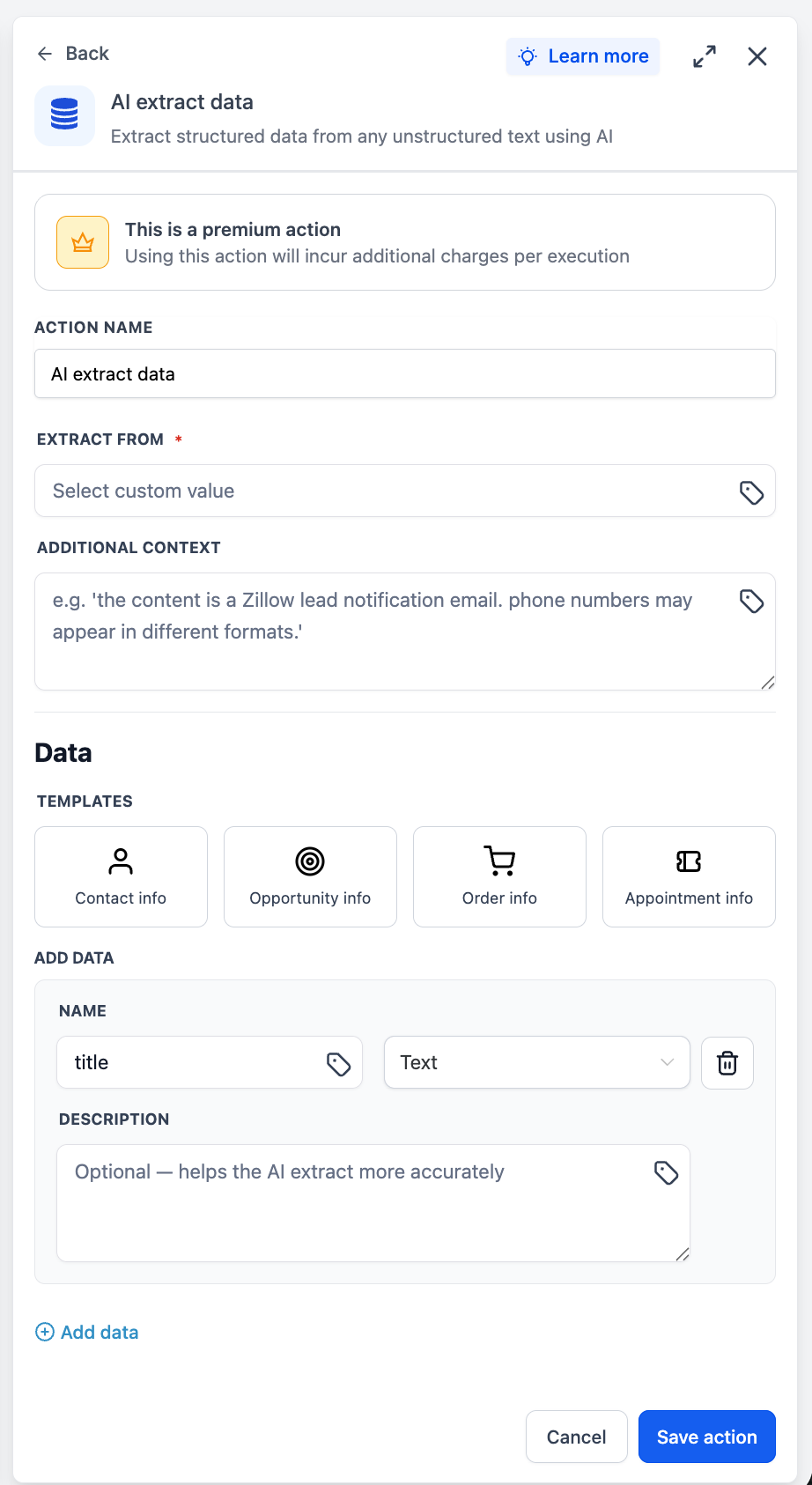
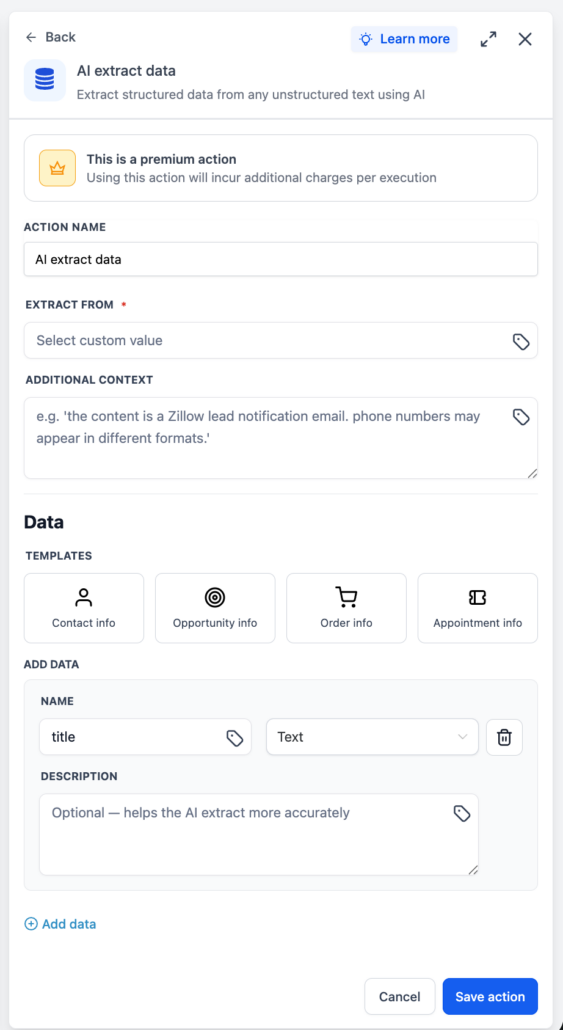
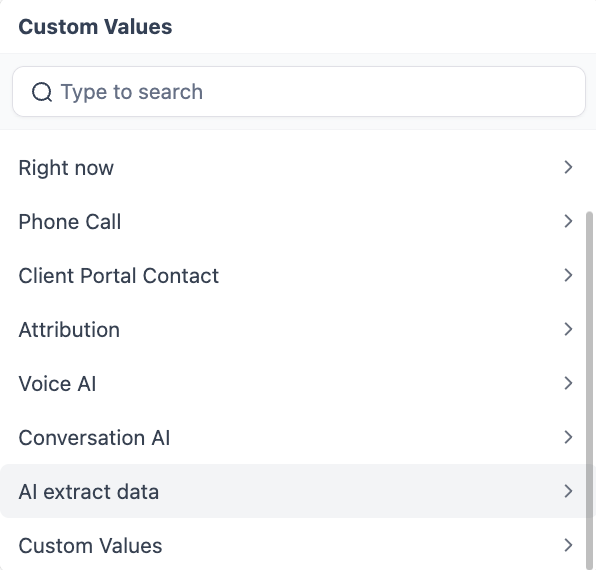
- Custom Value Input: Select any text-based data available in your workflow as the input source using the custom value picker.
- Optional Context Field: Provide supplementary context to improve extraction accuracy for complex or ambiguous inputs.
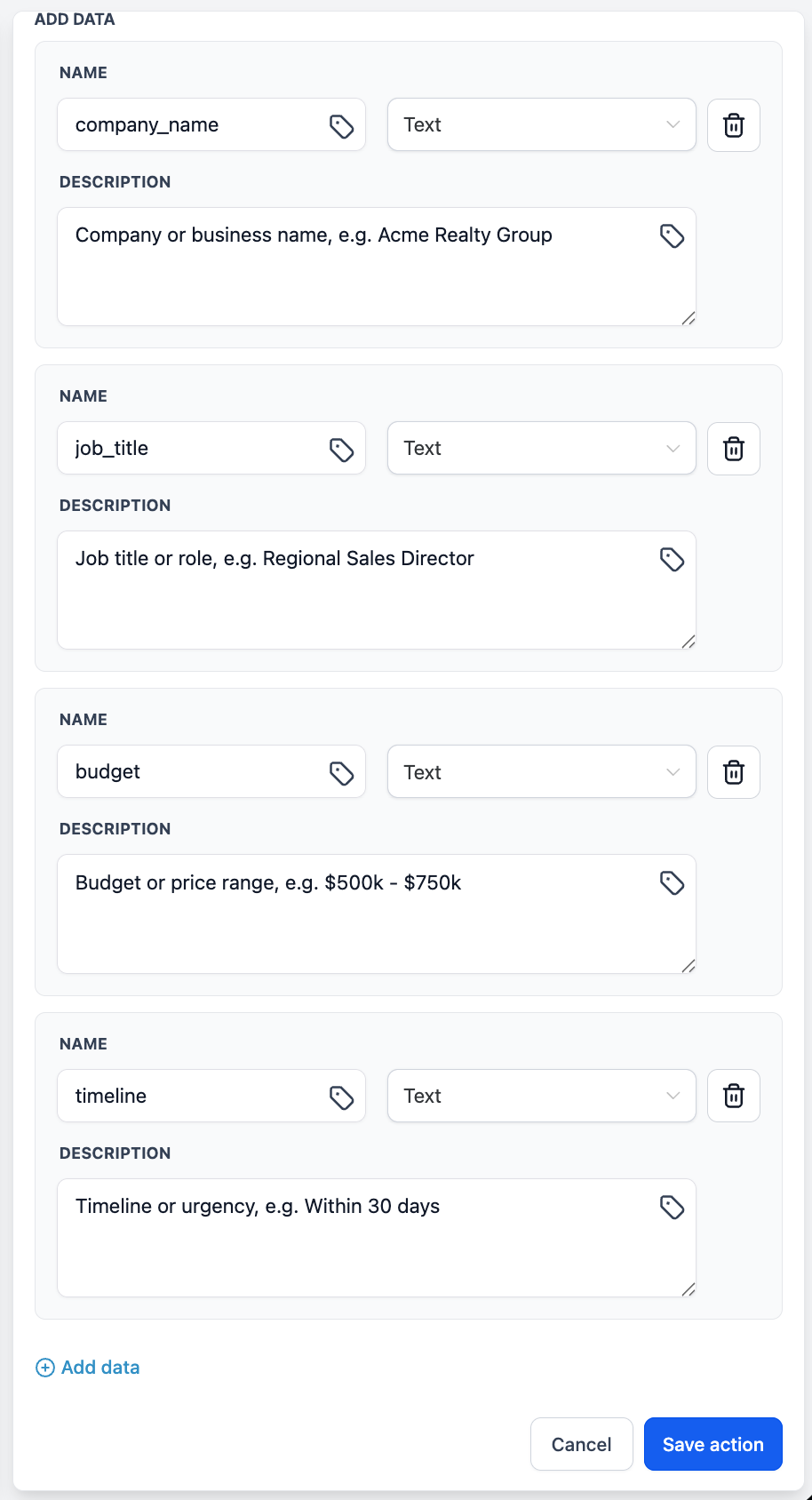
- Pre-Built Templates: Choose from ready-made templates covering common extraction patterns, or create a custom field set from scratch.
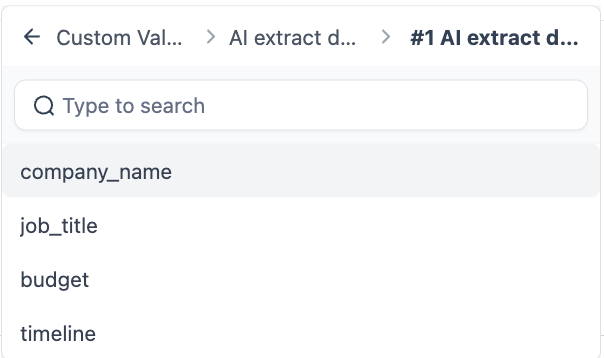
- Downstream Ready: Every extracted field becomes a workflow variable, immediately accessible in subsequent actions.
- Click “+ Add Action” in your workflow.
- Search for “AI Data Extract” in the AI action category.
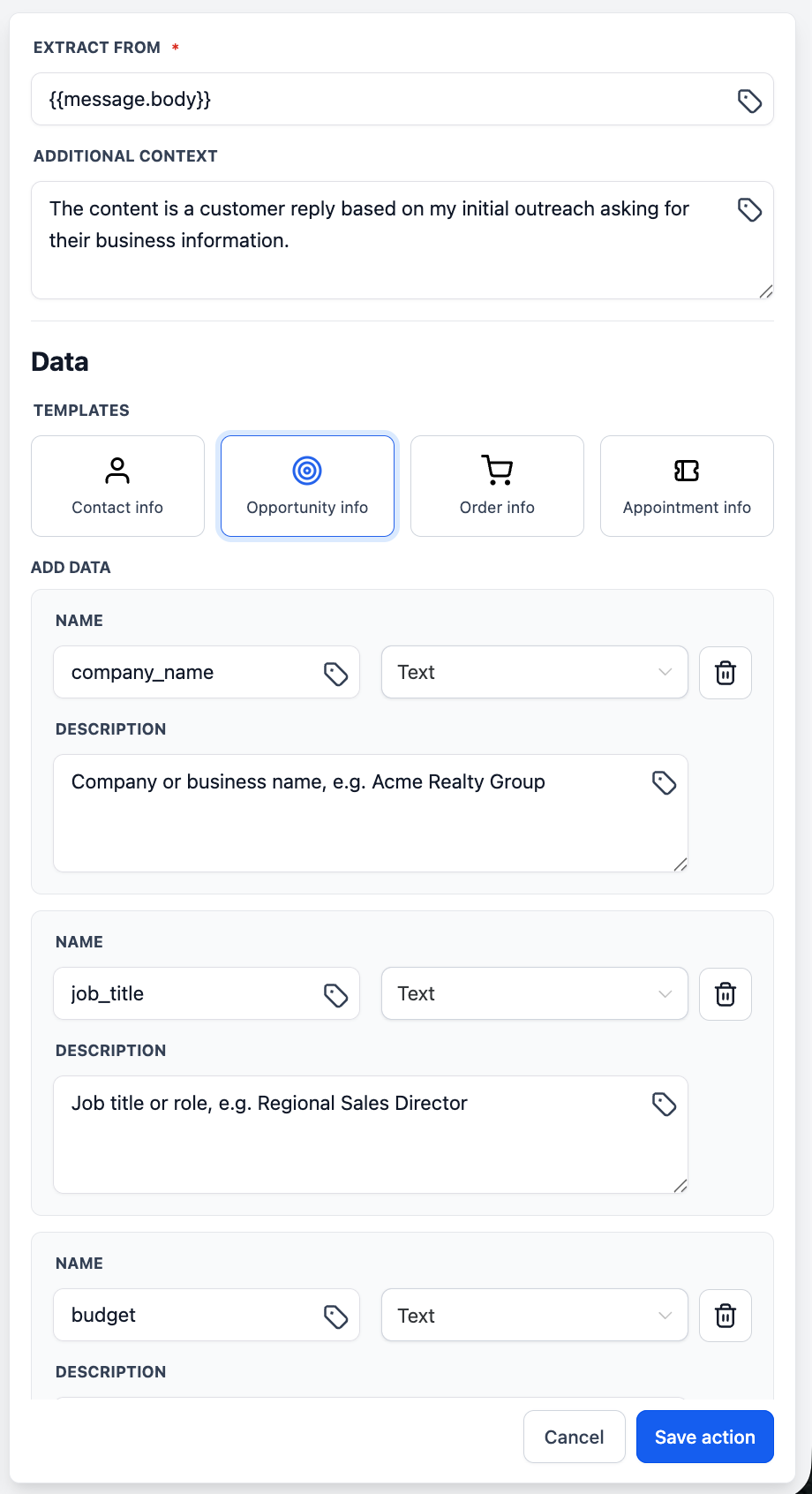
- Select your input source via the custom value picker (e.g., email body, webhook payload).
- Optionally, add supplementary context to guide the extraction.
- Choose a pre-built template or create your own custom fields.
- Save. The extracted fields are now available as variables in all downstream actions.
Extracting usable data from unstructured text has consistently been a high-priority request from customers. Previously, achieving this within workflows required manual workarounds or the use of external tools. AI Data Extract bridges that gap natively—transforming any raw text into structured, actionable variables without leaving the workflow builder.