
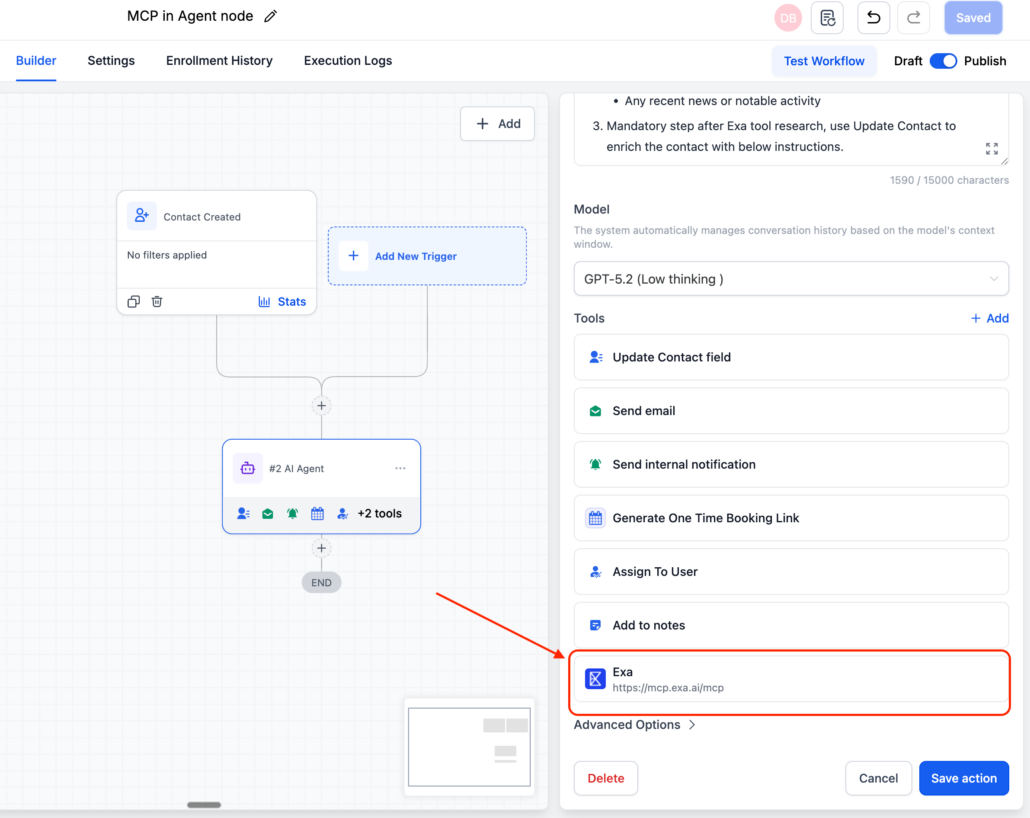
AI Agent Action now has MCP (Model Context Protocol) as Tool
The AI Agent action now supports MCP connections, enabling your agent to connect to external apps and services in real time. Instead of being limited to data within your CRM, the agent can now access search engines, browsers, databases, APIs, and any MCP-compatible server directly within a workflow.
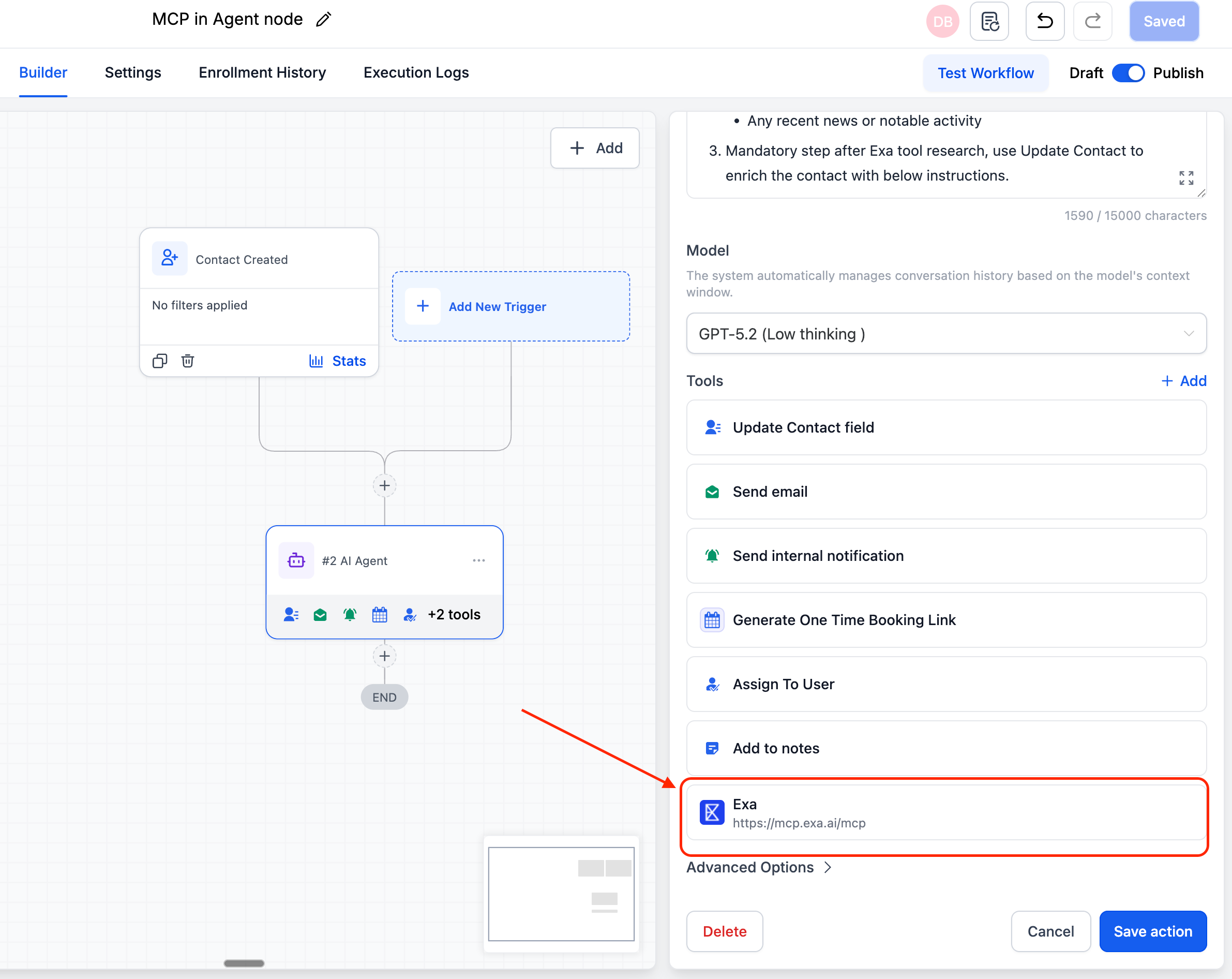
- MCP tool connections — Connect any MCP-compatible server as a tool for your agent, providing real-time access to external data and services.
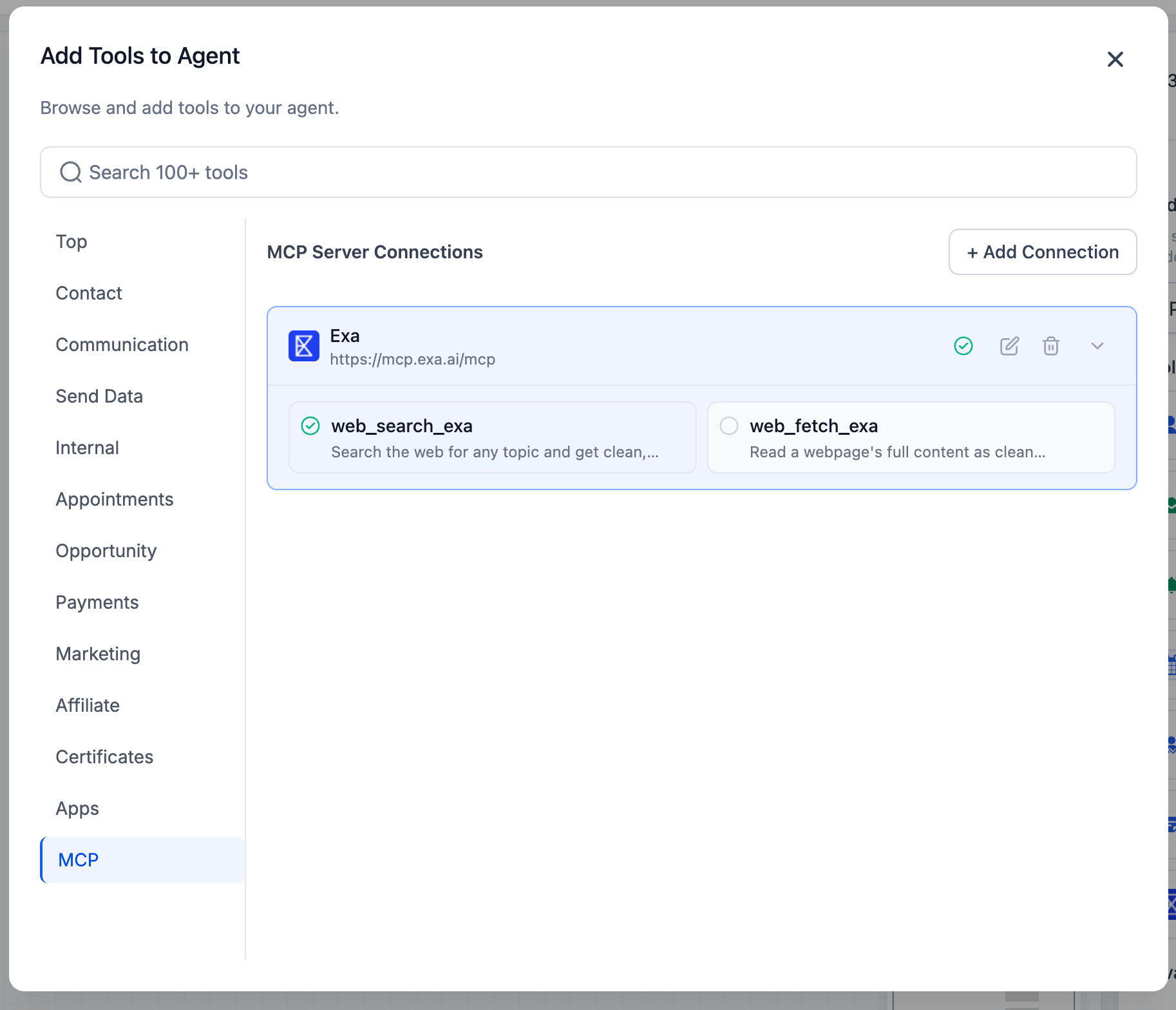
- Automatic tool discovery — Test a connection and instantly view every tool the server offers.
- Granular tool control — Enable or disable individual tools for each agent.
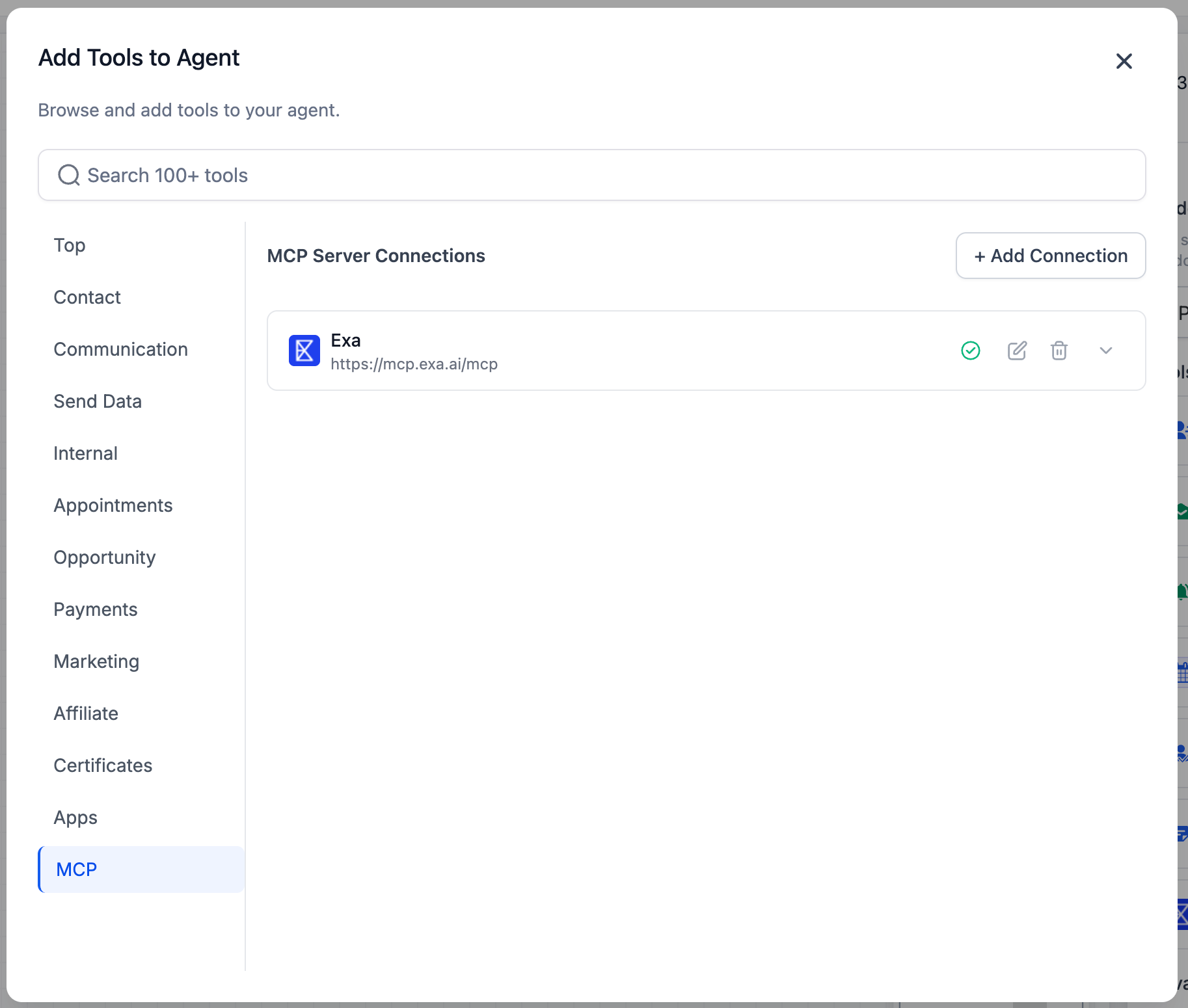
- Open the AI Agent node in your workflow.
- Click Add Tools and navigate to the MCP tab.
- Click Add Connection and configure the following: Connection Name, Server URL, Transport Type (HTTP Streamable or SSE), and Auth Type (None, Bearer Token, API Key, OAuth2, or Custom Header).
- Click Test Connection to discover available tools.
- Select which tools the agent can use, then save your settings.
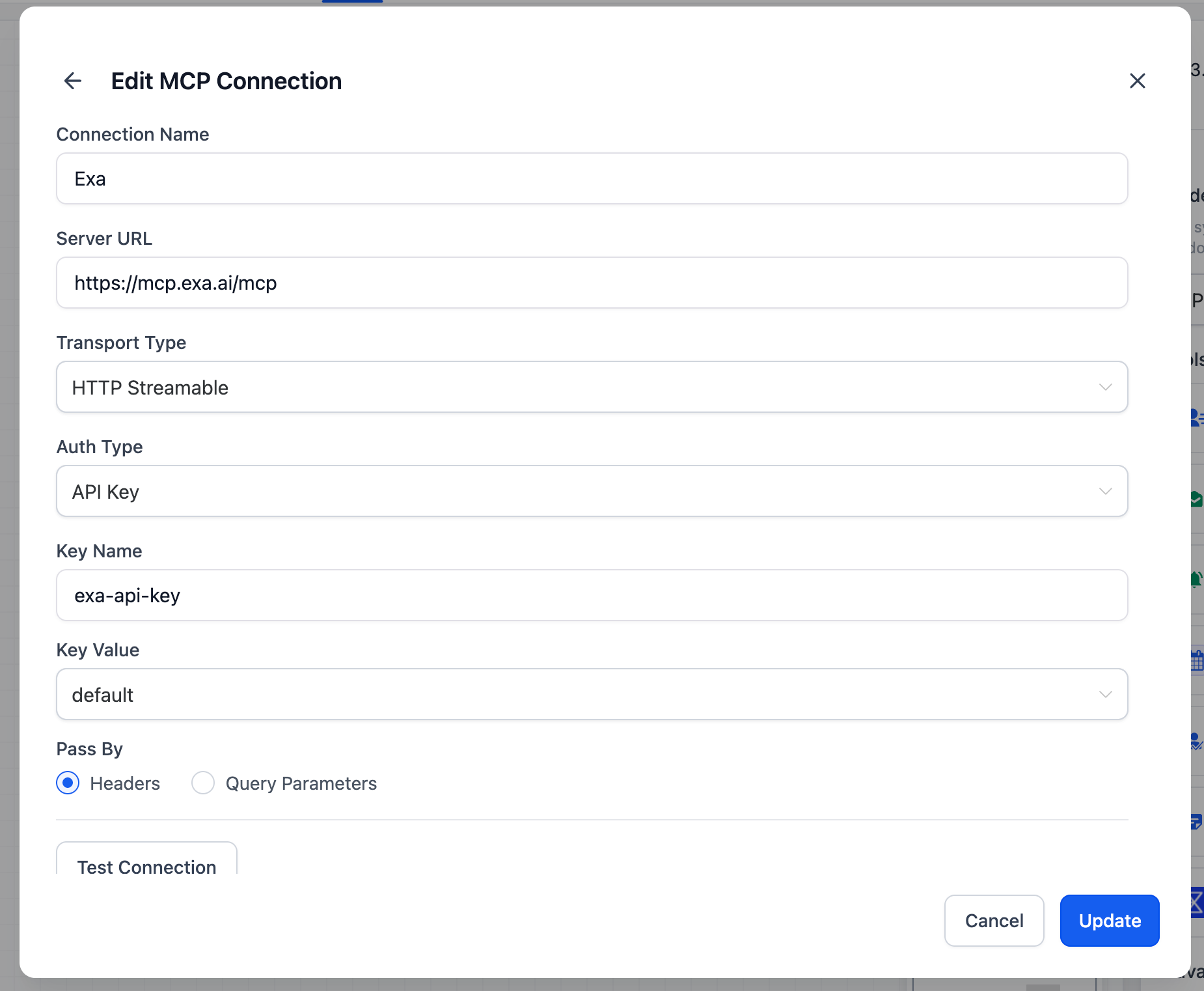
Any MCP-compatible server operates seamlessly. Popular options include Exa (AI-powered web search), Tavily (real-time web search and page extraction), and Browserbase (full browser automation). Custom MCP servers and open-source options are also supported.
- Beyond CRM data — The AI Agent is no longer restricted to what is stored in your account. It can access live information from any connected external service during a workflow execution.
- Open ecosystem — MCP is an open standard with a growing library of prebuilt servers. You are not limited to a fixed set of integrations.
- Extensible by design — Start with a prebuilt MCP server today and integrate custom or internal tools as your needs expand.
- Granular control — You have the final say on which tools each agent can access, ensuring workflows remain predictable and secure.
- Technical Details
Transport types: HTTP Streamable, SSE
- Auth options: None, Bearer Token, API Key, OAuth2, Custom Header
- Tool discovery is automatic via Test Connection
- Tool selection can be configured at the agent level