Add to Cart on Product List & Featured Products
What’s New?
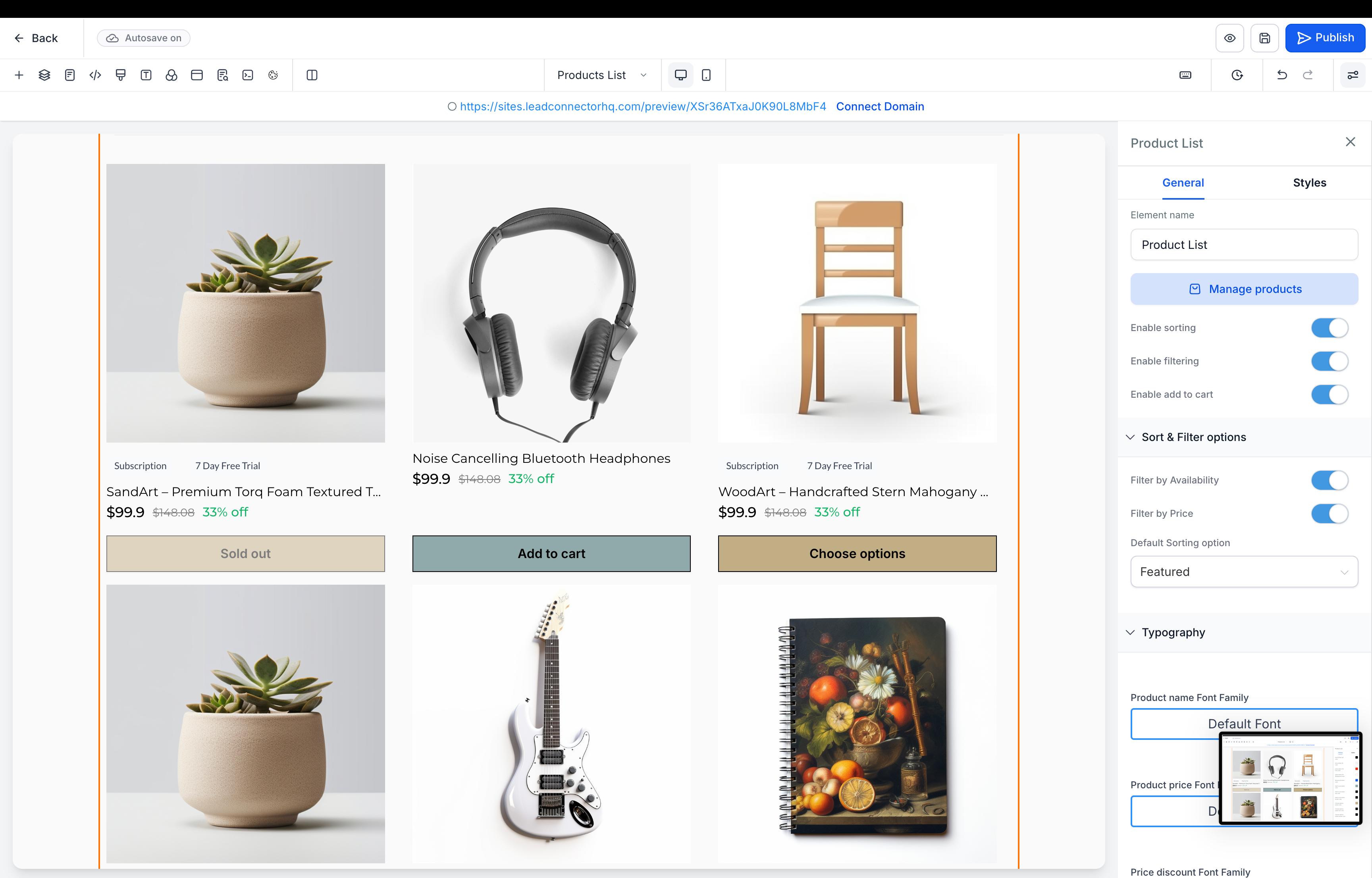
Store owners can now enable Add to Cart actions directly on the Product List Page and Featured Products element. This allows customers to add products to their cart without having to open the full Product Details Page.
Key updates include:
- Add to Cart Toggle:
- A new setting to enable or disable Add to Cart on the Product List and Featured Products.
- Product Card Button Behaviour:
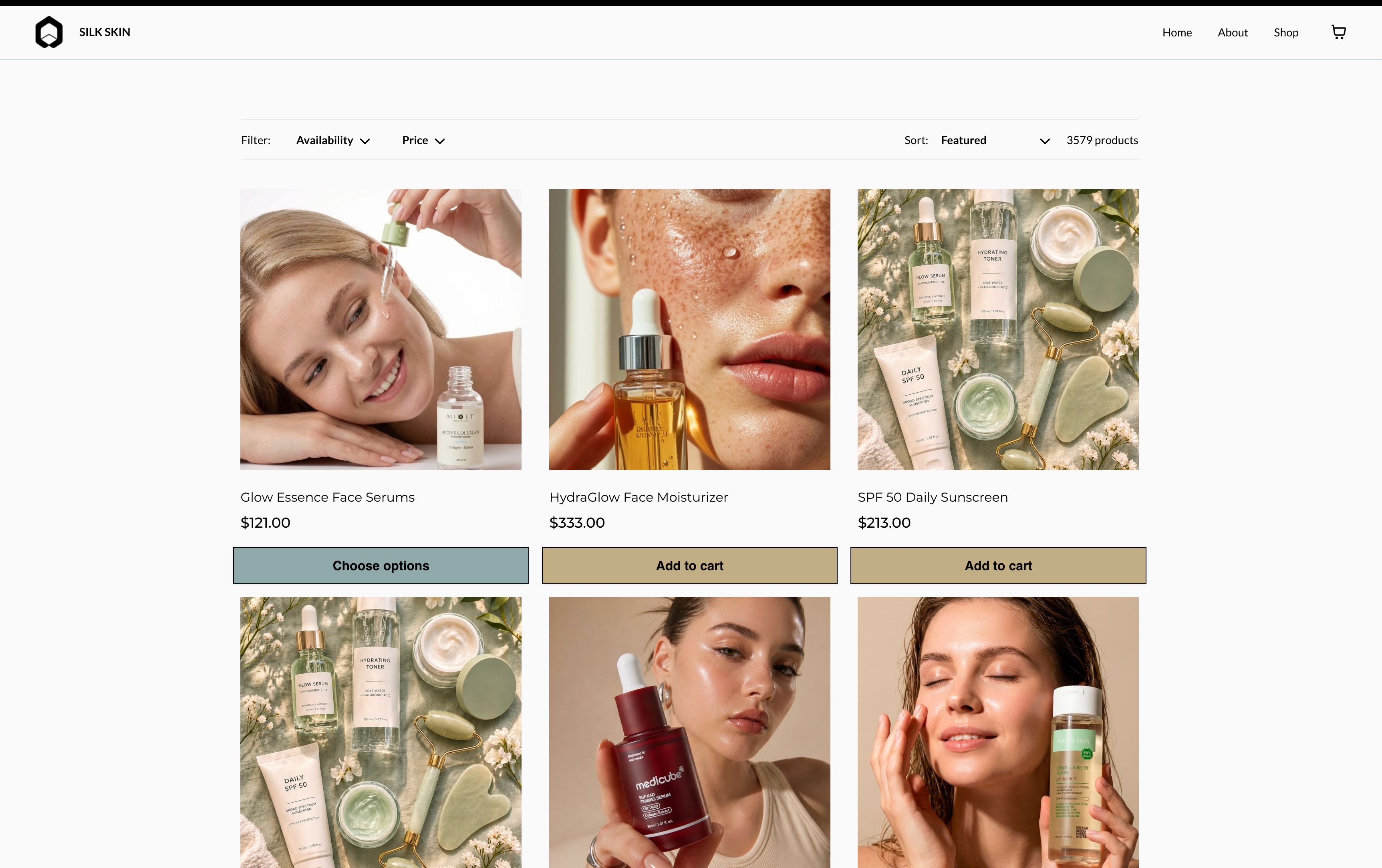
- For products with a single variant or price, an Add to Cart button is displayed directly on the product card.
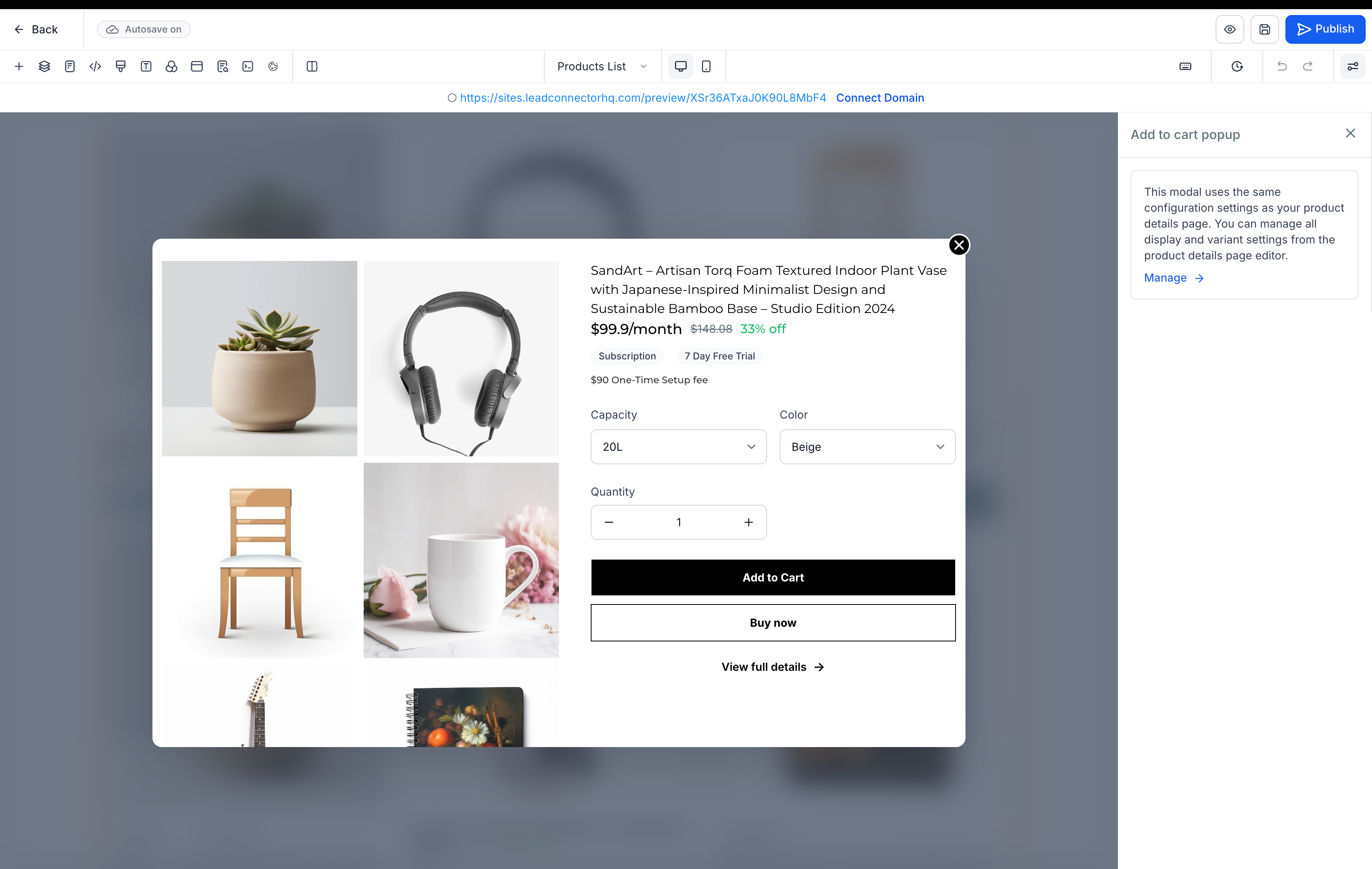
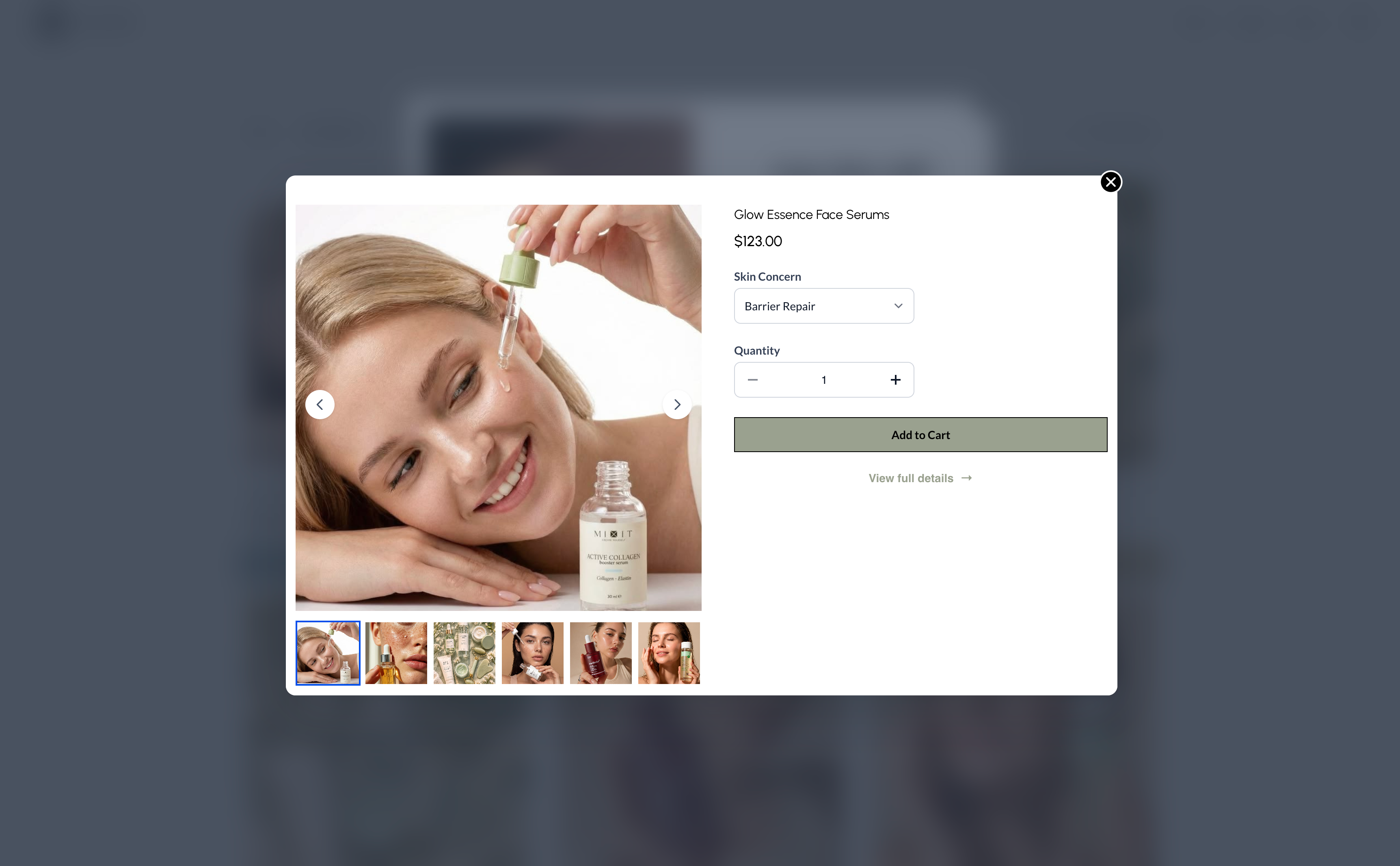
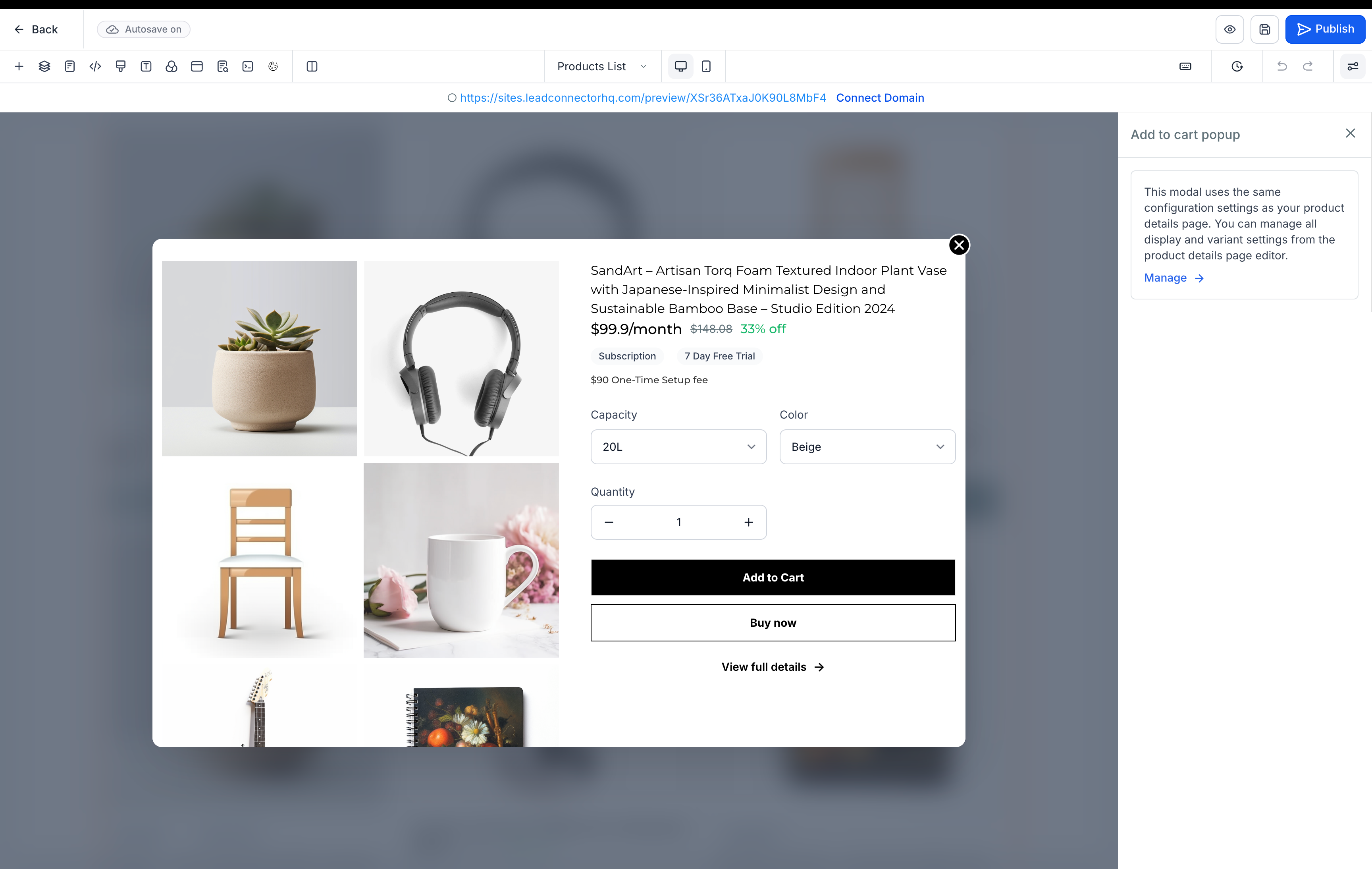
- For products with multiple variants or prices, a Choose Options button is shown, allowing customers to select variants, quantities, and use either Add to Cart or Buy Now from the modal.
- A View Full Details link is also available within the modal.
PDP-Based Modal Customisation:
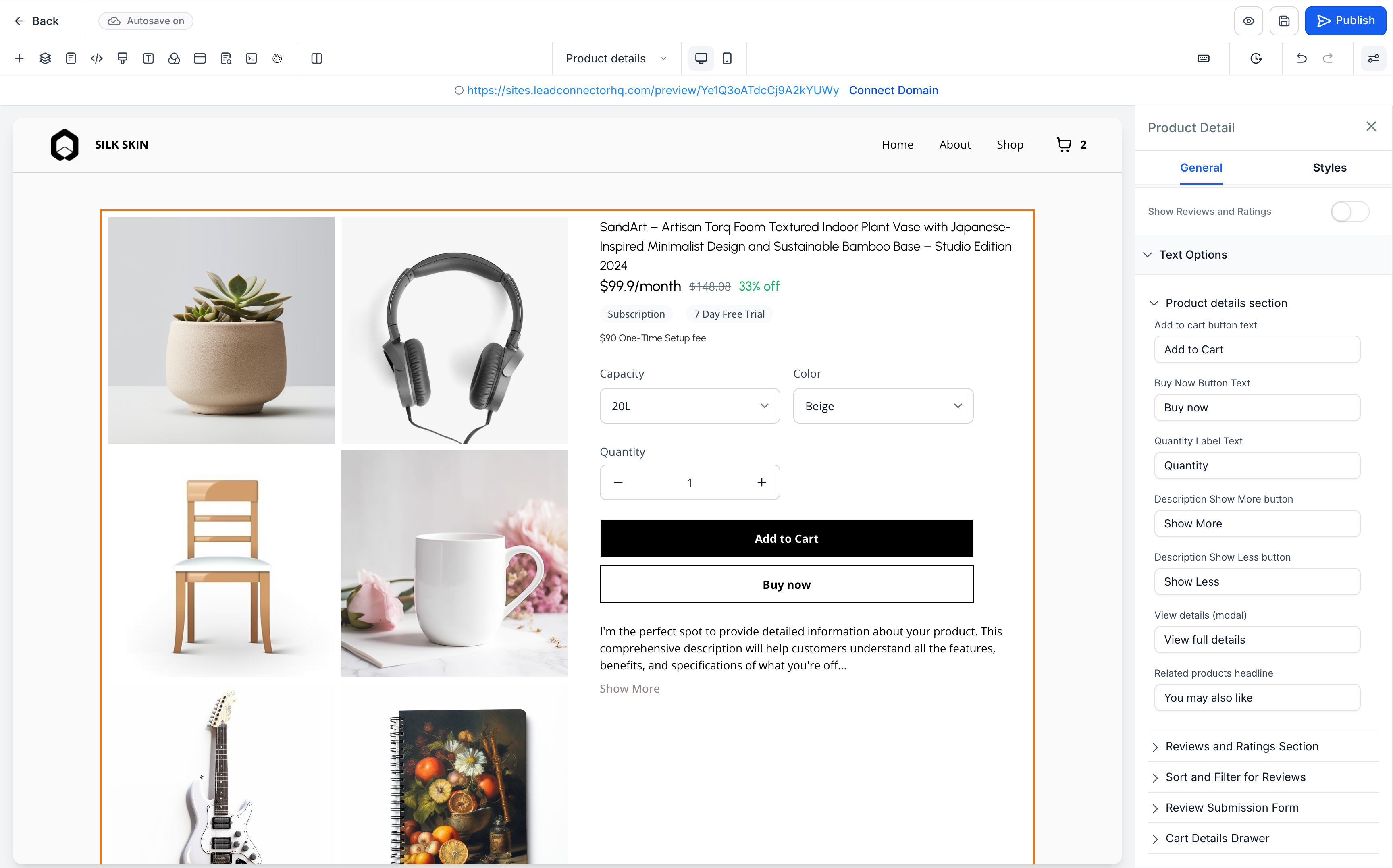
- Customisations on the Product Details Page will be reflected in the Add to Cart modal, providing store owners with a consistent product selection experience across PDP, Product List, and Featured Products.
How to Use It?
- Open the Store Builder and select the Product List or Featured Products element.
- Enable the Add to Cart option from the settings panel.
- Customise the Product Details Page settings as required; relevant configurations will be reflected in the Add to Cart modal.
- Save and publish the changes.
Key Points to Note:
- Add to Cart appears for products with a single variant or price, while Choose Options appears for those with multiple variants or prices.
- Variant selections within the modal reset after closing and reopening it.
- If all variants are out of stock, the buttons are hidden, although the product card remains visible.
Images:
Builder:
User Preview: