Account Affiliate Manager : Delete Commissions
Managing Your Affiliate Programme
Managing your affiliate programme is now more flexible! Admins can delete commissions under any affiliate, ensuring cleaner records and better control over payouts
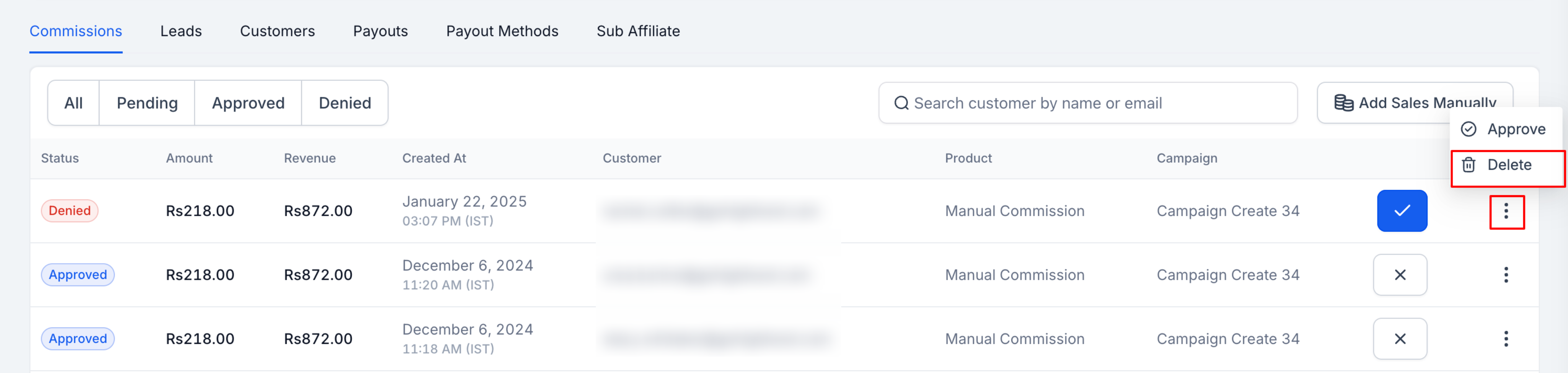
- Open the Affiliate Profile
- Navigate to the Commission tab
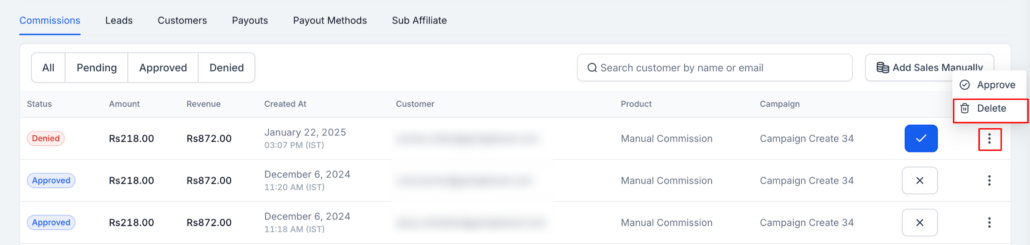
- Click the three-dot menu next to a commission
- If needed, change the status to Denied
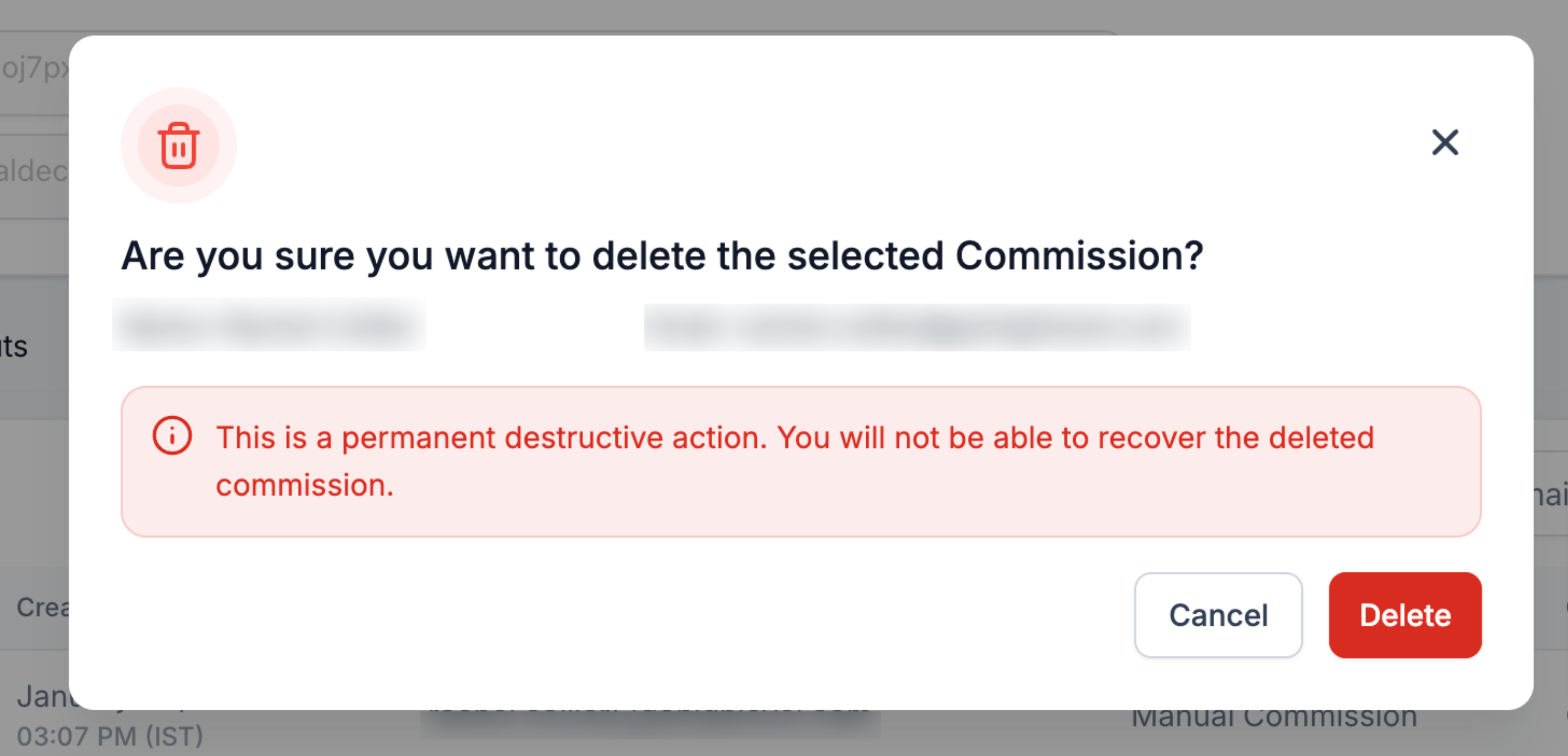
- Click Delete to permanently remove the commission
-
Better Data Accuracy
– Remove commissions that were incorrectly added or no longer valid.
-
More Admin Control
– Maintain cleaner records by managing outdated or invalid commissions.
-
Error Correction
– If commissions were mistakenly assigned, admins can now resolve the issue directly.
- Only Denied commissions can be deleted.
- This action is irreversible – once deleted, the commission cannot be recovered.